You already know the five steps. Empathize, define, ideate, prototype, test. That’s not your problem.
Your problem is this: AI can generate a full UI in seconds and your product still doesn’t convert, retain, or scale.
That’s because design thinking in 2026 isn’t about process anymore. It’s about survival inside AI-accelerated product teams where execution is cheap, but clarity is rare.
The Evolution of Design Thinking in AI-First SaaS
Why Traditional Discovery Frameworks Fail Agile Teams
Most guides still treat design thinking like a clean, linear process.
That’s wrong.
In reality, your engineering team is shipping in two-week sprints while your “discovery phase” drags for a month. So what happens?
- Engineers build on assumptions
- Designers rush validation
- You ship features nobody needed
This is what teams politely call “validated learning.” It’s usually just confirmation bias with sticky notes.
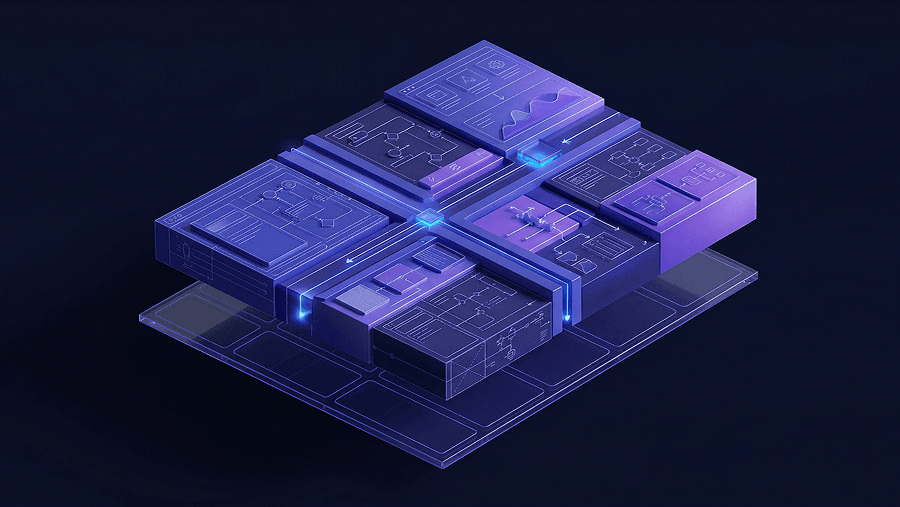
The shift is simple: Design thinking is no longer a phase. It’s a continuous system.
If you’re still running episodic workshops, you’re already behind. What actually works is continuous discovery small, constant feedback loops feeding directly into delivery.
If you haven’t already adapted, this breakdown of how designers actually use AI in real workflows shows what that looks like in practice.
Shifting from Creation SaaS to Coordination Workflows
Most founders are still building AI tools that create things.
- AI writers
- AI image generators
- AI UI builders
That market is saturated and worse, it’s defensible by no one.
The real opportunity is coordination.
Instead of generating content, you:
- Automate workflows
- Route decisions
- Reduce time-to-outcome
This is where design thinking actually matters in 2026, defining the right outcome, not generating prettier screens.
Understanding Agentic UX and Multimodal Interfaces
Designing the Invisible: Background AI Operations
You’re not just designing screens anymore.
You’re designing:
- What the AI knows
- How it makes decisions
- What happens when it’s wrong
That’s Agentic UX.
The interface is no longer the product. The system is.
Which means your job shifts from layout decisions to:
- Context engineering
- Guardrail definition
- Latency experience design
If your mental model is still “user clicks → screen responds,” you’re building for 2018.
The Necessity of “Defensive UI” in Enterprise Software
Everyone wants frictionless UX.
That’s dangerous.
In AI systems, frictionless = blind trust. And blind trust leads to:
- Hallucinated outputs
- Wrong decisions
- Broken workflows
So the smart teams are doing the opposite. They’re adding intentional friction.
Examples:
- Showing uncertainty scores
- Requiring confirmation before execution
- Forcing human verification in critical flows
That’s called Defensive UI and it’s how you build trust in AI products.
If you’re not thinking about this yet, you’re shipping risk.
Overcoming Context Amnesia in Generative Prototyping
The Dangers of Token Drift and UI Hallucinations
Here’s the part most AI design tools won’t tell you:
They forget.
You generate one screen → looks perfect. Generate the next → everything drifts.
- Button radius changes
- Typography shifts
- Colors subtly break
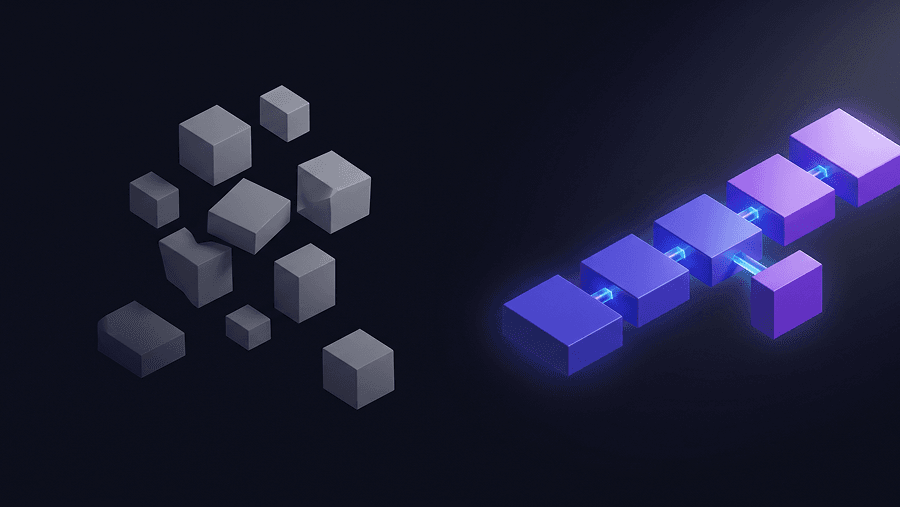
This is context amnesia.
And it’s why your “AI-generated MVP” ends up looking like stitched-together garbage.
Most teams try to fix this manually. That’s slow and expensive.
The real fix is structural.
Utilizing Persistent Memory and Flow Mode for Consistency
This is where tools like UXMagic actually matter, not for speed, but for consistency.
Instead of generating isolated screens, UXMagic works in flow mode:
- It remembers design decisions
- Enforces token consistency
- Treats the journey as a system
That eliminates:
- Token drift
- Visual inconsistency
- Rework during handoff
If you’ve ever struggled with fragmented flows, this is the same problem explained in blank canvas syndrome in AI UX workflows ,just at a system level.
The takeaway: AI without constraints creates chaos. AI with constraints creates systems.
The 2026 Design Thinking Workflow (What Actually Works)
Forget the five-step model. This is what teams actually do now.
Before: Strategic and Architectural Alignment
This is where most teams cut corners and pay for it later.
You need to define:
- Business Model First
- Vertical vs horizontal SaaS
- Monetization logic
- Retention strategy
- AI-First Architecture
- API-first systems
- Multi-tenant data models
- Agent-ready infrastructure
- Jobs to Be Done (JTBD)
- What outcome is the user hiring your product for?
If you skip this, you’ll build features instead of value.
During: Continuous Discovery + AI Execution
This is where design thinking actually becomes useful again.
AI-Accelerated Research
- Turn interviews into insights instantly
- Map patterns and risks in real time
Opportunity Mapping
- Connect insights → outcomes → solutions
Context Engineering
- Define prompts and guardrails
- Control how AI behaves
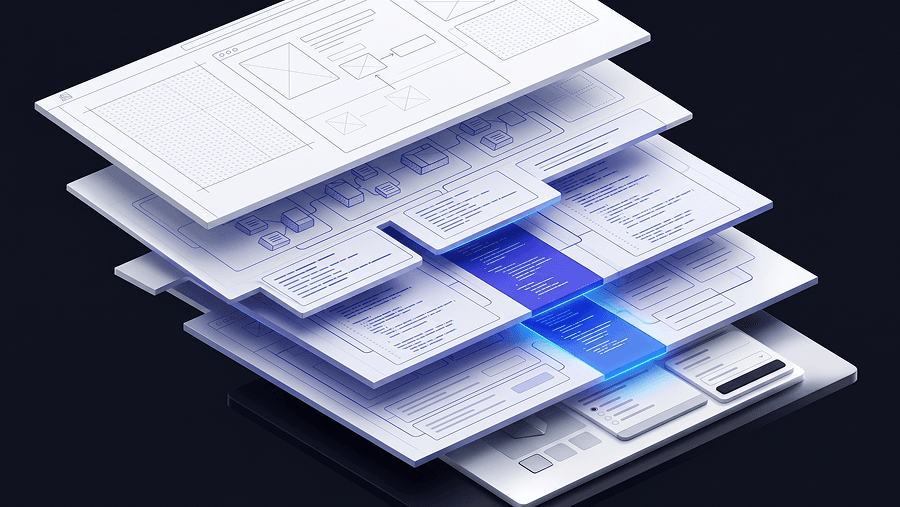
Structural Wireframing
- Start with logic, not visuals
- Generate layouts from intent
This is also where tools like UXMagic reduce friction by letting you generate entire flows instead of isolated screens, while keeping your system intact.
If you’re still designing one screen at a time, you’re doing unnecessary work.
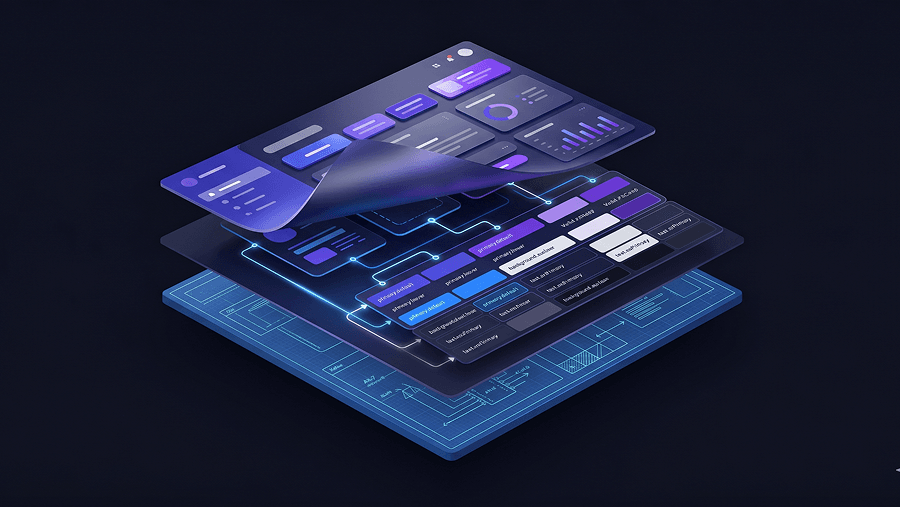
Locking Design Tokens (Non-Negotiable)
This is the most important step and most teams ignore it.
Before generating anything, you must lock:
- Typography scales
- Color systems
- Spacing rules
- Component states
Without this, AI will invent its own system.
That’s how you get inconsistency, accessibility issues, and dev friction.
If accessibility is part of your workflow (it should be), this guide on prompting AI for WCAG-compliant UI breaks down how to enforce it properly.
After: Telemetry and Continuous Iteration
There is no “final design” anymore.
You measure:
- Time-to-Value (TTV)
- Activation rate
- Retention (NRR)
- AI intervention rates
Then feed it back into discovery.
That’s the loop.
Real Scenarios: Where AI Design Fails (and How to Fix It)
Scenario 1: B2B Dashboard Redesign
What most teams do:
- Upload screenshot
- Ask AI to “make it clean”
Result:
- Pretty but unusable
- Broken data hierarchy
- Unbuildable UI
What actually works:
- Define the job: “Find issues in 5 seconds”
- Lock tokens
- Constrain AI to existing components
Now you’re improving workflow not just visuals.
Scenario 2: Landing Pages That Break at Launch
What most teams do:
- Design with Lorem Ipsum
- Add real copy later
Result:
- Layout breaks
- Redesign required
- Delayed launch
What actually works:
- Generate real copy first
- Design around actual content
- Rewrite copy to fit structure
If your design can’t handle real content, it’s not a design, it’s a placeholder.
Scenario 3: Multi-Screen Flow Inconsistency
What most teams do:
- Generate screens one by one
Result:
- Inconsistent UI
- Token drift
- Broken experience
What actually works:
- Generate full flows
- Use persistent memory
- Enforce system constraints
This is exactly why system-first tools exist and why relying on raw prompting alone isn’t enough. If you want real examples, see these production-ready AI design prompts.
Stop Designing Screens. Start Designing Systems.
Stop running another workshop.
Instead, take one real flow in your product and:
- Lock your design tokens
- Define the JTBD clearly
- Generate the full journey not just one screen
That’s the difference between doing design thinking and actually shipping something that works.
Design thinking in 2026 isn’t about running workshops or following five neat steps. It’s about structuring continuous discovery alongside AI-driven delivery so teams ship systems not screens. The teams that win are the ones who lock constraints early, design flows instead of pages, and measure success through activation and retention not artifacts.
Design Full Product Flows Without Token Drift
Stop generating disconnected screens. Use UXMagic Flow Mode to lock design tokens and generate consistent multi-screen journeys ready for real product teams.