
 Full screen
Supercell Storm — Nothing in here is falling yet
Weather Explainer Website Template
A scroll-driven anatomy of a single storm, from the heat engine that drives it to the moment it tilts and starts to rotate. The storm is rendered in WebGL and rebuilds itself section by section as the reader scrolls.
 View Full Screen
Free to browse and preview. Starting a project from a template needs a paid plan. Attach images or documents and they are used to make it yours.
About this design
The page is structured as a dissection rather than a narrative: each section removes one more layer of the storm and names the part underneath. That makes it the right model for anything with internal structure that has to be explained from the outside in.
It is also the most kinetic design in the library. The motion is doing explanatory work — the updraft speed, the tilt, the hail growth are all shown rather than asserted — which is exactly what a reader remembers afterwards.
What’s included (9)
- Hud
- Nothing in here is falling yet.
- A heat engine running on the difference between your garden and the stratosphere
- An ordinary storm kills itself in half an hour. This one tilted.
- Everything a supercell does, it shows you on the outside
- A hailstone is a weighing machine that fell out of the sky
- Four numbers from one afternoon
- Thunder is the sound of air getting out of the way.
- Footer
Design System
Palette
- --ink: #eff3f5
- --ink-2: #c1ccd2
- --ink-3: #8a969e
- --line: rgba(214, 228, 234, 0.13)
- --line-2: rgba(214, 228, 234, 0.27)
Typefaces
Bricolage Grotesque, Inter, JetBrains Mono
Who it’s for
- Meteorological services and weather products
- Climate and atmospheric research groups
- Science centres, museums and planetariums
- Insurance and risk companies explaining severe weather
Specification
- Layout
- 1440px wide
- Page length
- 7,800px
- Sections
- 9
- Colour scheme
- Dark
- Typefaces
- 3
- Scroll-driven — the page responds as you move down it
- Live WebGL graphics, rendered in the browser
- No photography — everything is drawn in code, so it stays sharp
How to use this template
Look through the design
Scroll the live preview on this page. It is the real weather explainer website template running in the browser, not a screenshot, so what you see is what you get.
Say what you want it to be
Type your business, product or subject into the box, and attach a logo, photos or a brief if you have them, or leave it blank to start from the design exactly as it is. Starting a project from a template is a paid-plan feature; looking through them is not.
Let it be rebuilt around you
The copy, the palette and the imagery are rewritten for your subject while the layout, typography and motion of the original are kept.
Keep editing, then export
Open it on the canvas to change anything by prompt or by hand, then publish it or export the code.
Questions
Is the storm a 3D model?


It is generated in WebGL in the browser and driven by scroll position, so it can be taken apart section by section.
Can I use this for a risk or insurance page?
Yes — the dissection structure works well when the goal is to make an audience understand a hazard before you talk about covering it.
Is this weather explainer website template free to use?
Browsing is free and needs no account — you can scroll the whole design on this page, at desktop and at mobile width, before deciding anything. Starting a project from a template is on the paid plans.
Can I change the colours and fonts?
Yes — every colour in this design is a named token and every typeface is declared once, so asking for your own brand rewrites a handful of declarations rather than regenerating the page. This template currently uses Bricolage Grotesque, Inter and JetBrains Mono.
Do I need an account to look at the templates?
No. Every template page, its live preview and all the category pages are open to anyone — no account, no sign-up wall. An account and a paid plan are needed only when you start a project from one.
Do I need to know how to design or code?
No. You describe what you want in plain language and the page is rebuilt around it. If you do write code, you can export the HTML and CSS and take it with you.
Can I use it for a commercial project?
Yes. Pages you make from a template are yours to publish and to use commercially.
More Education templates
See all education templates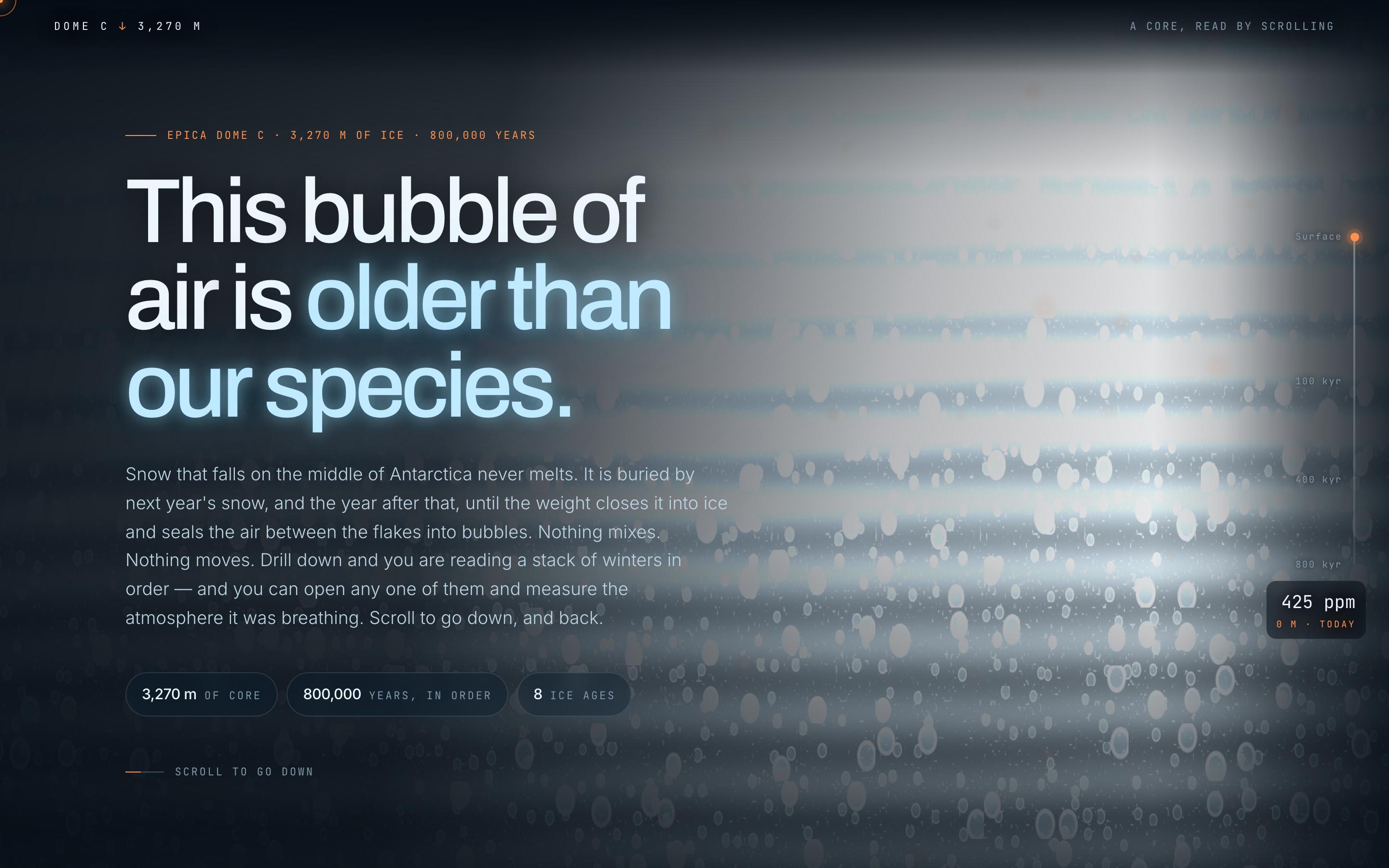
Climate Science Scrollytelling Template
EducationAntarctic Ice Core
This bubble of air is older than our species
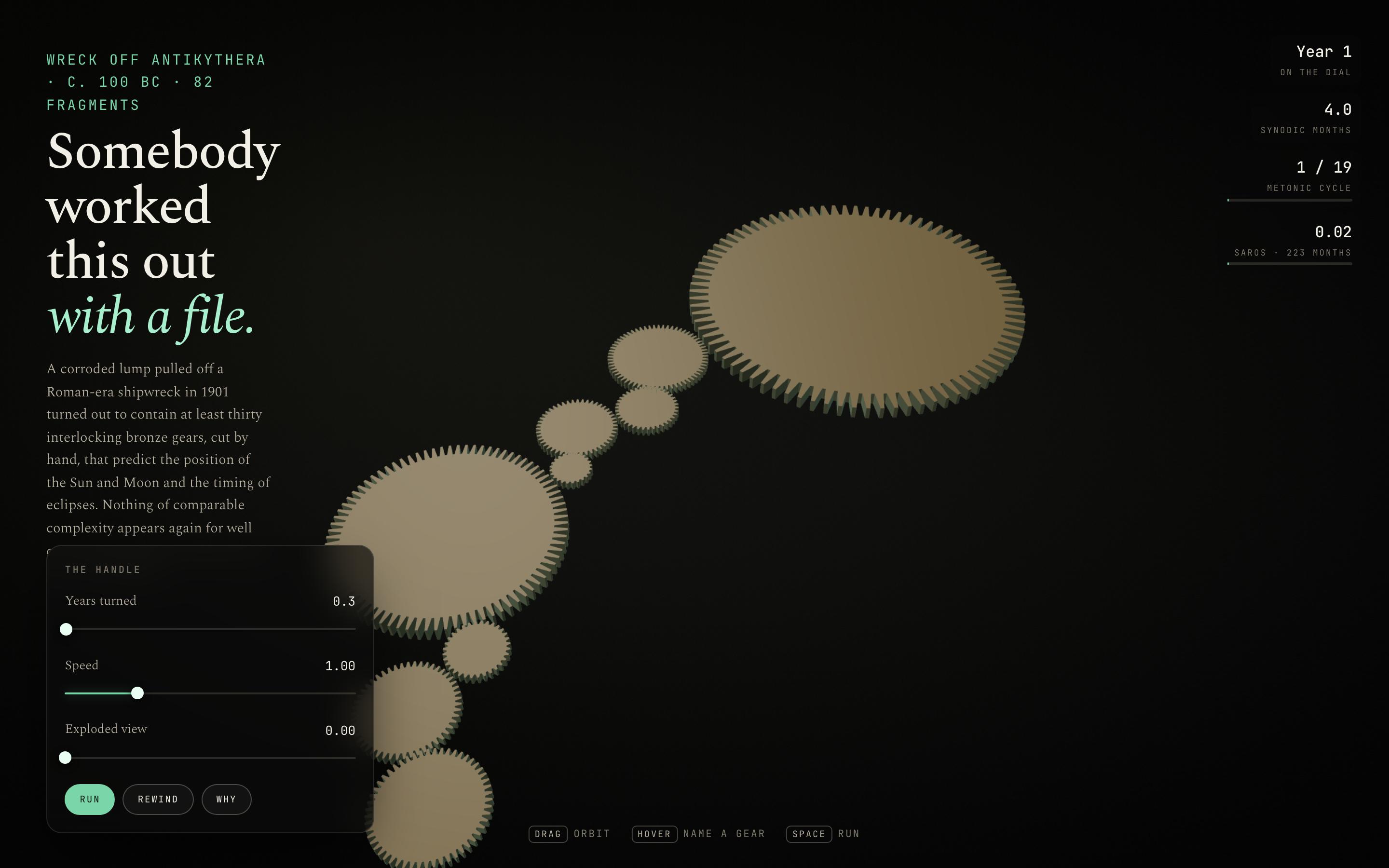
Interactive Mechanism Explainer Template
EducationThe Antikythera Mechanism
Somebody worked this out with a file
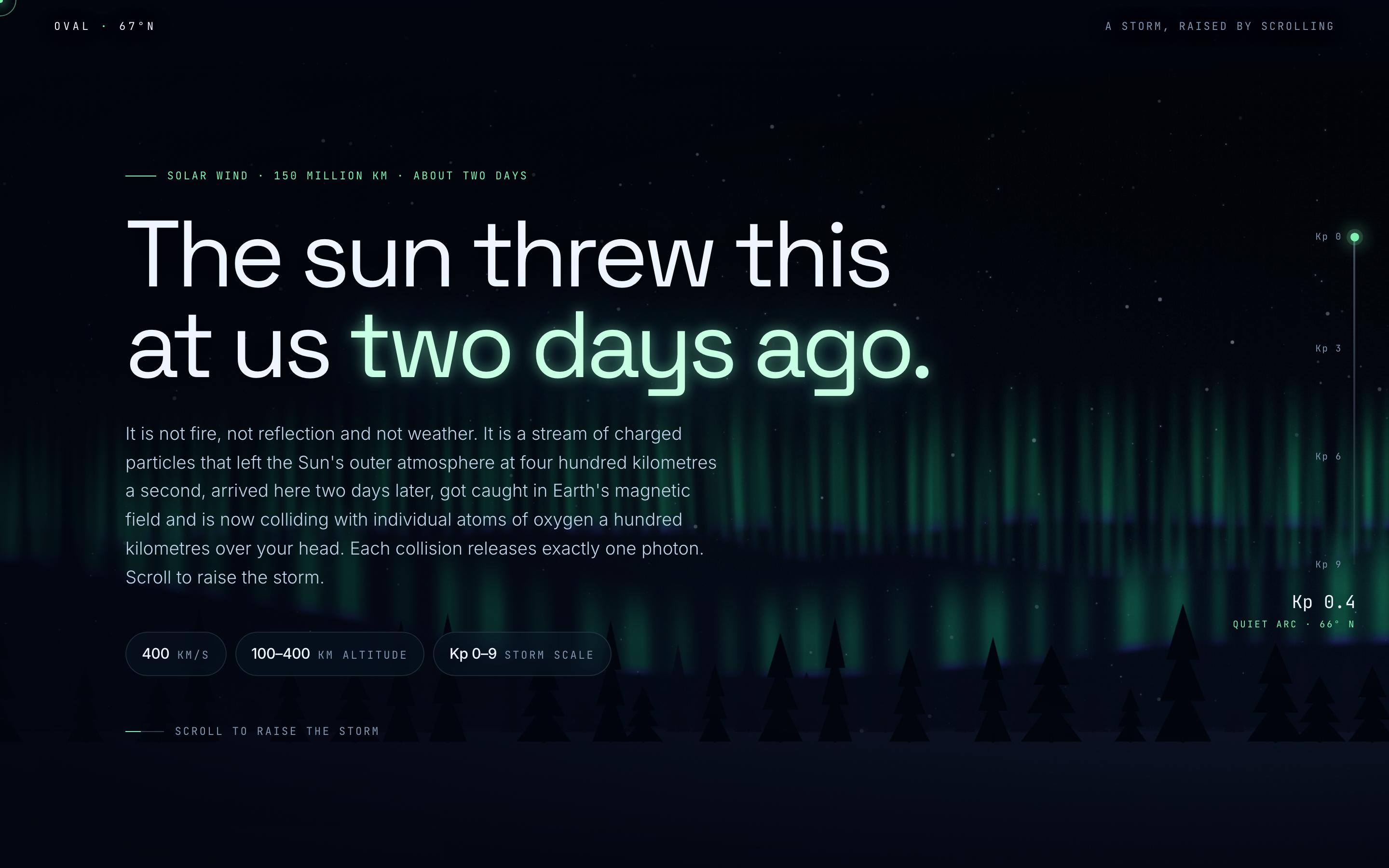
Space Weather Explainer Template
EducationAurora Borealis
The sun threw this at us two days ago
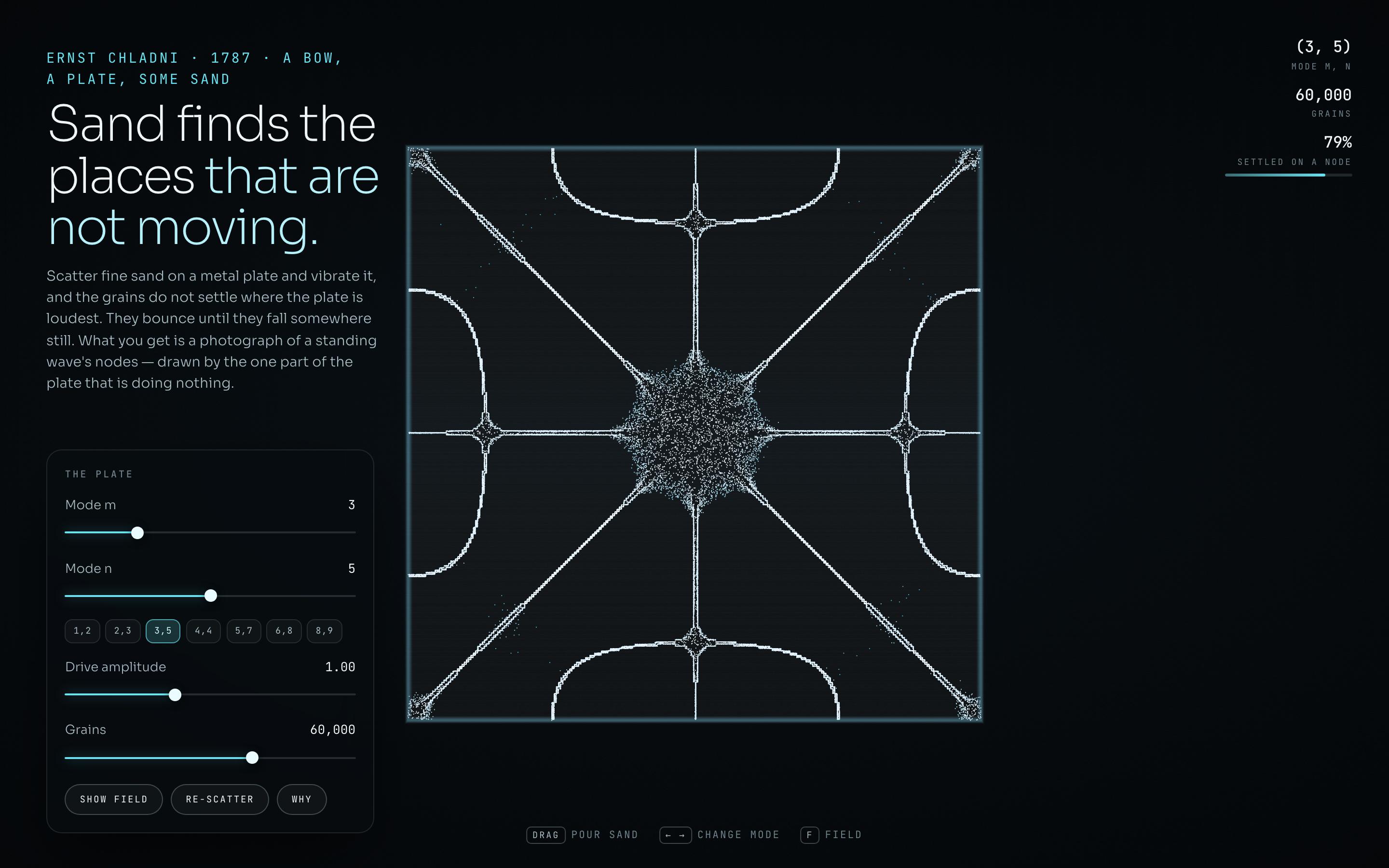
Generative Art Landing Page Template
EducationChladni Plate
Sand finds the places that are not moving
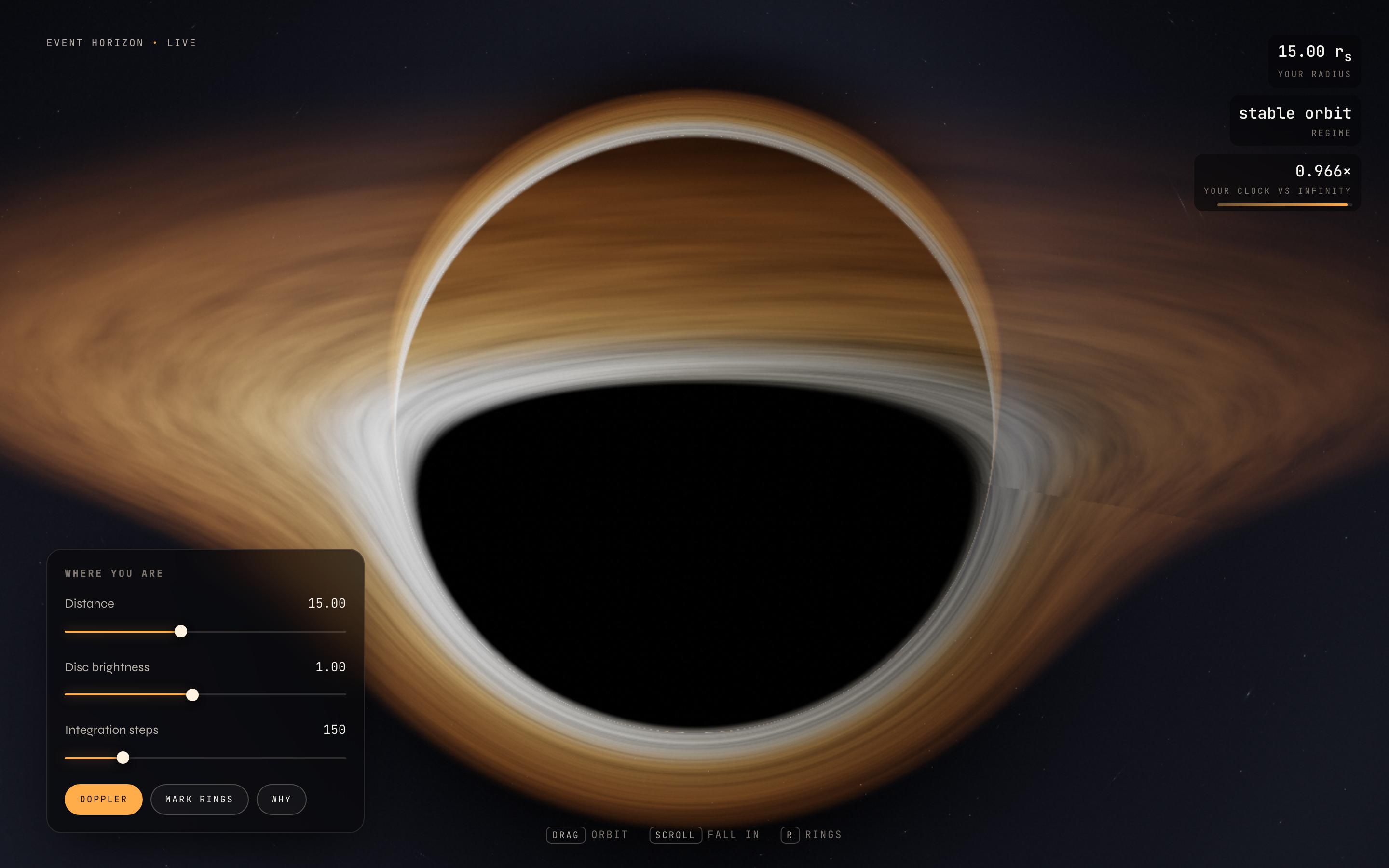
Astrophysics Visualisation Template
EducationEvent Horizon
photons bending around a black hole
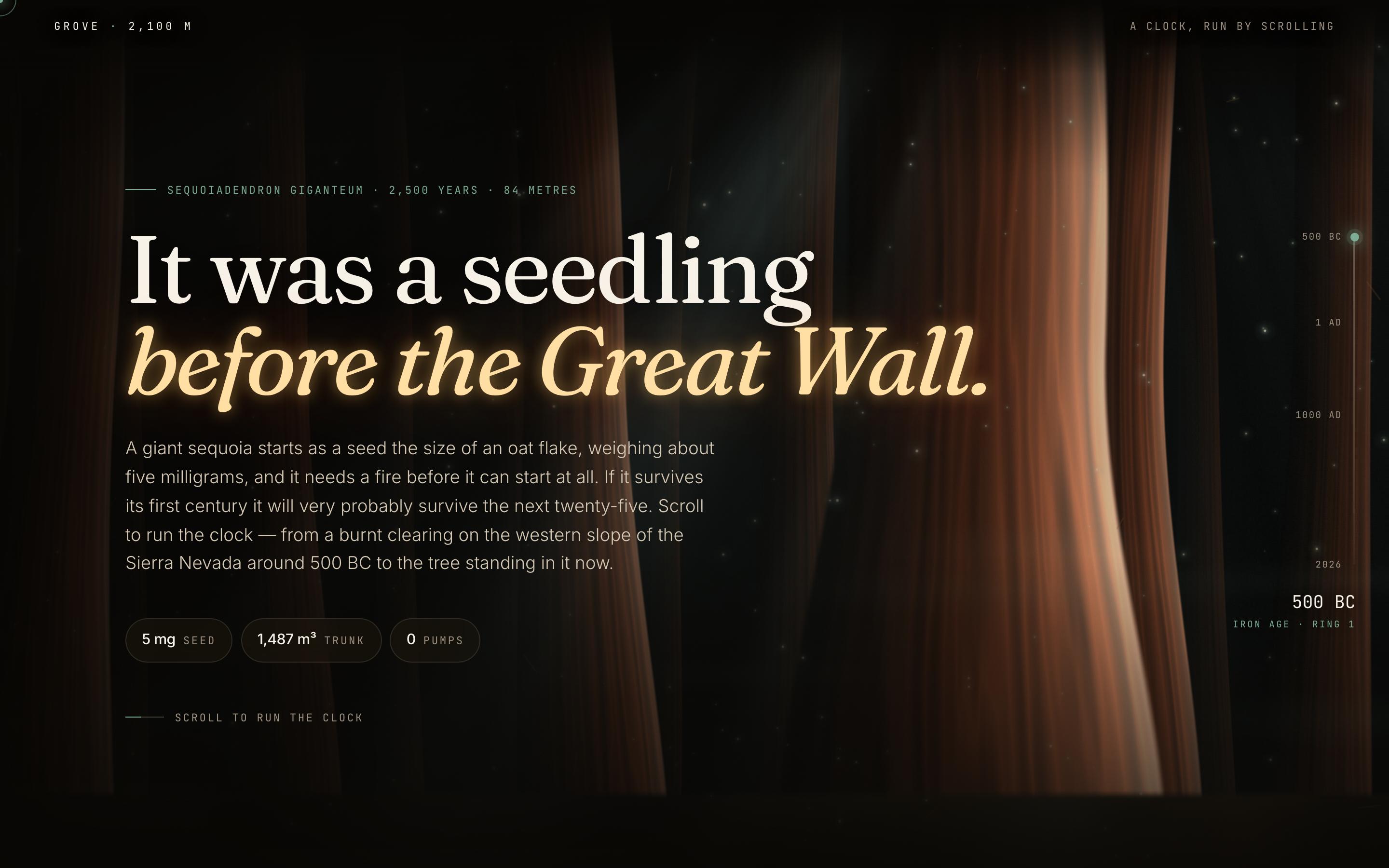
Nature Conservation Website Template
EducationGiant Sequoia
It was a seedling before the Great Wall

Join our community
Share work, seek support, stay updated and network with other UXMagic.ai users
