
 Full screen
The Ardwell Museum — True North — True North Is a Choice
Museum Exhibition Website Template
A light, editorial site for a single exhibition: the introduction, the works laid out as ten objects across four rooms, the events programme and the visiting information. At over thirteen thousand pixels it is the longest page in the library.
 View Full Screen
Free to browse and preview. Starting a project from a template needs a paid plan. Attach images or documents and they are used to make it yours.
About this design
Exhibition sites have a specific job — to make someone travel — and this one is built around it. The works section gives each object room to be looked at rather than compressing them into a grid, and the visit section carries the practical detail that actually converts a reader into a visitor.
The editorial typography is the reason it reads as a cultural institution rather than as a venue listing. That is the hardest part to get right by hand, and it is already right here.
What’s included (8)
- Topbar
- True North is a choice
- Every map is an argument that has learned to look like a fact.
- Ten objects, four rooms, one route.
- The Round Made Flat
- Four ways to argue with the exhibition.
- Practical things, stated plainly.
- True North is a choice. So is what you do next.
Design System
Palette
- --paper: #F2EEE5
- --paper-2: #FBF9F4
- --paper-3: #E8E2D4
- --ink: #16130E
- --ink-2: #4C463B
- --ink-3: #8A8274
- --rule: rgba(22,19,14,.15)
- --rule-2: rgba(22,19,14,.34)
- --red: #C3341A
- --red-2: #9C2711
- --red-w: rgba(195,52,26,.10)
- --sea: #D3DEDC
Typefaces
Bodoni Moda, IBM Plex Mono, Instrument Sans
Who it’s for
- Museums, galleries and exhibition programmes
- Arts festivals and cultural institutions
- Archives and collections publishing online
- Non-profits with a programme and a venue
Specification
- Layout
- 1440px wide
- Page length
- 13,400px
- Sections
- 8
- Colour scheme
- Light
- Typefaces
- 3
- Scroll-driven — the page responds as you move down it
- A canvas visualisation, drawn live
- No photography — everything is drawn in code, so it stays sharp
How to use this template
Look through the design
Scroll the live preview on this page. It is the real museum exhibition website template running in the browser, not a screenshot, so what you see is what you get.
Say what you want it to be
Type your business, product or subject into the box, and attach a logo, photos or a brief if you have them, or leave it blank to start from the design exactly as it is. Starting a project from a template is a paid-plan feature; looking through them is not.
Let it be rebuilt around you
The copy, the palette and the imagery are rewritten for your subject while the layout, typography and motion of the original are kept.
Keep editing, then export
Open it on the canvas to change anything by prompt or by hand, then publish it or export the code.
Questions
Can it handle more than ten objects?


Yes — the works section repeats cleanly. Ask for the number you have and the rhythm is preserved.
Is ticketing included?
The visit section is where ticketing belongs and it is designed for it. Connect your own provider once the page is yours.
Is this museum exhibition website template free to use?
Browsing is free and needs no account — you can scroll the whole design on this page, at desktop and at mobile width, before deciding anything. Starting a project from a template is on the paid plans.
Can I change the colours and fonts?
Yes — every colour in this design is a named token and every typeface is declared once, so asking for your own brand rewrites a handful of declarations rather than regenerating the page. This template currently uses Bodoni Moda, IBM Plex Mono and Instrument Sans.
Do I need an account to look at the templates?
No. Every template page, its live preview and all the category pages are open to anyone — no account, no sign-up wall. An account and a paid plan are needed only when you start a project from one.
Do I need to know how to design or code?
No. You describe what you want in plain language and the page is rebuilt around it. If you do write code, you can export the HTML and CSS and take it with you.
Can I use it for a commercial project?
Yes. Pages you make from a template are yours to publish and to use commercially.
More Non-Profit templates
See all non-profit templates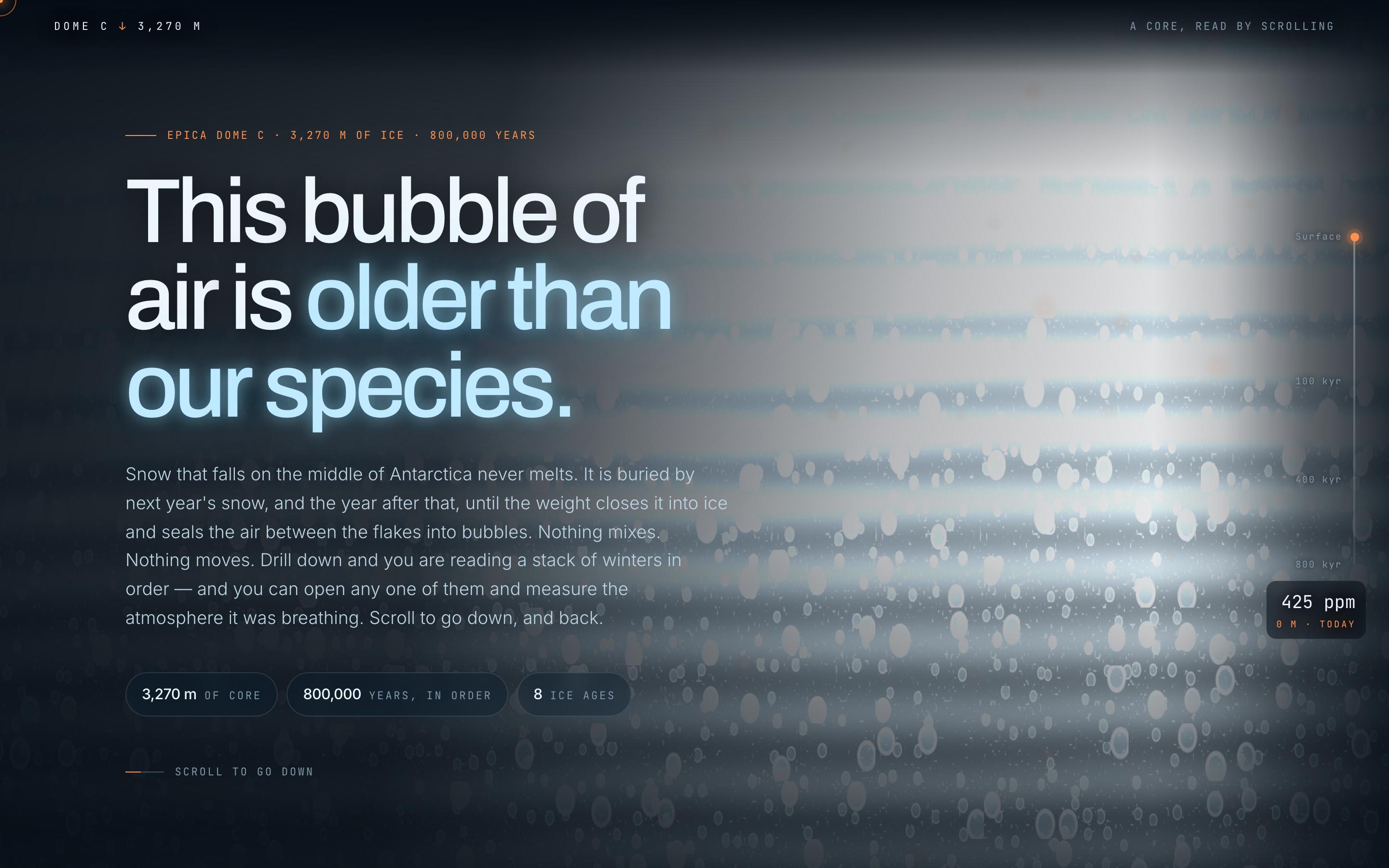
Climate Science Scrollytelling Template
EducationAntarctic Ice Core
This bubble of air is older than our species
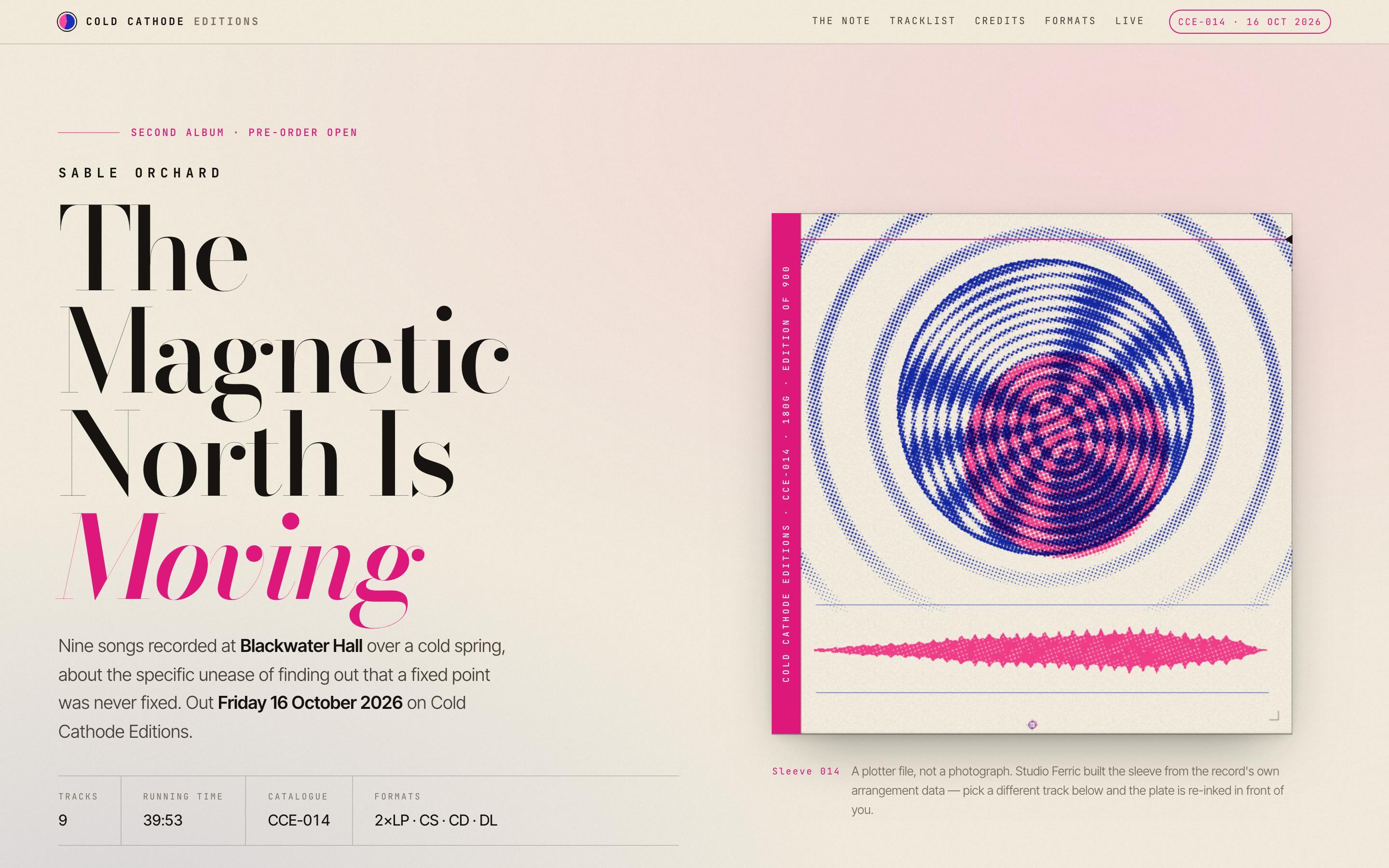
Album Release Website Template
EntertainmentSable Orchard — Album Release
The Magnetic North Is Moving · Cold Cathode Editions
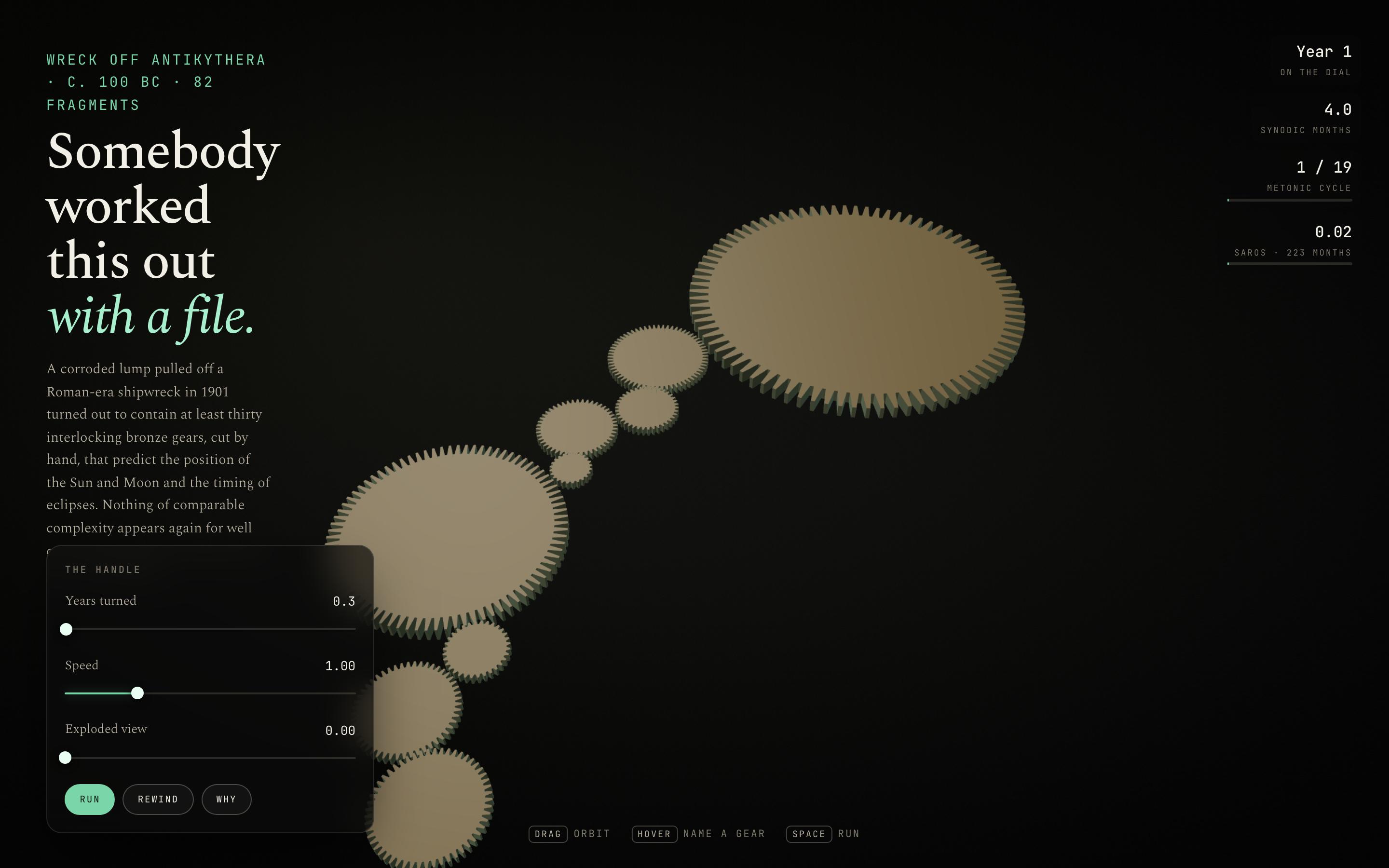
Interactive Mechanism Explainer Template
EducationThe Antikythera Mechanism
Somebody worked this out with a file
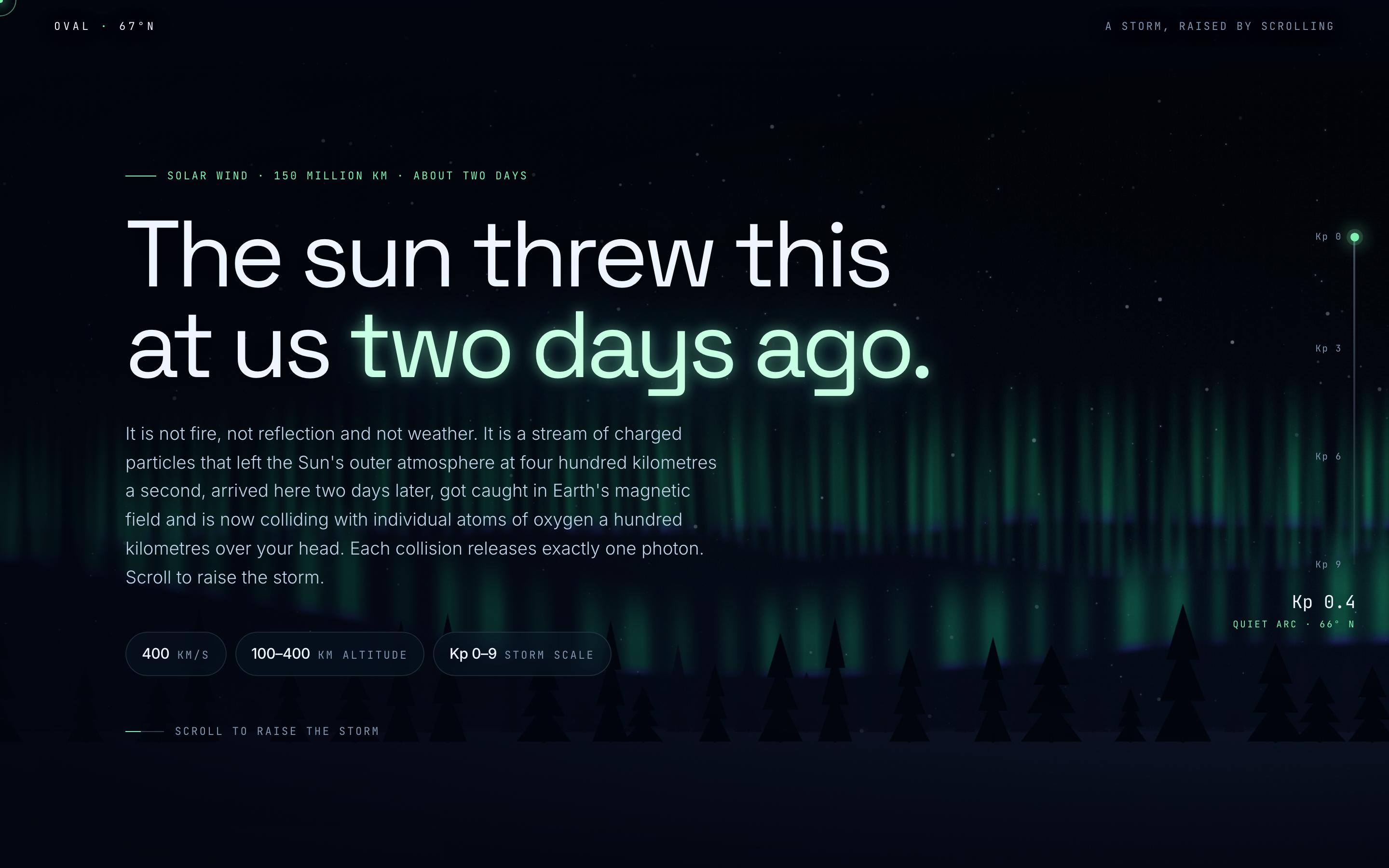
Space Weather Explainer Template
EducationAurora Borealis
The sun threw this at us two days ago
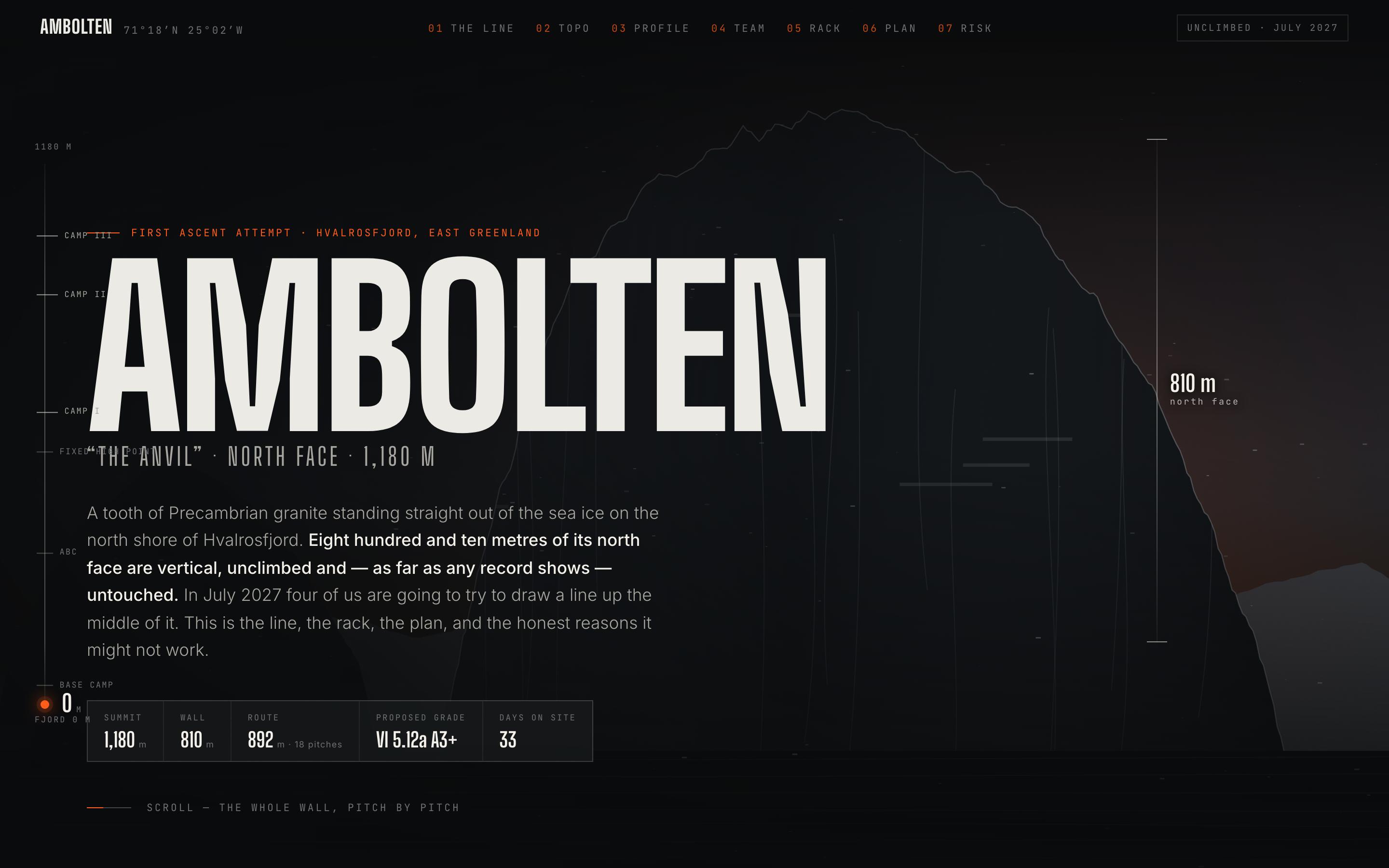
Climbing Expedition Website Template
TravelAmbolten — Big Wall Expedition
810 metres of unclimbed granite, and the line we think goes
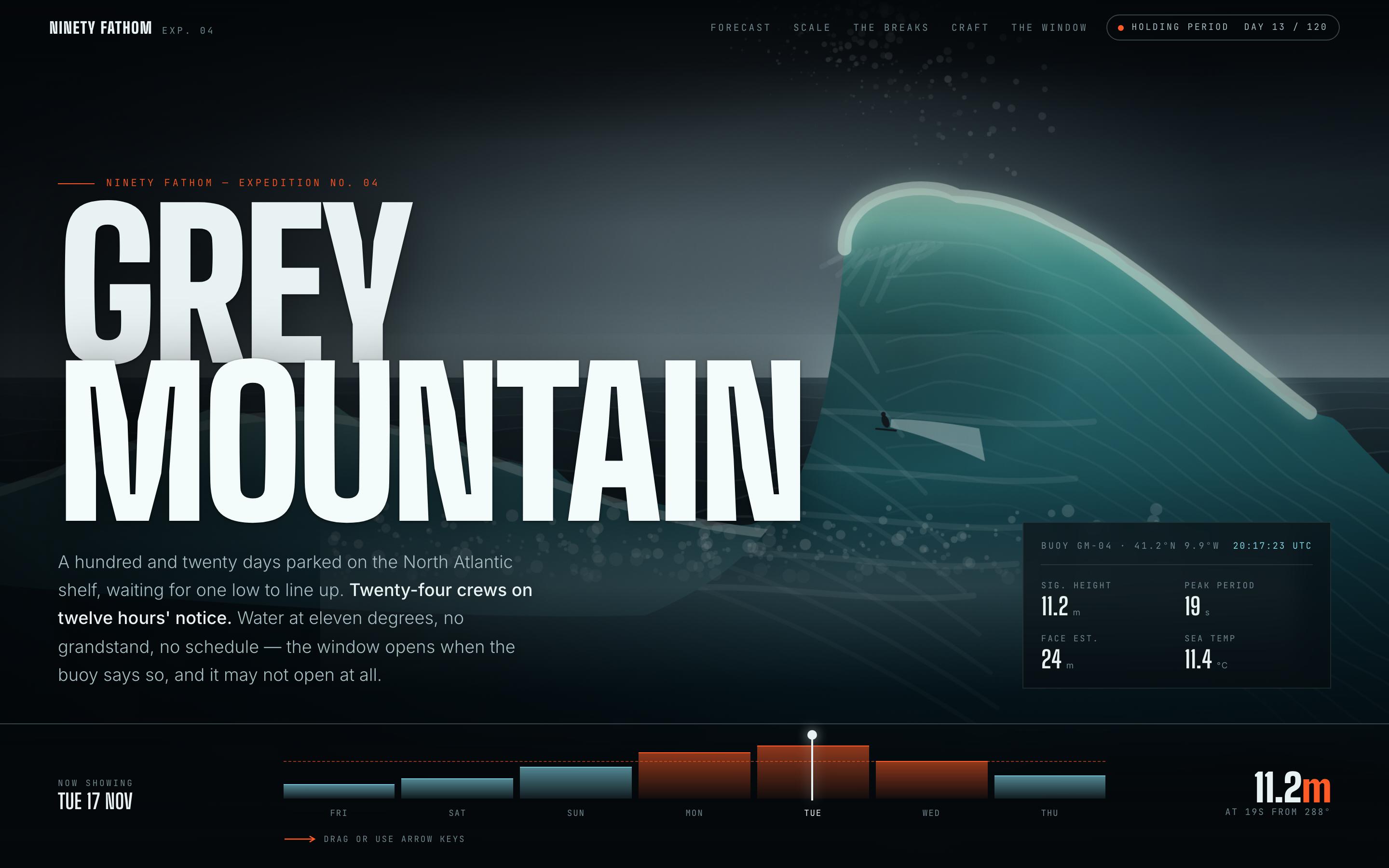
Surf Forecast Website Template
FitnessGrey Mountain — Big Wave Forecast
a 120-day holding period on the North Atlantic shelf

Join our community
Share work, seek support, stay updated and network with other UXMagic.ai users
