TL;DR: AI prototyping has evolved well beyond generating a single UI screen. The best tools now help teams create complete user journeys, collaborate efficiently, and move from concept to development much faster. After evaluating the leading platforms, UXMagic stands out for generating connected product flows from a single prompt, Figma remains the strongest choice for teams managing established design systems, UX Pilot is well suited for early design exploration, Google Stitch is a solid free option for quick validation, while ProtoPie continues to lead when advanced interactions are required.
A prototype isn't valuable because it looks good—it's valuable because it helps teams answer questions before development begins.
Can users complete the onboarding without confusion? Does the navigation feel intuitive? Will developers understand how the flow is supposed to work? The right prototype should answer these questions long before engineering resources are involved.
That's why prototyping software has become such an important part of modern product development. AI has dramatically accelerated the process, but it has also introduced dozens of new tools that promise similar results. Some excel at generating polished screens but struggle with multi-step workflows. Others focus on code generation, while a few are designed specifically for creating connected product experiences.
To separate useful products from impressive demos, we tested twelve of the most widely used AI prototyping tools using the same product scenarios—from onboarding flows and dashboards to checkout journeys and empty states. Rather than comparing feature lists, we focused on how each platform performs during real product design work.
Whether you're looking for an AI prototype generator, prototype software, rapid prototyping tools, or UI prototyping tools that integrate with your existing workflow, this guide compares the options that genuinely deliver value in 2026.
How to Choose the Best AI Prototyping Tool
Most AI prototyping platforms look impressive during a five-minute demo. The real difference appears when you're designing an actual product with multiple screens, feedback cycles, and developer handoff. Before choosing a platform, evaluate it against the same workflow you'll use in production rather than relying on feature checklists.
| What to Evaluate | Why It Matters |
|---|---|
| Multi-screen generation | Can the tool create an entire user journey, or only individual screens? |
| Design consistency | Does it maintain layouts, navigation, and components across longer flows? |
| Editing workflow | How easy is it to refine AI-generated designs without starting over? |
| Export quality | Does it preserve editable layers and developer-friendly outputs? |
| Pricing model | Will credits limit experimentation, or can your team iterate freely? |
The best AI prototyping tools don't simply save time generating interfaces—they reduce the amount of manual work required after generation. A platform that creates slightly fewer screens but produces cleaner exports and easier edits often delivers a better overall workflow than one that prioritizes quantity over quality.
What's Actually Changed in AI Prototyping?
AI has transformed prototyping remarkably quickly, but not in the way many people expected. The biggest improvements aren't just in visual quality—they're in workflow.
Complete flows are replacing isolated screens
Generating a beautiful login screen is no longer enough. Product teams increasingly expect AI to understand how users move through an application, creating connected experiences instead of disconnected mockups. Platforms that maintain consistency across onboarding, dashboards, settings, and checkout flows are becoming far more valuable than tools focused only on single-screen generation.
Faster iteration is becoming more important than faster generation
Most AI tools can produce a first draft in seconds. The bigger challenge is refining it. Design teams often test multiple layouts, navigation patterns, and interaction models before settling on a final direction. Tools that make these iterations quick and inexpensive tend to fit naturally into real product workflows, whereas credit-heavy pricing models can discourage experimentation.
Developer handoff is becoming a deciding factor
As AI-generated interfaces improve, the question is no longer "Can it generate a UI?" but "Can my team actually build from it?" Platforms that export clean Figma files, maintain component structures, or generate production-friendly code reduce friction between design and engineering, making them considerably more useful beyond the ideation stage.
The Tools
Each platform below was evaluated based on its strengths, limitations, pricing, editing workflow, export quality, and overall usefulness for modern product teams. Rather than ranking tools purely by popularity, we've focused on how well they support real-world design workflows—from initial concepts to developer handoff.
- UXMagic
Best for: Generating complete, connected product flows from a single prompt
Pricing: Free to start, paid plans with unlimited generations
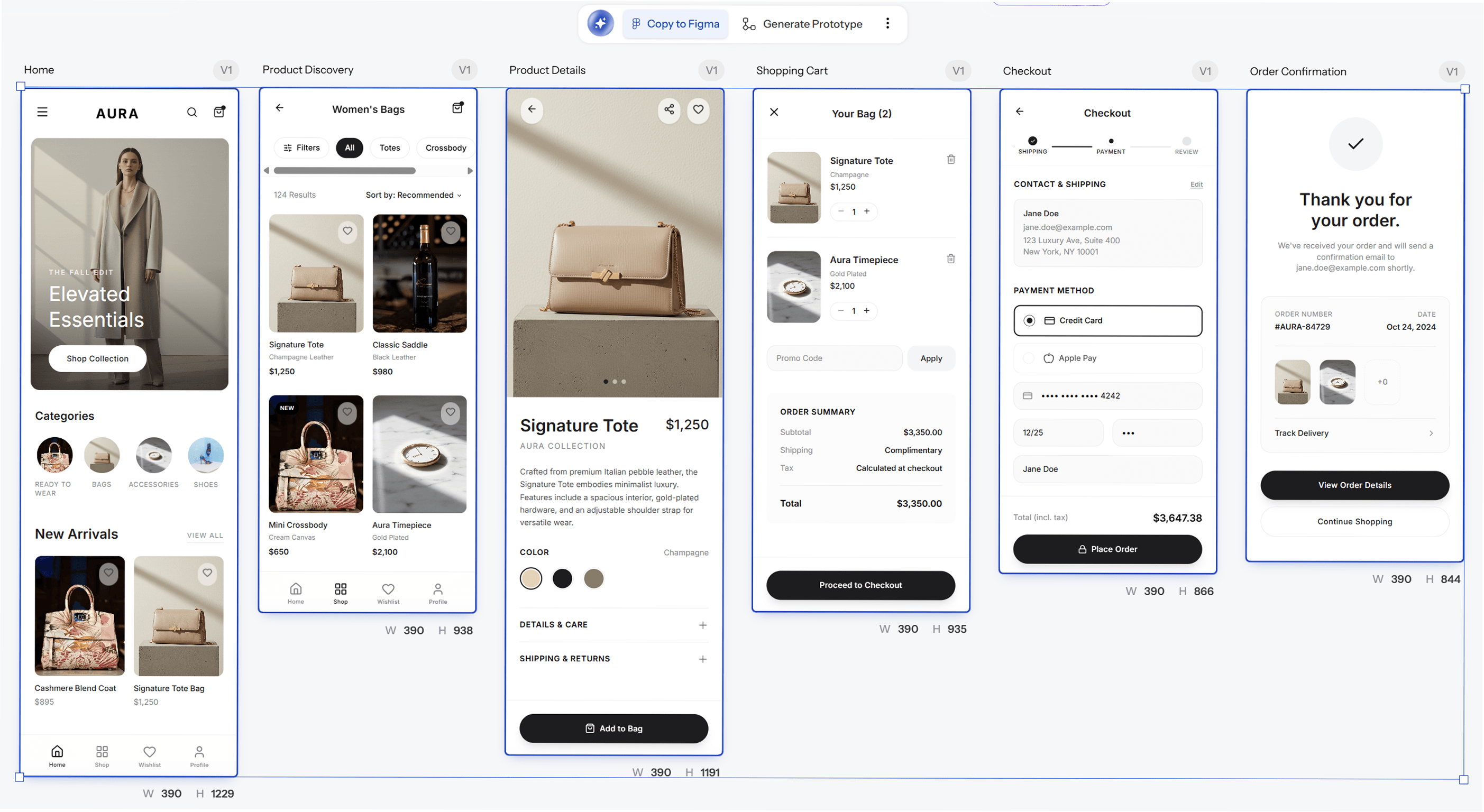
Unlike many AI design tools that focus on creating individual screens, UXMagic approaches prototyping as a complete product journey. Instead of generating isolated interfaces that designers need to connect later, it creates linked user flows from the start, making it easier to validate an experience rather than just a layout. Describe the product you want to build—a signup flow, checkout process, onboarding journey, or dashboard—and UXMagic generates multiple connected screens with navigation already in place. Empty states, success pages, error handling, and supporting screens are included as part of the overall experience instead of becoming afterthoughts. Another strength is flexibility. You can begin with a text prompt, but you can also work from a screenshot, hand-drawn wireframe, existing Figma design, or even a live website. That makes UXMagic useful whether you're starting a new project or iterating on an existing one.
Highlights:
- Generates complete user journeys instead of individual screens
- Flow Mode keeps layouts and navigation consistent across multiple screens
- Supports prompts, screenshots, sketches, Figma files, and websites
- Exports editable Figma files with Auto Layout preserved
- Structured code export for development handoff
- Unlimited generation on paid plans
Pros:
- One of the strongest tools for designing end-to-end product experiences
- Consistency remains reliable across larger workflows, reducing manual cleanup
- Global edits can be applied across an entire flow instead of updating every screen individually
- Multiple input methods make it easy to continue existing projects
Cons:
- Smaller template library than long-established design platforms
- Some advanced collaboration features are still evolving
- Figma
Best for: Teams maintaining an existing design system
Pricing: Free plan available • AI features from approximately $16/month
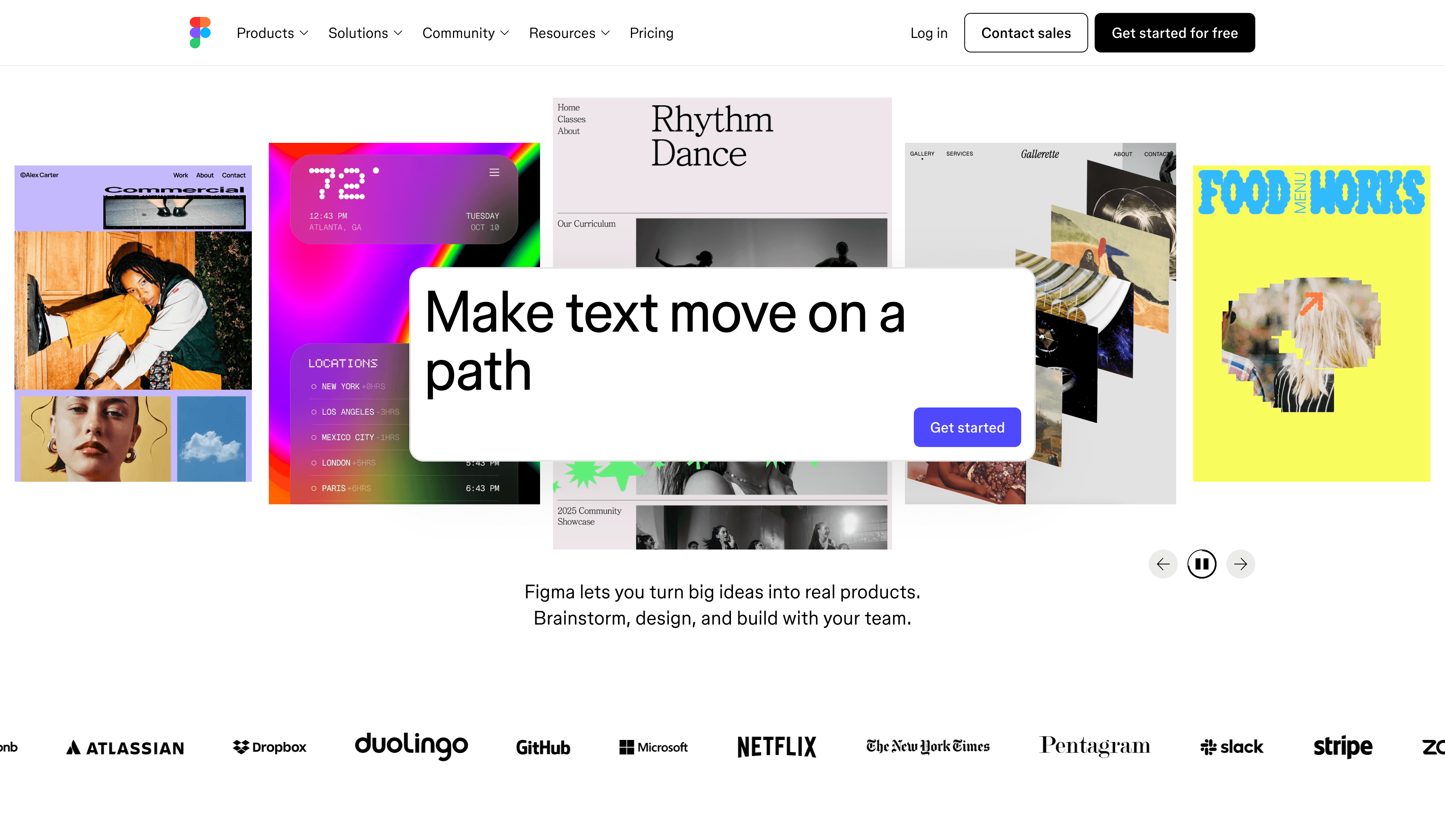
Figma remains the platform most product teams rely on for interface design, collaboration, and developer handoff. Although AI has become part of the product through features like First Draft and Add Interactions, its biggest strength is still the mature ecosystem built around components, shared libraries, comments, and version history. For organizations that already manage a large design system inside Figma, introducing AI into an existing workflow is often easier than moving to an entirely new platform. Its AI features can generate interface ideas and speed up repetitive tasks, but they're intended to assist designers rather than automate complete product flows.
Highlights:
- First Draft for AI-assisted screen generation
- Add Interactions for quicker prototyping
- Industry-leading collaboration tools
- Comprehensive component libraries
- Dev Mode for developer handoff
Pros:
- Excellent for large teams working from shared design systems
- Strong collaboration and review workflow
- Massive plugin ecosystem
- Reliable developer handoff
Cons:
- AI generation is primarily screen-based rather than flow-based
- Creating complete user journeys still requires manual work
- Advanced AI capabilities require paid plans
- UX Pilot
Best for: Early-stage product exploration and validation
Pricing: Free plan • Paid plans based on credits
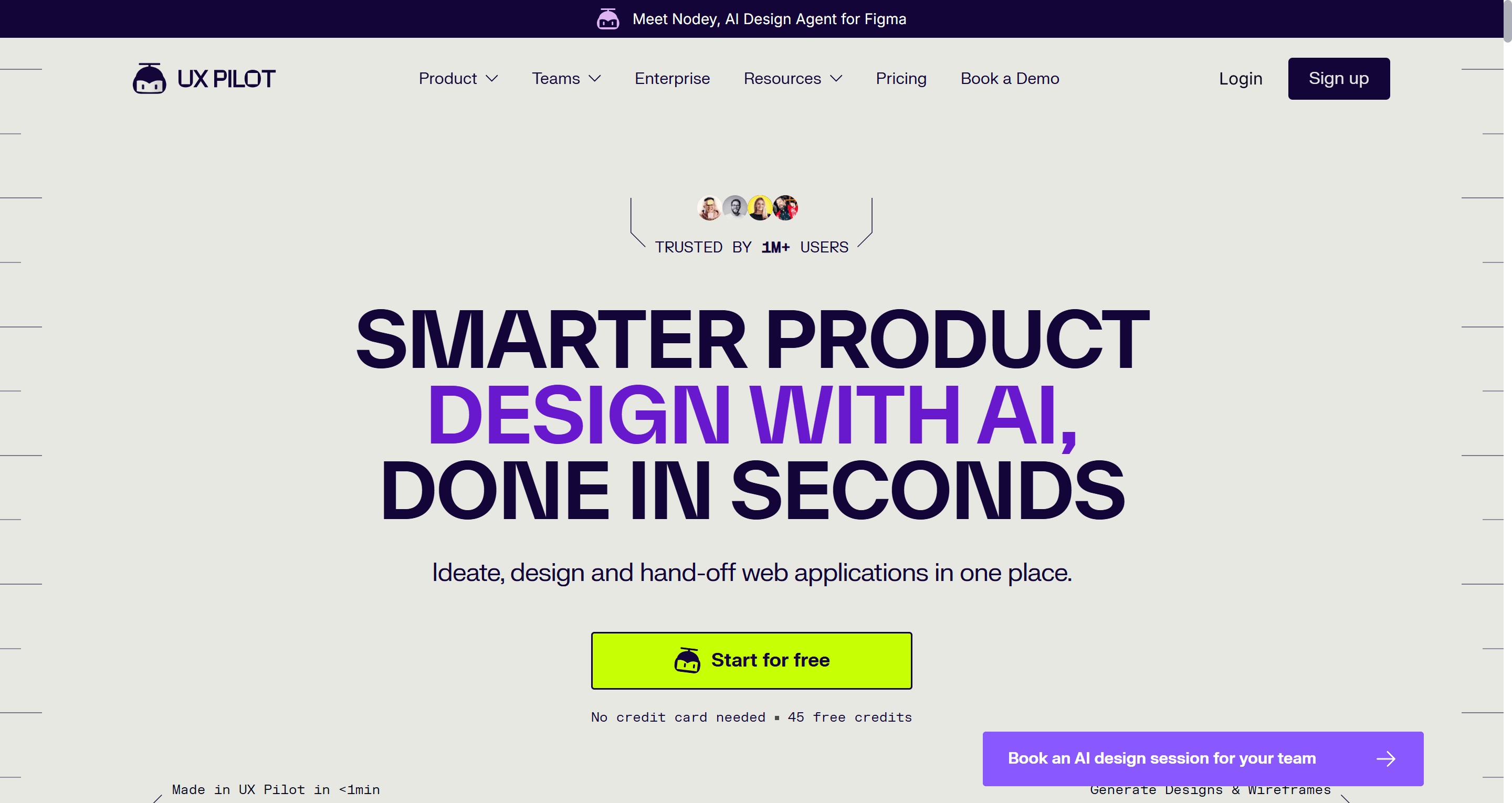
UX Pilot focuses on helping teams move quickly from an idea to an interactive concept. Its conversational interface allows designers to describe an interface in natural language, generate multiple variations, and test them through an interactive preview. One of its biggest strengths is integration with existing design systems. Teams can import Figma components, making AI-generated interfaces feel more consistent with current products instead of starting from scratch every time. Where UX Pilot works best is early ideation. It helps designers compare different approaches before committing to detailed design work.
Highlights:
- Prompt-based interface generation
- Interactive previews
- Figma component imports
- Design system support
- JSON styling options
Pros:
- Excellent for exploring multiple concepts quickly
- Strong visual quality
- Easy integration with existing design systems
- Useful for research and stakeholder presentations
Cons:
- Credit-based pricing can become restrictive during larger projects
- Longer user flows often require additional manual refinement
- Iterating repeatedly can consume credits quickly
- Google Stitch
Best for: Quick concept validation
Pricing: Free (limited monthly generations)
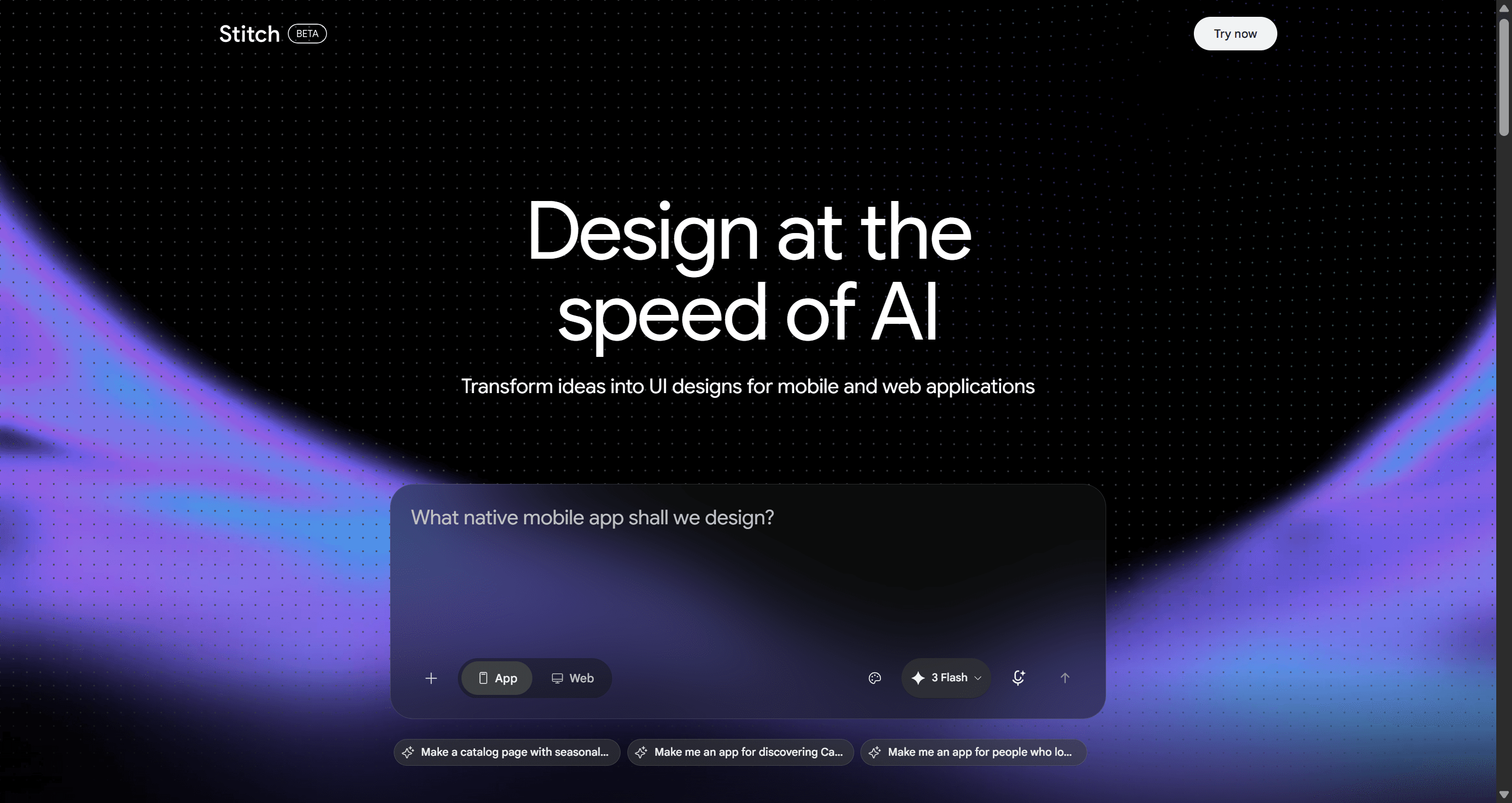
Google Stitch is designed to help teams turn ideas into interactive concepts with minimal effort. Whether starting from a prompt or a rough sketch, the platform quickly generates UI layouts and basic front-end code before allowing those screens to be linked into a simple prototype. Because it's part of Google Labs, Stitch continues to evolve rapidly. For teams experimenting with AI-assisted design, it's one of the easiest ways to explore an idea without committing to a paid platform.
Highlights:
- Prompt-to-UI generation
- Sketch support
- Interactive prototypes
- Front-end code generation
- Free to use
Pros:
- Extremely fast concept generation
- Great entry point for AI prototyping
- Interactive previews improve stakeholder communication
- No subscription required
Cons:
- Multi-screen consistency isn't always reliable
- Limited customization compared to dedicated design platforms
- Export options remain relatively basic
- Banani
Best for: Lightweight prompt-to-UI workflows
Pricing: Free plan • Paid plans from approximately $20/month
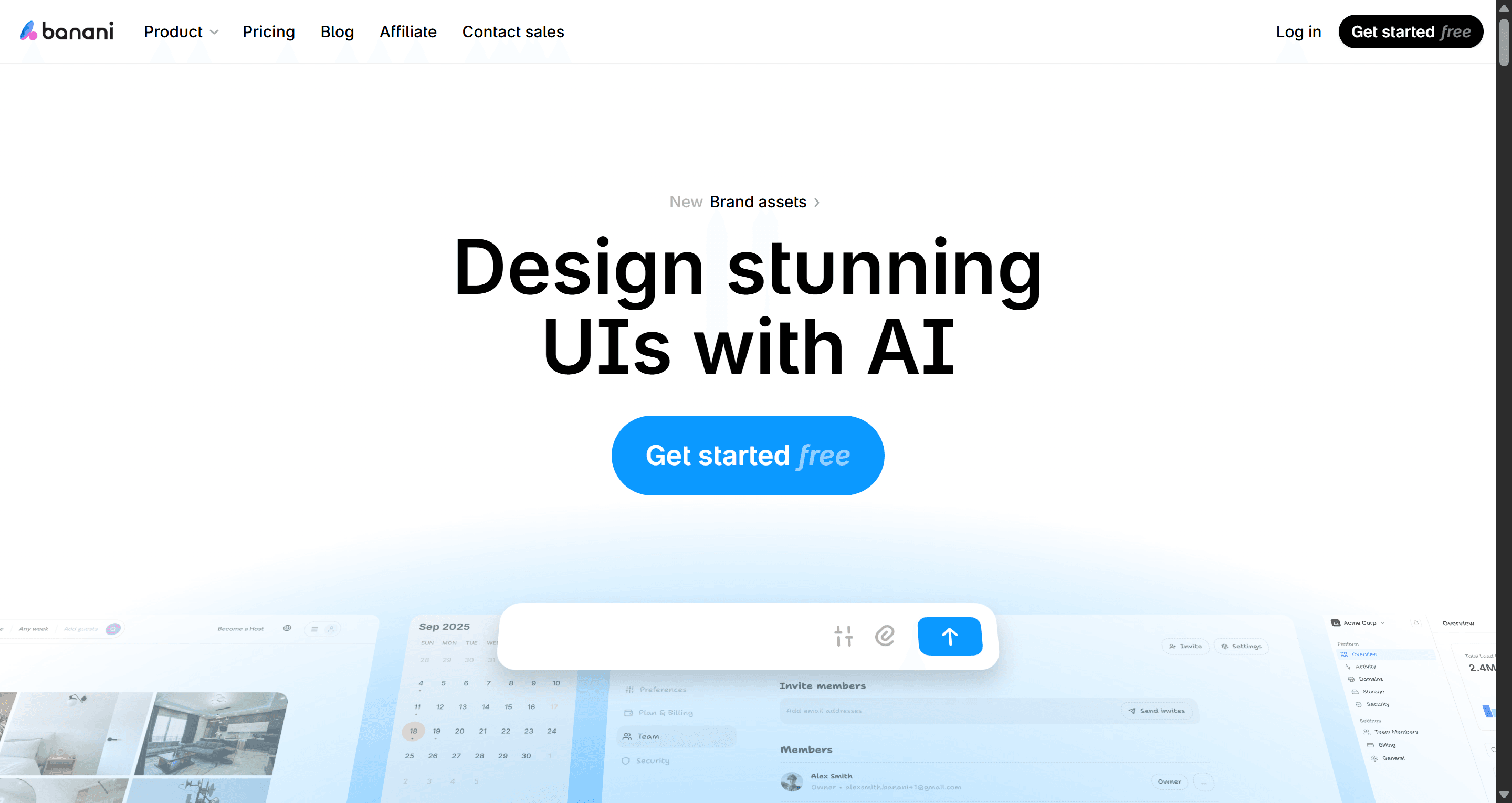
Banani is built around speed and simplicity. Instead of navigating dozens of design controls, users describe an interface, receive an editable design, then continue refining it through natural-language comments. That conversational workflow makes Banani particularly appealing for founders, product managers, and smaller teams that want visual output quickly without spending hours adjusting layouts manually. It also accepts screenshots, sketches, and Figma links as references, making it easier to recreate existing interfaces or iterate on previous work.
Highlights:
- Prompt-to-UI generation
- Screenshot and sketch support
- Comment-based editing
- Figma export
- Code export
Pros:
- One of the fastest platforms for generating interface concepts
- Very approachable for non-designers
- Easy refinement workflow
- Supports multiple starting points
Cons:
- Better suited to shorter workflows than complex applications
- Large product journeys often need additional manual adjustments
- ProtoPie
Best for: Advanced interactions and realistic prototypes
Pricing: Free plan • Paid plans from approximately $13/month
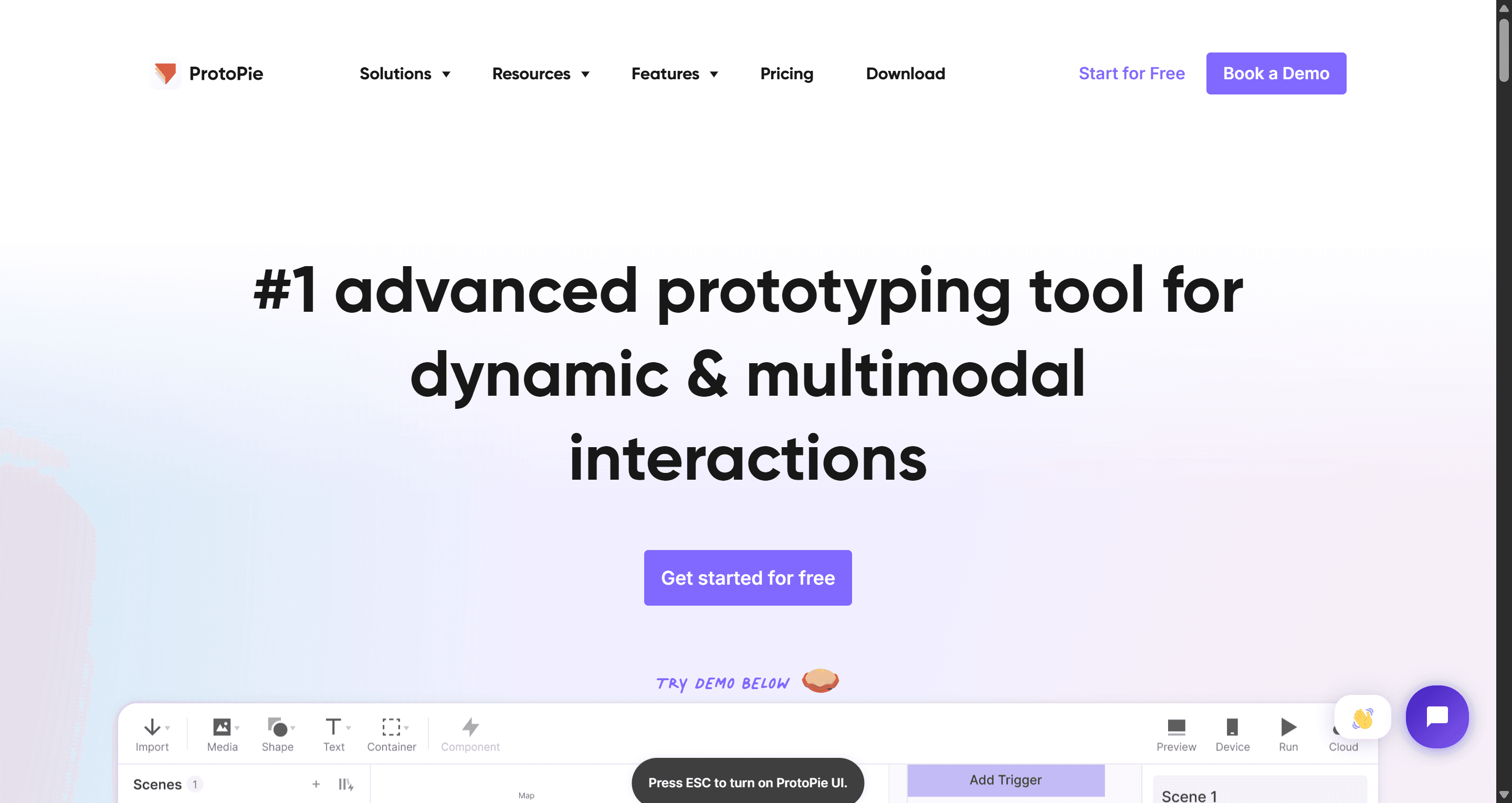
ProtoPie occupies a different position from most AI prototyping tools on this list. Rather than generating interfaces, it focuses on making prototypes behave like real products. Designers can combine gestures, sensors, variables, conditional logic, voice input, camera interactions, and sophisticated animations without writing code. The result is a prototype capable of demonstrating experiences that traditional click-through mockups simply can't reproduce. Because of that, ProtoPie is widely used for mobile applications, automotive interfaces, IoT products, and other interaction-heavy experiences.
Highlights:
- Advanced interaction design
- Sensor support
- Gesture recognition
- Conditional logic
- Cross-device testing
- Figma and Sketch imports
Pros:
- Outstanding interaction capabilities
- Excellent for demonstrating realistic product behaviour
- Ideal for usability testing complex experiences
- Supports advanced animations and hardware interactions
Cons:
- Not an AI interface generator
- Requires screens to be created elsewhere first
- Higher learning curve than most tools on this list
- Uizard
Best for: Beginners and fast MVP creation
Pricing: Free plan available • Paid plans for individuals and teams
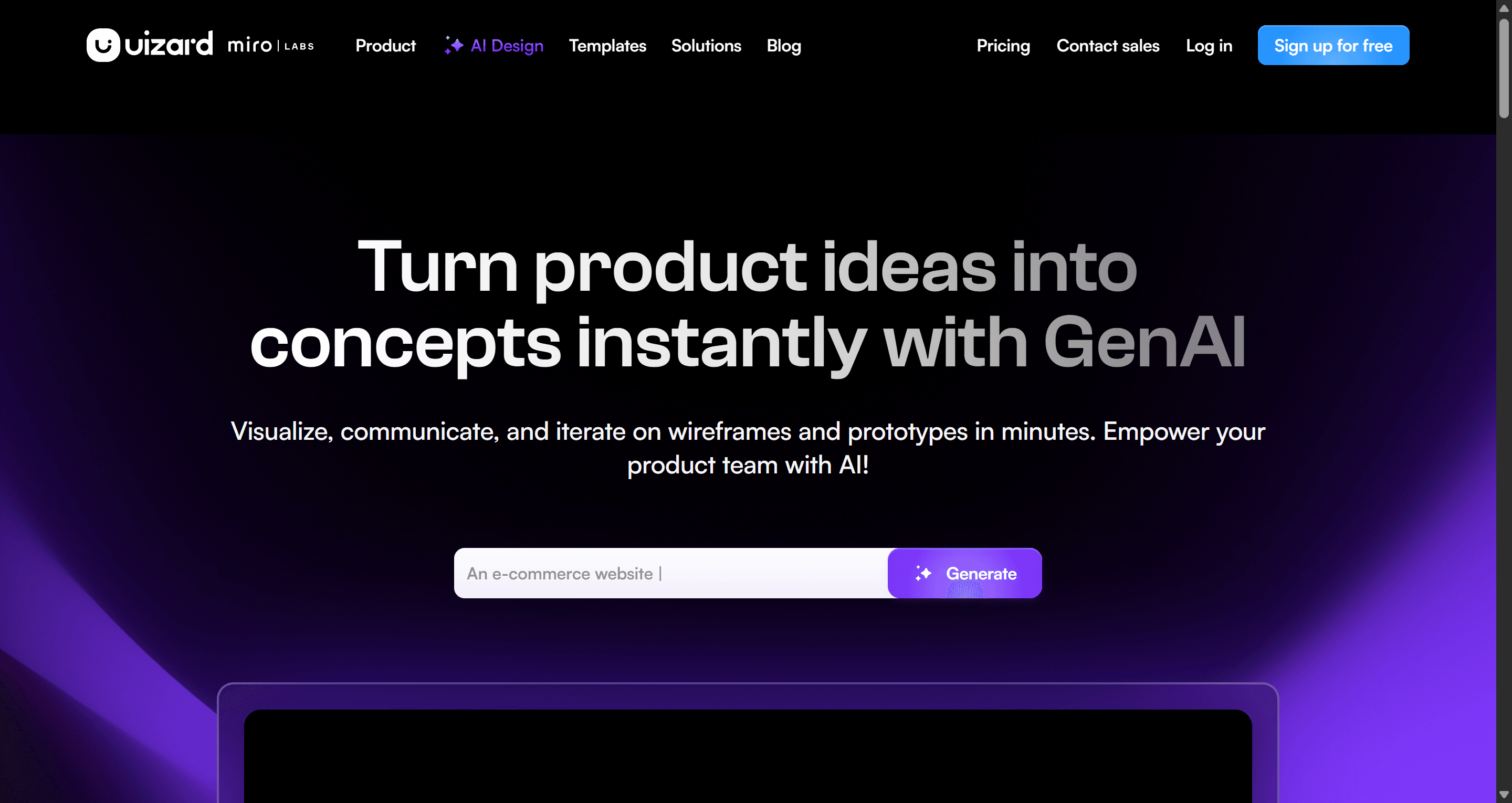
Uizard is one of the most accessible AI prototyping tools available today. Designed with non-designers in mind, it helps founders, product managers, and first-time builders turn ideas into interactive interfaces without requiring extensive design experience. Its AI-powered Autodesigner can generate screens from prompts or sketches, making it easy to move from concept to prototype within minutes. Combined with a straightforward editing interface and ready-made templates, Uizard significantly shortens the learning curve for users who are new to UI design.
Highlights:
- AI-powered Autodesigner
- Prompt-to-UI generation
- Sketch-to-wireframe conversion
- Ready-made UI templates
- Team collaboration
Pros:
- Extremely beginner-friendly
- Fast way to validate ideas visually
- Simple editing experience
- Suitable for quick MVPs and presentations
Cons:
- Generated designs often require cleanup before development
- Component hierarchy isn't as refined as more advanced platforms
- Better suited for early concepts than production-ready workflows
- v0 by Vercel
Best for: Generating production-ready React components
Pricing: Free tier with usage limits • Paid plans available
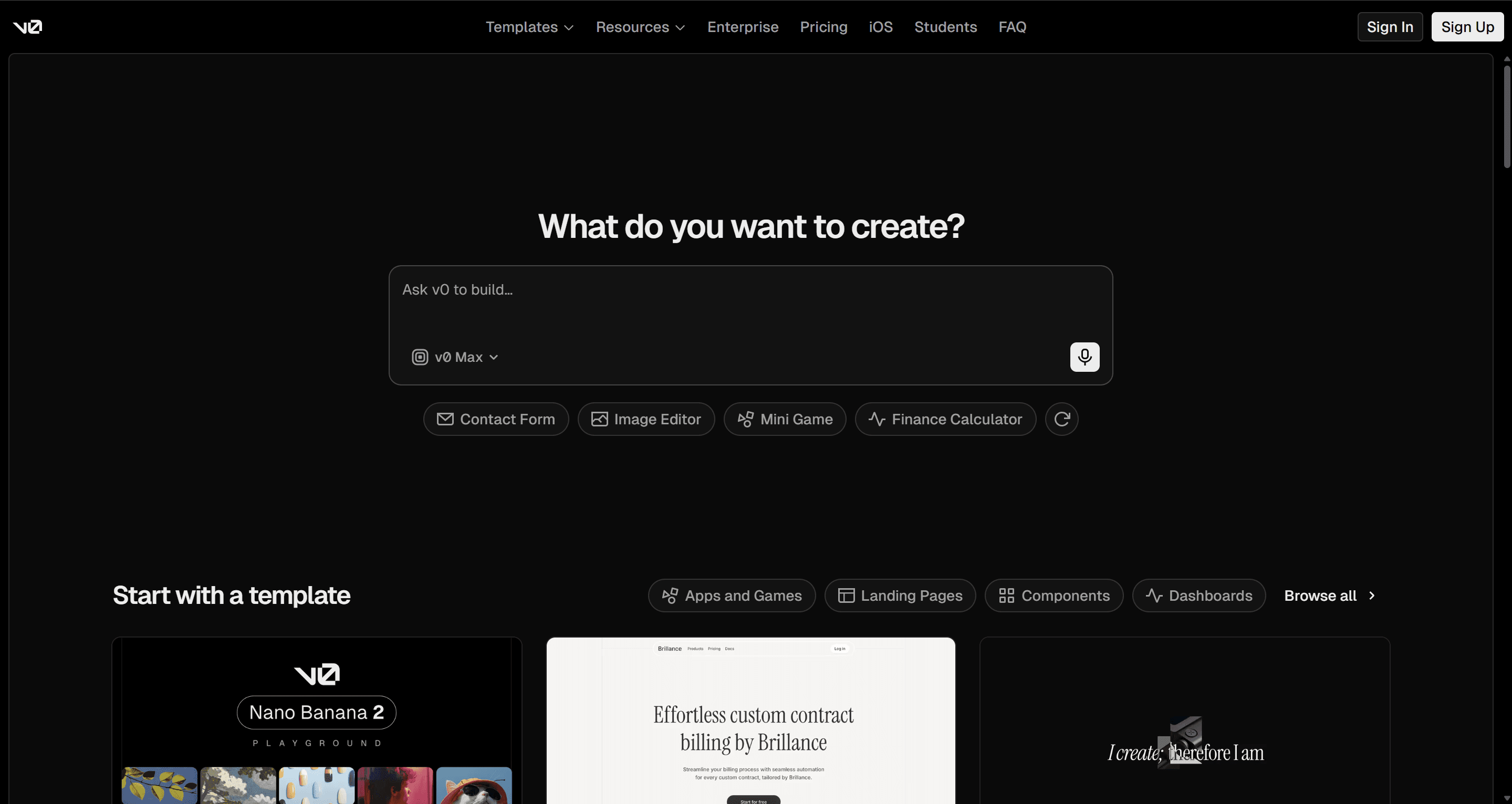
Unlike traditional AI design tools, v0 focuses on code generation rather than visual prototyping. Describe a component or interface in natural language, and it produces React code using modern frontend frameworks such as Tailwind CSS and shadcn/ui. For engineering teams, this dramatically reduces the time needed to translate approved designs into working components. Rather than replacing design software, v0 fits naturally into the later stages of the product development process.
Highlights:
- AI-generated React components
- Tailwind CSS support
- shadcn/ui integration
- Production-oriented code
- Fast component iteration
Pros:
- Clean, developer-friendly output
- Excellent for frontend teams
- Reduces implementation time
- Integrates well into modern development workflows
Cons:
- Not intended for UX exploration
- Doesn't generate complete user journeys
- Limited visual collaboration compared to dedicated design tools
- Lovable
Best for: Building functional MVPs from a prompt
Pricing: Free plan with daily credits • Paid plans available
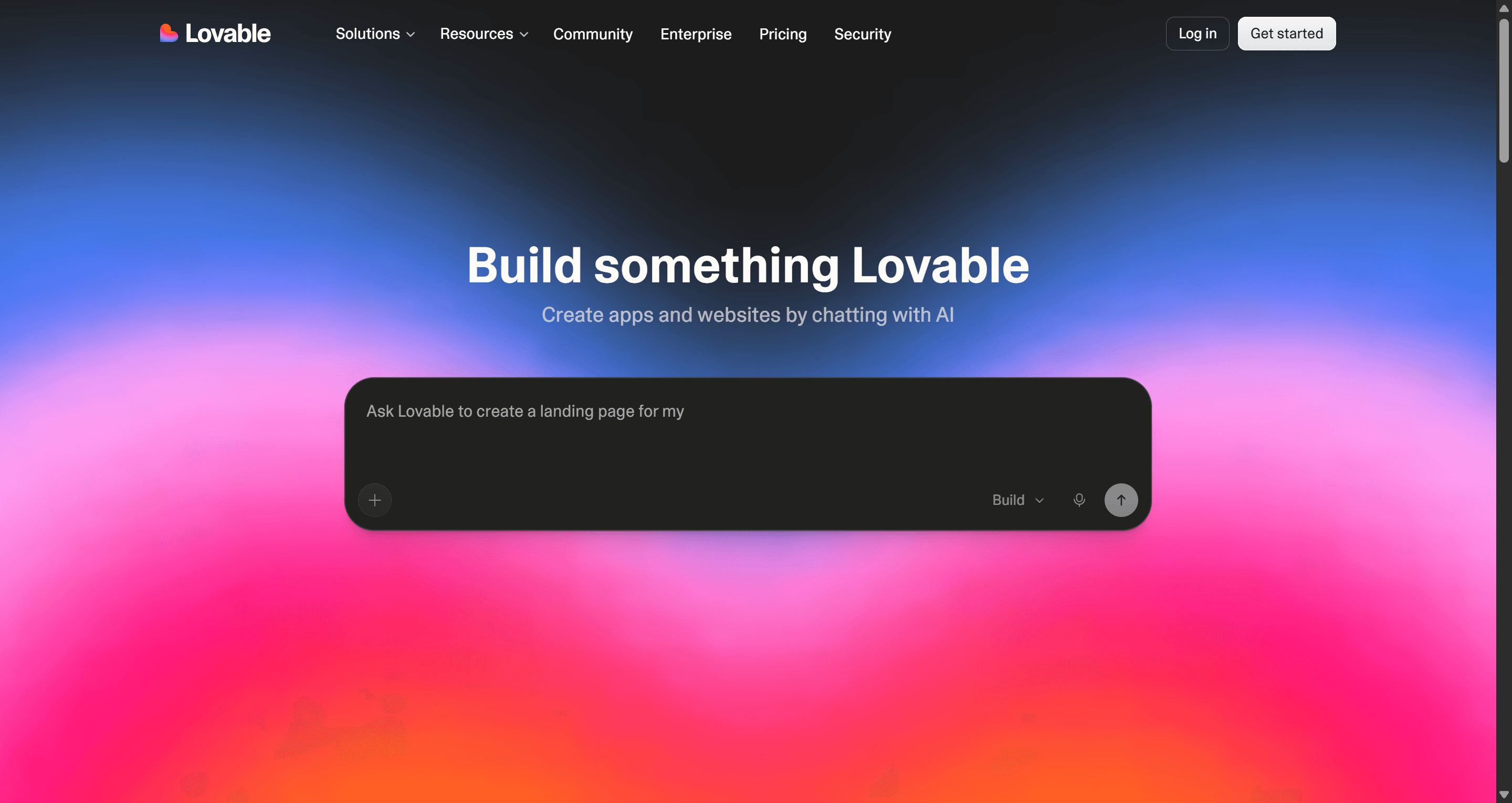
Lovable goes beyond interface generation by creating working applications that include frontend layouts, backend logic, databases, and authentication. Instead of producing static mockups, it helps technical founders move directly toward a functioning product. This approach makes Lovable particularly attractive for startups looking to validate ideas quickly without assembling a full engineering team from day one.
Highlights:
- Full-stack application generation
- Frontend and backend creation
- Database scaffolding
- Authentication support
- AI-assisted development
Pros:
- Fast path from idea to working application
- Excellent for startup MVPs
- Useful for technical founders
- Reduces repetitive development work
Cons:
- Design polish often requires additional refinement
- Better suited for functionality than high-fidelity UI design
- Less flexible for detailed visual customization
- Magic Patterns
Best for: Teams working with established component libraries
Pricing: Free plan • Paid plans for production teams
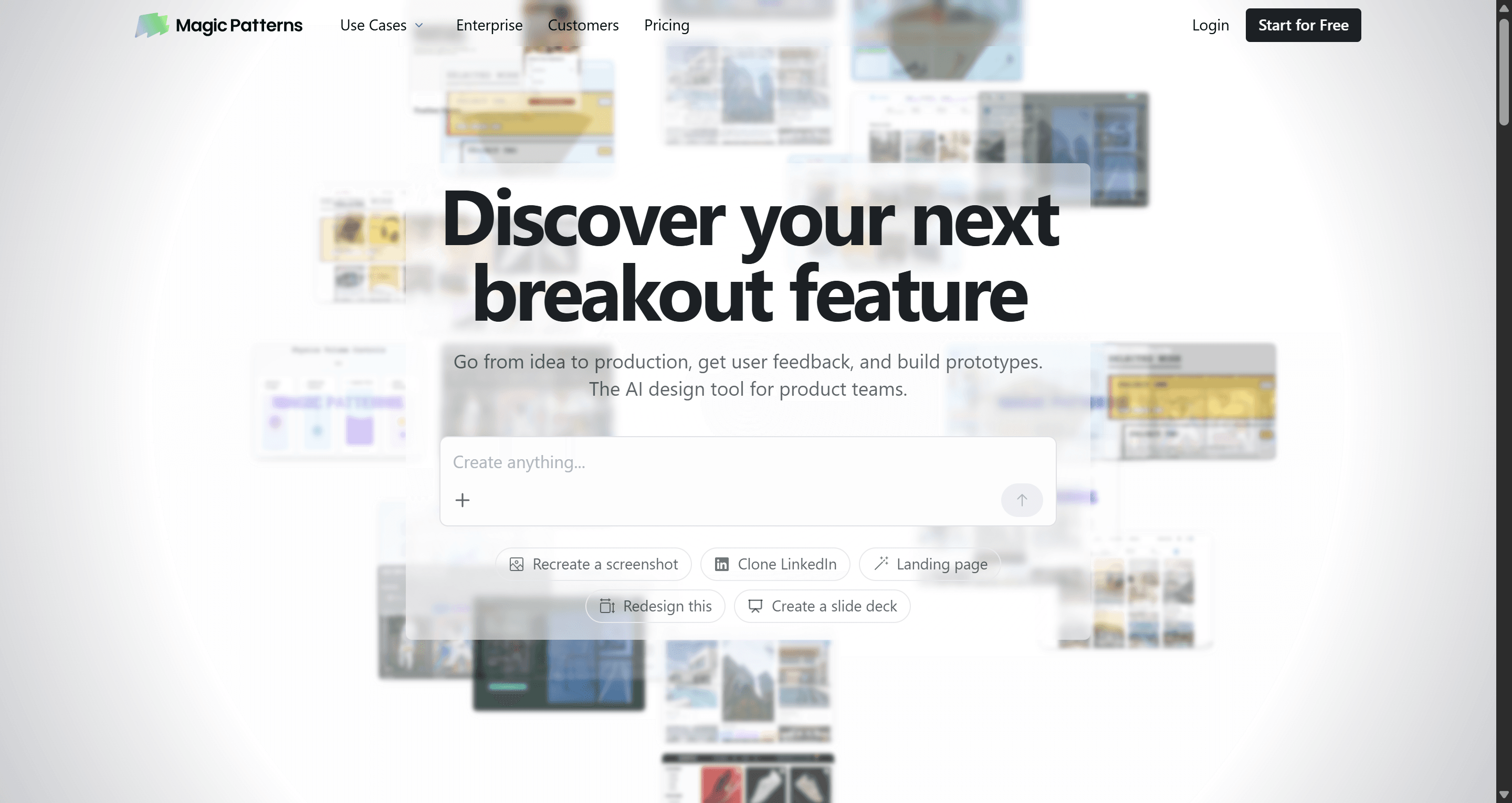
Magic Patterns is built around consistency rather than creativity. Instead of generating completely new visual styles, it creates interfaces that align with your existing component framework, making it especially useful for organizations that already have mature design systems. For engineering and product teams, this reduces the amount of rework required after generation because AI outputs already follow familiar design patterns.
Highlights:
- Framework-aware generation
- Existing component support
- Prompt-based editing
- Consistent UI output
- Figma compatibility
Pros:
- Strong consistency across generated designs
- Fits well into enterprise workflows
- Helps maintain existing design systems
- Good collaboration between design and engineering
Cons:
- Less useful when starting from a blank canvas
- Creativity is naturally limited by existing frameworks
- Better suited for refinement than exploration
- Relume
Best for: Website planning and information architecture
Pricing: Limited free plan • Paid plans available
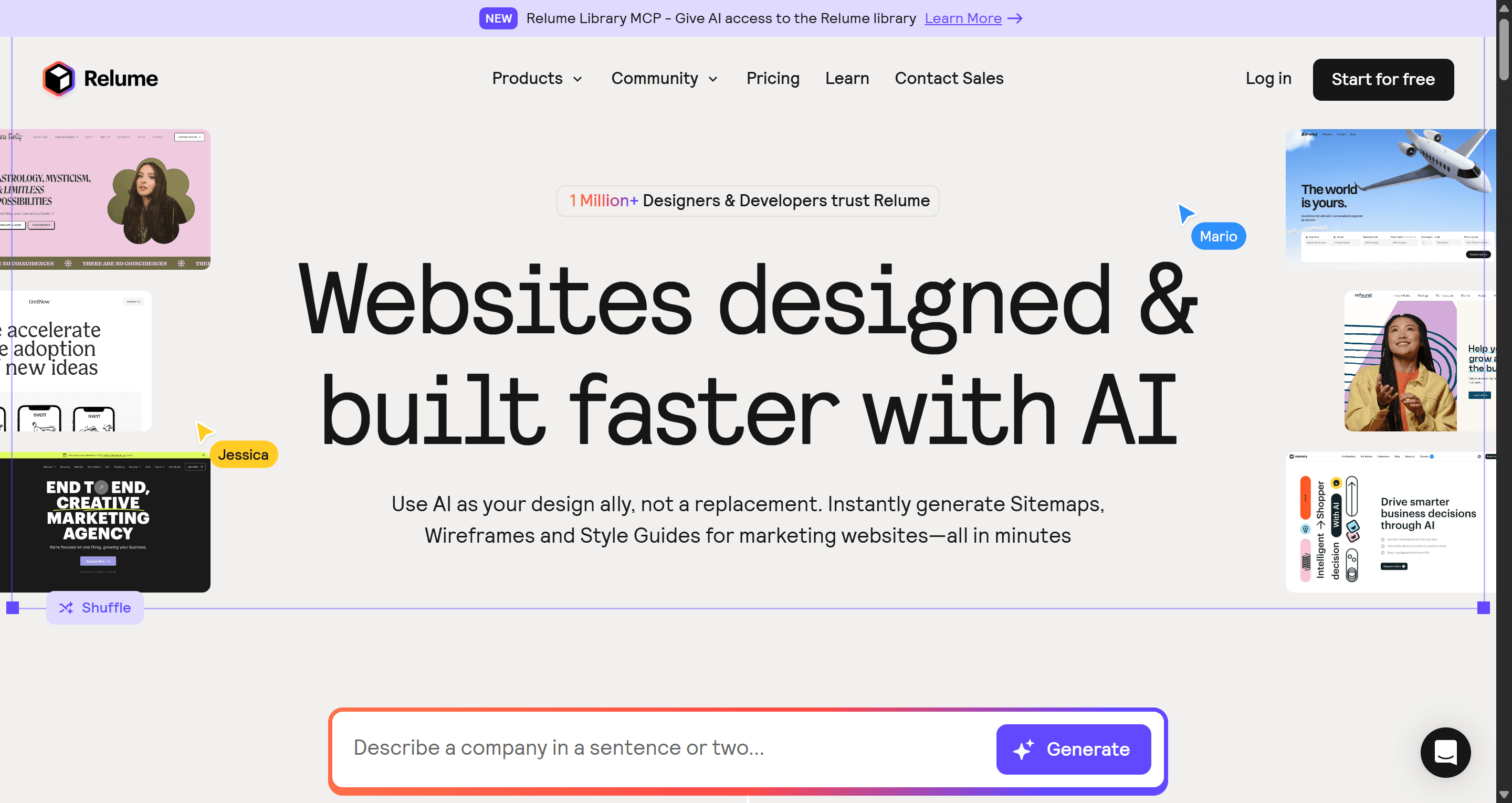
Relume isn't a traditional AI prototyping platform. Instead, it helps teams plan websites by generating sitemaps, wireframes, and structured page layouts before detailed visual design begins. Its extensive library of professionally designed components makes it particularly popular among agencies and Webflow users who need to move from strategy to wireframes quickly.
Highlights:
- AI sitemap generation
- Wireframe builder
- Component library
- Webflow integration
- Figma export
Pros:
- Excellent for planning large websites
- Strong information architecture capabilities
- Saves time during early project planning
- Clean exports for further design work
Cons:
- Not intended for SaaS applications or complex product flows
- Doesn't replace dedicated UI prototyping tools
- Limited interaction capabilities
- Framer AI
Best for: Designing and publishing marketing websites
Pricing: Free trial • Paid plans available
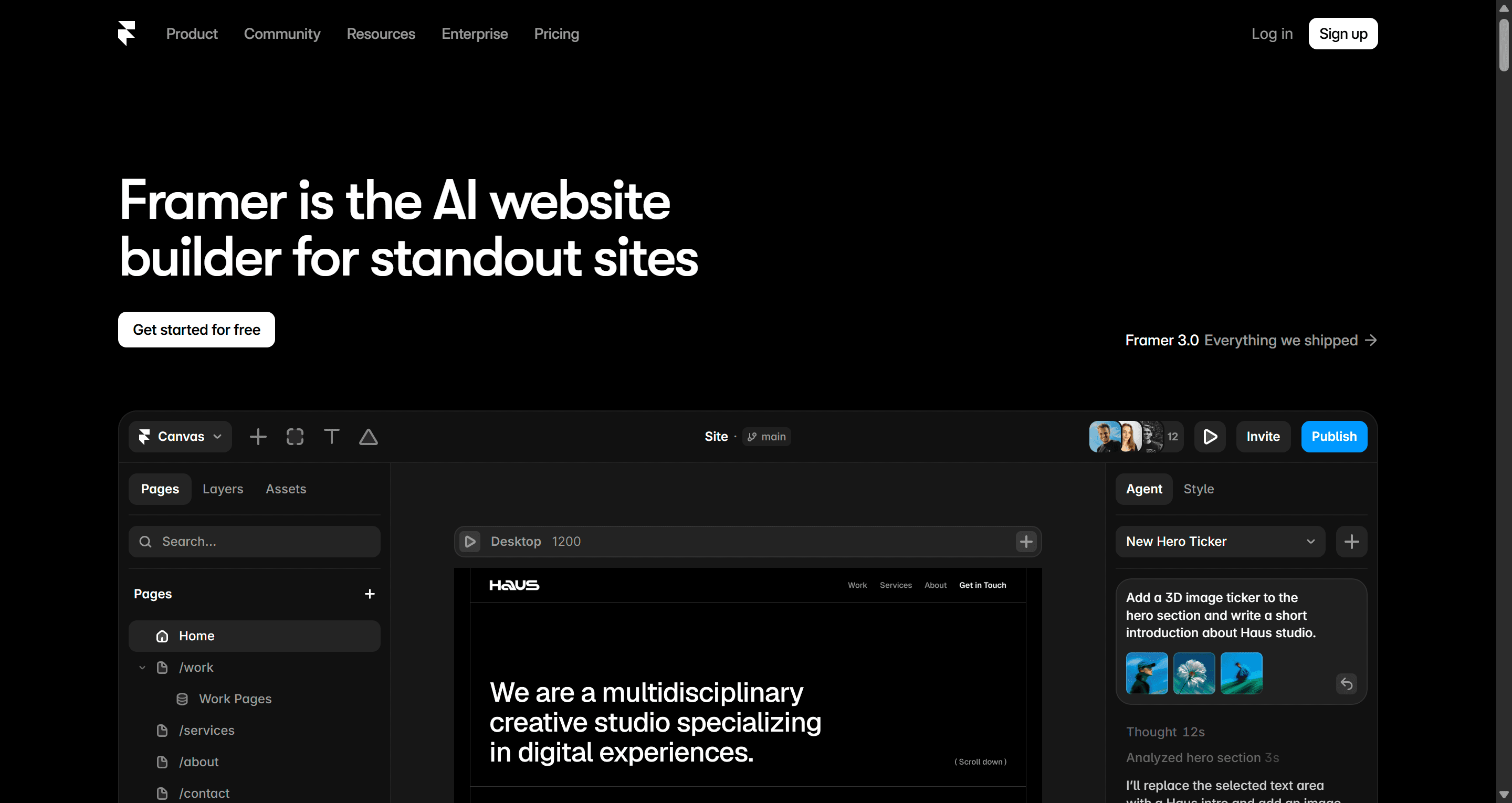
Framer AI combines AI-assisted design with website publishing in a single platform. Users can generate layouts, edit content visually, add interactions, and publish directly without leaving the editor. For marketing teams, this removes much of the friction between design and launch, making Framer one of the quickest ways to build modern landing pages and company websites.
Highlights:
- AI-assisted website generation
- Responsive layouts
- Built-in CMS
- Hosting included
- Interactive components
Pros:
- Fast website creation workflow
- Publishing built into the platform
- Excellent for marketing teams
- Clean visual editing experience
Cons:
- Not designed for complex application prototypes
- Limited support for multi-state product experiences
- Better suited to websites than SaaS products
Prototyping Tools Comparison Table (2026)
| Tool | Best For | Flow Generation | Export | Editing |
|---|---|---|---|---|
| UXMagic | Complete product journeys | Native multi-screen flows | Figma + Code | Global flow editing |
| Figma | Design systems | Manual + AI assistance | Dev Mode | Frame-by-frame |
| UX Pilot | Design exploration | Moderate | Figma | Credit-based |
| Google Stitch | Fast concept validation | Basic | HTML/CSS | Regenerate screens |
| Banani | Prompt-to-UI generation | Moderate | Figma + Code | Comment-based |
| ProtoPie | Advanced interactions | Imported screens | Interaction specs | Manual logic |
| Uizard | Beginners & MVPs | Basic | Standard export | Visual editor |
| v0 by Vercel | React components | Code-first | React | Code editing |
| Lovable | Functional MVPs | Moderate | Full-stack | Prompt updates |
| Magic Patterns | Component frameworks | Moderate | Framework output | Prompt editing |
| Relume | Website planning | Sitemap & wireframes | Figma/Webflow | Component editing |
| Framer AI | Marketing websites | Website-focused | Published site | Visual editor |
How to Choose the Right AI Prototyping Tool for Your Workflow
There's no single "best" AI prototyping tool—only the one that best fits the way your team works.
If your goal is to move from an idea to a complete, interactive product flow with minimal manual effort, choose a platform designed for connected user journeys. Tools like UXMagic generate multiple linked screens from a single prompt, making them well suited for product teams, founders, and designers validating end-to-end experiences.
If your team already works inside an established design system, Figma remains the most practical choice. Its collaboration features, component libraries, and developer handoff capabilities make it easy to integrate AI without changing your existing workflow.
For early-stage exploration, UX Pilot and Google Stitch are excellent options. They allow teams to quickly visualise ideas, compare concepts, and gather feedback before investing time in detailed design.
If your focus is building a marketing website rather than a product interface, Framer AI offers a smoother path from design to publishing. Similarly, Relume is ideal for planning website structure, generating sitemaps, and creating wireframes before moving into visual design.
Developers looking to accelerate implementation should consider v0 by Vercel, while Lovable is better suited for technical founders who want to generate working applications rather than static prototypes.
Since most platforms offer a free plan or trial, it's worth testing two or three using the same product idea before committing to one workflow. Comparing how they handle the same prompt often reveals differences that aren't obvious from feature lists alone.
Conclusion
AI has made prototyping faster, more accessible, and more collaborative than ever before. Tasks that once took days can now be completed in minutes, giving product teams more time to test ideas, gather feedback, and improve user experiences before development begins.
That said, choosing the right tool is about more than generation speed. Editing flexibility, export quality, collaboration, and long-term workflow all play an equally important role. The most effective platform is the one that fits naturally into the way your team already designs and builds products.
Whether you're validating a startup idea, managing an enterprise design system, or building your next SaaS product, the tools in this guide offer a strong starting point. Take advantage of their free plans, compare them using the same project, and choose the one that helps your team move from concept to launch with the least amount of friction.
Start Prototyping Smarter with UXMagic
If your tools break when flows get complex, it is not a speed issue. It is a structure issue. Start with UXMagic and move from intent to consistent, connected flows without rebuilding later.