
Editing with chat
How to phrase AI edit requests so you get the change you meant, on the screens you meant.
Last updated
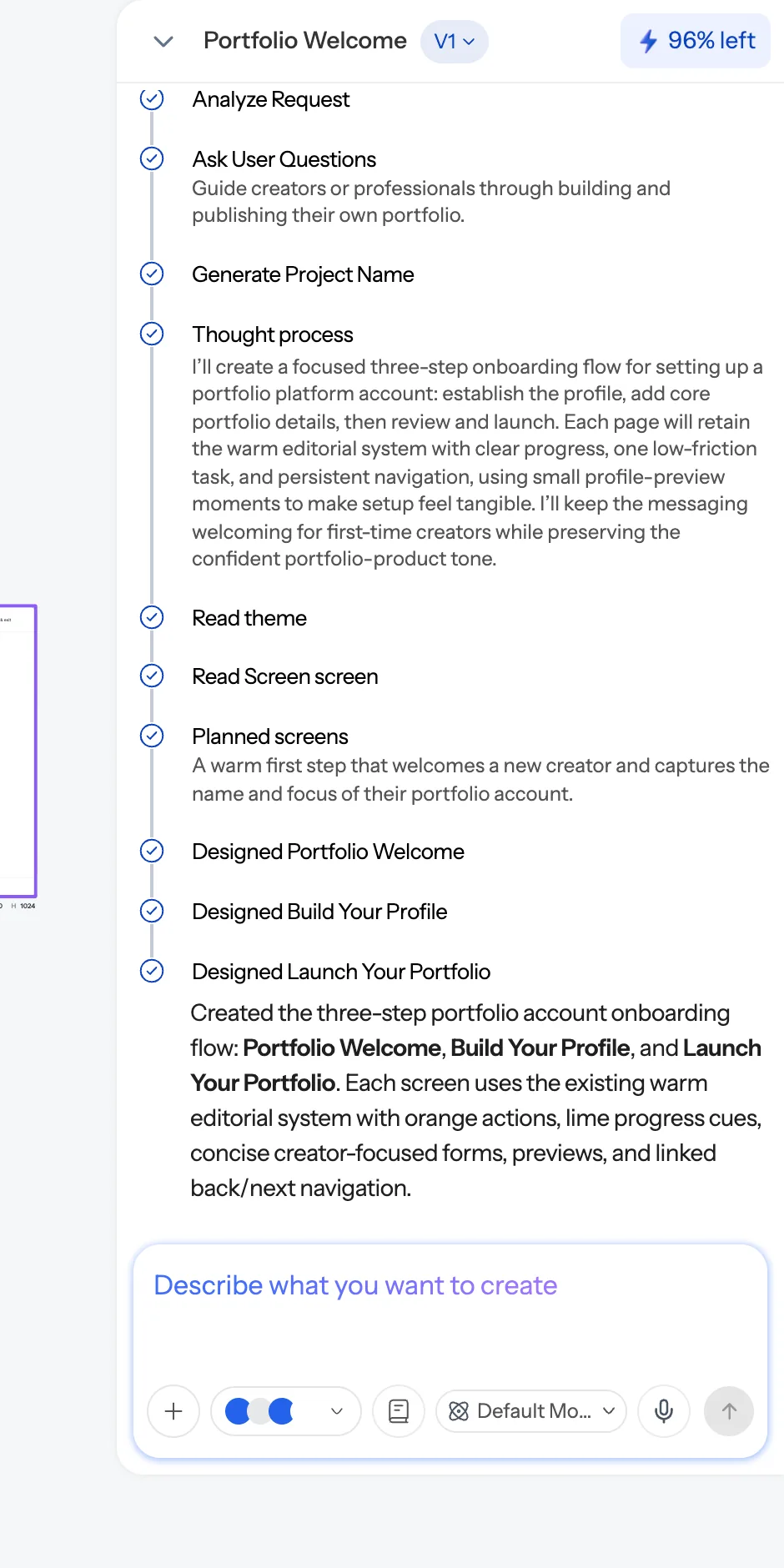
Say which screen
If several screens are on the canvas, name the one you mean, or select it first:
On the pricing page, make the middle tier the highlighted one.
Without a target, the AI has to guess, and it will sometimes guess the screen you were last looking at rather than the one you meant.
Say what is wrong, not that it is wrong
- ❌ "The hero is bad."
- ✅ "The hero is too tall and the headline competes with the subhead. Halve the vertical padding and drop the subhead one size."
Two or three changes at a time
Long lists interact in ways that are hard to predict, and if one item lands badly you can't tell which instruction caused it. Small batches are faster overall.
Applying a change everywhere
Say so explicitly:
On every screen, change the nav CTA to "Start free".
Project-wide operations exist precisely for this. Doing it screen by screen wastes credits and eventually drifts.
Replacing an image everywhere
Swapping a logo or product shot across all screens has a dedicated, deterministic path — ask for the asset to be replaced everywhere rather than editing each screen:
Replace the logo on all screens with the one I just uploaded.
Recolouring
Colour changes should go through the theme, not through class edits on individual elements:
Make the primary colour a warmer blue.
That is one operation, it is free, and it moves every screen consistently. See Themes and style guides.
When it does something you didn't ask for
Say so plainly and specifically: "You changed the palette — I only asked for the button. Put the previous colours back." If it happens repeatedly on the same brief, state the constraint in absolute terms ("Do not change any colours") — and see The AI is not following my brief.
Asking questions
The AI will occasionally ask you a multiple-choice question before acting, when there's a genuine ambiguity it can't resolve. Answering is cheaper than getting five screens built on the wrong assumption.
Was this article helpful?
Related articles
Editing a screen
The three ways to change a design — chat, edit mode and theming — and when each is the right tool.
Writing a prompt that gets what you want
The five things to include in a prompt, and the phrasings that reliably go wrong.
The AI isn't following my brief
When output ignores your brand, changes things you didn’t ask about, or claims success it didn’t achieve.