• Libraries
  • Community
  • Pricing
  • Affiliate
  • Resources

Libraries

Community
Pricing
Affiliate

Resources

Follow us on:
Help center
  • 🚀Get started
    • What is UXMagic?
    • Create your first project
    • The canvas, projects and screens
    • Writing a prompt that gets what you want
    • Keyboard shortcuts
    • Your account and profile
  • ✨Generate designs
  • 🎨Design & edit
  • 📦Export & handoff
  • 🌐Publish a live site
  • 🤝Share & collaborate
  • 🔌Integrations & developers
  • 💳Plans, credits & billing
  • 🛠Troubleshooting

Still stuck?

Our team answers from inside the product.

Contact support →
  1. Help center/
  2. Design & edit/
  3. Images in your designs

Images in your designs

Generating images, editing them in place, uploading your own, and replacing an asset across every screen.

Last updated 27 August 2026
On this page

  • Generated images
  • Editing an existing image
  • Uploading your own
  • Replacing an asset everywhere
  • Aspect ratio
  • If images are broken or stuck loading
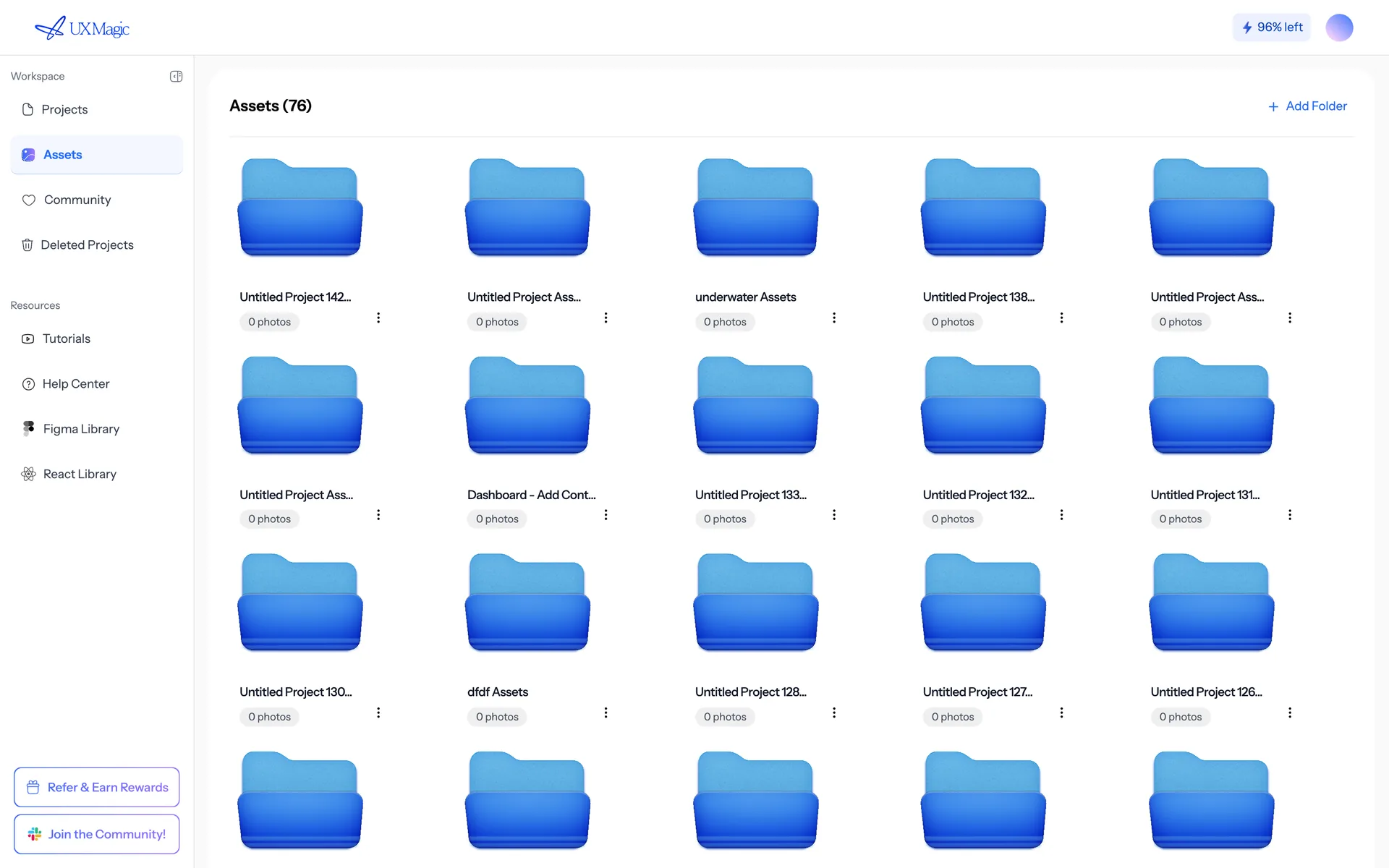
uxmagic.ai/dashboard/assets
The Assets page, holding the images and logos a project reuses.
Assets holds the images and logos your projects reuse.

Generated images#

When a design needs imagery, the AI generates it. You can steer it:

Regenerate the hero image: a sunlit open-plan office, wide shot, warm tones, no people.

Describe subject, setting, composition, lighting and mood. A bare noun ("a laptop") produces a bare result.

Image generation is charged per image, at a fraction of the cost of a screen. See How credits work.

Editing an existing image#

You can change an image in place, keeping everything else pixel-identical:

In the hero image, change the text on the sign to "Ledgerly". Recolour this illustration to match the new theme.

This is the right tool for changing text inside an image, recolouring, restyling, or adding and removing a single element. Regenerating from scratch would change everything else too.

Uploading your own#

Upload through the prompt box or the project's asset library, then reference it:

Use the photo I just uploaded as the hero image on the landing page.

Replacing an asset everywhere#

To swap a logo or product shot across the entire project, ask for exactly that:

Replace the old logo with the new one on every screen.

This runs as a single deterministic operation across all screens rather than a per-screen edit — it's the only reliable way to be sure you didn't miss one.

Aspect ratio#

State it if it matters — "16:9 hero", "square avatar". Otherwise you may get a shape that doesn't fit the slot.

If images are broken or stuck loading#

See Images are broken or missing.

Was this article helpful?

Related articles

Editing with chat

How to phrase AI edit requests so you get the change you meant, on the screens you meant.

Editing a screen

The three ways to change a design — chat, edit mode and theming — and when each is the right tool.

Images are broken, missing or stuck loading

Placeholder boxes, permanently loading images and images that vanish after export.

← PreviousFonts and typographyNext →Versions and history

On this page

  • Generated images
  • Editing an existing image
  • Uploading your own
  • Replacing an asset everywhere
  • Aspect ratio
  • If images are broken or stuck loading

your next idea
deserves to exist

stop thinking about it. just type it out. Badly, half- formed, whatever. We'll turn it into something real.

Product

  • Community
  • Pricing Plans
  • Affiliate Program
  • UXMagic MCP
  • Claude MCP
  • AI info

Resources

  • Help Center
  • Figma Library
  • React Library
  • Mobile App Templates
  • Documentation
  • Tutorials

Features

  • Prompt to UI
  • Image to UI
  • Sketch to UI
  • Clone website
  • Import from Figma
  • All Features

Compare

  • vs UX Pilot
  • vs Relume
  • vs MagicPath
  • vs Magic Patterns
  • vs Banani
  • vs Galileo AI
  • All Competitors

Blogs

  • AI in UX Design Workflow: What Actually Works
  • Prompt Templates for SaaS Dashboards
  • Real Prompts We Use to Generate Product Flows
  • Prompt Engineering for UX Designers
  • Best Wireframing Tools in 2026: 10 Free & Pro Options Compared
  • All Blogs

Company & Support

  • Careers
  • Contact Us
  • Privacy Policy
  • Terms of Use
  • Cookie Settings

© 2026 UXMagic AI Technologies Inc.