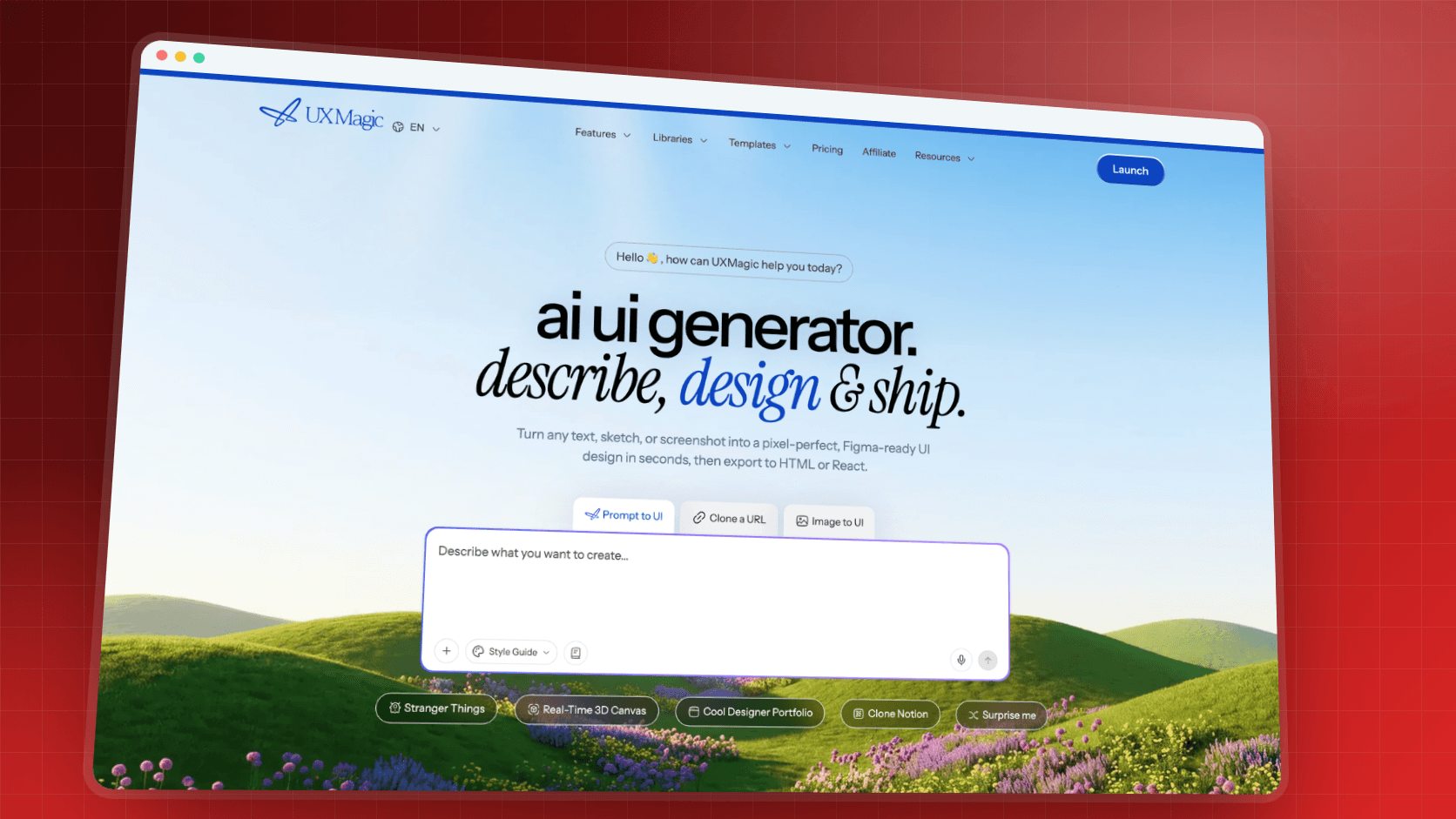
TL;DR: Ideogram 4.0 is the image model to beat when the words in an image matter: posters, banners, social tiles and hero art with a headline. Its JSON prompting gives you real control over layout, colour and text placement, and it is also open-weight. It costs more per image than Flash-class models, the free plan is public and slow, and like every AI image generator it produces pixels, not screens. Use it for text-heavy assets, then place them in an AI UI generator like UXMagic to build pages you can still edit.
Most image models learned to spell in the last two years. Ideogram was built around it from the start, and version 4.0 pushes that further: it treats every headline, label and logo in an image as a positioned element rather than a lucky accident. For product teams that make a lot of marketing graphics, that is a meaningful difference.
This review looks at Ideogram from the point of view of a team shipping a product: PMs, founders, designers and front-end developers who need launch banners, landing-page heroes, onboarding illustrations and social assets that match the product. We build UXMagic, a design tool rather than an image model, so we have no stake in which image generator you pick. We will not invent benchmark scores. Specs come from Ideogram's own model page, help docs and developer docs, and prices from its pricing page, all checked in September 2026.
If you are still deciding between image models, start with our roundup of the best AI image generators for UI assets, then come back here for the Ideogram deep dive.
Ideogram at a glance
| Ideogram 4.0 | |
|---|---|
| Best known for | Legible, multilingual text inside images |
| Standout features | JSON prompting, bounding-box layout, exact hex colours, transparency, layerize text |
| Where it runs | Web app, iPhone app, API, MCP, open weights |
| Free plan | Yes: slow credits, one generation at a time, public images |
| Paid plans | Plus $20/mo, Pro $60/mo, Team $30/user/mo (less billed annually) |
| API | $0.03 (Turbo), $0.06 (Default), $0.10 (Quality) per image |
| Strengths | Typography, layout control, consistent characters, speed options |
| Weak spots | Credit cost at high quality, public free tier, text is baked into pixels |
| Main alternatives | GPT Image 2, Nano Banana 2, Midjourney V8, Recraft, FLUX.2 |
What is Ideogram?
Ideogram is an AI image platform from Ideogram, Inc. Its reputation was built on one thing most early models got wrong: readable text. Where other generators produced melted letterforms, Ideogram could put a correct headline on a poster, which made it popular with marketers, print-on-demand sellers and brand designers.
Today it is a small product suite rather than a single model. The model picker offers Auto, Ideogram 4.0, Ideogram 3.0, older legacy models and custom models trained on your own images. Around the models sit apps for specific jobs: a background remover, an object remover, an ad resizer, colourways and material swap for product photos, and an editor called Image Studio. You can reach all of it from the web app, an iPhone app, the developer API or an MCP server for agents.
For product teams the useful framing is simple: Ideogram is a specialist in graphics with words in them. If your asset is a photograph with no text, other models are equally good and often cheaper. If the asset has a headline, a price, a label or a logo, Ideogram deserves a place on your shortlist. The same reasoning drives our GPT Image 2 review, which is the other strong option for in-image text.
What's new in Ideogram 4.0
Ideogram 4.0 is the current model and the one this review focuses on. Four changes matter for design work.
It was trained on structured captions. Ideogram's docs say 4.0 was trained exclusively on structured JSON descriptions of images, reading scenes, backgrounds, text and objects as data before learning to rebuild them. You can still write plain prompts, and Magic Prompt will expand a short idea into a full structured caption for you.
JSON prompting gives you layout control. A JSON prompt has a high-level description, an optional style description and a list of elements. According to Ideogram's JSON prompting guide, you can place each element with a bounding box in normalised coordinates, set up to 16 hex colours for the whole image and up to five per element, and define every piece of text as its own element with its own position and style. Two runs of the same JSON prompt stay close in composition, which is exactly what you want when a banner has to be re-made in three sizes.
Transparency and text layers. Generations can come back with an alpha channel, and the Layerize tool splits text out of an image into editable layers. That is the closest any image model gets to the editable assets a designer actually wants, although it still falls well short of a real layout file.
Open weights. Ideogram 4.0 weights are published on GitHub and Hugging Face, so developers can fine-tune and run the model on their own hardware. Ideogram states that commercial deployments come with a license matched to your scale, so treat it as open-weight with conditions, not as a free-for-all. Ideogram also points to its standing on the DesignArena benchmark; we have not verified those rankings, so we mention it only as Ideogram's claim.
Output is 2K by default, and Upscale can double the resolution on paid plans (it crops to the nearest supported aspect ratio, so plan your framing).
How Ideogram works: the app in five steps
A typical Ideogram session looks like this:
- Write the prompt. Describe the image in plain language, or paste a JSON caption. Turn on Magic Prompt if you want Ideogram to expand a short idea.
- Pick model and speed. Choose 4.0 (or Auto), then a render speed. Ideogram's speed families are Flash, Turbo, Default and Quality; slower speeds refine more and cost more credits.
- Set format and count. Choose an aspect ratio or custom size, the number of images, and whether the result is Published or Unpublished (private generation needs a paid plan).
- Add references. Character reference keeps a person's face and hair consistent across images, and style reference applies a saved style or up to three of your own reference images.
- Refine in Image Studio. AI edit, Extend, Remix with a strength slider, Reframe, background tools and layers all live in one editor, and every result becomes a version you can branch from.
On Pro and Team plans, Batch Generation runs up to 500 prompt rows from a spreadsheet, which is useful for localised banners or a catalogue of product shots. Good prompting habits still apply; our guide to prompting for UI that ships is written for screens, but the same discipline of stating subject, layout and constraints carries over.
Ideogram for UI and product assets: where it shines
Here is how Ideogram maps to the assets a product team actually needs.
Landing-page heroes with a headline. If the hero art itself contains words, such as a product name on packaging or a slogan set in a physical material, Ideogram is one of the few models that will get the spelling right on the first attempt. For the page around it, our SaaS landing page design guide explains what the hero actually has to do, and landing page design examples that convert shows how others handle it.
Launch banners, social tiles and ads. This is Ideogram's home ground. JSON prompting lets you pin the headline, the CTA text and the product shot to fixed positions, and the Ad Resizer adapts one creative to several sizes.
Onboarding and empty-state illustrations. Character reference keeps a mascot or persona consistent across a series, which matters for SaaS onboarding flows and for empty states in UI design, where illustrations appear one at a time and inconsistency is obvious.
Logo and wordmark exploration. Ideogram's Design style mode is tuned for clean, vector-looking output. It is good for exploring directions quickly. It does not produce true vectors, so a final mark still needs to be redrawn or generated in an SVG tool.
Transparent spot graphics. Native transparency means stickers, badges and product cut-outs can drop straight onto a coloured section without a separate background-removal pass.
Brand-consistent colour. Because you can pass exact hex values, you can hold generated art to your palette. Lock that palette first; our list of UI color palette generators and the AI style guide generator help you get there before you spend credits on art.
Where Ideogram falls short
No image model is right for everything, and Ideogram's trade-offs are worth knowing before you subscribe.
- Baked-in text is still pixels. A perfectly rendered headline is only useful until the copy changes. For anything a PM might rewrite next week, generate the background and keep the words as live text in the design. Our UX microcopy guide is a reminder of how often good copy gets iterated.
- Credits go faster at quality settings. Ideogram's docs say credit use depends on the model, render speed, number of images, resolution and tool. Quality renders and multi-image runs drain a Plus allowance quicker than the headline "1,000 credits" suggests.
- The free tier is public and slow. Free images are visible in the community gallery, and you get one running generation at a time. That is fine for testing, not for unreleased brand work.
- Photorealism is good, not class-leading. For complex photographic scenes, GPT Image 2 or Nano Banana Pro are often stronger. See our Nano Banana Pro vs Nano Banana 2 comparison for Google's side of that.
- JSON prompting has a learning curve. The control is real, but writing bounding boxes by hand is slow. Magic Prompt closes some of the gap.
- It does not design interfaces. Ask it for a dashboard and you get a picture of one. That picture is not a mockup you can edit, hand off or build from.
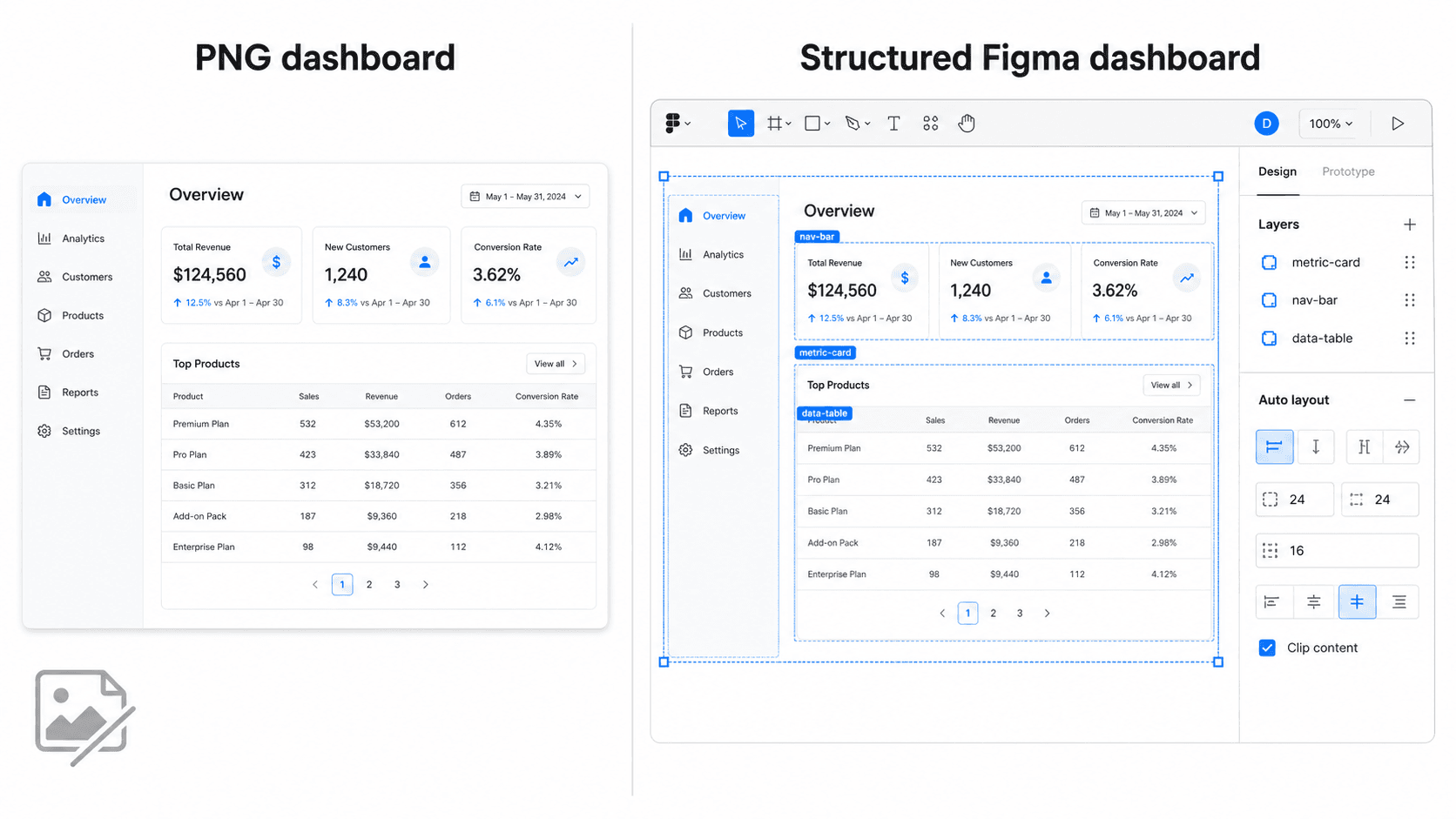
If you already have a picture of a UI and want it editable, image to UI turns it into real screens, and our roundup of image to Figma converter tools compares the options.
Ideogram pricing in 2026
Ideogram uses a freemium model with priority credits. You do not pay extra for the newest model; you pay for volume, speed and privacy. Prices below are from Ideogram's pricing page as listed in September 2026.
| Plan | Monthly | Billed annually | Priority credits | Key extras |
|---|---|---|---|---|
| Free | $0 | $0 | None (slow credits only) | Public images, 1 running generation |
| Plus | $20 | $15/mo ($180/yr) | 1,000/mo | Private generation, unlimited slow credits, unlimited character consistency, 8 running generations |
| Pro | $60 | $42/mo ($504/yr) | 3,500/mo | Everything in Plus, batch generation, quality export, 32 running generations |
| Team | $30/user | $20/user/mo | 1,500/user/mo | Central billing, collaboration, minimum 2 users |
| Enterprise | Custom | Custom | Custom | Custom models, API volume discounts, priority support |
All paid plans can top up priority credits from $4; top-up credits carry over month to month and expire a year after purchase, according to Ideogram's plans documentation. Ideogram advertises up to 33% off for annual billing.
API pricing. The API is a separate account with its own billing. Ideogram lists Ideogram 4.0 at $0.03 per image on Turbo, $0.06 on Default and $0.10 on Quality. Tools such as remove background, upscale, reframe and layerize text are separate endpoints in the developer docs with their own per-call prices.
What that means in practice. A hero image that takes eight attempts at Quality costs eight times the sticker price, so the cheapest model is often the one that follows your prompt first time. JSON prompting helps here, because repeatable compositions mean fewer throwaway runs. For a comparable breakdown of subscription economics, see our Midjourney pricing guide, which does the same maths for GPU hours.
Put your Ideogram assets into real screens
Upload your banners and hero art, or generate images inside editable designs for 0.5 credits each. Free plan includes 20 credits a day.

Ideogram vs the alternatives
Ideogram is one of several strong image models in 2026. The right choice depends on the asset.
| Tool | Strongest at | Weaker at | Free option |
|---|---|---|---|
| Ideogram 4.0 | Text, layout control, transparency | Photoreal complex scenes | Yes, public and slow |
| GPT Image 2 | Dense prompts, text, reasoning | Speed | Yes, in ChatGPT |
| Nano Banana 2 | Fast, cheap iteration and edits | Fine layout control | Yes, in Gemini |
| Midjourney V8 | Aesthetic range, art direction | Literal prompt following | No |
| Recraft V4.1 | Real SVG icons and illustrations | Photorealism | Yes, public images |
| FLUX.2 | Self-hosting, multi-reference | Out-of-the-box UX | Open weights |
GPT Image 2 is the closest rival on text. It reasons about the request before rendering, which helps with crowded compositions, and it is billed per token in the API. Read our GPT Image 2 review for prices and prompts.
Nano Banana 2 and Nano Banana Pro are Google's Gemini image models. Nano Banana 2 is the fast, cheap option and the default in the Gemini app; Pro trades speed for quality. Our Nano Banana comparison explains when each is worth it.
Midjourney V8 remains the pick for moodboards and brand exploration. It has no free plan and is less literal than Ideogram, which is either its charm or its problem depending on the brief.
Recraft outputs real SVG, which makes it the better choice for icon sets and spot illustrations that must scale. Ideogram's vector-looking output is still raster.
FLUX.2 from Black Forest Labs is the main open-weight alternative for teams building image generation into their own product. If you are comparing self-hosted options, Ideogram 4.0 and FLUX.2 are the two to test.
For design teams living in Figma, Figma Weave offers a node-based canvas that chains several of these models together, and our list of the best Figma AI plugins covers generators that run inside the editor. Marketing teams already in Canva have built-in image generation too; our Figma vs Canva comparison and list of Canva alternatives for UI design explain where each fits.
From Ideogram asset to a working screen
An image generator ends where the product work begins. A launch banner has to sit on a landing page; an onboarding illustration has to sit in a flow of five screens that share one theme. That is the part Ideogram is not built for, and where a UI tool takes over.
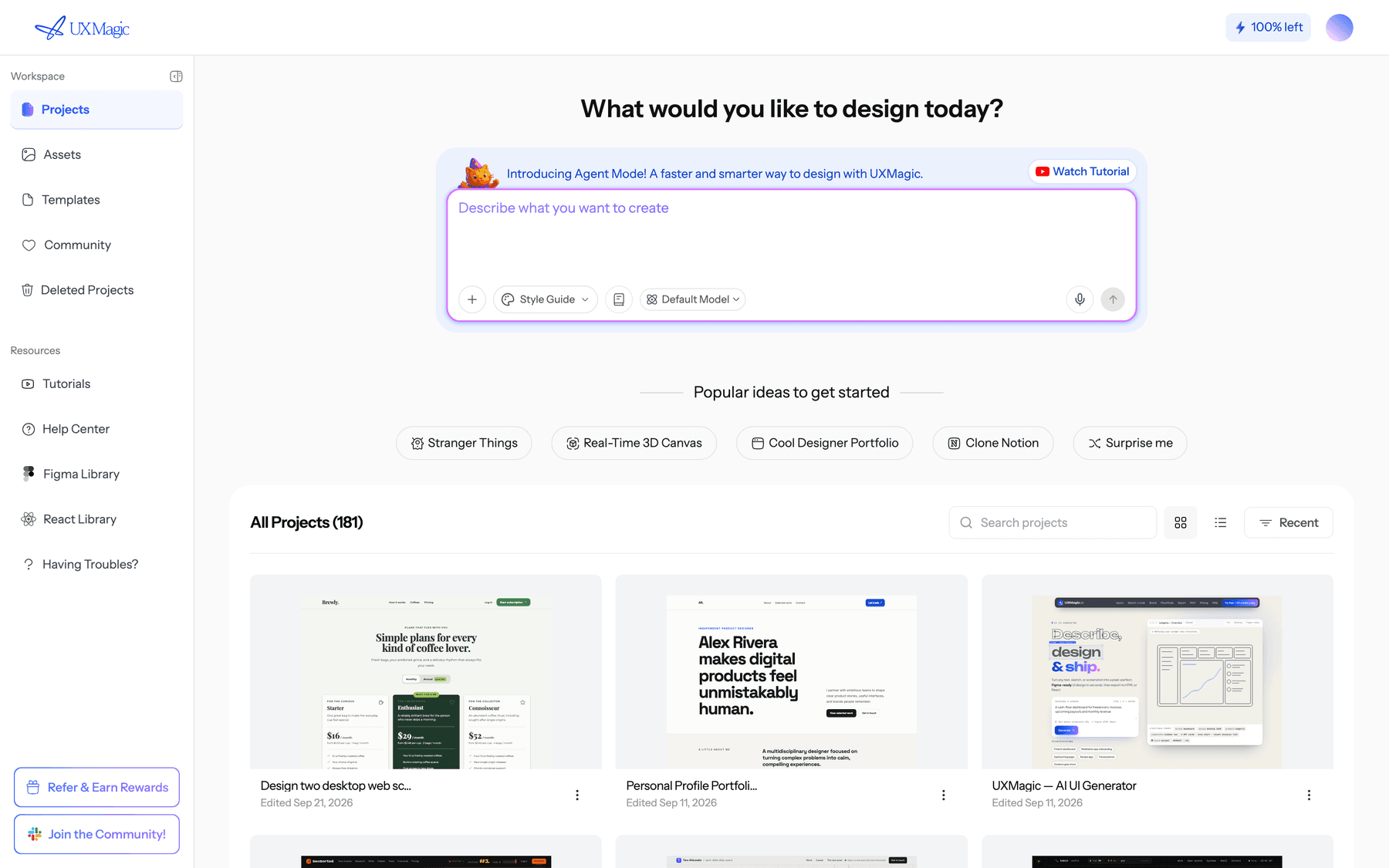
Here is the workflow we recommend in UXMagic:
- Lock the theme first. Set colours and type in a style guide so every screen and every generated image share them. See themes and style guides and fonts and typography. Theme changes cost no credits.
- Describe the page or flow. Use the AI landing page generator for a single page, or Flow Mode to plan and generate a multi-screen journey you approve before it builds. The help article on writing a good prompt covers what to include.
- Bring in your Ideogram assets. Upload banners, heroes and illustrations through the prompt box or asset library and reference them in your request. The images in your designs guide explains uploads, generated images and global replacement.
- Generate or edit the rest in place. UXMagic can generate the remaining imagery as it designs and edit an existing image without regenerating it. Each image generation or edit costs 0.5 credits, per how credits work.
- Keep copy live. Put headlines and CTAs in real text layers so they can change without a new render, then refine with chat editing.
- Ship or hand off. Export to Figma, export HTML or React through the design to code generator, or publish the site on a UXMagic URL or your own domain. Coding agents can pull the finished screens through the UXMagic MCP server.
If you would rather not start from a blank prompt, browse the website templates, such as the AI SaaS landing page template, and swap in your Ideogram art. The Figma component library and React component library give you the pieces around the images.
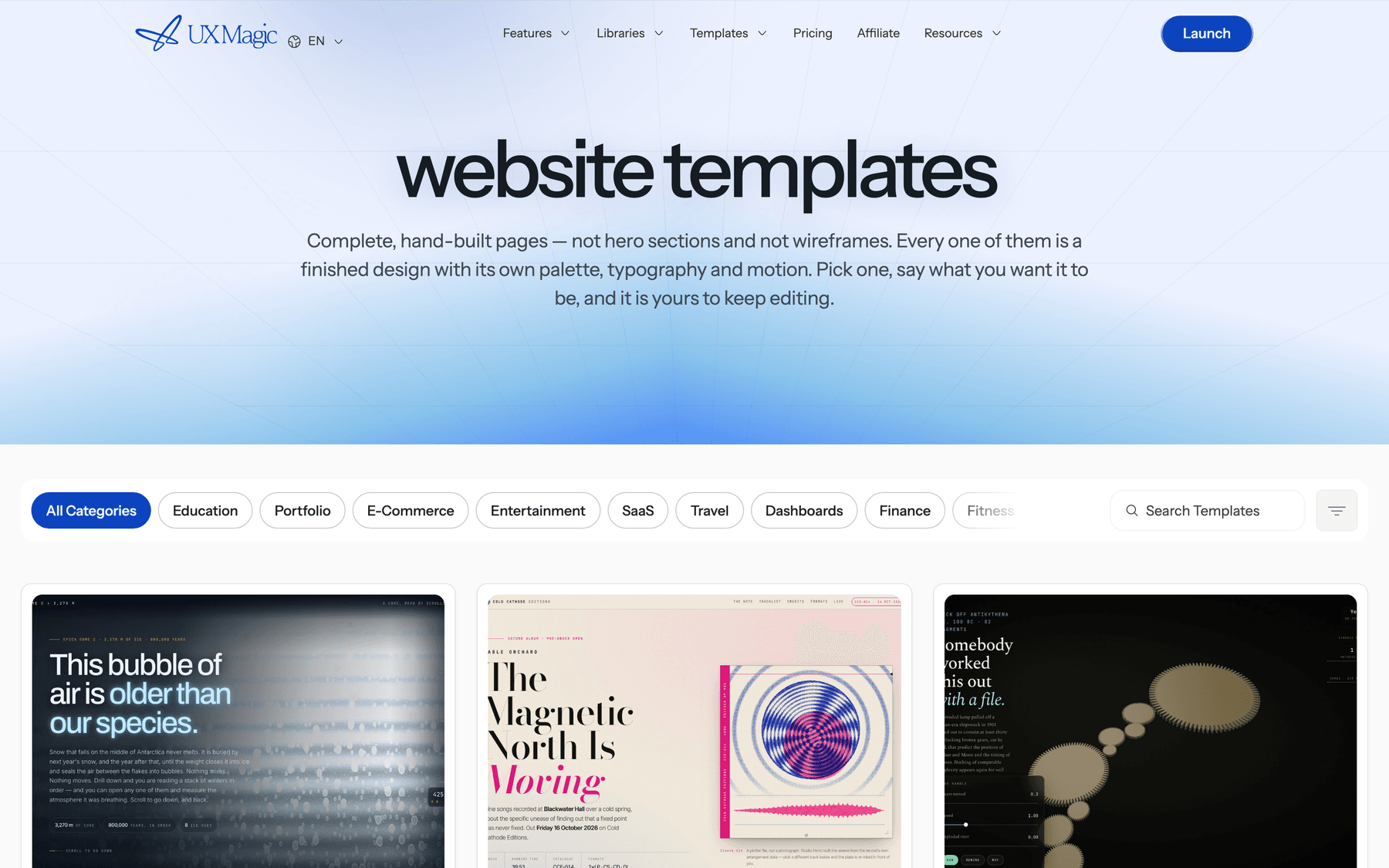
UXMagic lets you switch between a default model and an alternative model when designing, so you can compare two takes on the same layout. It is not a replacement for Ideogram's typography controls, and we would not use it to make a text-heavy poster. It is the place those posters end up.
Who should use Ideogram?
Use Ideogram if you produce a steady stream of graphics with words in them: launch banners, event posters, social campaigns, ads in several sizes, packaging mockups or print-on-demand art. Plus is enough for most small teams; Pro makes sense once you need batch generation.
Use it through the API or open weights if you are a developer adding typography-aware image generation to your own product and want either predictable per-image pricing or a model you can host.
Look elsewhere if your assets are mostly photographs without text (Nano Banana 2 or GPT Image 2), icon systems (Recraft) or loose brand exploration (Midjourney). And if what you actually need is screens, not images, skip image tools and read our guide to the best AI design tools in 2026 or the walkthrough on how to design UI with AI.
Verdict: is Ideogram worth it in 2026?
Yes, for the right job. Ideogram 4.0 is the most controllable image model we know of for text-heavy graphics. JSON prompting, exact colours and repeatable compositions solve real problems for anyone making branded assets at volume, and open weights make it unusually flexible for developers.
The caveats are practical rather than fundamental. Credits disappear quickly at Quality settings, the free plan is only good for testing, and every word it renders is frozen into pixels. Treat Ideogram as the specialist for words-in-images, pair it with a general model for photographs, and do the actual page and product design in a tool that keeps everything editable.
For a wider view of the field, our ChatGPT for UI/UX design guide and best AI model for UI design cover the text models behind today's design tools, and AI tools for product managers shows where image generation fits in a PM's toolkit.
Related reading
- What is Figma AI? Every AI feature explained
- MockFlow review: WireframePro and Mida AI for product teams
- Best mockup tools for fast UI workflows
- Web design trends worth adopting in 2026
- Design system vs style guide vs component library
- AI video tools for SaaS product demos
- Figma Make tutorial for AI prototyping
- Low fidelity vs high fidelity design
Turn your images into a site you can ship
Build editable, multi-screen designs around your assets, then export to Figma, HTML or React, or publish in a click. Start free with 20 credits a day.