
TL;DR: The best AI tools for product managers are the ones that take a specific job off your plate. For research use Dovetail or Maze, for specs use ChatPRD or UXMagic's AI PRD generator, for prototypes use UXMagic, Figma Make or Lovable, and for analytics, planning and meetings use Amplitude, Productboard, Linear and Granola. Notion AI and a general assistant like Claude or ChatGPT cover the writing in between. Prices were checked on each vendor's site in September 2026.
A product manager's week is a relay of small jobs: read the research, write the spec, get something in front of users, check the numbers, sort the backlog, sit in meetings, write it all down. AI now helps with almost every one. Most "AI tools for PMs" lists mix all of it into one ranking, which does not tell you which tool to open on Monday.
This guide sorts twelve tools by the PM job they do best. For each one you get what it is, who it suits, where it falls short and what it costs. We are the UXMagic team, so we include our own product where it fits, and we say plainly where it does not.
One note on scope. This is the tools list. If you want the working method, how a PRD becomes a flow, then screens, then a developer handoff without drift, read our spec-driven design workflow for product managers. The two pieces are written to be read together.
Quick picks: AI tools for product managers by job
| PM job | Best picks | Why |
|---|---|---|
| User research | Dovetail, Maze | Analyse interviews and feedback; run AI-moderated studies |
| Specs and PRDs | ChatPRD, UXMagic | Structured PRD drafts; PRD plus matching screens |
| Prototyping | UXMagic, Figma Make, Lovable | Multi-screen flows; Figma-native prototypes; working apps |
| Product analytics | Amplitude | Ask questions of your event data in plain language |
| Roadmaps and prioritisation | Productboard, Linear | Feedback-to-roadmap; AI triage of issues |
| Meetings | Granola | Bot-free meeting notes merged with your own |
| Docs and thinking | Notion AI, Claude, ChatGPT | Team knowledge base; general drafting and analysis |
How to choose AI tools as a PM
Before the list, three rules that save money and attention.
Pick by bottleneck, not by hype. Look at where your hours actually go. If you spend six hours a week rewriting meeting notes into tickets, a meeting tool pays back first. If engineering keeps asking "what happens after this screen?", your gap is a prototype, not another chatbot.
Prefer tools that pass context forward. The expensive part of AI work is re-explaining your product in every new chat. A research insight should reach the PRD, the PRD should reach the prototype, and the prototype should reach engineering. Tools with shared projects, integrations or an MCP server keep that chain intact.
Keep a human decision at every hand-off. AI drafts well and decides badly. Treat every output as a proposal you approve, edit or reject. That habit is what separates teams that speed up with AI from teams that ship confident-looking mistakes, a theme we cover in why AI design fails without human direction.
Best AI tools for user research
Dovetail
Best for: PMs and researchers who have a pile of interviews, support tickets and survey answers and need the patterns out of it.
Dovetail is a customer insights platform. You bring in interview recordings, transcripts and feedback, and its AI summarises them, clusters similar comments into themes and lets you ask questions across all of it in a chat. For a PM, "what do churned customers say about onboarding?" becomes a query with linked evidence rather than a week of tagging. Our wider roundup of AI tools for UX research covers how it compares with other research platforms.
Where it falls short: the free plan is limited to one channel and one project, and the features that make it a company-wide system (unlimited channels, agents that track customer signals, AI dashboards, translation) sit on the Enterprise plan with custom pricing. AI summaries are a starting point; you still need to read the quotes behind a theme before you build on it.
Pricing: Free at $0 per user, with AI chat, summaries and clustering. Enterprise is custom, per Dovetail's pricing page.
Maze
Best for: PMs who want to test a concept or prototype with real users without scheduling every session themselves.
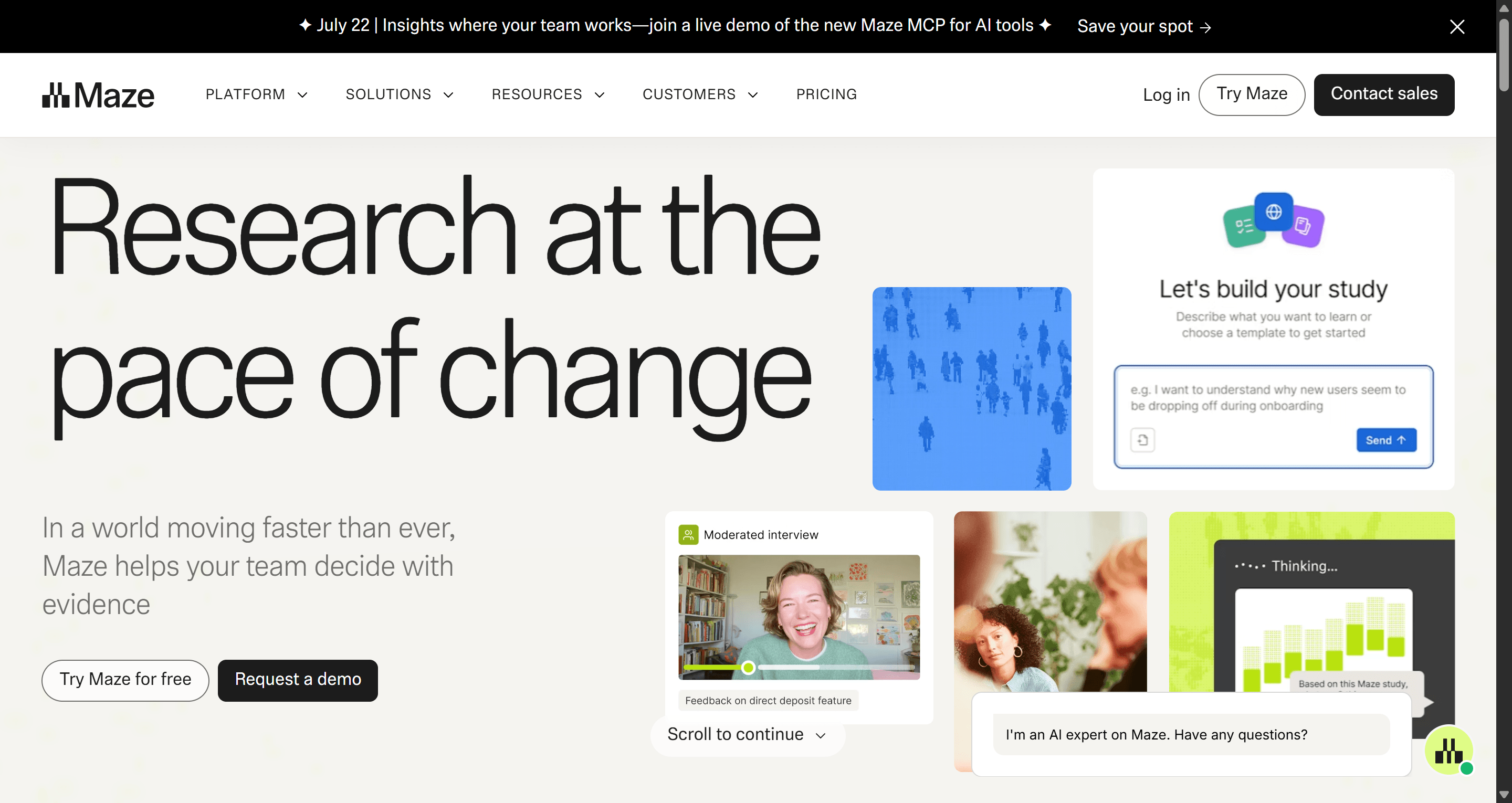
Maze runs unmoderated prototype tests, surveys and interviews, and has layered AI on top. You can describe what you want to learn and have its AI build the study, and its AI moderator runs structured interview conversations for you. Results come back as automated reports.
Where it falls short: the most useful AI features are gated. The AI study builder is Enterprise-only, and the AI moderator has limits on lower tiers. Maze does not publish all plan prices openly, so budget conversations usually start with sales.
Pricing: there is a free plan; paid tiers are listed on Maze's own pricing page and quoted by their team for larger plans. If you want a clickable flow to test first, our AI prototype generator produces one you can share as a preview link.
Best AI tools for specs and PRDs
ChatPRD
Best for: PMs who write a lot of specs and want a dedicated assistant that knows what a good PRD looks like.
ChatPRD is an AI copilot built for product documents. You describe a feature, even vaguely, and it produces a structured PRD; it can also review an existing spec, suggest gaps and coach you on how to sharpen it. Paid plans let you save projects with product knowledge, use custom templates, upload files and push documents to Notion, Google Drive, Slack and, on Teams, Linear. If you are new to the format, pair it with our complete PRD guide and template so you can judge the output.
Where it falls short: it stops at the document. You still need a separate tool to turn the spec into screens someone can react to, and it is only as good as the context you give it about your product.
Pricing: Free with 3 chats and basic templates. Pro is $15 a month ($179 a year), and Teams is $29 per seat a month ($349 a seat a year). Enterprise is custom.
UXMagic AI PRD generator
Best for: PMs and founders who want the spec and the screens that satisfy it, produced together and kept in sync.
UXMagic's AI PRD generator starts from a plain-language description of your product or feature: the concept, the user goals, the key requirements and constraints. It outputs a structured PRD with user stories and acceptance criteria, and the UI screens that match it, side by side. The point is that the two stay tied. When you change a requirement through the prompt, the associated screens update with it, so the document and the design do not drift apart over three review rounds.
If you already have a spec written elsewhere, you can design from a document instead: upload it and UXMagic proposes a screen plan from it. Either way, the output can go to Figma as editable layers or to engineering as code, both carrying the same requirements context. Our designer's take on what a product requirements document needs explains which sections matter most once screens exist.
Where it falls short: it is a design tool first. If your PRD work is mostly strategy memos, pricing analysis or long stakeholder narratives with no UI, a writing tool like ChatPRD or Claude is the better fit.
Pricing: included in every UXMagic plan and paid for in credits; see how credits work.
Turn your next PRD into screens
Describe the feature, get the requirements and the matching screens together, and keep them in sync as the spec changes.

Best AI tools for prototyping
A spec is an argument; a prototype is evidence. This is the job where AI has changed PM work the most, because a PM can now put a clickable flow in front of a stakeholder the same afternoon. We compare a wider field in our guide to the best AI prototyping tools.
UXMagic
Best for: PMs who need a connected, multi-screen journey (onboarding, checkout, a settings area) that looks consistent and hands off cleanly.
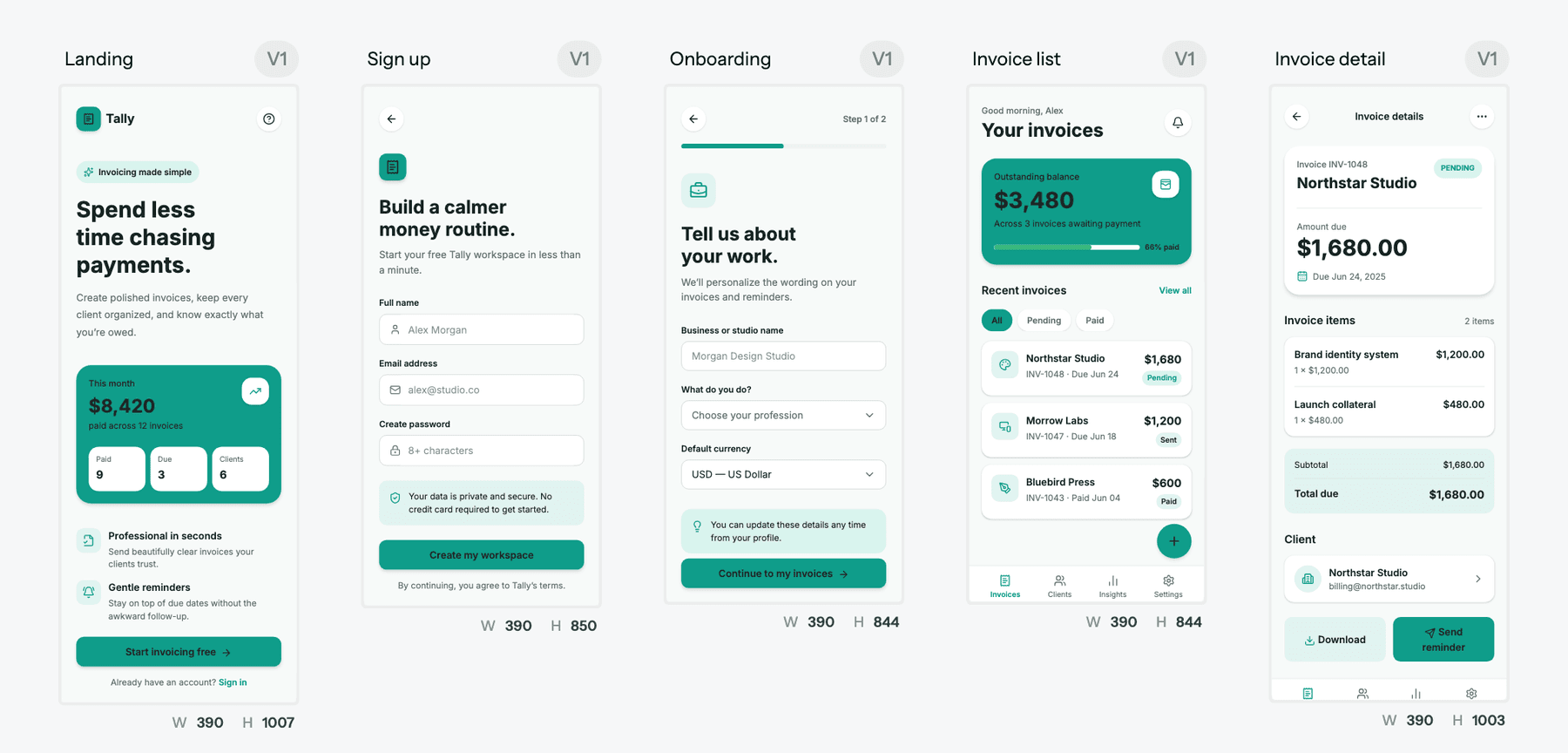
UXMagic is an AI UI design tool built around flows rather than single screens. You describe the journey and it first proposes a screen plan: a named list of screens with a one-line purpose each. You approve, edit or reject that plan before anything is designed, which is exactly the review step a PM should own.
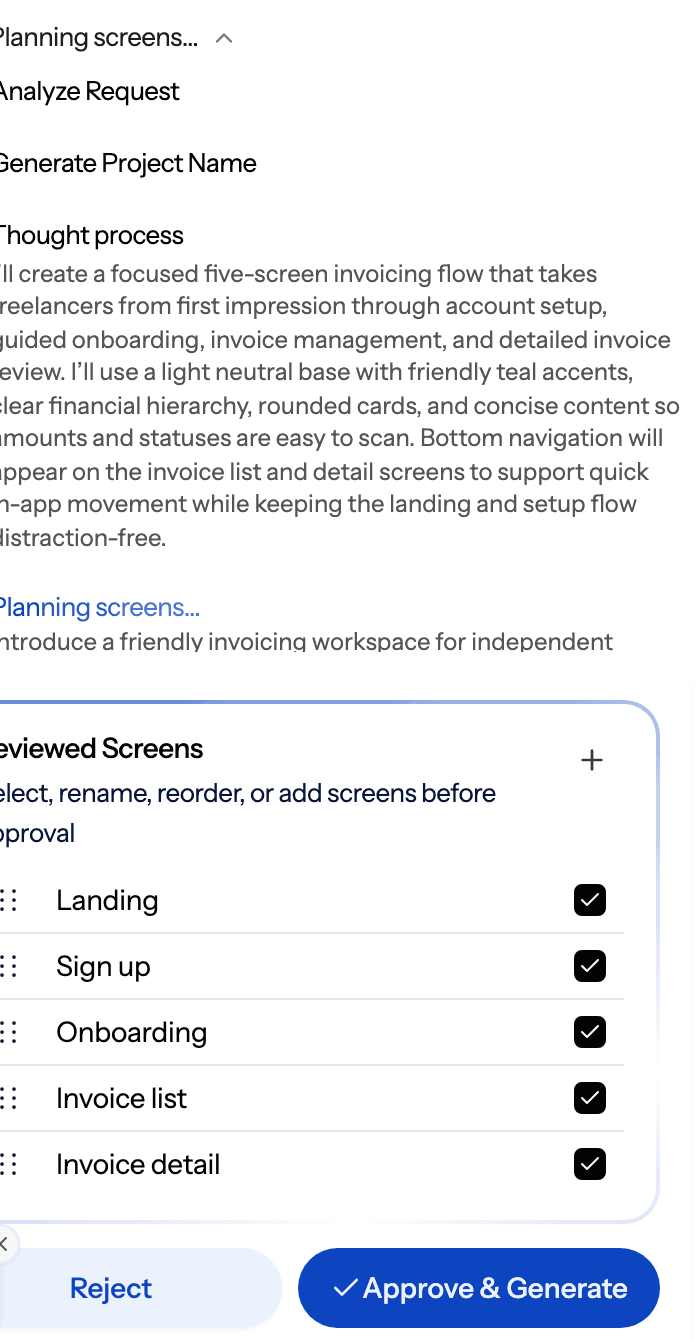
Once approved, flow mode designs every screen on one shared theme, so the fifth screen matches the first. You can switch on prototype mode to click through the flow, collect comments and feedback from your team, and start from a prompt, a screenshot via image to UI, or a rough structure in the AI wireframe generator if you want low fidelity first. When it is ready, export to Figma for your designers or export HTML or React for engineering.
For PMs who work inside an AI assistant, the UXMagic MCP server and Claude connector let you create and read designs from Claude, ChatGPT and IDEs without switching apps.
Where it falls short: the exported code is a front end with no backend, database or auth. If your prototype has to prove real logic or live data, use Lovable. UXMagic is also not a research or analytics tool; it produces the thing you test, not the test.
Pricing: the Free plan refreshes 20 credits every day, for up to 3 screens a day across 5 projects, no card required. Pro is $35 a month, or $17.50 a month billed annually, with 2,400 credits (up to 400 screens), unlimited projects and 250 Figma exports a month. See UXMagic pricing.
Figma Make
Best for: PMs on teams whose design system and reviews already live in Figma.
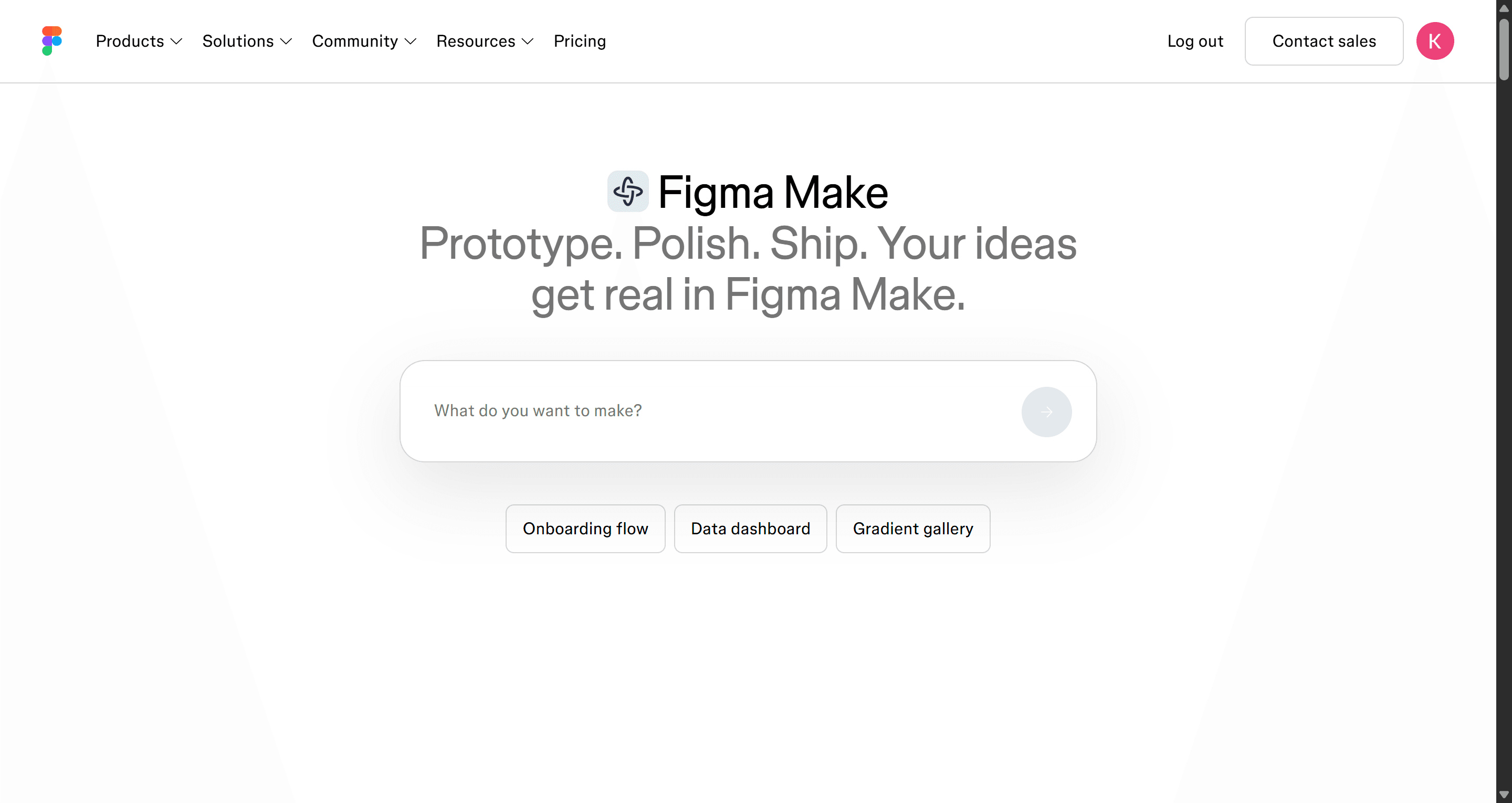
Figma Make turns a prompt or reference image into an interactive, code-backed prototype inside Figma's ecosystem. Designers can pick up the result without an import step. Our explainer on what Figma AI is covers the rest of Figma's AI features.
Where it falls short: Make needs a Full seat on a paid plan, so a PM on a free or view-only seat cannot use it day to day. AI credits are capped per seat each month, and longer multi-screen journeys still take manual work to keep consistent.
Pricing: a Professional Full seat is $16 a month with 3,000 AI credits a month, per Figma's pricing page. Our Figma pricing guide explains which seat each role needs, and we list Figma Make alternatives if Make does not fit.
Lovable
Best for: PMs and founders who need a prototype with working logic: sign-in, saved data, a real form submission.
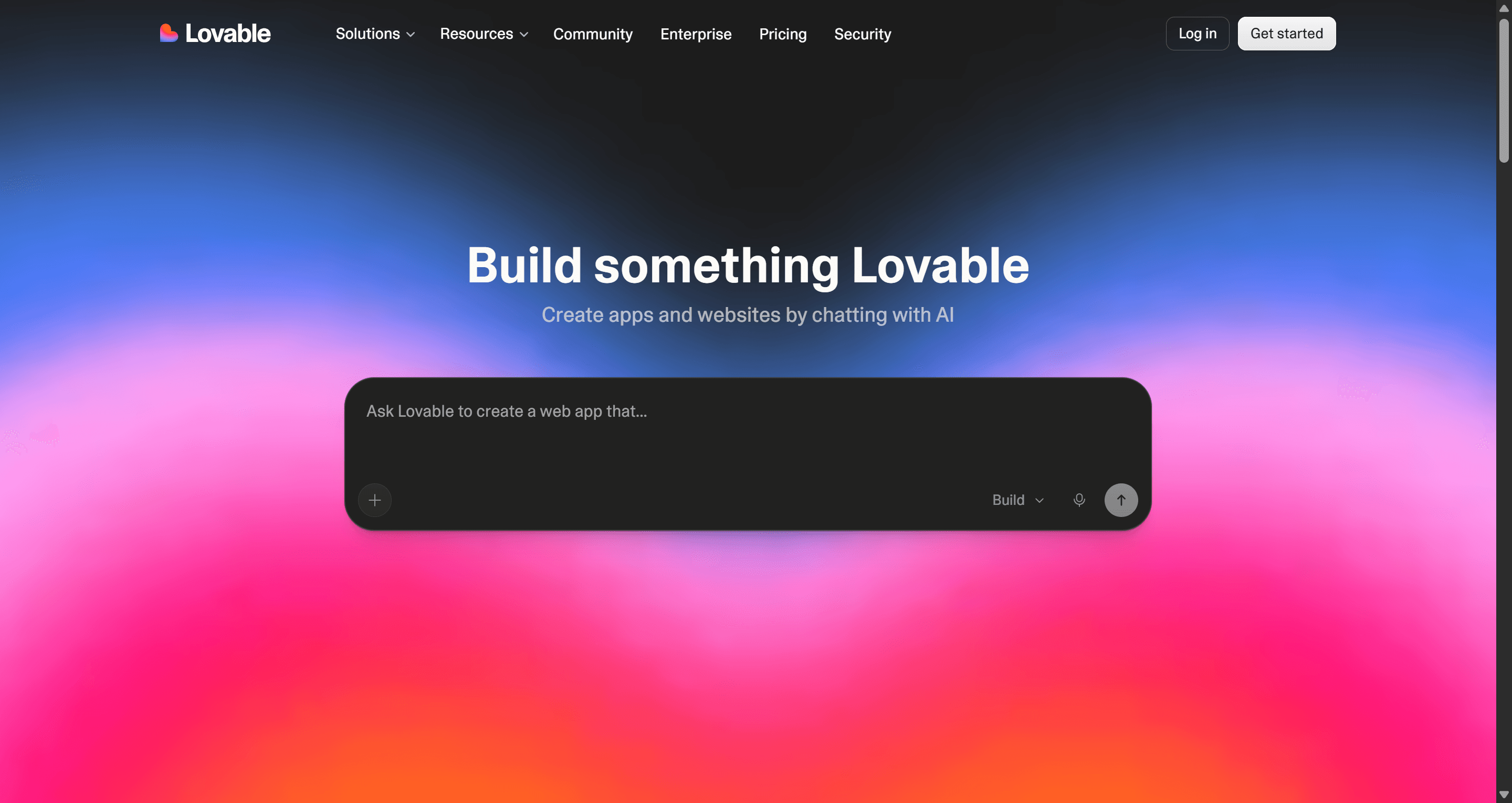
Lovable builds running web apps from chat. You describe the product, it writes the code and hosts it, and you keep iterating in conversation. That makes it good for a functional MVP you want real users to sign up to, which is a different bar from a design review. Our explainer on what an MVP is helps decide which bar you actually need.
Where it falls short: every change spends credits, and credit burn is hard to predict on design-heavy iterations. Visual polish and multi-screen consistency usually need more prompting than in a design-first tool, which is why many teams settle the UI first and build second.
Pricing: Free gives 5 credits a day (up to 30 a month). Pro starts at $25 a month for 100 credits. Read our Lovable review or the full Lovable pricing breakdown.
Best AI tool for product analytics
Amplitude
Best for: PMs who want answers from product data without writing SQL or waiting for an analyst.
Amplitude is a product analytics platform with AI built into every plan. Its AI agents and MCP support let you ask questions of your event data in plain language, and AI Feedback pulls themes out of customer feedback alongside the usage data. If you are designing the dashboards your own users will see, our guide to dashboard UI design is a useful companion.
Where it falls short: AI answers are only as good as your event tracking. If your instrumentation is messy, the AI will confidently summarise messy data. Some add-ons, such as AI session replay summaries, are only on Growth and Enterprise.
Pricing: Free covers up to 2 million events a month with unlimited seats; Plus starts at $0 and scales with volume; Growth and Enterprise are custom.
Best AI tools for roadmaps and prioritisation
Productboard
Best for: PMs who need to connect customer feedback to roadmap decisions and explain those decisions to stakeholders.
Productboard centralises feedback, features and roadmaps, and its AI layer (Spark) now runs on every plan. It summarises feedback, surfaces findings and opportunities, produces feedback reports and can pull context from Confluence, Google Drive and Notion. That makes it strongest at the "why this, why now" argument you have to win in planning.
Where it falls short: AI usage is metered in credits per maker, and the free allowance is small. It is also a system your whole team must adopt; a Productboard with half the feedback in it gives half an answer.
Pricing: Free with 50 AI credits per maker a month. Plus is $19 per maker a month billed annually ($25 monthly) with 250 credits; Business is $59 annually ($75 monthly) with 500 credits and a two-maker minimum. Enterprise is custom.
Linear
Best for: PMs working closely with engineering who want the backlog to groom itself a little.
Linear is an issue tracker that has added agents and AI features. Every plan includes Linear's agent platform. On Business, Triage Intelligence suggests owners, labels and duplicates for incoming issues, and Linear Asks turns requests from Slack into tracked work.
Where it falls short: it is an execution tool, not a discovery tool. It will not tell you what to build, and the most useful AI features are on the Business plan. Some agent features also draw on AI credits.
Pricing: Free at $0; Basic is $10 per user a month and Business $16 per user a month, both billed yearly. Enterprise is custom.
Best AI tool for meetings
Granola
Best for: PMs who live in back-to-back calls and hate both note-taking bots and blank notes.
Granola captures meeting audio from your device, so no bot joins the call, and combines the transcript with the rough notes you type yourself into one clean write-up. You can chat with a single meeting or across meetings ("what did customers say about pricing this month?"), use templates for recurring meetings, and on paid plans push notes into Notion, HubSpot and other tools. There are desktop, iOS and Android apps.
Where it falls short: the free plan only keeps 30 days of history, which is short for a PM who wants to look back at last quarter's customer calls. Integrations and API access sit on Business.
Pricing: Basic is free with 30-day history. Business is $14 per user a month; Enterprise is $35 per user a month with SSO and admin controls.
Best AI tools for docs and thinking
Notion AI
Best for: teams whose specs, research notes and meeting notes already live in Notion.
Notion AI sits inside the workspace, so it can draft a doc, autofill a database or answer a question using pages your team already wrote. On Business and Enterprise plans you also get Notion Agent, AI Meeting Notes and Enterprise Search across connected tools. It pairs well with a user persona template kept as a living page the AI can reference.
Where it falls short: Free and Plus plans only get a limited trial of Notion AI, so full use means the Business plan. Output quality depends on how organised your workspace is.
Pricing: Free at $0; Plus is $10 per member a month; Business is $20 per member a month (both less with annual billing); Enterprise is custom.
Claude and ChatGPT
Best for: everything that does not have a dedicated tool: first drafts, synthesis, competitive notes, SQL help, stakeholder emails and thinking out loud.
Most PMs keep Claude or ChatGPT open all day. Both offer Projects, so you can load your product brief, personas and past PRDs once and stop re-explaining your product. Both connect to other apps, and both can read files, search the web and produce documents. Claude's Pro plan also includes Claude Design for quick visual drafts; our list of Claude Design alternatives covers where that fits. For UI work in ChatGPT, see our guide to ChatGPT for UI/UX design.
If you want a design output rather than a text one, you can connect UXMagic to your AI assistant and ask Claude or ChatGPT to generate screens in a UXMagic project without leaving the chat. And if you wonder which underlying model is strongest at interface work, our comparison of the best AI model for UI design walks through it.
Where they fall short: they are generalists. They do not hold your analytics, your backlog or your research repository unless you connect them, and without structure they write plausible specs with missing edge cases. Give them your PRD template and ask for open questions, not just answers.
Pricing: Claude Pro is $20 a month ($17 a month billed annually), with Max from $100; Claude Team Standard seats are $25 a month ($20 annually). ChatGPT Go is $8 a month and Plus $20 a month in the US; ChatGPT Business Standard seats are $25 a month ($20 annually).
Pricing comparison
Prices below are each vendor's listed entry paid plan as of September 2026. Units differ (seats, makers, credits, events), so compare on what your team will actually use.
| Tool | Free plan | Entry paid plan | Unit |
|---|---|---|---|
| Dovetail | Yes | Enterprise (custom) | Per user |
| Maze | Yes | See vendor | Per plan |
| ChatPRD | Yes (3 chats) | Pro $15/mo | Per user |
| UXMagic | Yes (20 credits/day) | Pro $17.50/mo annual, $35 monthly | Per account |
| Figma Make | No (needs Full seat) | Professional $16/mo | Per Full seat |
| Lovable | Yes (5 credits/day) | Pro from $25/mo | Per workspace |
| Amplitude | Yes (2M events) | Plus from $0, scales | By event volume |
| Productboard | Yes (50 AI credits) | Plus $19/mo annual | Per maker |
| Linear | Yes | Basic $10/mo annual | Per user |
| Granola | Yes (30-day history) | Business $14/mo | Per user |
| Notion AI | Limited trial | Business $20/mo (full AI) | Per member |
| Claude / ChatGPT | Yes | $20/mo (ChatGPT Go $8) | Per user |
A sample AI stack for a PM
You do not need twelve subscriptions. Here is how the pieces fit into a typical feature cycle, with the cheapest sensible setup.
- Discover. Pull the last month of interviews and tickets into Dovetail, or ask your general assistant to cluster an export. Record new customer calls with Granola so nothing lives only in your head.
- Define. Draft the spec with ChatPRD or Claude, using a PRD template as structure. If the feature has UI, generate it with UXMagic's PRD generator so requirements and screens start together.
- Show. Approve a screen plan in UXMagic and generate the flow. Keep it low fidelity if the debate is about structure; our guide to low vs high fidelity helps you pick. For a pitch-ready MVP, the AI MVP builder designs every screen in the journey.
- Test. Share the prototype, run a quick Maze study or five user calls, and fold what you learn back into the plan. Edits are cheap: a targeted change costs a fraction of a regenerated screen.
- Decide and ship. Put the evidence into Productboard for the roadmap conversation, create issues in Linear, and hand engineering the Figma file or exported code. Our explainer on what a design handoff is covers what engineers need at that point.
- Measure. Ask Amplitude how the release performed, and start the next loop.
The PM workflow deep-dive linked at the top covers steps 2 to 5 in detail. If you are a founder doing the PM job with no designer at all, our list of AI app builders for non-developers and our guide on how to design UI with AI fill in the rest.
Where UXMagic fits, honestly
UXMagic covers two PM jobs well: turning a spec into screens, and turning screens into a clickable, consistent flow you can review, test and hand off. The screen plan gives you a checkpoint before any credits go on design, flow mode keeps the whole journey on one theme, and exports go to Figma or code.
It is not a research repository, an analytics platform, a roadmap tool or a meeting recorder. Pair it with the tools above for those jobs. Start on the free plan, which refreshes daily; when you need more, the Pro plan removes the daily ceiling. You can also browse ready-made templates or read our ranking of the best AI design tools to see how UXMagic compares with other design-side tools.
Related guides
- 15 Best UX/UI Design Tools for 2026, Plus a Startup Stack
- How to Validate a Product Idea: 7 Tests, With Templates
- 10 Best a0.dev Alternatives for Building Mobile Apps with AI (2026)
- 10 Best Magic Patterns Alternatives in 2026, Grouped by Workflow
- 9 Best UX Pilot Alternatives in 2026, Grouped by Use Case
- MVP Design: How to Design a SaaS MVP Users Actually Adopt (2026)
- 9 Best MagicPath Alternatives in 2026, Grouped by How You Work
- Base44 vs Lovable (2026): Which AI App Builder Fits Your Project?
- 9 Best Uizard Alternatives in 2026, Grouped by Use Case
- 11 Best v0 Alternatives in 2026, Grouped by the Job You Need Done
Show the feature, not just describe it
Approve a screen plan, generate the whole flow on one theme, and share a clickable prototype with your team. Free credits refresh every day.