
TL;DR: Figma pricing in 2026 is per seat, not per product. Starter is free, Professional starts at $16 a month for a Full seat billed annually, Organization at $55 and Enterprise at $90, with cheaper Dev and Collab seats for developers and stakeholders. Every seat carries a monthly AI credit allowance that Figma now enforces, and Figma Make is where most of those credits go. If your team mostly needs AI-generated screens, generating them in UXMagic and exporting to Figma keeps the number of Full seats, and credit top-ups, down.
Figma's pricing page looks simple: four plans and three seat prices. The bill rarely is. It depends on how many people edit, how many only inspect or comment, which plan your admin requirements push you onto, and, since March 2026, how many AI credits the team burns in Figma Make.
This guide covers every plan and seat type, how AI credits and add-ons work, what Make and Dev Mode cost in practice, four team scenarios, hidden costs, and how Figma compares with Penpot, Sketch and AI design tools. We build UXMagic, an AI design tool that exports to Figma, so we also say where it fits and where it doesn't.
A note on sources: plan and seat prices come from Figma's pricing page, and credit mechanics from Figma's help center article on how AI credits work. Treat every number as "as listed in September 2026".
Figma pricing at a glance
| Plan | Full seat | Dev seat | Collab seat | AI credits (Full / other seats) | Billing |
|---|---|---|---|---|---|
| Starter | $0 | n/a | n/a | 150 a day, up to 500 a month | Free |
| Professional | $16/mo | $12/mo | $3/mo | 3,000 / 500 a month | Monthly or annual |
| Organization | $55/mo | $25/mo | $5/mo | 3,500 / 500 a month | Annual only |
| Enterprise | $90/mo | $35/mo | $5/mo | 4,250 / 500 a month | Annual only |
Professional prices are the annual rate. Figma's page lets you toggle monthly billing for Professional, which costs more per seat; third-party breakdowns list the month-to-month Full seat at $20, so check the toggle before you budget. View seats are free on every paid plan.
The table hides the most important decision: you are not choosing a plan so much as choosing how many people get each seat type. A Full seat costs five times a Collab seat on Professional and eleven times on Organization.
Figma plans in detail
Is Figma free? The Starter plan
Yes. Starter costs nothing, has no trial clock and needs no card. According to Figma's Starter plan overview, you get unlimited drafts, but shared work is capped at 3 Figma Design and Figma Sites files in total, 3 FigJam files and 3 Slides files, all in a single team with one folder. Version history covers 30 days.
AI is included with a tight ceiling: 150 credits a day, up to 500 a month. You can explore Figma Make on Starter, but Make apps can only be published to the web if they are also published to the Figma Community, and you can't bring a team library in as style context. Dev Mode, team libraries, AI image editing tools and site publishing are all paid features.
Starter suits learning, a portfolio or a quick idea, and stops being enough once a second person edits shared files regularly.
Figma Professional
Professional is the plan most small teams land on. Billed annually, a Full seat is $16 a month, a Dev seat $12 and a Collab seat $3. It adds unlimited files and projects for one team, team libraries, advanced prototyping, prototype sharing permissions, private folders and Dev Mode. Full seats get 3,000 AI credits a month and the paid AI tools (image editing, visual search, text tools, Weave tools); Dev and Collab seats get 500.
Figma Organization
Organization is billed annually only: $55 per Full seat, $25 per Dev seat and $5 per Collab seat a month. The jump buys administration rather than design features: unlimited teams, organization-wide design systems, shared fonts, branching and merging, library analytics, SSO and activity logs. Full seats get 3,500 AI credits a month. You move here when several teams share one design system or IT requires SSO.
Figma Enterprise
Enterprise is $90 per Full seat, $35 per Dev seat and $5 per Collab seat a month, billed annually. It adds workspaces, multi-brand design systems, SCIM, guest access controls, localized file hosting and extra REST APIs. Full seats get 4,250 AI credits a month, and Governance+ is a separate add-on.
Figma for Education
Figma for Education gives eligible students and educators free access for classroom use; apply through figma.com/education. Figma Make is available to higher education and bootcamp accounts, but not to K-12 Education users.
Full, Dev, Collab and View seats: who needs which
Per Figma's help center on managing seats:
- Full seat: full access to every product, including Figma Design, Figma Make, Dev Mode, Figma Draw, Figma Slides and FigJam. The only seat that can edit design files or use Make outside drafts.
- Dev seat: full Dev Mode, Figma Slides and FigJam, with view and comment access to design files.
- Collab seat: Figma Slides and FigJam, view and comment access to design files, and basic inspection only (no Dev Mode).
- View seat: free. View and comment access to Design, Slides and FigJam, basic inspection only.
Other seats can try Figma Make in drafts, but can't share those files without a Full seat. The rule of thumb that saves the most money: give Full seats only to people who edit design files or build in Make every week. Developers who inspect, measure and export need a Dev seat. PMs, marketers and leaders who comment and run workshops need a Collab or free View seat. Our guide to what a design handoff is describes that split between design, specs and build.
How Figma AI credits work
Every seat has an allowance, and it is enforced
Figma meters its AI features in credits. Per Figma's AI credits update, seat credit limits have been enforced since March 18, 2026. The allowances are 3,000 a month on a Professional Full seat, 3,500 on Organization and 4,250 on Enterprise. Every other seat, and every Starter user, gets 500 a month; Starter and View seats also have a 150-credit daily cap.
Credits reset monthly, don't roll over and can't be transferred. When you run out, AI actions stop until the reset, an admin raises your limit, or the team buys more.
What uses credits, and what each action costs
Figma's help center publishes sample costs rather than a fixed price list:
| Action | Credits |
|---|---|
| AI search, rename layers, FigJam summarize and cluster | 0 |
| Remove background | 1 to 5 |
| Vectorize image | 2 to 5 |
| Boost resolution | 5 to 10 |
| Generate templates | 2 to 24 per prompt |
| Add interactions | 20 |
| Figma Make request | 30 to 100+ |
Error correction in Make (Auto fix, Fix for me) is free.
The Make line is the one that matters. At 30 to 100 or more credits per request, a Professional Full seat's 3,000 credits cover somewhere between about 30 and 100 Make prompts a month. On Starter, the 150-credit daily cap allows only a handful of Make prompts a day, and 500 a month runs out within a week of real use.
Buying more AI credits
Admins can add credits two ways. A credit subscription is pooled at the plan level: seat credits are always spent first, then members draw from the pool if the admin allows it, and pool credits reset monthly without rolling over. Pay-as-you-go billing charges for credits used beyond that, up to a spending limit the admin sets.
The launch price list, per Figma's announcement, was 5,000 credits for $120 a month, 7,500 for $180 and 10,000 for $240 on subscription, and 5,000 for $150 up to 10,000 for $300 pay-as-you-go. Then, on August 25, 2026, Figma changed its add-ons to include more credits at the same cost: twice as many on Professional and 1.6 times as many on Organization and Enterprise, according to its AI credit updates FAQ. Seat allowances did not change. Figma now shows current add-on pricing only in the admin dashboard, so check there before you budget.
Agent and Weave tools
The AI agent in Figma Design is free during its beta, per Figma's pricing FAQ, and will use credits once generally available. Weave tools on the canvas are paid-plan only.
For a full tour of these features, read our explainer on what Figma AI is.
Generate the screens, keep the Figma seats for editing
Design a full multi-screen flow in UXMagic for free, then export it to Figma as auto-layout frames.

What individual Figma products cost
You can't buy Figma products one at a time. Access comes from your plan and seat type. Here is what that means for each product.
Figma Make pricing
Figma Make turns a prompt, or an existing Figma frame, into an interactive app you can publish. It comes with every Full seat on a paid plan, so the entry price is $16 a month on Professional. The real cost is credits: every request spends 30 to 100 or more, depending on complexity and the model you pick.
Paid plans add library styling context, Make connectors, copying output back as design layers, templates and password protection.
If Make's credit burn, single-prototype focus or code output is the problem, our Figma Make alternatives guide compares ten tools by use case, and our UXMagic vs Figma Make comparison covers the head-to-head.
Figma Dev Mode pricing
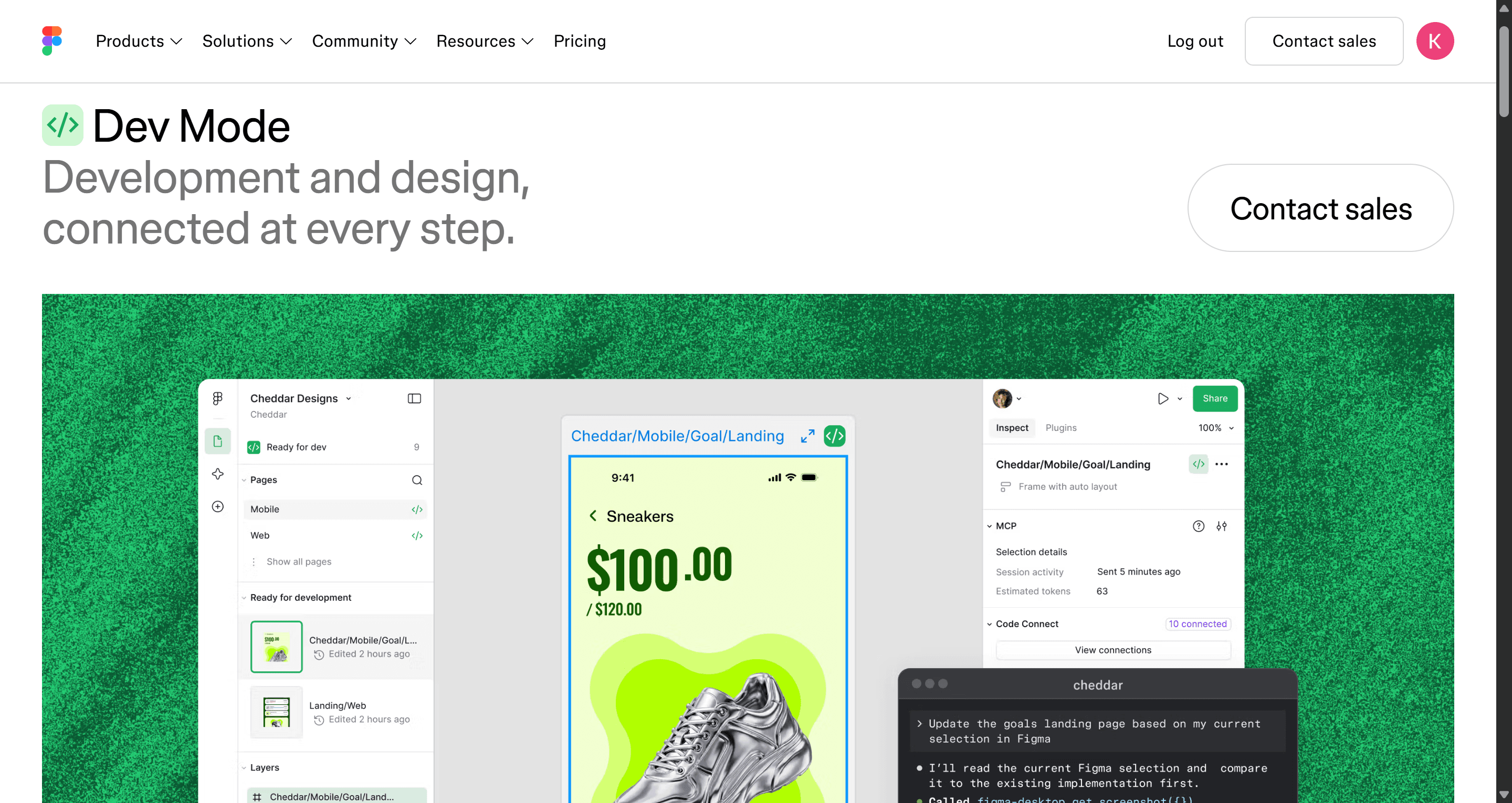
Dev Mode is not available on Starter. On paid plans it comes with a Dev seat ($12, $25 or $35 a month by plan) or a Full seat. It includes advanced inspection, compare changes, asset export, the VS Code extension and Code Connect (UI kits only on Professional).
Most teams overbuy here. A developer who only needs to read spacing and export an icon can often manage with a free View seat's basic inspection. Our roundup of the best design handoff tools covers cheaper ways to get specs and code to engineers.
Figma MCP server limits
Figma's MCP server lets coding agents read Figma context. It is metered by tool calls, not credits: 20 tool calls a month on Starter, 200 a day (10 a minute) on Professional, 200 a day (15 a minute) on Organization, and 600 a day (20 a minute) on Enterprise. Figma notes that rate limits vary by seat and plan. If you connect an agent to a big file on Starter, you will hit that monthly limit on the first afternoon.
Figma Sites, Draw, FigJam, Slides and Buzz
Figma Sites shares Starter's 3-file limit with Figma Design, and publishing needs a paid plan. Draw tools are on every plan. FigJam and Slides are in every seat, and a $3 Collab seat is the cheapest way to give someone full FigJam; our Miro pricing guide compares whiteboard costs if you use both.
Real Figma cost scenarios
These use Figma's listed annual prices. Your mix of seats will differ, but the arithmetic shows where the money goes.
Scenario 1: a freelance designer
One Full seat on Professional: $16 a month, $192 a year, with 3,000 AI credits a month. Clients get free View seats to comment. Enough for most freelance work, unless you prototype heavily in Make.
Scenario 2: a startup product team
Two designers on Full seats, three engineers on Dev seats and three PMs or founders on Collab seats, all on Professional: 2 × $16 + 3 × $12 + 3 × $3 = $77 a month, or $924 a year. Everyone else, including investors and contractors reviewing designs, can have free View seats.
The trap is seat drift. If the three PMs start prototyping in Make, each needs a Full seat, and the bill rises to $116 a month. That is often the point where a separate AI design tool is cheaper than more Full seats.
Scenario 3: a scale-up on Organization
Ten designers on Full seats, twenty engineers on Dev seats and thirty stakeholders on Collab seats: 10 × $55 + 20 × $25 + 30 × $5 = $1,200 a month, or $14,400 a year, billed annually.
Scenario 4: a PM who lives in Make
One Professional Full seat, used mostly for Figma Make. If the PM sends five Make requests a day at 60 credits each, that is about 300 credits a day and 6,600 over 22 working days, more than twice the 3,000 included. The rest comes from a credit subscription or pay-as-you-go.
For comparison, the same volume of screen generation in UXMagic, using our credit cost table, costs 3 credits per new screen and 0.2 per targeted edit, and theme changes are free. The outputs differ (Make builds a running app, UXMagic designs screens for Figma or code), so compare by what you need at the end.
Hidden costs in Figma pricing
Figma's list prices are clear. The surprises come from how teams use it.
- Seat drift. People are upgraded to Full seats for one task and never moved back. Review seat assignments every quarter.
- Mid-term seats bill monthly. On an annual Professional plan, seats added during the term are charged as a separate monthly subscription at the monthly price, until you fold them into the annual subscription or remove them.
- Make is credit-hungry. It is the most expensive AI feature per request, and seat credits don't roll over, so heavy users need add-ons.
- Admin features live on higher plans. SSO, branching, shared fonts and org-wide libraries start at Organization, which is annual-only.
- Everything around Figma. Paid plugins, fonts and stock assets are billed separately; our Figma AI plugins roundup notes which plugins charge their own subscriptions.
How to spend less on Figma
- Right-size seats before renewal
Map every person to the cheapest seat that covers their job: editors get Full, inspectors Dev, commenters Collab or free View.
- Set AI credit limits per person
Admins can set custom AI credit limits for individuals and decide who may draw from the pooled subscription. That keeps one enthusiastic Make user from draining the team's add-on credits in the first week.
- Generate screens outside Figma, edit them inside
This is the largest saving for teams that use Figma's AI mostly for first drafts. Generation is where credits go; editing and handoff are what Figma does best.
UXMagic is built for the generation step. Describe the product and Flow Mode proposes a screen plan you approve before anything is generated, then designs every screen on one canvas with a shared theme. Start rough with the AI wireframe generator, or turn a screenshot into an editable design with image to UI. Colours, type and spacing live in one theme, which our themes and style guides guide explains, and theme changes cost 0 credits.
Then move the work into Figma:
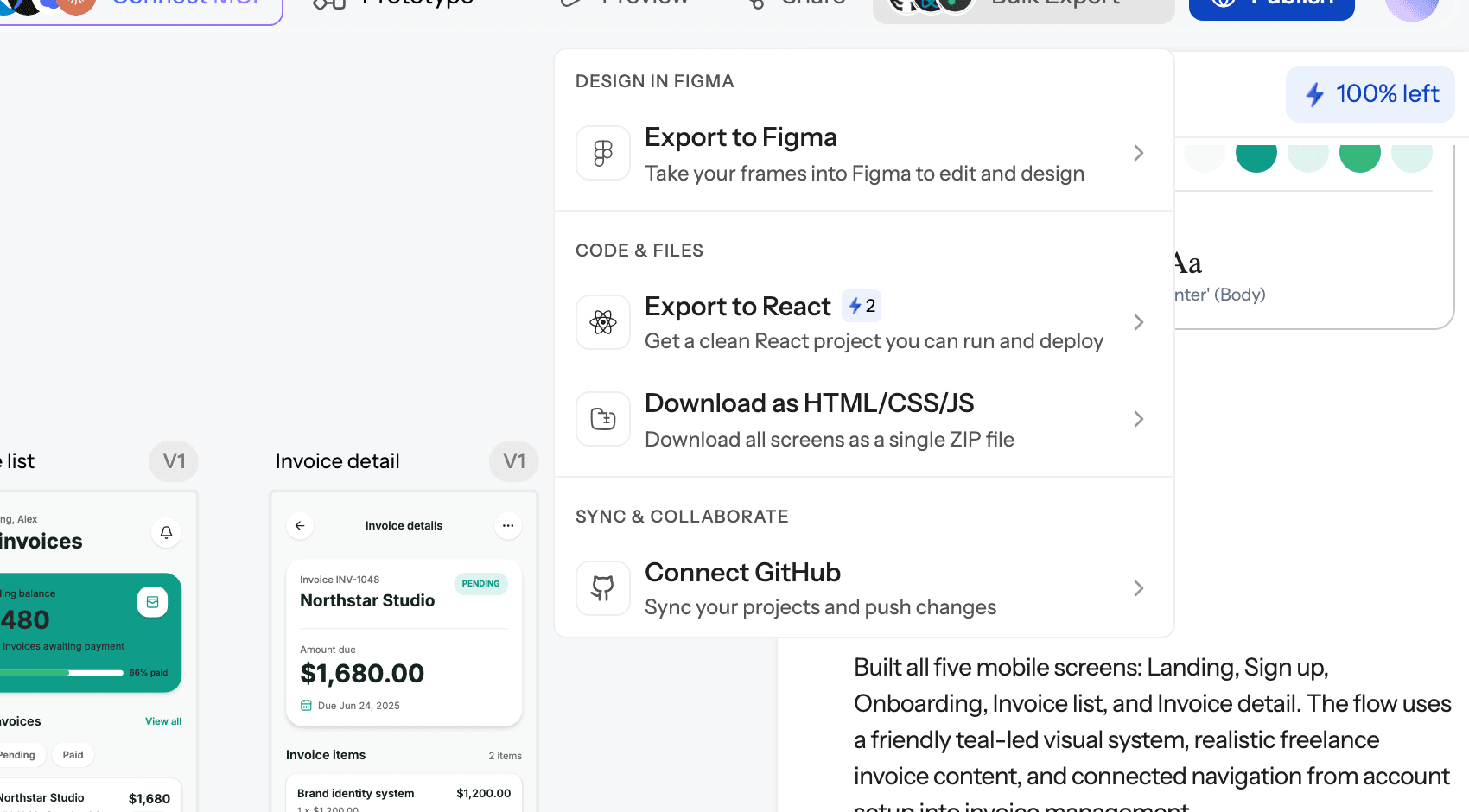
- Export to Figma. Screens go across as auto-layout frames with editable text, real fills and named layers. The export to Figma guide walks through it.
- The Figma plugin. Generate UI from a prompt, turn a URL into editable layers, or convert a screenshot into frames without leaving Figma. See the Figma plugin guide.
- Round trip. Import from Figma brings an existing frame back in with its auto-layout, text styles and colours, so you can generate the rest of a flow on the same theme; the import from Figma help article has the steps. HTML to design converts a live URL into editable Figma layers.
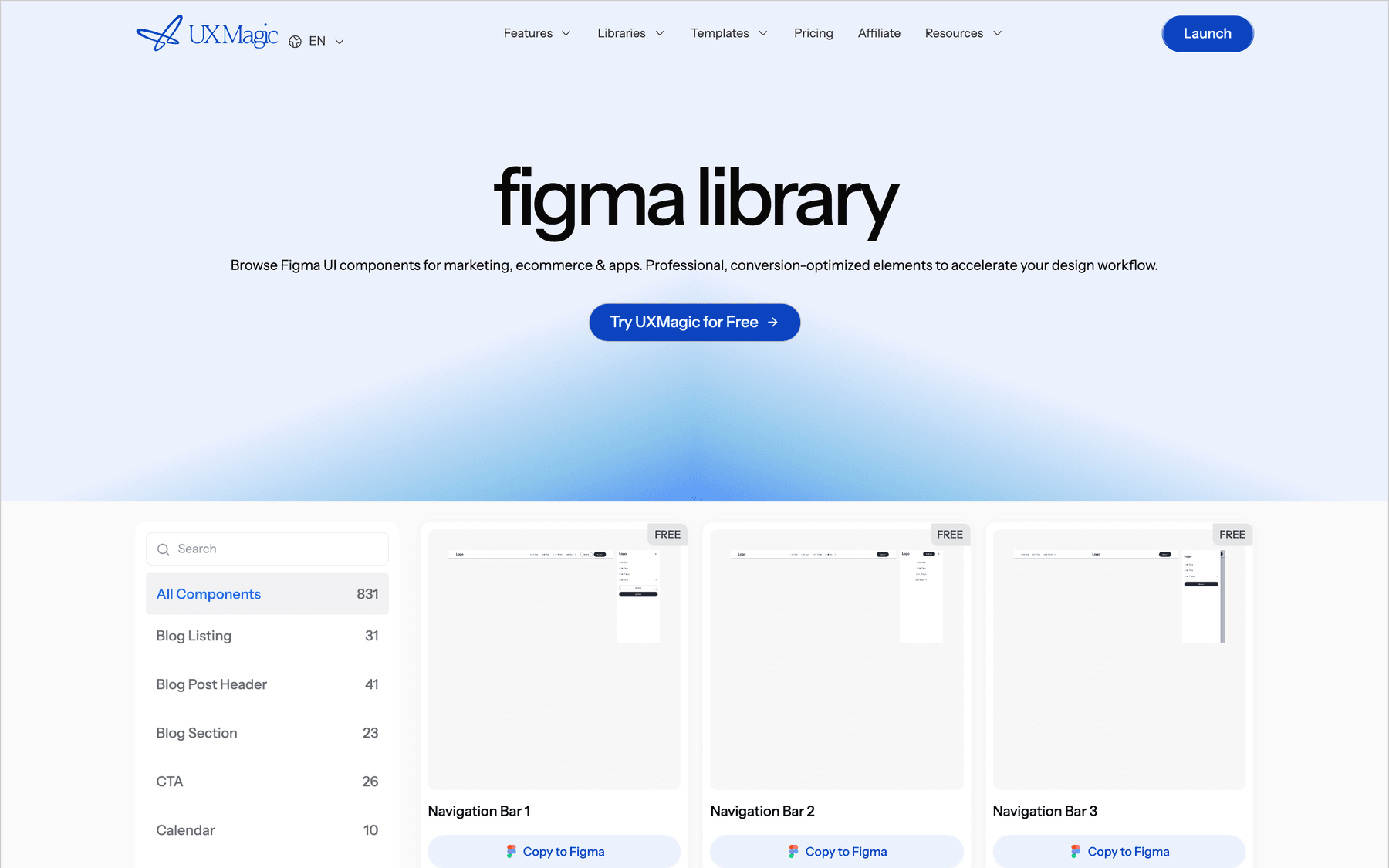
If you'd rather start from ready-made sections, the UXMagic Figma component library has navigation bars, pricing sections and forms to copy straight into your file. Our walkthrough of how to design UI with AI shows the whole workflow.
- Skip Dev seats where code is the handoff
If engineers mainly need code, not specs, give them code. UXMagic exports HTML or React with Tailwind through the design to code generator, and the UXMagic MCP server lets Cursor, Claude, VS Code and other agents read screens and theme directly; reading over MCP costs 0 credits. Our guide to exporting Figma to clean HTML covers the Figma-first version of the same idea.
Figma vs competitors: pricing comparison
Prices come from each vendor's site as listed in September 2026. Some are full editors and some AI generators, so compare by the job.
| Tool | Free plan | Entry paid plan | Higher tiers | Billing unit |
|---|---|---|---|---|
| Figma | Starter: 3 shared design files, 500 AI credits/mo | Professional, $16 per Full seat/mo (annual) | Organization $55, Enterprise $90 per Full seat | Seats plus AI credits |
| Penpot | Professional: free, no file limits | Unlimited, $7 per editor/mo, capped at $175/mo | Enterprise $25 per member/mo | Seats |
| Sketch | None (Mac licence $120 one-off) | Standard, $12 per editor/mo (yearly) | Professional $24, Enterprise $44 | Editor seats, free viewers |
| Google Stitch | Free Google Labs tool, daily allowance | None | None | Usage allowance |
| UX Pilot | Free plan, no card | Pro $22/mo billed annually | Pro and Teams | Credits |
| Uizard | 3 AI generations a month | Pro, $12/mo billed annually | Business $39/mo billed annually | Generations |
| UXMagic | 20 credits a day, 1 Figma export | Pro, $35/mo or $17.50/mo annually, 2,400 credits | Enterprise custom | Credits |
Figma vs Penpot and Sketch
Penpot is the budget pick for a full editor: its cloud Professional plan is free with no file limits, and the paid Unlimited plan is $7 per editor a month with a $175 monthly cap. It is open source and can be self-hosted. Sketch's Standard plan is $12 per editor a month billed yearly with unlimited free viewers, but the editor is Mac-only. Our Figma alternatives guide compares all the editors, and our 13 best UX/UI design tools covers the wider field. If you are still on Motiff, our Motiff review covers its shutdown and where to move.
Figma vs AI design tools
AI generators are priced by usage, not seats. Google Stitch pricing is still free, with no way to buy more. UX Pilot, covered in our UX Pilot review, and Uizard, in our Uizard review, sit in the same price band as a Figma Professional seat. Our best AI design tools of 2026 ranks them all.
If you build apps rather than design files, the cost model shifts again: our Lovable pricing guide, Bolt.new pricing breakdown, Replit pricing guide and Base44 pricing guide cover the credit and token models of AI app builders.
Where UXMagic fits
UXMagic is not a Figma replacement for pixel-level editing, illustration or a mature team library. It is the AI design step before Figma. The free plan gives you 20 credits every day (up to 3 screens a day across 5 projects) and 1 Figma export, with no card. Pro is $35 a month, or $17.50 a month billed annually, for 2,400 credits (up to 400 screens), unlimited projects and 250 Figma exports a month. Credits cover generation in the web app, over MCP and in the Figma plugin. Full details are on our pricing page.
Is Figma worth the cost?
For teams that design together, yes. A $16 Professional Full seat is fair for the editor, prototyping, libraries and Dev Mode, and View seats are free. Organization and Enterprise buy administration that larger companies genuinely need.
The costs to watch are seat drift and AI credits. Make is the heaviest user of enforced credits, so a team using Figma as its AI generator pays in Full seats and add-ons.
Our recommendation is the split we suggest in our Figma AI comparison: generate and iterate on flows in UXMagic, where a new screen costs 3 credits, an edit 0.2 and the theme nothing, then export the result to Figma for the designers who refine it and the engineers who build it. Keep Full seats for the people who edit every week.
Related guides
- Wireframe Tool Cost-Benefit Breakdown (2026): What's Actually Worth Paying For
- Figma Agent Review 2026: What the Beta Does, Costs and Misses
- 10 Best Magic Patterns Alternatives in 2026, Grouped by Workflow
- Figma vs Canva in 2026: Which Design Tool Fits Your Work?
- 12 Google Stitch Alternatives in 2026, Grouped by the Job You Need Done
- 9 Best MagicPath Alternatives in 2026, Grouped by How You Work
- 11 Best v0 Alternatives in 2026, Grouped by the Job You Need Done
- Best Wireframing Tools in 2026: 10 AI, Free and Classic Picks
- 8 Claude Design Alternatives in 2026, Free and Open Source Included
- The Best AI Prototyping Tools in 2026, Grouped by Use Case
Design the flow in UXMagic, finish it in Figma
Generate connected screens on one theme for free, then export them to Figma as auto-layout frames or hand them to engineers as React code.