TL;DR: The best v0 alternatives depend on why you opened v0 in the first place. To work out UI/UX flows before code, UXMagic designs connected screens and exports React and Tailwind. For components in an existing React codebase, try Magic Patterns, Subframe or Onlook. For full-stack apps, Lovable, Bolt.new, Replit or Base44. Google Stitch and Figma Make suit design-first teams, and Cursor is the pick for developers who live in an IDE.
v0 by Vercel earned its reputation by doing one thing very well: turning a prompt into a React component that already looks like it belongs in a Next.js project. It writes Tailwind, reaches for shadcn/ui, syncs to GitHub and deploys to Vercel in a click. If that is your stack, it removes a lot of boilerplate, and we said as much in our v0 by Vercel review.
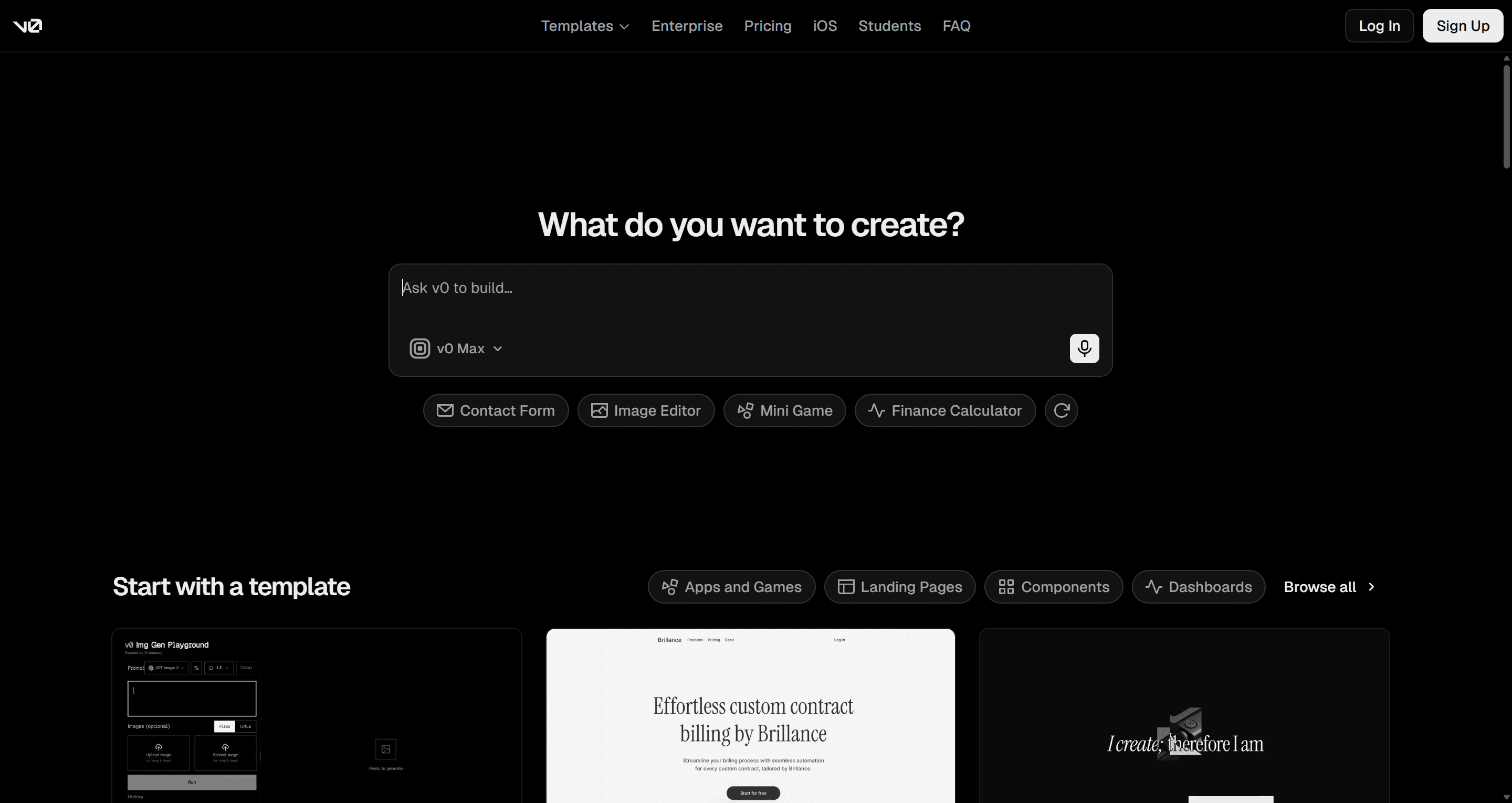
The trouble is that people open v0 for very different reasons. A founder wants to see what the product could look like. A designer wants ten screens that feel like one product. A frontend developer wants a settings panel that uses their own components. A PM wants a working demo with a login. v0 can attempt all of those, but it is shaped around one of them: a developer asking for React code, one generation at a time.
So rather than ranking every tool like v0 on a single scale, we grouped the v0 alternatives by the job they do best. Find the group that matches your problem, then compare the two or three tools inside it.
Why teams look for Vercel v0 alternatives
Before swapping tools, it helps to name what is actually missing. The complaints we hear most often fall into four buckets.
- Credits are hard to predict. v0 bills in dollar-denominated credits, and every generation spends them, including the ones you throw away. Iterating on a layout ten times costs ten times.
- One screen at a time. Each prompt produces a component or page. Keeping a sign-up flow, a dashboard and a settings page on the same spacing, type scale and colours is left to you. We wrote about why that pattern breaks down in why single-screen AI design is a dead end.
- The stack is fixed. React, Next.js, Tailwind and shadcn/ui are great defaults, but if your team uses Vue, a different component library, or no code at all, the output needs translating.
- It is a developer tool. The interface is a chat and a code view. PMs and designers often want a canvas they can look at, compare and share.
v0 pricing at a glance
Per v0's pricing page, the plans in September 2026 are:
| Plan | Price | Included credits | Notable limits and features |
|---|---|---|---|
| Free | $0 | $5 a month | 7 messages a day, deploy to Vercel, Design Mode, GitHub sync |
| Plus | $30 a month | $30 a month per user, plus a $2 daily login bonus | All models, shared chats, team collaboration |
| Business | $100 per user a month | $30 a month per user, plus a $2 daily login bonus | Training opt-out by default, priority support |
| Enterprise | Custom | Custom | SAML SSO, role-based access, support SLAs |
If none of the four complaints above apply to you, keep using v0. If one does, the groups below map to them.
v0 alternatives at a glance
| Use case | Best v0 alternatives | What you get | Free tier |
|---|---|---|---|
| UI/UX flows before code | UXMagic | Multi-screen flows on a canvas, shared theme, React/Tailwind export, GitHub sync, MCP | Yes, 20 credits a day |
| Frontend components in a React codebase | Magic Patterns, Subframe, Onlook | Components and screens that match your design system | Yes (Onlook is open source) |
| Full-stack apps from a prompt | Lovable, Bolt.new, Replit, Base44 | Working app with backend, auth and hosting | Yes (limited) |
| Design-first exploration | Google Stitch, Figma Make | Visual screens and prototypes, Figma-native or free | Stitch yes, Make needs a paid Figma seat |
| Developers in an IDE | Cursor | AI agent inside your own editor and repo | Yes, Hobby |
- For UI/UX flows before code
If your frustration with v0 is that the screens don't hang together, or that every layout experiment burns code-generation credits, the fix is to separate designing from building. Work out the flows and visual system first, while changes are cheap, then turn the approved design into code.
UXMagic vs v0
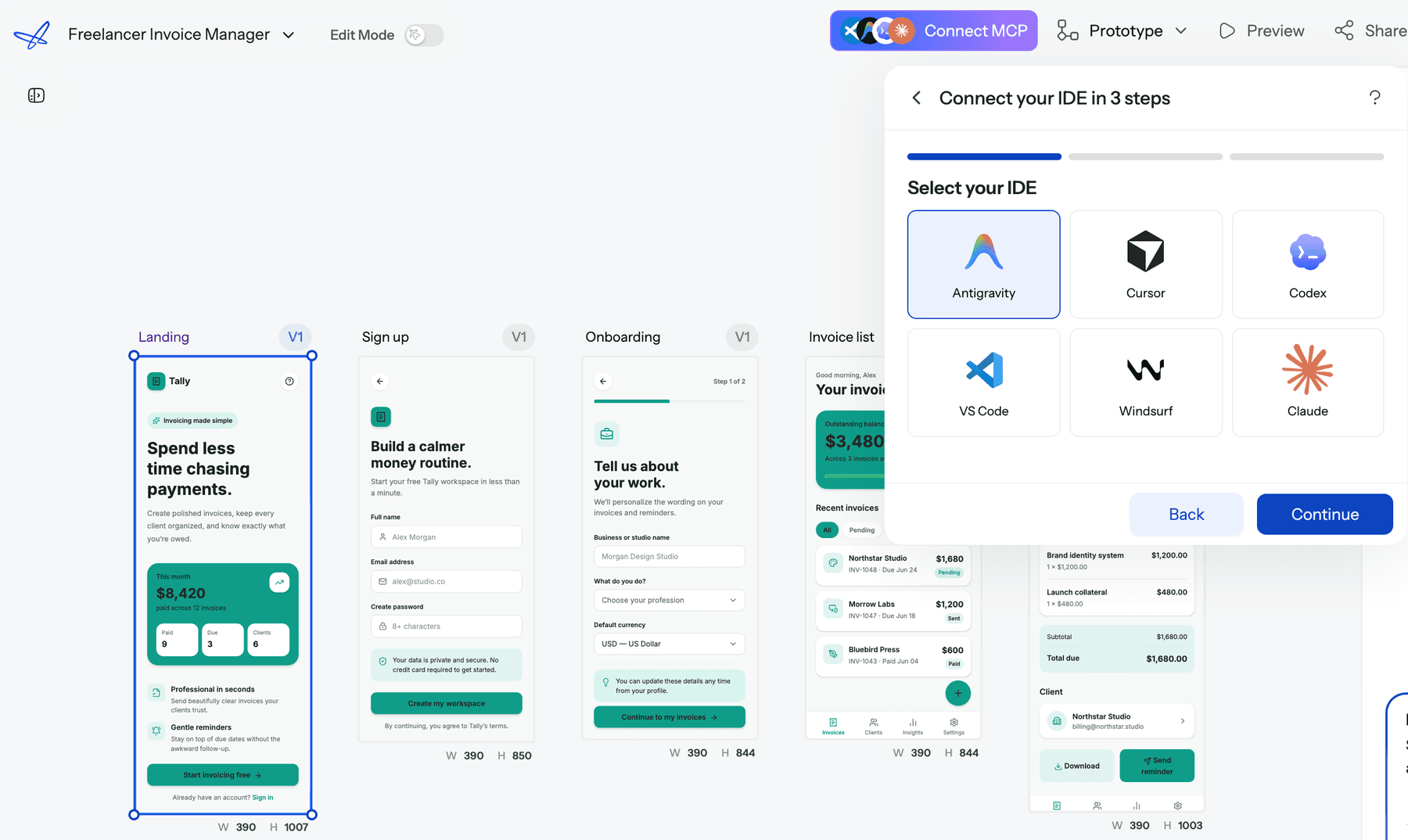
UXMagic is an AI UI/UX design tool that ends in code rather than starting there. You describe the product, and UXMagic proposes a screen plan: a named list of screens with a one-line purpose for each. You edit or approve it, and Flow Mode designs every screen on an infinite canvas with one shared theme. A five-step onboarding flow comes back as five screens side by side that look like the same product. The flow mode and screen plans guide walks through it.
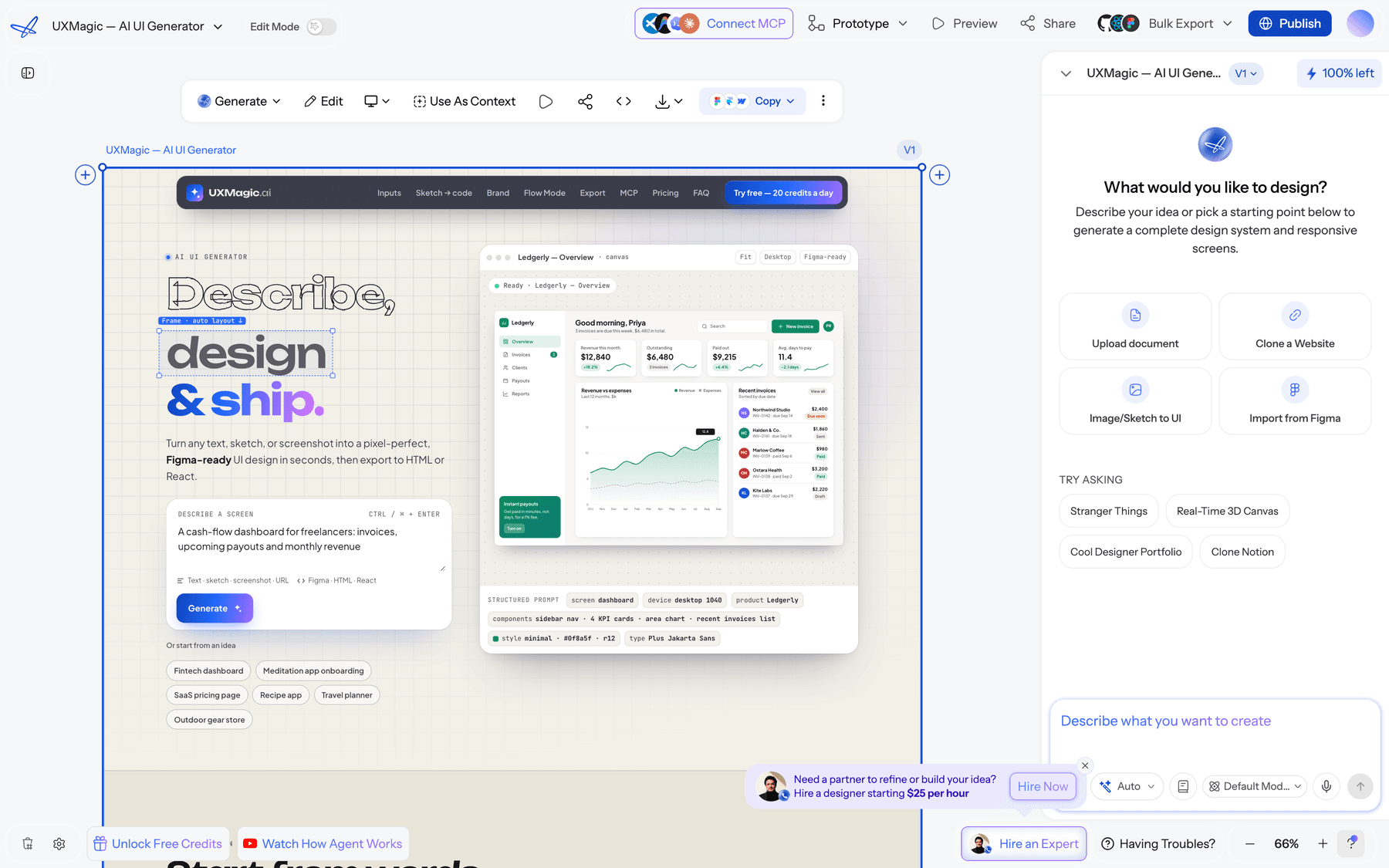
Where it lines up against v0:
- React and Tailwind at the end, not the start. The AI React generator exports a single screen as HTML or a React component, or a whole project as a multi-screen React project. Styling is Tailwind, and your theme travels with it as design tokens. The export code help article covers exactly what you get.
- Straight into a repo. GitHub sync pushes the exported code into a repository instead of a zip file, which is the part of v0's workflow most developers don't want to give up.
- A system, not a string of components. Colours, type, radii and spacing live on the project, so "switch to a dark theme" changes every screen together. See themes and style guides.
- More ways in than a prompt. Start from a screenshot with image to UI, a sketch, a live URL, or an existing file through Figma import. The design to code generator turns any of those into front-end code.
- Hand the design to your coding agent. The UXMagic MCP server lets Cursor, Claude, VS Code, Windsurf, Codex and Antigravity read your real screens, HTML and theme. You can ask Cursor to implement the Pricing screen using your tokens, and it works from the design itself rather than a screenshot.
- A component library to start from. The React component library has ready-made components you can copy into a codebase.
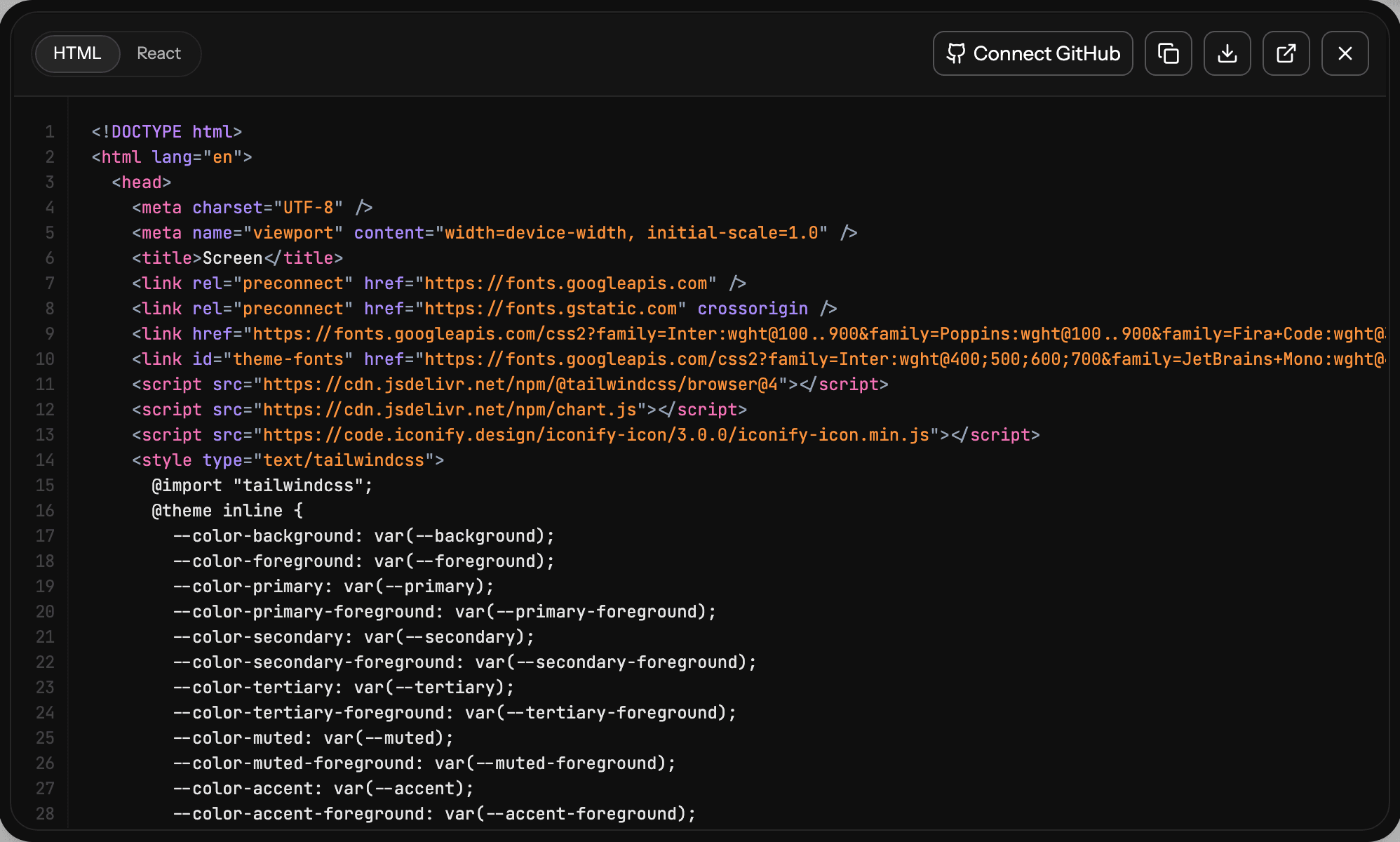
Where it falls short: UXMagic does not build a backend. Exported code is a front end with no data layer, routing or state management, so a developer still wires it into the app. If you need v0's one-click Vercel deploy of a running app, UXMagic is the step before that, not a replacement.
Best for: founders, PMs, designers and frontend leads who want the whole product to look right, and consistent across screens, before paying to build it. Read our full UXMagic vs v0 comparison.
Design the flow first, export React when it's right
Plan screens, design them on one shared theme, then export React and Tailwind, sync to GitHub, or hand off to Cursor through MCP.

If you are weighing other design-first options, our guides on Google Stitch alternatives, Claude Design alternatives and the best wireframing tools cover the rest of that ground.
- For frontend components in an existing React codebase
This group is the closest to what v0 originally was: UI code for developers. The difference is that each of these tools cares more about fitting your components and design system than about generating from shadcn/ui defaults.
Magic Patterns vs v0
Magic Patterns is an AI prototyping tool aimed at product teams adding features to a product that already exists. Its main pitch is design-system fidelity: you give it your components, styles or screenshots, and new UI comes back looking like your app rather than a template. It also supports multiplayer editing, so a PM and a designer can iterate on the same prototype.
Magic Patterns has a limited free tier, Starter at $20 per seat a month with 1,000 monthly credits, and Business at $100 per seat a month (or $85 billed annually) with 5,000 credits and SSO. Extra usage is pay-as-you-go.
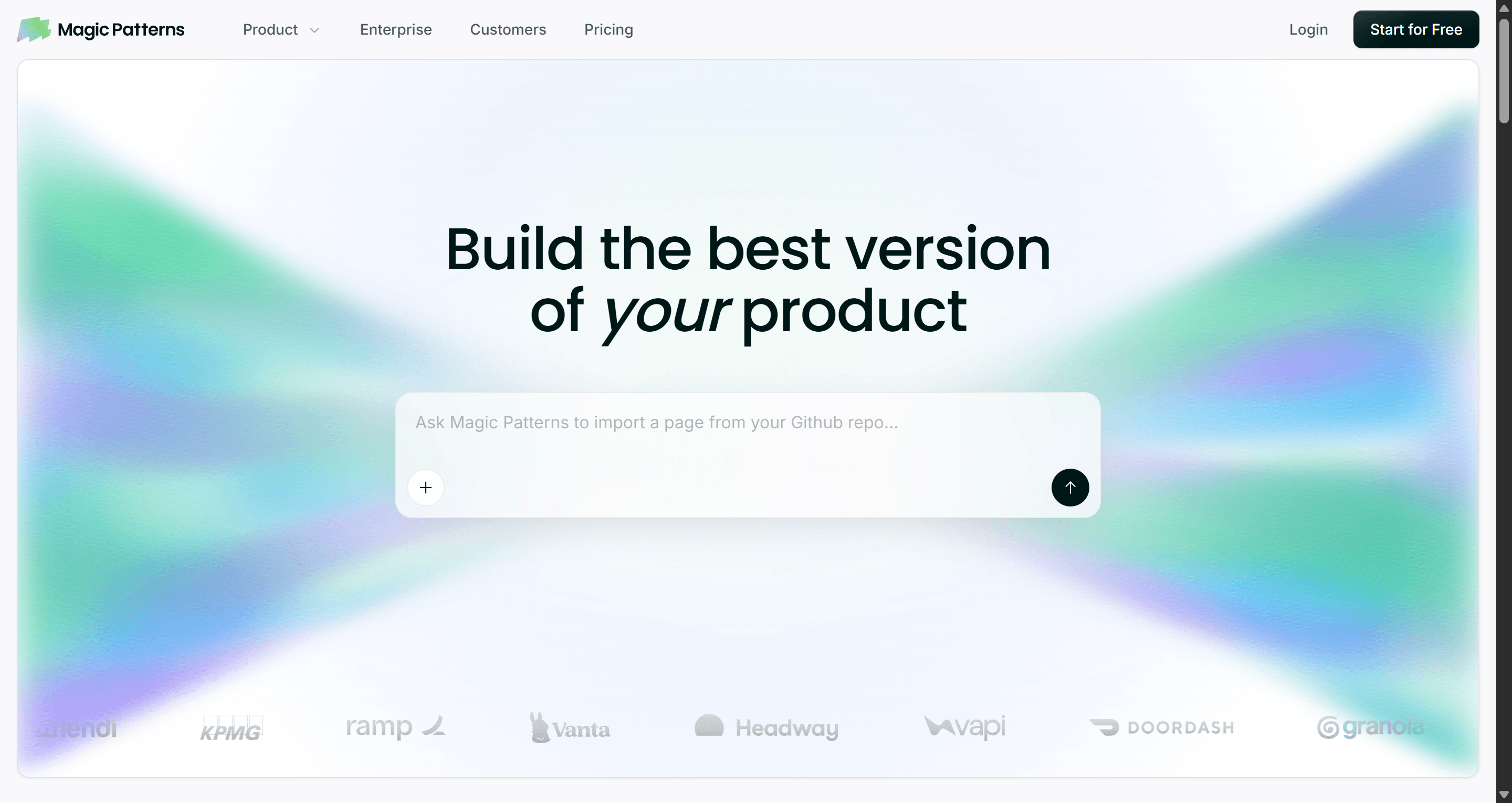
- Best for: product teams who need on-brand prototypes of new features inside an existing product.
- Falls short: it is a prototyping tool, not a production pipeline, and per-seat pricing grows quickly on bigger teams.
Read our full Magic Patterns review, or see UXMagic vs Magic Patterns.
Subframe vs v0
Subframe combines a design canvas, a coding agent and a built-in browser in one app, available for macOS and on the web. You lay out UI visually, and the canvas maps to React components styled with Tailwind, with design tokens and themes carried through. Its agent integration runs on Claude Code or Codex, so it can read your selection, your designs and your codebase, while the codebase itself stays on your machine.
Subframe's site lists a free plan with one project and limited AI credits, and Pro at $20 per editor a month for unlimited projects and more AI credits. You can also plug in your own Claude or Codex subscription.
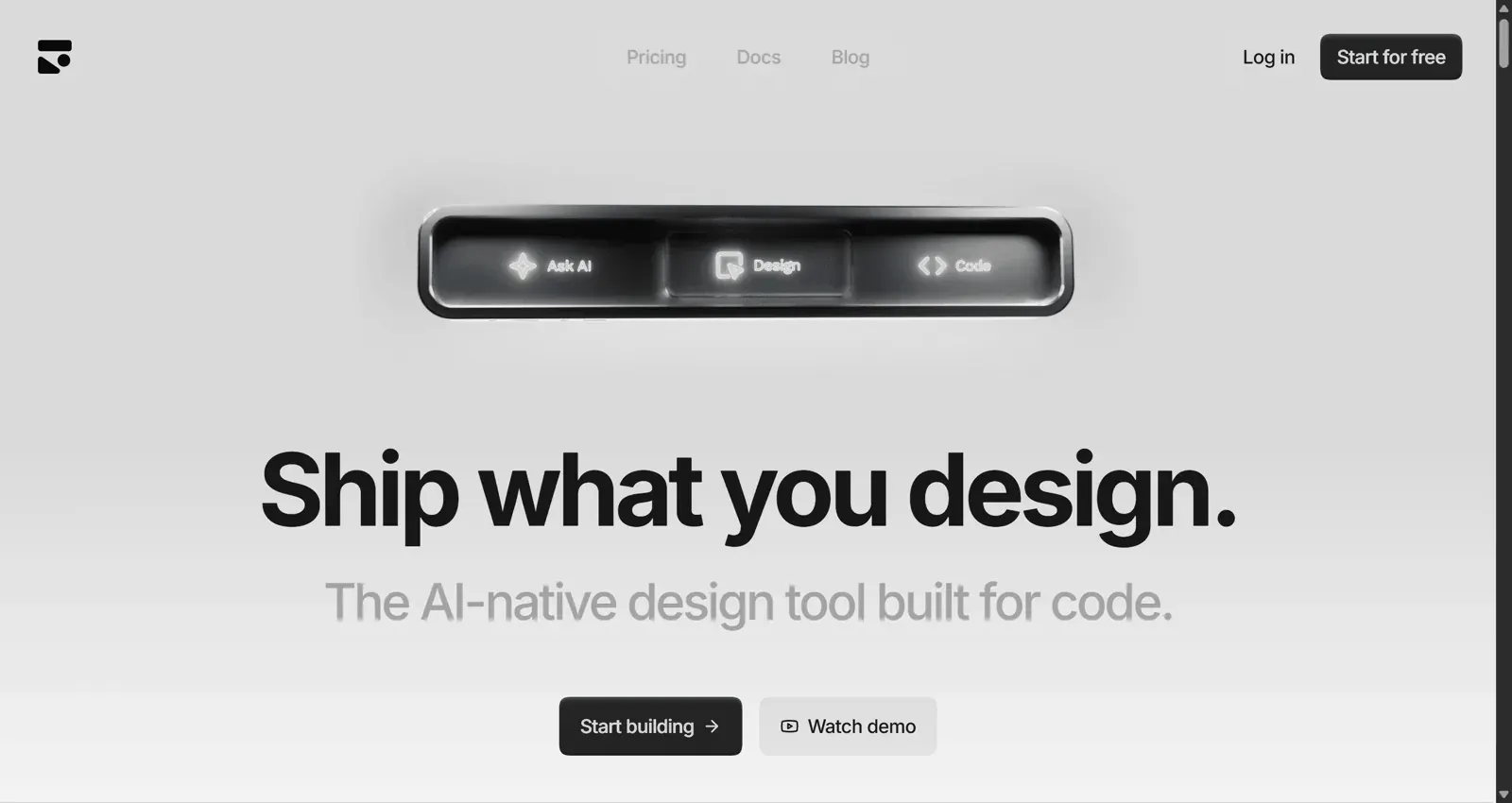
- Best for: design engineers who want a Figma-like canvas where every frame is already a real React component.
- Falls short: it is React and Tailwind only, and you get the most from it once your design system is set up inside Subframe.
Read our full Subframe review, or compare UXMagic vs Subframe.
Onlook vs v0
Onlook is an open source visual editor for React apps. Instead of generating code from a chat, it opens your running app and lets you edit it visually, with the code as the source of truth. It works with React, Next.js and Vite, and fits alongside Storybook and shadcn/ui. You can navigate the component tree, change layout and styles directly, and the edits land in your code.
The self-hosted version on GitHub is free. For the hosted version, Onlook asks teams to contact sales or book a demo rather than listing prices.
- Best for: designers and developers who want to polish an existing React or Next.js app visually, and teams who want an open source tool they can audit and self-host.
- Falls short: it edits a codebase rather than inventing a product, so it helps less when you are starting from a blank page.
See our UXMagic vs Onlook comparison.
For the libraries these tools build on, our guide to the best React UI component libraries compares shadcn/ui, MUI, Radix and the rest.
- For full-stack apps from a prompt
v0 has grown toward full apps, but it is still frontend-first. If what you need is a working product with data, login and hosting, these tools like v0 go further down the stack.
Lovable vs v0
Lovable is the best-known prompt-to-app builder. It writes a React front end, sets up a database and auth through Lovable Cloud, and gives you a live URL. Where v0 hands you components, Lovable hands you an app.
Per Lovable's documentation, the free plan includes 5 build credits a day (capped at 30 a month). Pro starts at $25 a month for 100 credits and Business at $50 a month, with larger credit tiers above that. Hosting and AI features run on separate Cloud credits once your app is live, which we unpack in Lovable pricing explained.
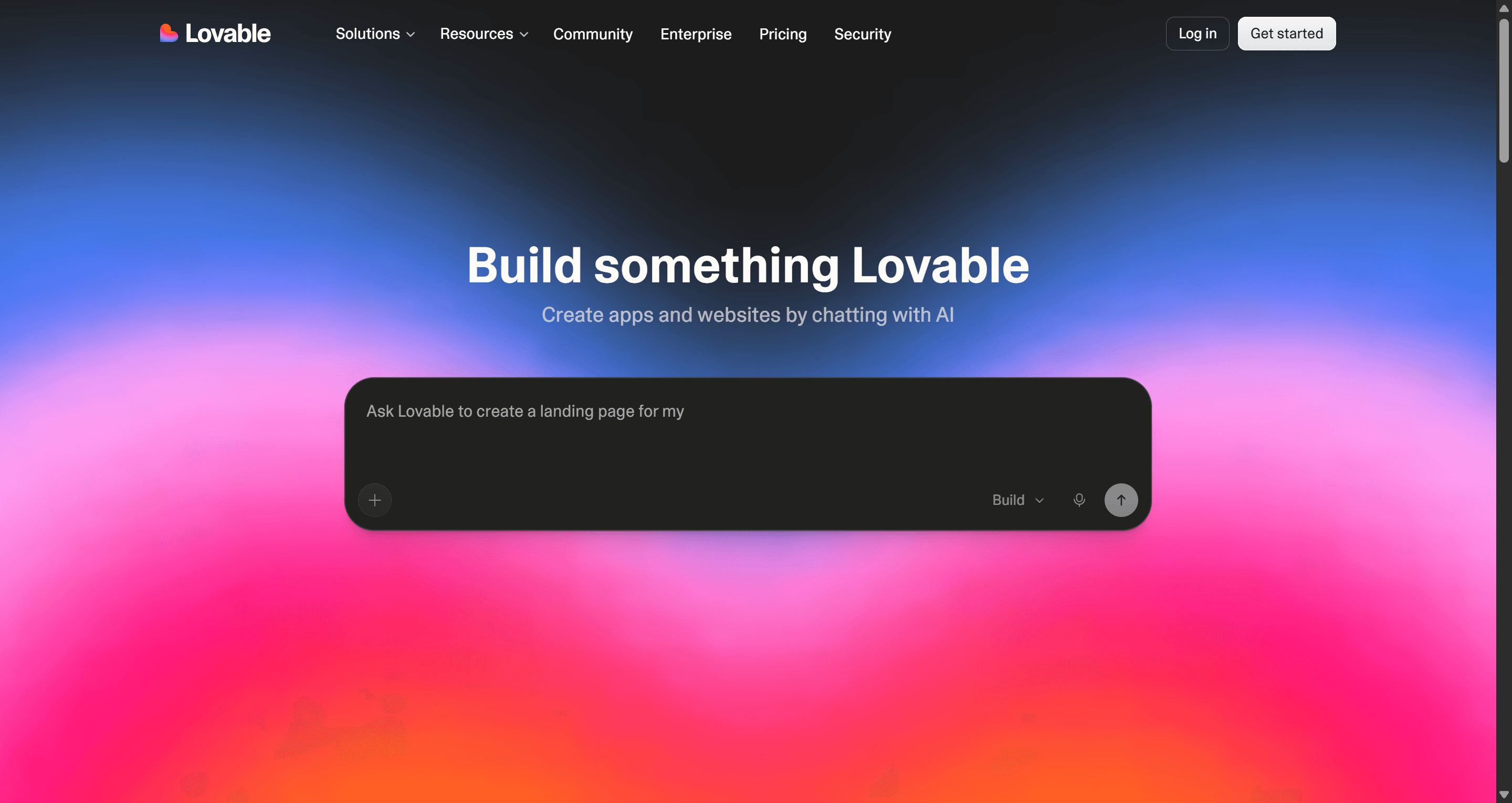
- Best for: founders and PMs who want a testable MVP with a real backend, not just UI.
- Falls short: the UI tends toward generic defaults, and credit use is hard to forecast on larger apps.
Read our full Lovable review and our round-up of Lovable alternatives.
Bolt.new vs v0
Bolt.new, from StackBlitz, runs a full development environment in the browser. It installs packages, runs a dev server, and deploys, and you can see and edit every file. That visibility is the main difference from v0: when the AI gets stuck, a developer steps in without exporting anything.
Per Bolt's pricing page, the free plan includes 300K tokens a day and 1M a month. Pro is $25 a month starting at 10M tokens with rollover, and Teams is $30 per member a month. Our Bolt.new pricing breakdown explains why tokens go faster than expected.
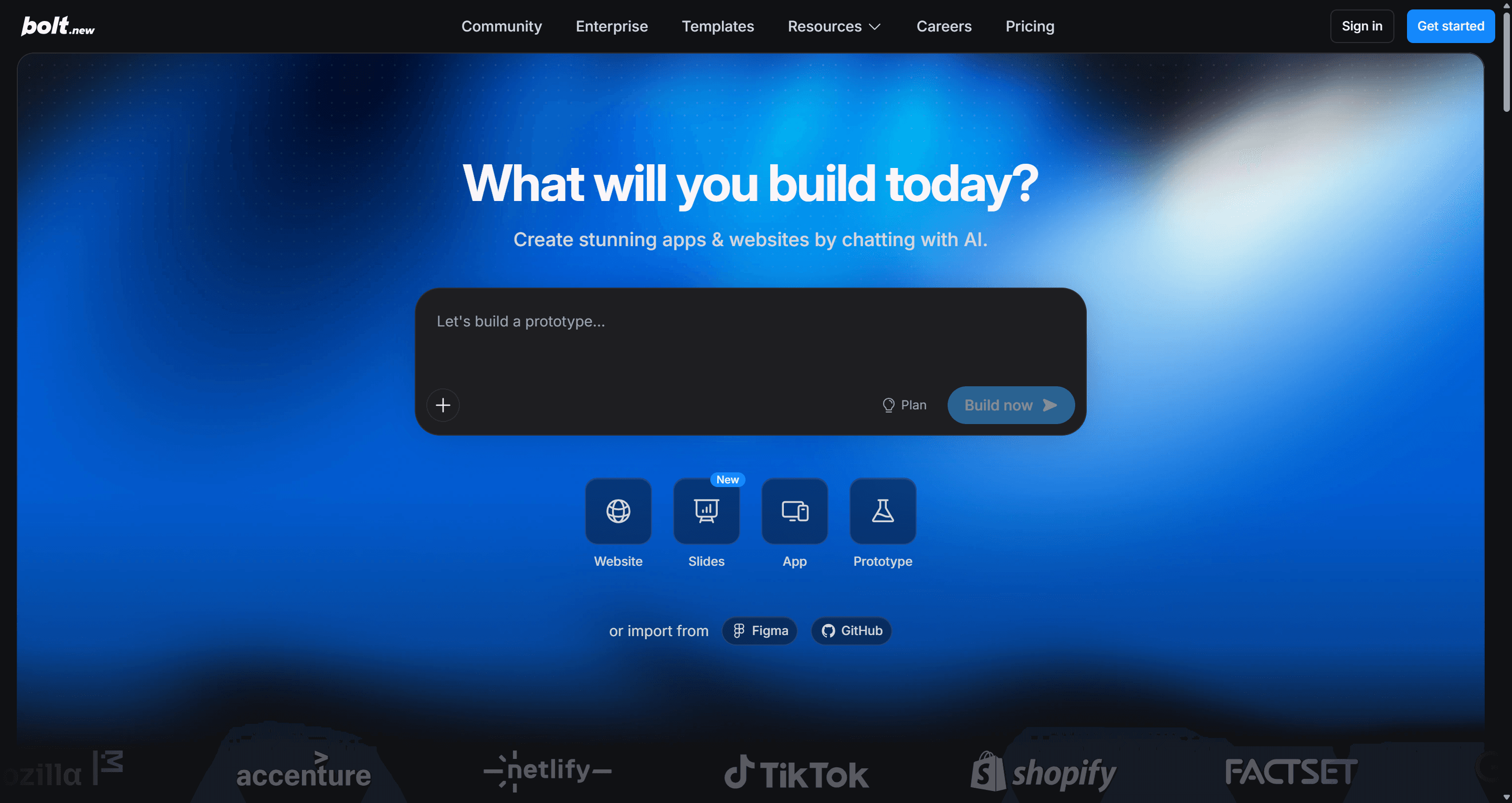
- Best for: technical founders who want speed plus full access to the code and the dev server.
- Falls short: token use climbs with project size, and long sessions can loop on the same bug.
Read our full Bolt.new review or UXMagic vs Bolt.
Replit vs v0
Replit is a cloud IDE built around Replit Agent, which scaffolds, builds and deploys apps inside a workspace with databases and hosting included. Unlike v0, it is not tied to React. Python services, scripts, bots and APIs all work, which matters when the backend is the hard part.
Replit's pricing page lists Core at $20 a month ($18 billed annually) with $20 of AI usage, and Pro at $100 a month with $100 of usage.
- Best for: builders who need more than a front end, or more than one language, and want an agent plus a real environment.
- Falls short: usage-based AI billing can add up, and the interface is developer-shaped.
See UXMagic vs Replit.
Base44 vs v0
Base44, now owned by Wix, is the most no-code option here. It generates an app with a built-in database, authentication and hosting, and keeps most of the code out of sight. That is the opposite of v0's code-first approach, and it is why non-technical builders like it for internal tools.
Base44's pricing page lists a free plan with 25 message credits a month, then Starter at $16 a month, Builder at $40, Pro at $80 and Elite at $160 when billed annually (monthly billing costs 20% more).
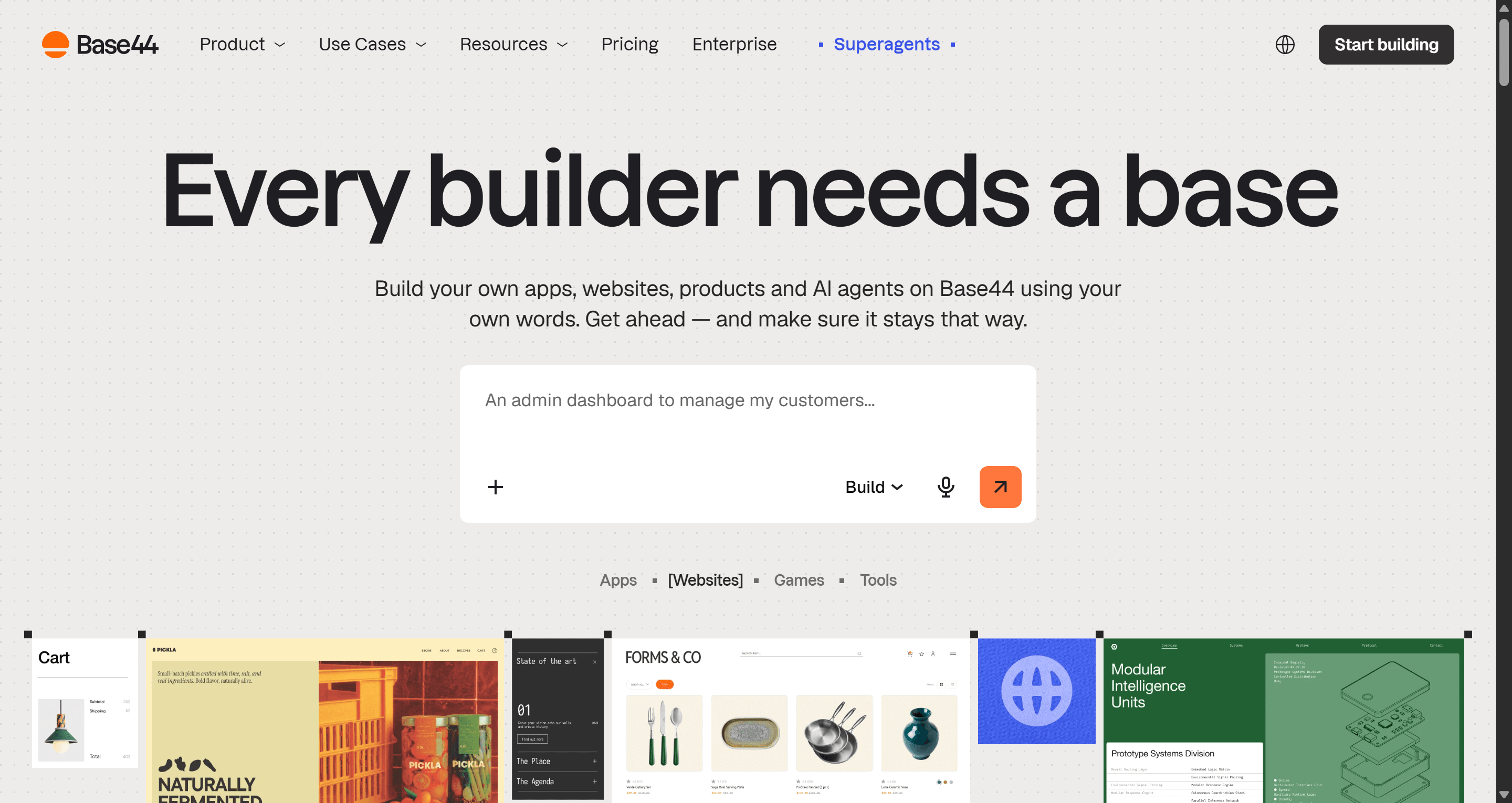
- Best for: non-developers who want a working app with data and login and don't want to see code.
- Falls short: you are more tied to Base44's platform, and the UI is functional rather than distinctive.
Read our full Base44 review, or compare UXMagic vs Base44. For this whole group side by side, see our vibe coding tools comparison.
- For design-first exploration
Some teams don't want code at this stage at all. They want to see options, compare directions and get sign-off.
Google Stitch vs v0
Google Stitch, from Google Labs, generates UI screens from prompts and images, and shows several screens on a canvas at once. It leans toward visual exploration rather than production code, although you can copy designs into Figma and export front-end code. At the time of writing it is free with a Google account, with daily usage limits.
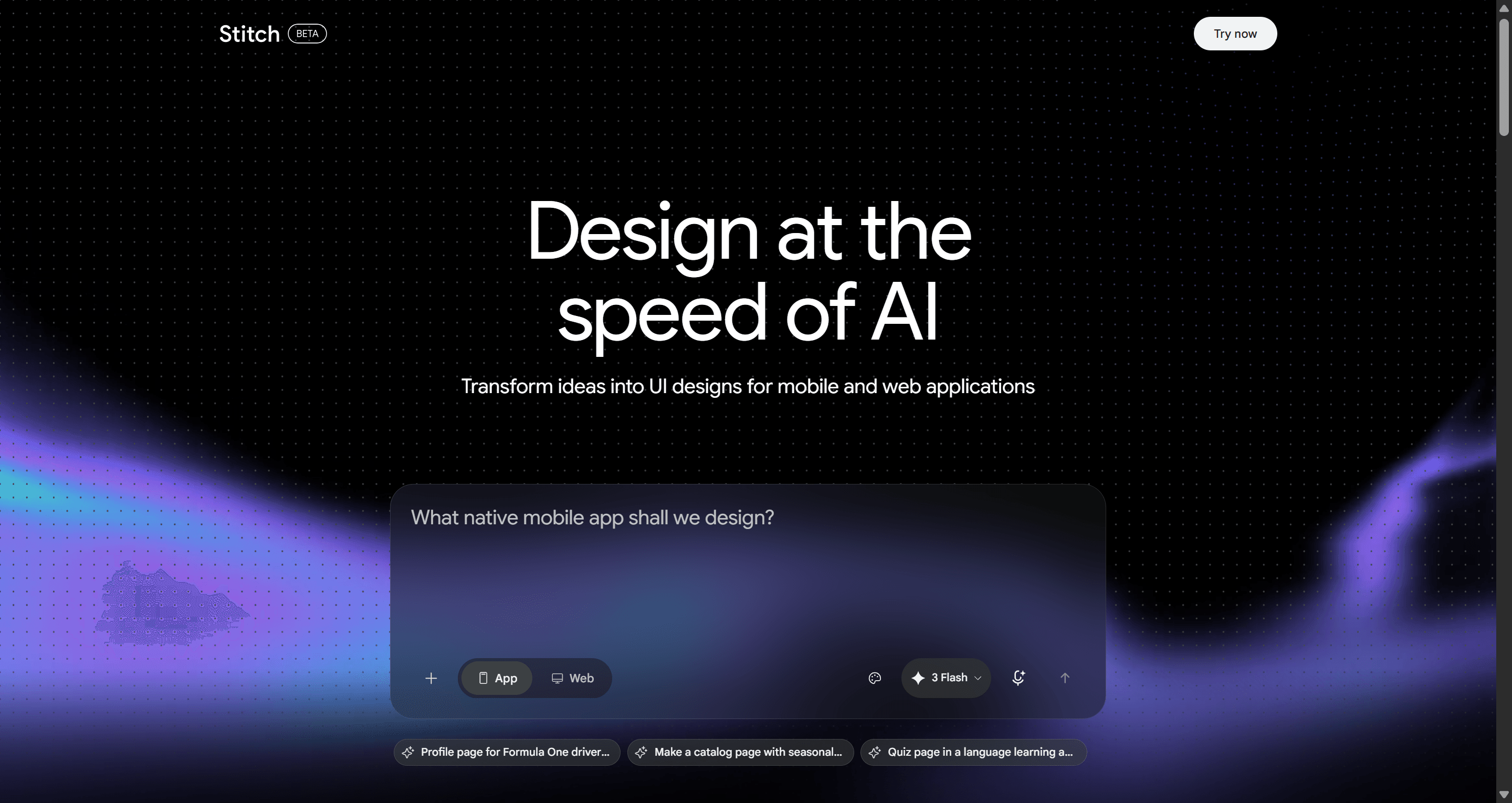
- Best for: quick, free exploration of visual directions before committing to one.
- Falls short: it is still a Labs product, so features and limits change, and multi-screen consistency is looser than in a tool built around a shared theme.
Read our Google Stitch review and our list of Google Stitch alternatives, or compare UXMagic vs Google Stitch.
Figma Make vs v0
Figma Make turns a prompt, or frames from your Figma files, into an interactive prototype you can share or publish. For teams whose designs, comments and handoff already live in Figma, not having to leave the tool is the main argument.
Figma's pricing page shows Make is available on paid plans only (Professional, Organization and Enterprise), not the free Starter plan. A Professional full seat is listed from $16 a month with 3,000 AI credits.
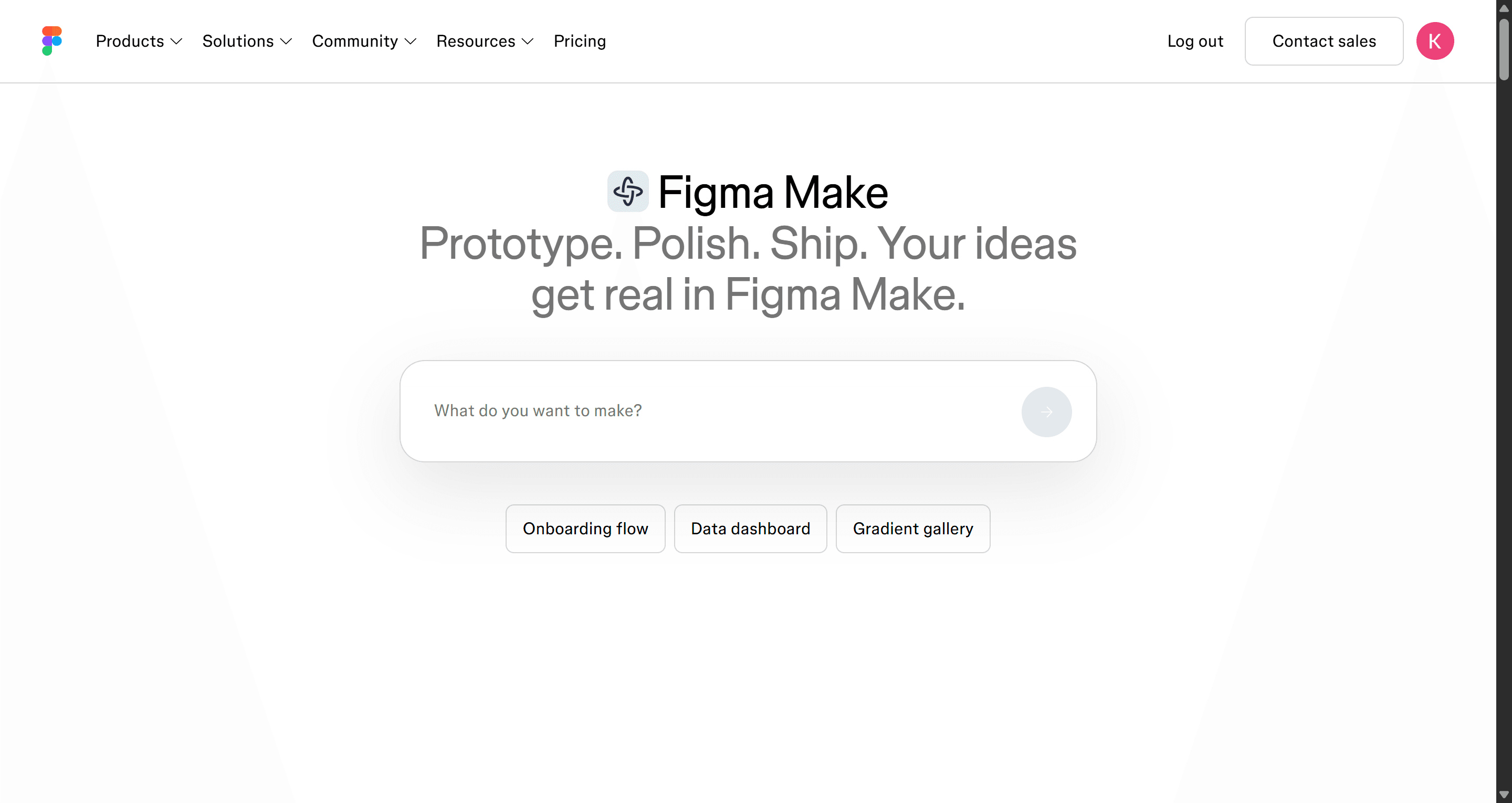
- Best for: design teams prototyping interactions from existing Figma work.
- Falls short: it needs a paid Figma seat, and the output is better as a prototype than as the start of a production codebase.
Our round-up of Figma Make alternatives covers what else to consider, and UXMagic vs Figma Make compares them directly. If you are going the other way, from a finished Figma file to code, our guide to exporting Figma to clean HTML without plugins shows how.
- For developers who live in an IDE
Cursor vs v0
Cursor is an AI code editor built on VS Code. It indexes your repository, and its agent can plan and make changes across many files, run commands and fix its own errors. Where v0 generates new UI in a separate app, Cursor works inside the codebase you already maintain, in whatever framework it uses.
Cursor's pricing page lists a free Hobby plan, individual plans from $20 a month, and Teams at $40 per user a month.
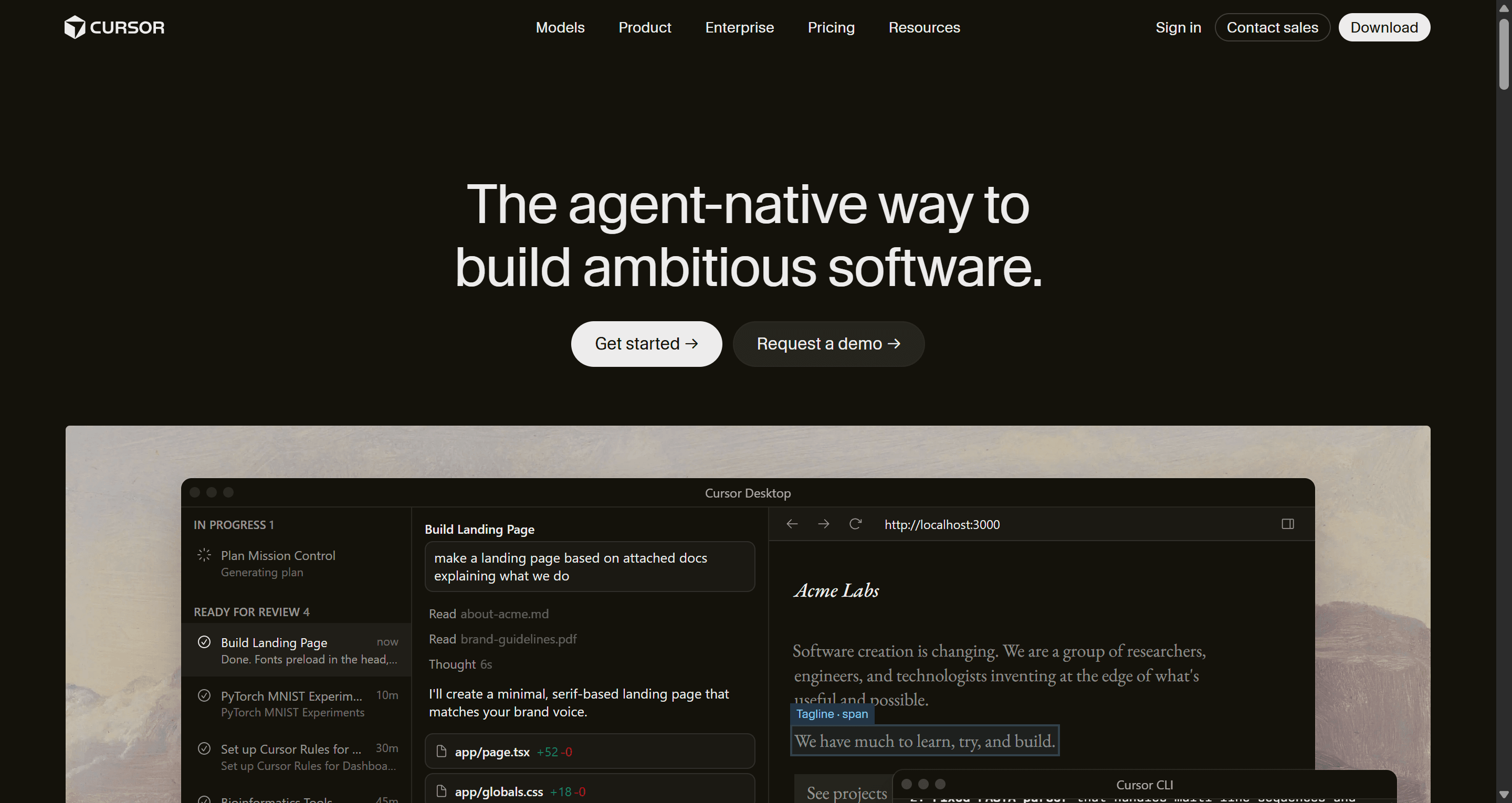
- Best for: developers maintaining a real product who want an AI pair programmer, not a new platform.
- Falls short: you need to read and review code, and it has no design canvas; it builds whatever UI you describe.
Cursor pairs well with a design tool. Connect UXMagic over MCP and Cursor can read the screens and theme you approved, then implement them against your own components. Our comparison of AI coding assistants for frontend developers puts Cursor next to the other options.
How to choose the right v0 alternative
The fastest way to narrow the list is to name what v0 isn't giving you.
- "The screens don't look like one product." That is a design problem. Design the flow in UXMagic, then export or hand off.
- "I need it to use our components." Magic Patterns, Subframe or Onlook.
- "I need a backend and login." Lovable or Base44 if you don't code, Bolt.new or Replit if you do.
- "We're not a React shop." Cursor or Replit.
- "I just want to explore visual directions for free." Google Stitch, or UXMagic's free daily credits.
- "My team lives in Figma." Figma Make, or UXMagic if you want Figma export and code from the same design.
A workflow that uses more than one tool
Most teams we talk to end up with two tools, not one. A pattern that holds up:
- Design the flows in UXMagic. Approve the screen plan, generate the flow, and iterate on the theme while edits cost a fraction of a rebuild. How to design UI with AI covers this step in detail.
- Agree on the handoff. Decide what engineering receives: tokens, screens, states and code. Our explainer on what a design handoff is lays out the layers that prevent rework.
- Export or connect. Export React and Tailwind and push to GitHub, or connect Cursor, Claude or VS Code through MCP.
- Build the logic where your team already works. v0, Cursor, Lovable or Bolt now implement a finished design instead of inventing one.
This also changes the cost picture. Layout experiments inside a code generator spend build credits on every attempt. In UXMagic, a targeted edit is a small fraction of a credit, as how credits work explains, so the exploration happens in the cheaper place.
Pricing comparison of v0 alternatives
Prices below come from each vendor's official pricing page or documentation as of September 2026. Credit and token units don't compare across tools, so treat this as a starting point.
| Tool | Free plan | Entry paid plan | Billing unit |
|---|---|---|---|
| v0 | $5 of credits a month, 7 messages a day | Plus, $30/mo | Dollar credits |
| UXMagic | 20 credits a day | Pro, $35/mo or $17.50/mo billed annually | Credits (2,400/mo on Pro) |
| Magic Patterns | Limited | Starter, $20/seat/mo | Credits per seat |
| Subframe | 1 project, limited AI | Pro, $20/editor/mo | Seats and AI credits |
| Onlook | Free to self-host | Hosted, contact sales | Custom |
| Lovable | 5 build credits a day (up to 30/mo) | Pro, from $25/mo | Credits |
| Bolt.new | 1M tokens a month | Pro, $25/mo | Tokens |
| Replit | Starter (limited) | Core, $20/mo | AI usage in dollars |
| Base44 | 25 message credits a month | Starter, $16/mo billed annually | Message and integration credits |
| Google Stitch | Free with daily limits | None at time of writing | Daily credits |
| Figma Make | Not included | Professional full seat, from $16/mo | Seats and AI credits |
| Cursor | Hobby | Individual, $20/mo | Requests and usage |
UXMagic's Pro plan covers up to 400 screens a month, unlimited projects and 250 Figma exports. The full breakdown is on the UXMagic pricing page.
Our recommendation
If v0 is working for you, keep it for what it does best: fast React components that follow shadcn/ui conventions and deploy to Vercel. Most people searching for v0 alternatives don't need to throw it out. They need to fill the gap in front of it or behind it.
Behind it, if you need a backend, Lovable, Bolt.new, Replit and Base44 go further. Beside it, if you need your own components, Magic Patterns, Subframe and Onlook fit better, and Cursor is the pick for everyday coding.
In front of it is where most teams lose time. v0, like every code generator, will build whatever UI it comes up with, one screen at a time. UXMagic does the job before that: it plans the product, designs every screen on one theme, and hands the result over as React and Tailwind code, a GitHub repository, a Figma file, or live context for your coding agent. It won't build your database, and we'd rather tell you here than have you find out later.
Want a head start? Browse our templates, copy components from the React component library, or see where UXMagic sits among the best AI design tools of 2026.
Related guides
- 12 Best Base44 Alternatives in 2026, Grouped by Use Case
- Best AI App Builder in 2026: 10 Tools Compared by Use Case
- Base44 Pricing 2026: Plans, Credits, and What an App Really Costs
- Base44 vs Lovable (2026): Which AI App Builder Fits Your Project?
- Replit Pricing 2026: Plans, Credits, and What an App Really Costs
- 10 Best a0.dev Alternatives for Building Mobile Apps with AI (2026)
- AI Design to Code Tools: The Complete 2026 Guide by Input Type
- Google Stitch Pricing 2026: Is It Free, and What Are the Limits?
- 9 Best MagicPath Alternatives in 2026, Grouped by How You Work
- 9 Best UX Pilot Alternatives in 2026, Grouped by Use Case
Start with the design, then ship it anywhere
Generate a connected, multi-screen flow for free, then export React and Tailwind, sync to GitHub, or send it to Cursor through MCP.