
TL;DR: The best Lovable alternatives depend on what you are actually building. For full-stack vibe coding, look at Bolt.new, Base44, Replit and Emergent. For frontend components, v0 and Magic Patterns. For designing the product before any code exists, UXMagic plans and designs whole flows you can hand to Lovable, Cursor or Claude. Dyad is the open source pick.
Lovable made "describe an app, get an app" feel normal. You type a prompt, it writes a React front end, wires up a database and auth through Lovable Cloud, and gives you a live URL. For a first MVP that is hard to beat, and we said as much in our Lovable review.
But "build me an app" is really three or four different jobs hiding in one sentence. Sometimes you need to figure out what the product should look like. Sometimes you need a backend that survives real users. Sometimes you need a component that drops into an existing Next.js repo. Lovable does all of these reasonably, and none of them best. That is why the list of Lovable competitors keeps growing.
So instead of ranking every tool on one scale, we grouped the Lovable alternatives by the job they are best at. Pick the group that matches your problem, then compare the two or three tools inside it.
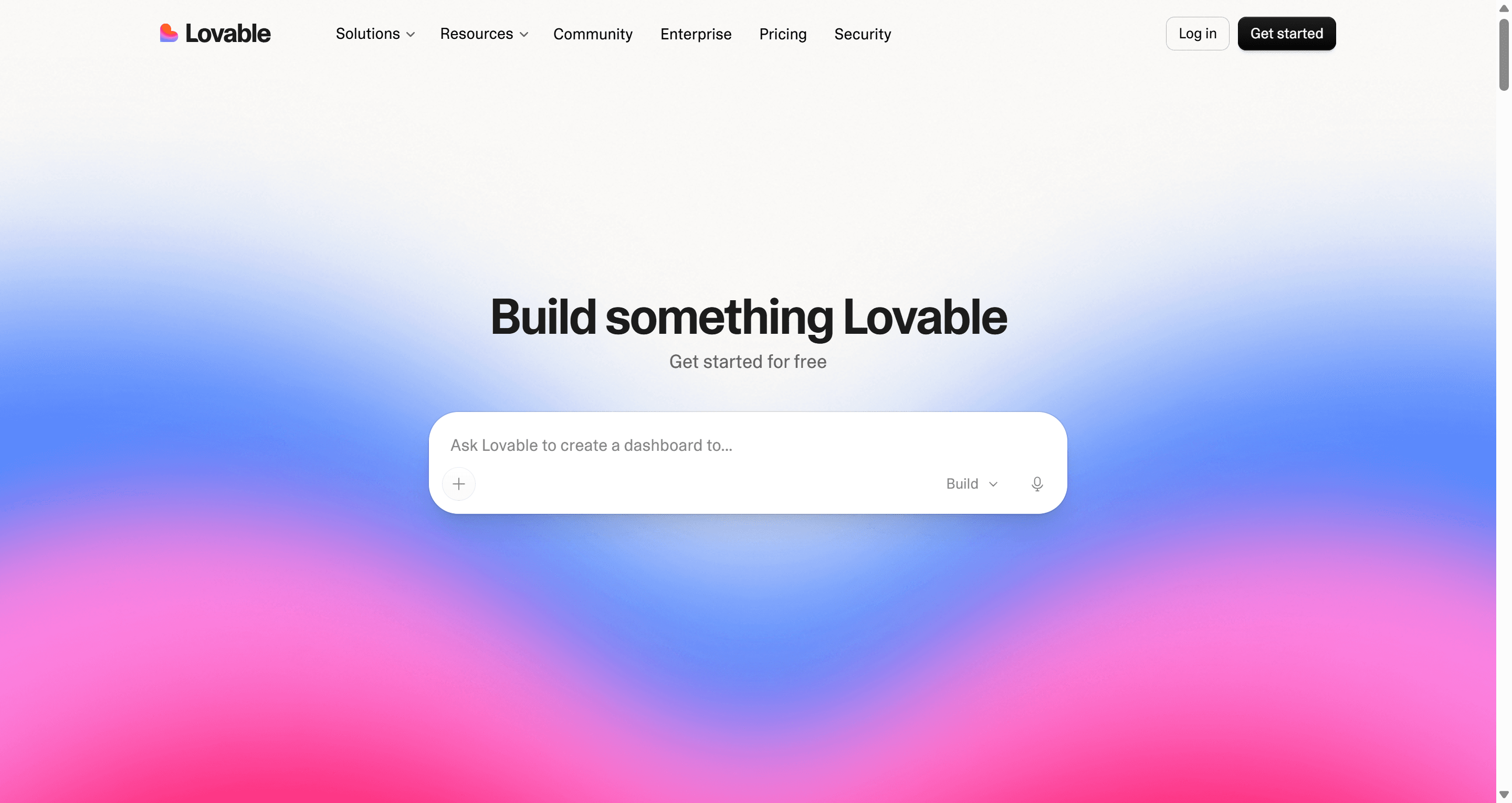
Lovable alternatives at a glance
| Use case | Best Lovable alternatives | What you get | Free tier |
|---|---|---|---|
| UI/UX design before building | UXMagic | Multi-screen flows, shared theme, Figma and React export, MCP | Yes, 20 credits a day |
| Full-stack vibe coding | Bolt.new, Base44, Replit, Emergent | Working app with backend, auth, hosting | Yes (limited) |
| Frontend components | v0, Magic Patterns | React/Tailwind UI you paste into a codebase | Yes |
| Product teams in Figma | Figma Make | Prompt-to-prototype inside Figma | Paid Figma plans only |
| Developers with a codebase | Cursor, Builder.io | AI in your editor or on your components | Yes |
| Open source and local | Dyad | Local app builder with your own API keys | Yes, bring your own key |
If you are still deciding whether you even need an app builder, our guide to AI app builder tools for non-developers covers the basics, and what vibe coding actually is explains where the category came from.
- For UI/UX design: design the product first
The most common complaint we hear about Lovable is not the backend. It is that the app looks like every other AI-generated app, and each new screen drifts a little further from the last one. That happens because a prompt-to-app tool designs and codes in the same breath. Every change to the layout is also a change to the code, so you iterate slowly and pay credits for each round.
The fix is to separate the two steps. Work out the flows and the visual system while changes are cheap, then build.
UXMagic vs Lovable
UXMagic is an AI UI/UX design tool, not an app builder. You describe the product, and it proposes a screen plan: a named list of screens with a one-line purpose for each. You edit or approve that plan, then Flow Mode designs every screen on an infinite canvas with one shared theme and navigation structure. A checkout flow ends up as five screens side by side that look like the same product, rather than five separate chat replies. The help article on flow mode and screen plans walks through it.

Where it fits next to Lovable:
- Connected flows, not single screens. Colours, type, radii and spacing live as design tokens on the project, so "make it dark" moves every screen together. See themes and style guides.
- More ways in than a prompt. Start from a screenshot with image to UI, a napkin sketch, a live URL, or an existing Figma file. You can also start rough with the AI wireframe generator and add fidelity once the structure is right.
- Export where your team works. Send screens to Figma as editable auto-layout frames, or export a single screen or a whole project as React and Tailwind code. The GitHub sync pushes that code straight into a repository.
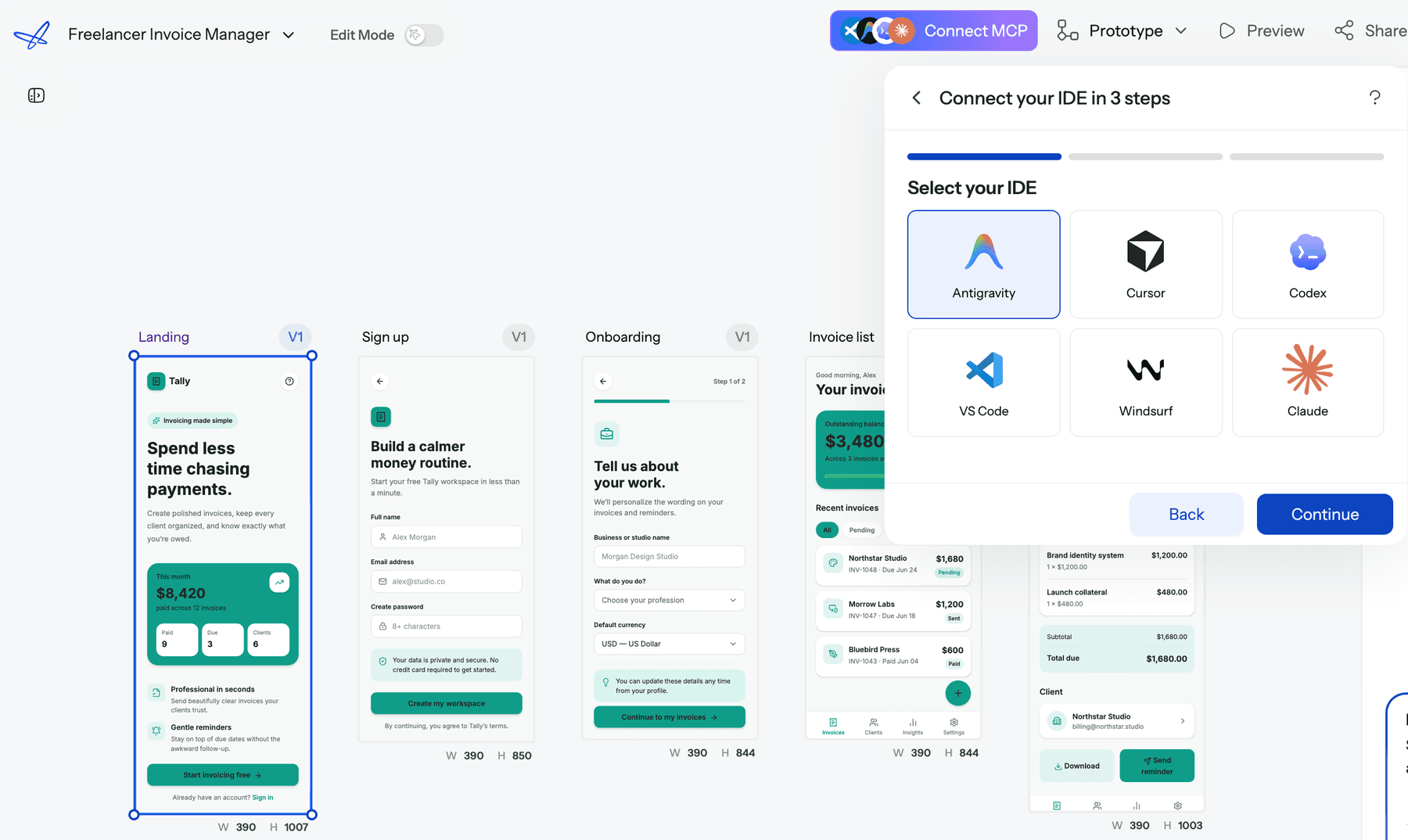
- Hand the design to your builder. The UXMagic MCP server lets Claude, Cursor, VS Code, Windsurf and other MCP clients read your real screens, HTML and theme. You can ask your coding assistant to "implement the Pricing screen from my project using our tokens" and it works from the actual design, not a screenshot.
- Publish when a site is enough. For landing pages and marketing sites, you can publish a project to a live URL with HTTPS and rollback.
Where it falls short: UXMagic does not create databases, auth, server logic or payments. Exported code is a front end with no data layer, routing or state management, so you still wire it into an app. If you need a working backend today, pair it with one of the builders below rather than replacing them.
Best for: founders, PMs and designers who want the product to look right, and hang together across screens, before paying to build it. Read our full UXMagic vs Lovable comparison.
Design the whole flow before you build it
Plan screens, design them with one shared theme, then export to Figma, React or your AI coding tool through MCP.

If you are also weighing design-first tools, our sibling guides on Google Stitch alternatives and Uizard alternatives cover the rest of that category, and how to design UI with AI shows the workflow step by step.
- For full-stack vibe coding: the closest Lovable competitors
These are the apps most like Lovable. You prompt, they generate front end and back end, and you get something running.
Bolt.new vs Lovable
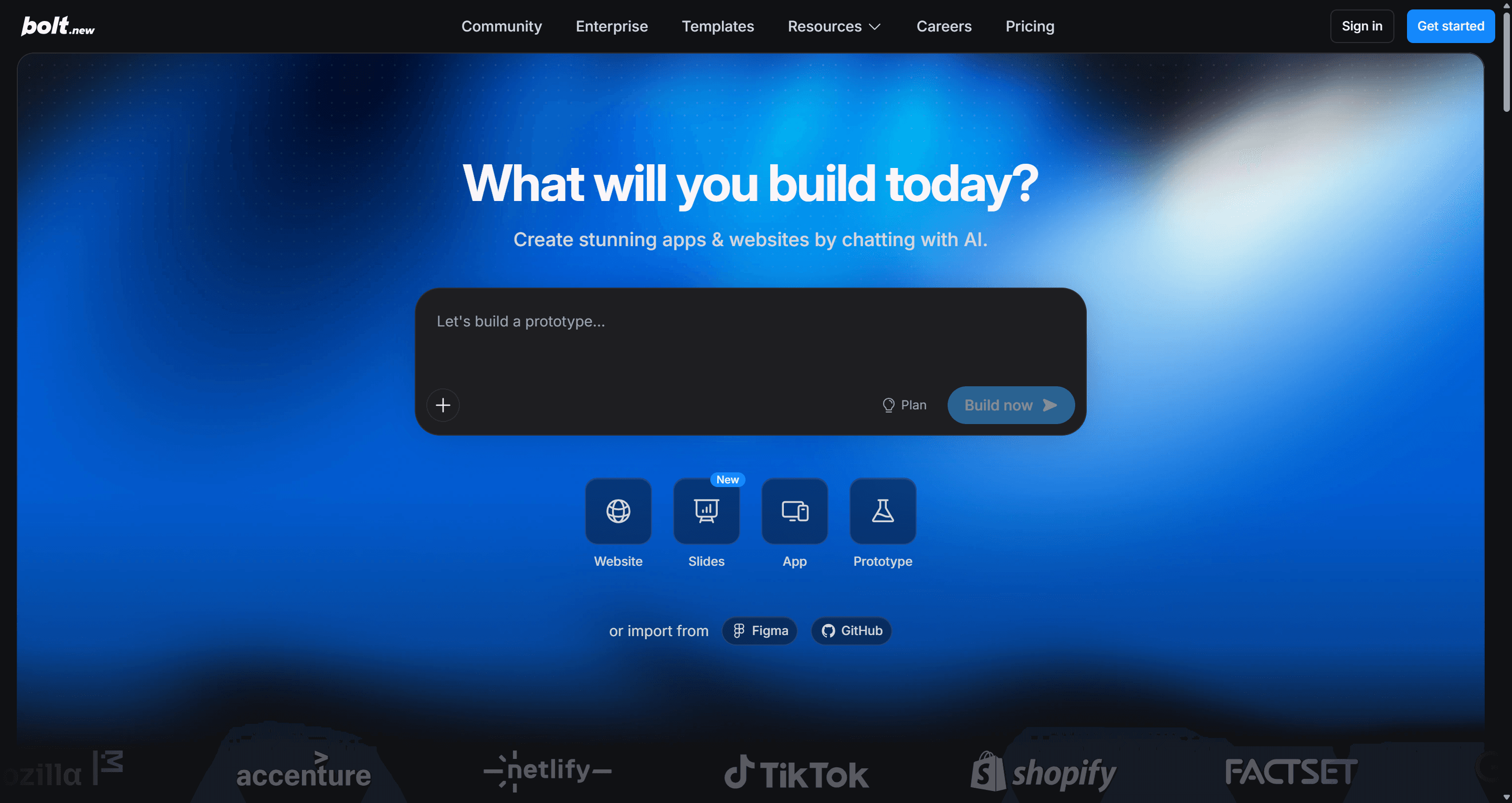
Bolt.new, from StackBlitz, runs a full development environment in the browser. It installs packages, runs a dev server, and deploys the result, and you can see and edit every file. That transparency is its main advantage over Lovable: when the AI gets stuck, a developer can step in without exporting anything.
Pricing is token-based. Per Bolt's pricing page, the free plan includes 300K tokens a day and 1M a month; Pro starts at $25 a month with 10M tokens and rollover, and Teams is $30 per member. Tokens burn faster than most people expect on larger projects, which we break down in Bolt.new pricing explained.
- Best for: technical founders and developers who want Lovable's speed but full visibility into the code.
- Falls short: token usage grows with project size, and long sessions can loop on the same bug.
Read our full Bolt.new review or the UXMagic vs Bolt comparison.
Base44 vs Lovable
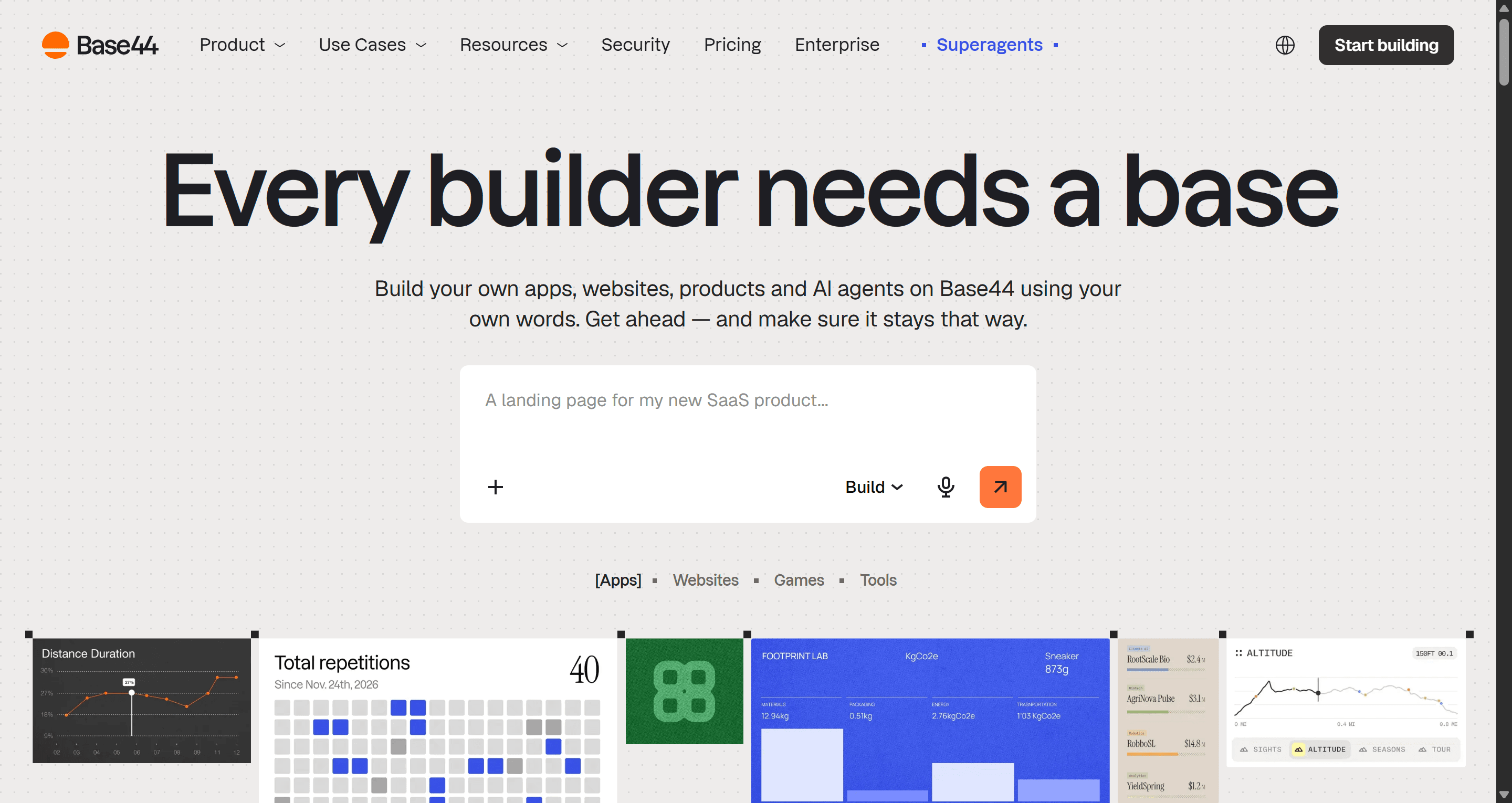
Base44, now part of Wix, is the most "no-code" of the Lovable alternatives. It generates an app with a built-in database, authentication and hosting, and hides most of the code. Non-technical builders tend to like it for internal tools and simple SaaS ideas.
Base44's pricing page lists a free plan with 25 message credits a month and up to 5 apps, then Starter at $16 a month, Builder at $40, Pro at $80 and Elite at $160, with 20% off on annual billing.
- Best for: non-developers who want a working app with data and login and don't want to see code.
- Falls short: you are tied more closely to Base44's platform, and the UI is functional rather than distinctive.
Read our full Base44 review, or see how it compares in UXMagic vs Base44.
Replit vs Lovable
Replit started as an online IDE and is now built around Replit Agent, which scaffolds, builds and deploys apps from prompts inside a cloud workspace with databases and hosting included. Because it is a real IDE underneath, you are not limited to the React stack Lovable prefers; Python backends, scripts and bots are all fair game.
According to Replit's pricing page, Core costs $20 a month ($18 annually) and includes $20 of AI usage; Pro is $100 a month with parallel agents and more collaborators.
- Best for: builders who want an AI agent plus a proper coding environment, and teams that need more than one language.
- Falls short: usage-based AI billing can climb on complex projects, and the interface is more developer-shaped than Lovable's.
See our UXMagic vs Replit comparison.
Emergent vs Lovable
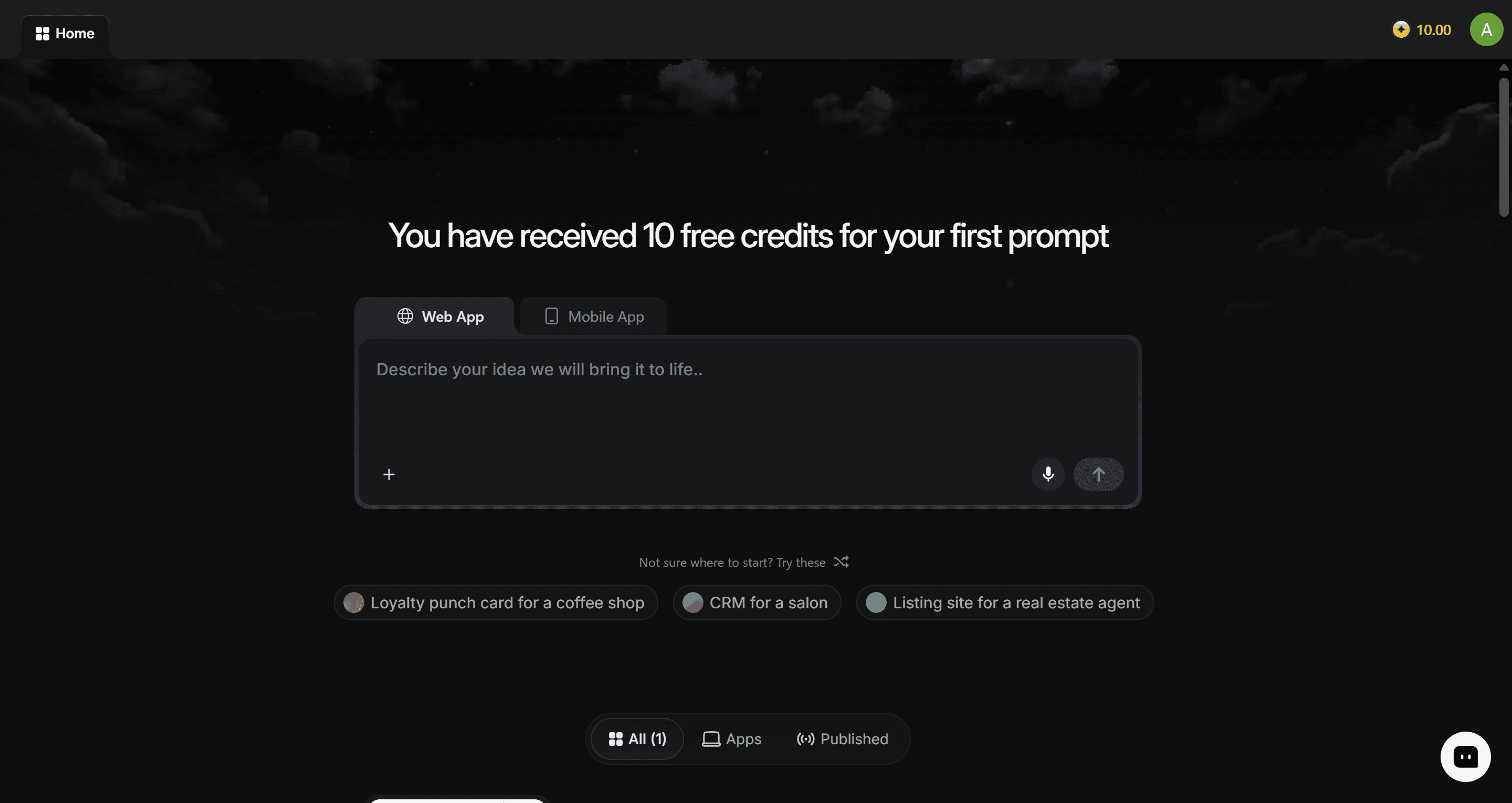
Emergent pitches itself as agentic full-stack development: multiple AI agents plan, code, test and deploy web and mobile apps. It leans further into "the AI does the engineering" than Lovable, with options like larger context windows and custom agents on higher tiers.
Emergent's pricing page lists a free plan with 10 credits a month, Standard at $20 a month for 100 credits, and Pro at $200 a month for 750 credits.
- Best for: founders building more complex full-stack or mobile apps who want the agent to handle testing too.
- Falls short: the free tier is small, and the jump from Standard to Pro is steep.
Read our full Emergent AI review.
For a head-to-head of this group, our vibe coding tools comparison puts Bolt, Lovable and Base44 side by side, and vibe coding in 2026 covers the workflow that makes them productive. If you need a native mobile app specifically, Rork is built for that.
- For frontend components and UI code
Sometimes you do not need a whole app. You need a well-built pricing page, a dashboard layout or a settings panel that fits into a codebase you already have.
v0 vs Lovable
v0 by Vercel generates React components styled with Tailwind and shadcn/ui, and it has grown into a full app builder with GitHub sync and one-click deploys to Vercel. If your stack is Next.js on Vercel, its output slots in with very little translation.
v0's pricing page lists a free plan with $5 of monthly credits, Plus at $30 a month, and Business at $100 a month.
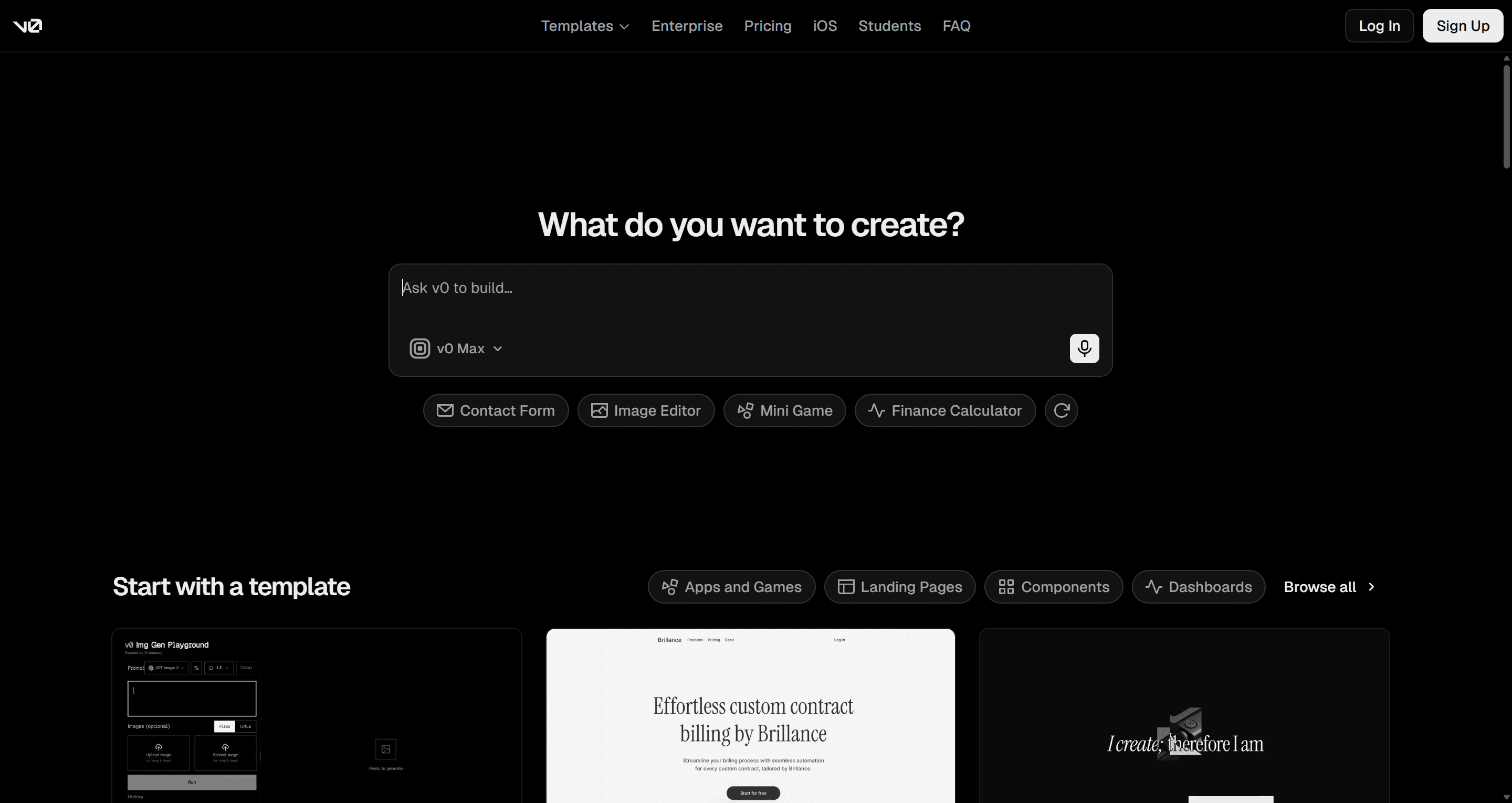
- Best for: React developers who want components that match the shadcn/ui conventions their project already uses. Our explainer on shadcn/ui covers why that matters.
- Falls short: it works one generation at a time, so keeping ten screens visually consistent is up to you.
Read our full v0 by Vercel review or the UXMagic vs v0 comparison.
Magic Patterns vs Lovable
Magic Patterns is an AI prototyping tool for product teams. Its strength is matching an existing design system: you feed it screenshots, components or styles, and new UI comes back looking like your product rather than a generic template. It supports real-time multiplayer editing, which Lovable does not focus on.
Magic Patterns lists a free tier, Starter at $20 per seat a month, and Business at $100 per seat a month.
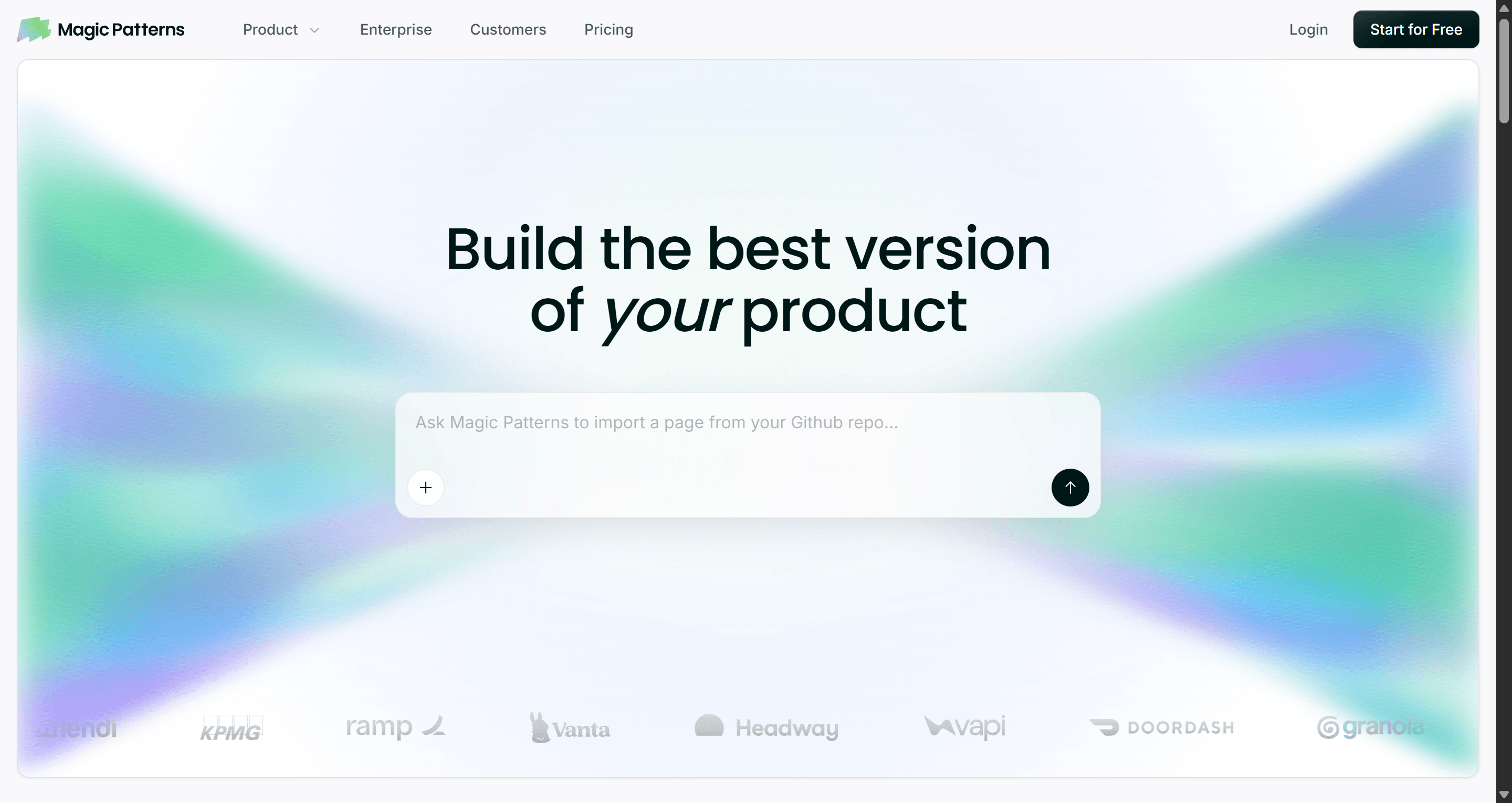
- Best for: product teams adding features to an existing product who need prototypes that look on-brand.
- Falls short: it is a prototyping tool, so there is no production backend, and per-seat pricing adds up for larger teams.
Read our full Magic Patterns review, and see the UXMagic vs Magic Patterns comparison.
- For product teams already in Figma
Figma Make vs Lovable
Figma Make is Figma's prompt-to-app tool. You describe a prototype, or point it at frames from your Figma files, and it generates a working, interactive version you can share or publish. For teams whose designs, comments and handoff already live in Figma, not having to leave the tool is a strong argument.
Per Figma's pricing page, Figma Make is included in paid plans (Professional, Organization and Enterprise) but not the free Starter plan, and AI usage is metered in monthly credits per seat.
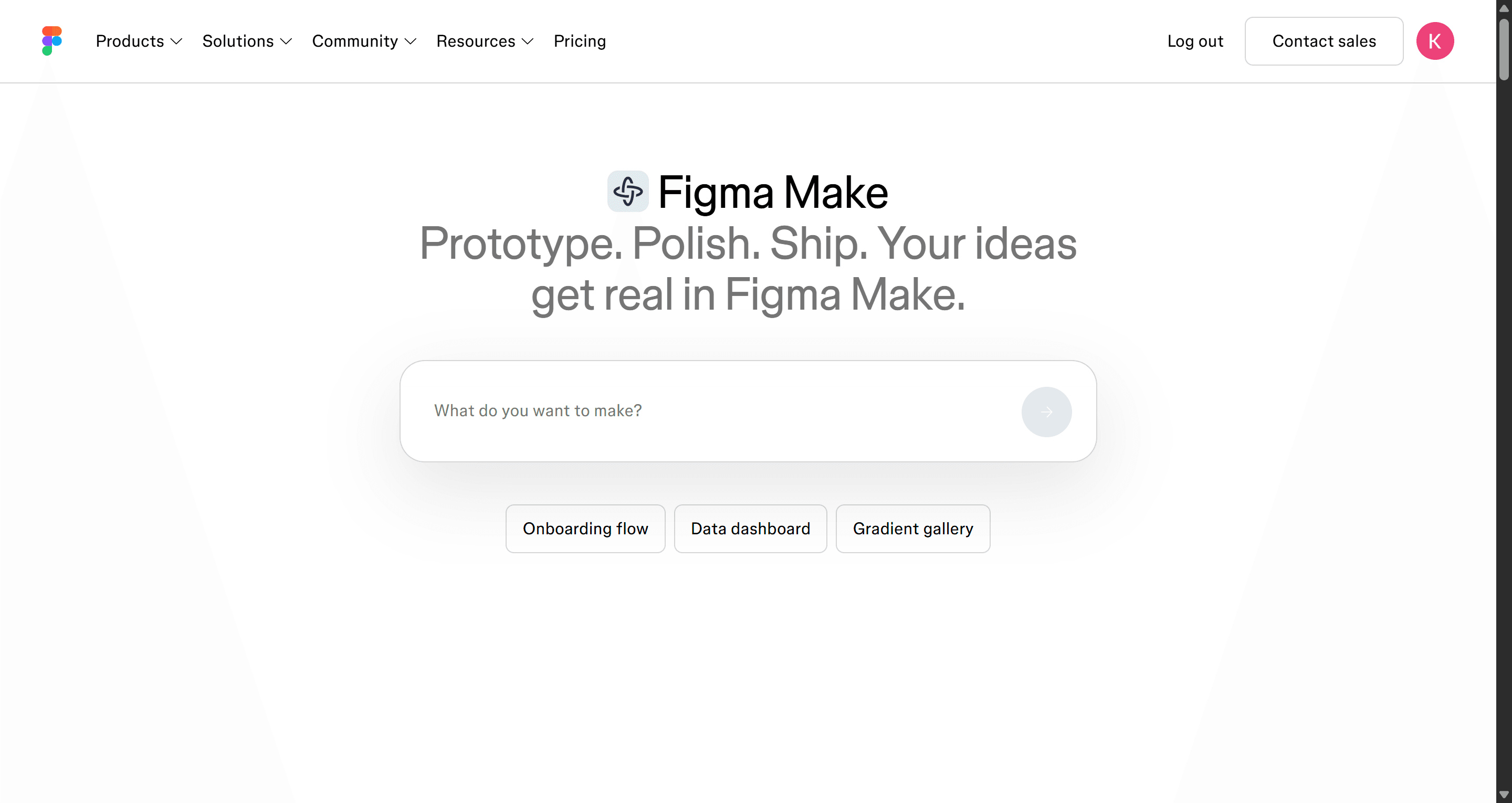
- Best for: design teams who want to prototype interactions from existing Figma work without handing off to engineering.
- Falls short: it requires a paid Figma seat, and the output is better as a prototype than as the foundation of a production app.
Our guide to Figma AI explains how Make relates to Figma's other AI features, and our roundup of Figma Make alternatives covers what to use instead. You can also compare it directly in UXMagic vs Figma Make.
- For developers with an existing codebase
Lovable is strongest on a blank slate. Once you have a repo, tests and conventions, you want AI that works inside them.
Cursor vs Lovable
Cursor is an AI code editor built on VS Code. It indexes your codebase, and its agent can plan and make changes across many files, run commands and fix its own errors. It is not trying to be an app builder for non-developers; it makes developers faster in the code they already own.
Cursor offers a free Hobby tier with limited agent requests, and Pro starts at $20 a month.
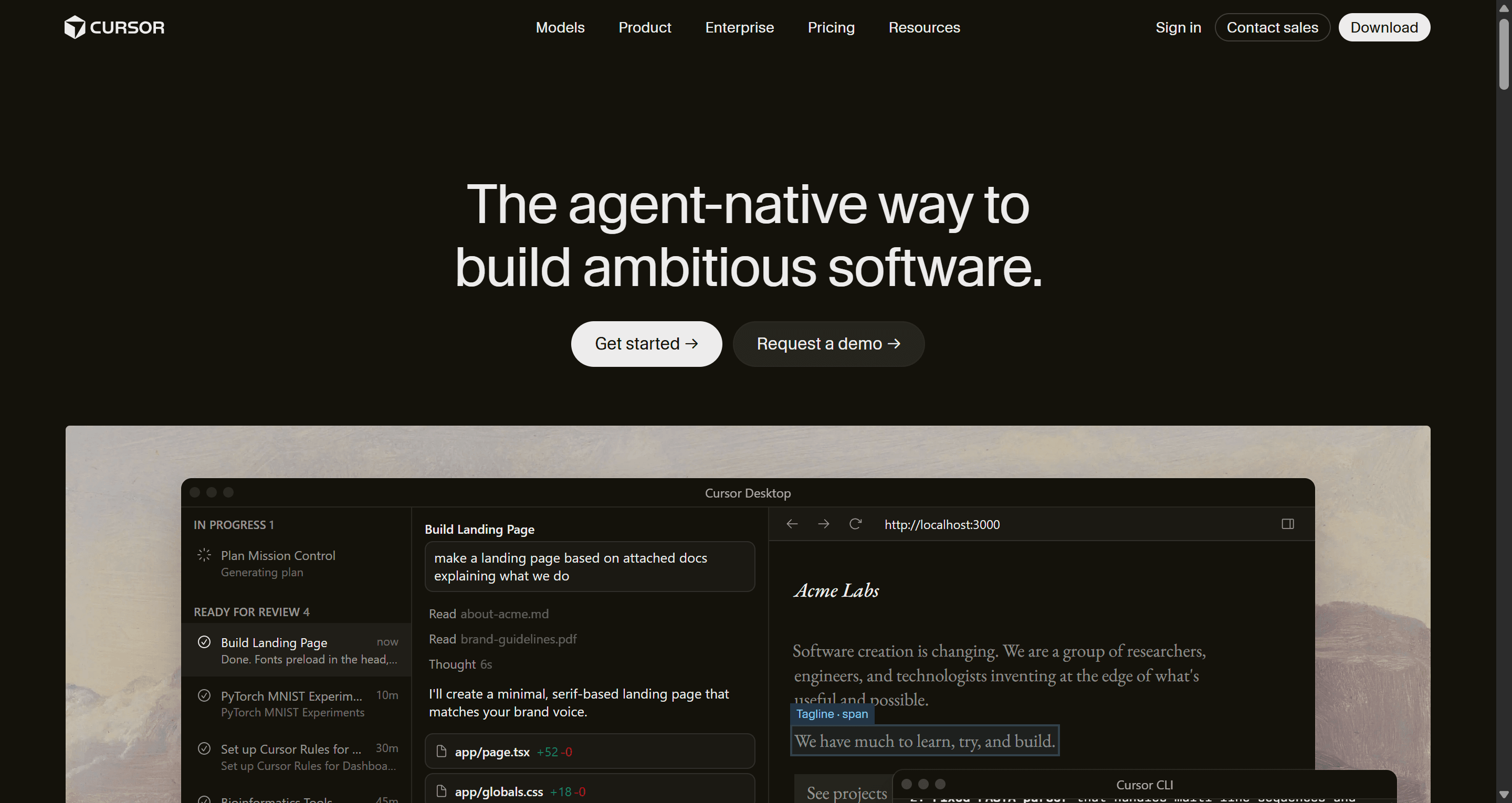
- Best for: developers maintaining a real product who want an AI pair programmer, not a new platform.
- Falls short: you need to know how to code and review what the agent writes.
Cursor is also where UXMagic's MCP integration earns its keep: connect the UXMagic MCP, and Cursor can read the screens you designed and implement them against your own components. Our AI coding assistants for frontend developers compares Cursor with the other options.
Builder.io vs Lovable
Builder.io offers a visual IDE for web app development alongside its visual CMS. Its selling point for teams is that AI generation works with your existing components and repo, and its Figma import turns design files into code that uses them.
Builder.io's pricing page lists a free plan, Pro at $24 per user a month and Team at $40 per user a month.
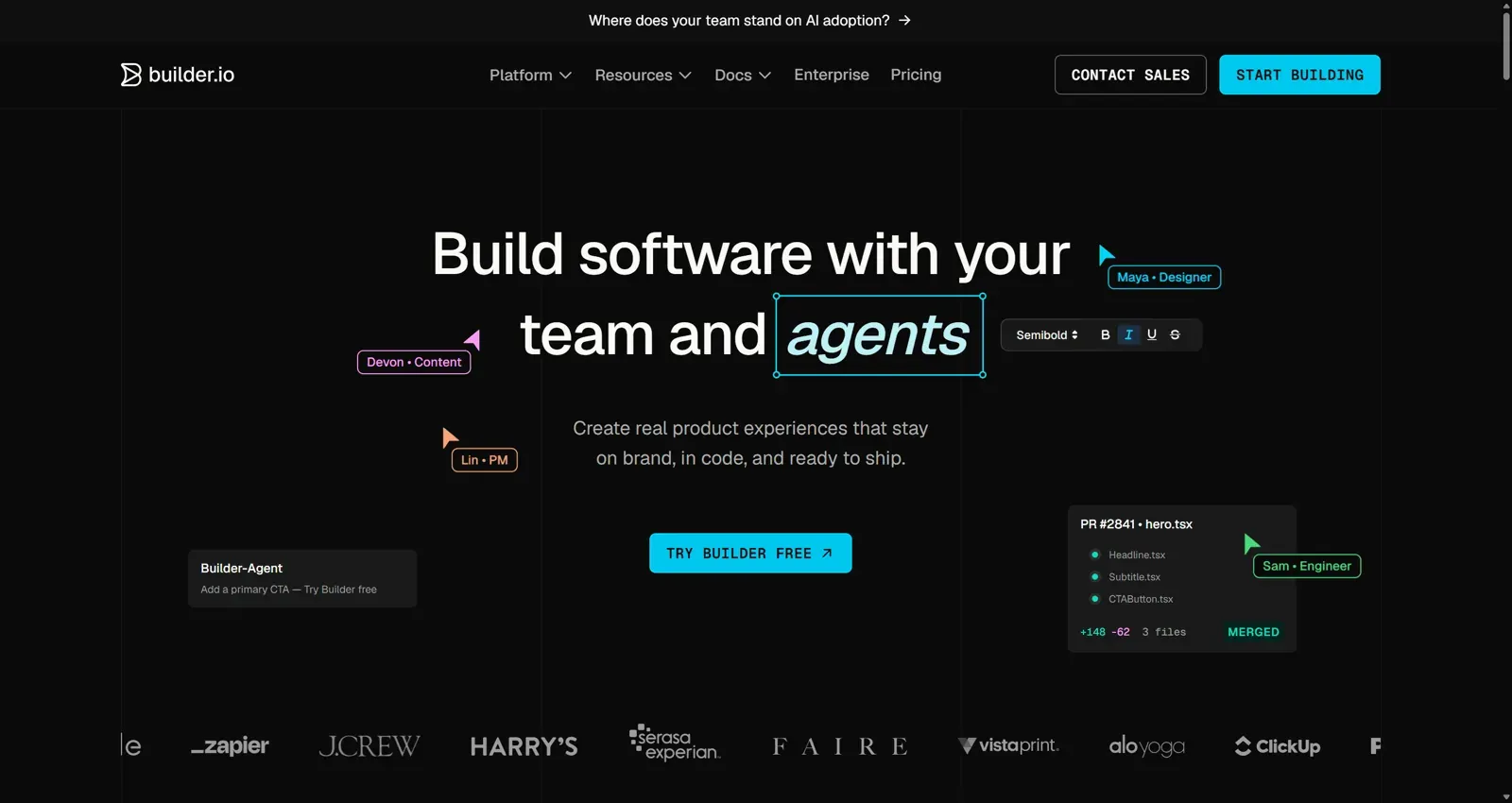
- Best for: engineering and marketing teams who want AI and visual editing on top of their own component library.
- Falls short: setup takes real engineering time, and it is overkill for a solo MVP.
Read our full Builder.io review.
- Is there a Lovable open source alternative?
Yes. Dyad is the closest thing to a free, open source Lovable. It is a desktop app for macOS and Windows that runs locally, so your code and data stay on your machine. You bring your own API keys for OpenAI, Anthropic, Google, or local models through Ollama or LM Studio, and the code is yours with no platform lock-in. The project is on GitHub, so you can audit it.
It is free to use with your own keys. Dyad also sells a Pro plan at $20 a month with 200 AI credits and extra modes for large codebases, and a Max tier at $79 a month.
- Best for: privacy-conscious builders and developers who want Lovable's workflow without vendor lock-in.
- Falls short: you manage the API costs, hosting and backend yourself, and there is no desktop build for Linux listed on its site.
How to choose the right Lovable alternative
The quickest way to narrow the list is to ask what you are missing in Lovable today.
- "My app works, but it looks generic or inconsistent." That is a design problem, not a code problem. Design the flow in UXMagic, fix it there, then build. We argue this in more depth in why single-screen AI design is a dead end.
- "I need a real backend, and I don't code." Base44 or Lovable itself.
- "I code, and I want to see everything." Bolt.new or Replit.
- "I have a codebase already." Cursor, Builder.io or v0.
- "I can't send my code to a vendor." Dyad.
- "My team lives in Figma." Figma Make, or UXMagic if you want Figma export plus code.
A workflow that uses more than one tool
In practice, the teams we talk to rarely stop at one tool. A pattern that works well:
- Write down what you are building. A short brief or PRD is enough. The AI PRD generator can draft one alongside matching screens.
- Design the flows in UXMagic. Approve the screen plan, generate the flow, and iterate on the theme while edits are cheap. Our piece on flow-based design vs static screens explains why this step saves rework.
- Hand off. Export to Figma for your designers, export code for your developers, or connect your coding assistant through MCP. If you use Claude, the Claude connector needs no API key.
- Build the logic in your builder of choice. Lovable, Bolt, Cursor or anything else. The builder now implements a finished design instead of inventing one.
Separating design from build this way also changes the cost picture. Iterating on layout inside an app builder spends build credits on every attempt; our analysis of what an MVP costs to build with AI shows where the money goes.
Pricing comparison of Lovable alternatives
Prices below come from each vendor's official pricing page as of September 2026. Credit and token units are not comparable across tools, so treat this as a starting point.
| Tool | Free plan | Entry paid plan | Billing unit |
|---|---|---|---|
| Lovable | 5 build credits a day (up to 30 a month) | Pro, priced by credits | Credits |
| UXMagic | 20 credits a day | Pro, $35/mo or $17.50/mo billed annually | Credits (2,400/mo on Pro) |
| Bolt.new | 1M tokens a month | Pro, $25/mo | Tokens |
| Base44 | 25 message credits a month | Starter, $16/mo | Message and integration credits |
| Replit | Starter tier (limited) | Core, $20/mo | AI usage in dollars |
| Emergent | 10 credits a month | Standard, $20/mo | Credits |
| v0 | $5 of credits a month | Plus, $30/mo | Credits |
| Magic Patterns | Limited | Starter, $20/seat/mo | Seats |
| Figma Make | Not included | Paid Figma plan | Seats and AI credits |
| Cursor | Hobby | Pro, $20/mo | Requests and usage |
| Builder.io | Yes | Pro, $24/user/mo | Agent credits |
| Dyad | Free with your own API key | Pro, $20/mo | AI credits |
UXMagic's Pro plan covers up to 400 screens a month with unlimited projects and 250 Figma exports. The full breakdown is on our pricing page, and how credits work lists what each action costs. A targeted edit is 0.2 credits, which is why small, specific edits stretch a balance much further than regenerating.
Our recommendation
If Lovable is working for you, keep using it for what it is good at: getting a full-stack MVP running quickly. Most people searching for Lovable alternatives don't need to replace it. They need to fill the gap it leaves.
For most teams that gap is design. Lovable, Bolt and Base44 will build whatever UI they come up with, one screen at a time. UXMagic does the opposite job. It plans the whole product, keeps every screen on one theme, and hands the result to Figma, to your repo through GitHub sync, or to your AI coding tool through MCP. It won't build your database, and we would rather say so here than have you find out later.
The combination is what works: design in UXMagic, build in the Lovable alternative that fits your stack. If you want a head start, browse our templates or the React component library, and see where UXMagic sits among the best AI design tools of 2026.
Related guides
- Base44 vs Lovable (2026): Which AI App Builder Fits Your Project?
- 12 Replit Alternatives in 2026, Grouped by the Job You Need Done
- Base44 Pricing 2026: Plans, Credits, and What an App Really Costs
- Lovable vs Bolt in 2026: Which AI App Builder Fits Your Project?
- 11 Best v0 Alternatives in 2026, Grouped by the Job You Need Done
- 10 Best Magic Patterns Alternatives in 2026, Grouped by Workflow
- 10 Best a0.dev Alternatives for Building Mobile Apps with AI (2026)
- Replit Pricing 2026: Plans, Credits, and What an App Really Costs
- 9 Best MagicPath Alternatives in 2026, Grouped by How You Work
- AI Design to Code Tools: The Complete 2026 Guide by Input Type
Start with the design, then build anywhere
Generate a connected, multi-screen flow for free, then export it to Figma, React or your favourite AI app builder.