TL;DR: For a free, open-source Figma alternative, use Penpot. Sketch is still the best native Mac editor, and Lunacy is the best free option that works offline on Windows and Linux. For websites, look at Framer. If you want AI to draft screens rather than drawing them by hand, UXMagic builds multi-screen flows and exports them to Figma or React. Avoid Adobe XD and Motiff for new work: XD is in maintenance mode and Motiff has shut down.
Figma is the default tool for UI design, and for good reason. It runs in the browser, multiplayer editing works, the plugin ecosystem is huge and most developers already know Dev Mode. So when a team searches for Figma alternatives, the reason is usually specific, not a sudden dislike of the product.
Common reasons we hear: seat costs that climb as a team grows, a company policy that requires self-hosting or data residency, a designer who wants a native desktop app that works on a plane, or a founder who never wanted a professional vector editor in the first place and just needs screens. More recently, a fifth reason has appeared. AI tools can now draft a whole flow from a sentence, and some teams want to start there rather than on a blank frame.
This guide groups eleven tools by the job you are hiring them for. For each one we cover what it is, who it suits, where it falls short and what it costs, using pricing we checked on each vendor's own site in September 2026. We build UXMagic, so it is on the list. We have tried to be clear about where it replaces Figma and where it works better alongside it.
Figma alternatives at a glance
| Tool | Best for | Platform | Free option | Paid from |
|---|---|---|---|---|
| Penpot | Open-source, self-hosted teams | Browser, self-host | Free for up to 8 team members | $7/editor/mo (capped at $175/mo) |
| Sketch | Mac-native designers | macOS editor + web workspace | 30-day trial | $12/editor/mo billed yearly, or $120 licence |
| Lunacy | Free offline desktop design | Windows, macOS, Linux | Free app, 10 cloud docs | Cloud from $4.99/mo |
| UXMagic | AI-drafted multi-screen flows, Figma + code export | Browser | 20 credits/day | $17.50/mo billed annually |
| Uizard | Non-designers making mockups | Browser | 3 AI generations/mo | $12/mo billed annually |
| Visily | PMs and cross-functional teams | Browser | 300 AI credits/mo | $14/editor/mo |
| Framer | Marketing sites that go live | Browser | Free plan, 500 AI credits | $10/mo site plan |
| Canva | Marketing graphics, non-designers | Browser, desktop, mobile | Free plan | Paid Pro and Business plans |
| UXPin | Code-backed prototypes, design systems | Browser | Limited free plan after trial | $29/mo billed annually |
| Adobe XD | Existing users only | Desktop | No | Creative Cloud only |
| Motiff | Nothing new: shut down | n/a | n/a | n/a |
Before you switch: what Figma still does best
It is worth being honest about what you would give up. Figma's strengths are real-time collaboration that nobody else matches at scale, a large community of files and plugins, variables and component libraries that big design systems depend on, and Dev Mode for handoff. On top of that sits a growing set of AI features. Our explainer on what Figma AI includes covers each one, and our Figma Make alternatives roundup looks at where its prompt-to-prototype tool struggles.
If cost is the main issue, check your seat mix first. On the Professional plan, a Full seat is $16 a month, a Dev seat $12 and a Collab seat $3, while viewers are free. Organization Full seats are $55 a month and Enterprise $90, both billed annually. Many teams overpay by giving Full seats to people who only comment. Our Figma pricing guide walks through the maths.
If you still want to move, the rest of this guide is grouped by what you are moving towards. For a wider list that includes research, whiteboarding and handoff tools, see our best UX/UI design tools for 2026.
Best open-source Figma alternative
Penpot
Penpot is the closest thing to an open-source Figma. It runs in the browser, supports real-time collaboration, and is built around open standards: layouts use CSS Grid and Flex, design tokens are native, and you can inspect and export CSS, HTML, SVG and JSON. You can use Penpot's cloud or self-host it on your own infrastructure, which is the main reason regulated teams pick it. Penpot also ships an MCP server so AI agents can read and work with design files.
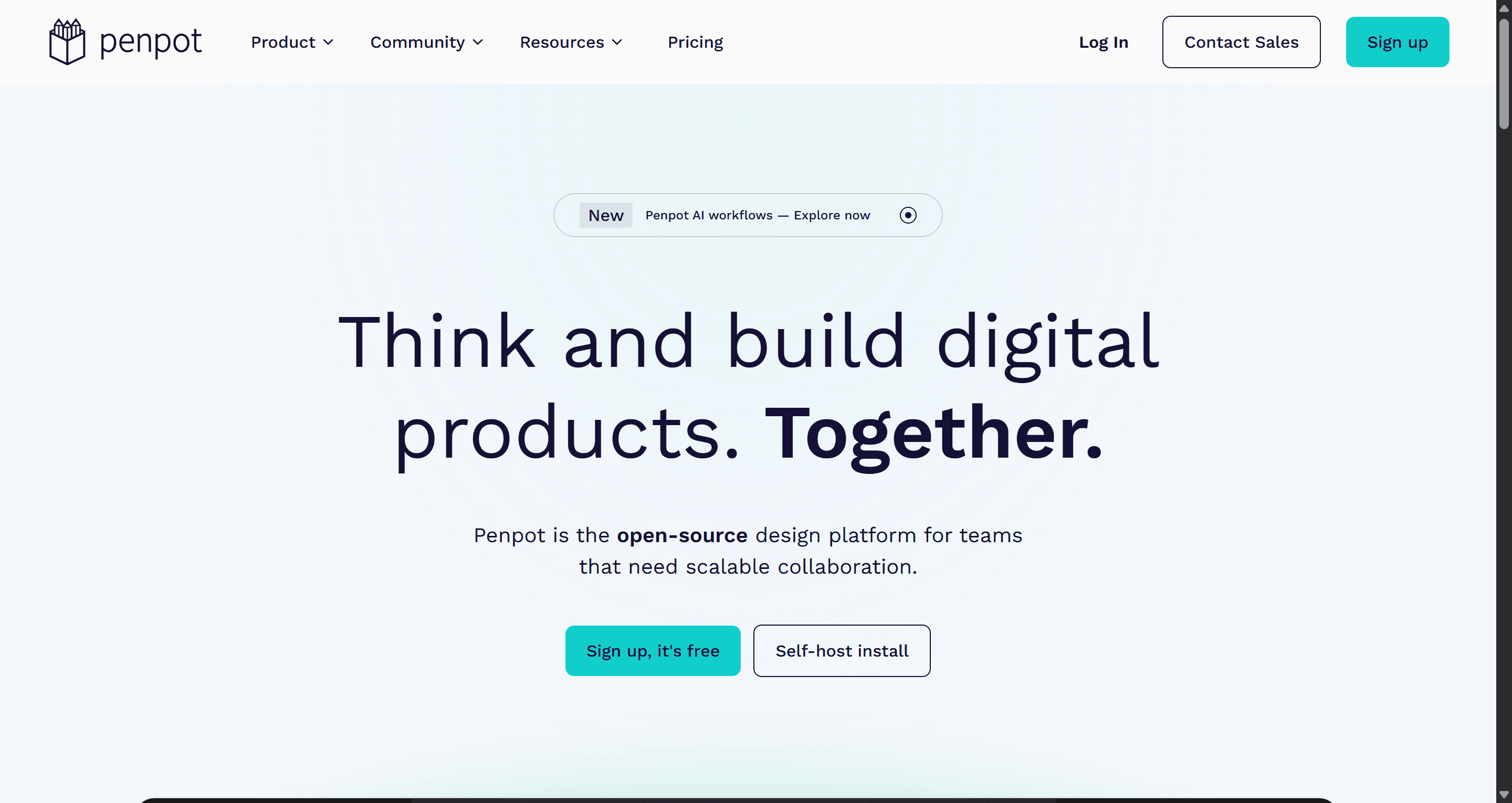
Pricing. The cloud Professional plan is free, with unlimited files and teams and up to 8 team members. Unlimited is $7 per editor per month, capped at $175 a month however large the team, with 25GB of storage. Enterprise is $25 per member per month and adds SSO and a choice of hosting region. Self-hosting is available separately.
Best for: teams that need data control, public-sector and open-source projects, and developers who like that the layout model maps directly to CSS.
Where it falls short: the plugin ecosystem and community file library are much smaller than Figma's, and performance on very large files can lag. Moving an existing Figma design system across takes real work, so plan for it rather than expecting a clean import.
Best native desktop alternatives
Sketch
Sketch is where modern UI design tools started, and it is still the best choice for designers who want a native Mac app. The editor works offline and stores documents locally if you want it to. Subscriptions add real-time collaboration, unlimited free viewers, version history and a browser workspace where developers can inspect files, download assets, export tokens and leave threaded comments.
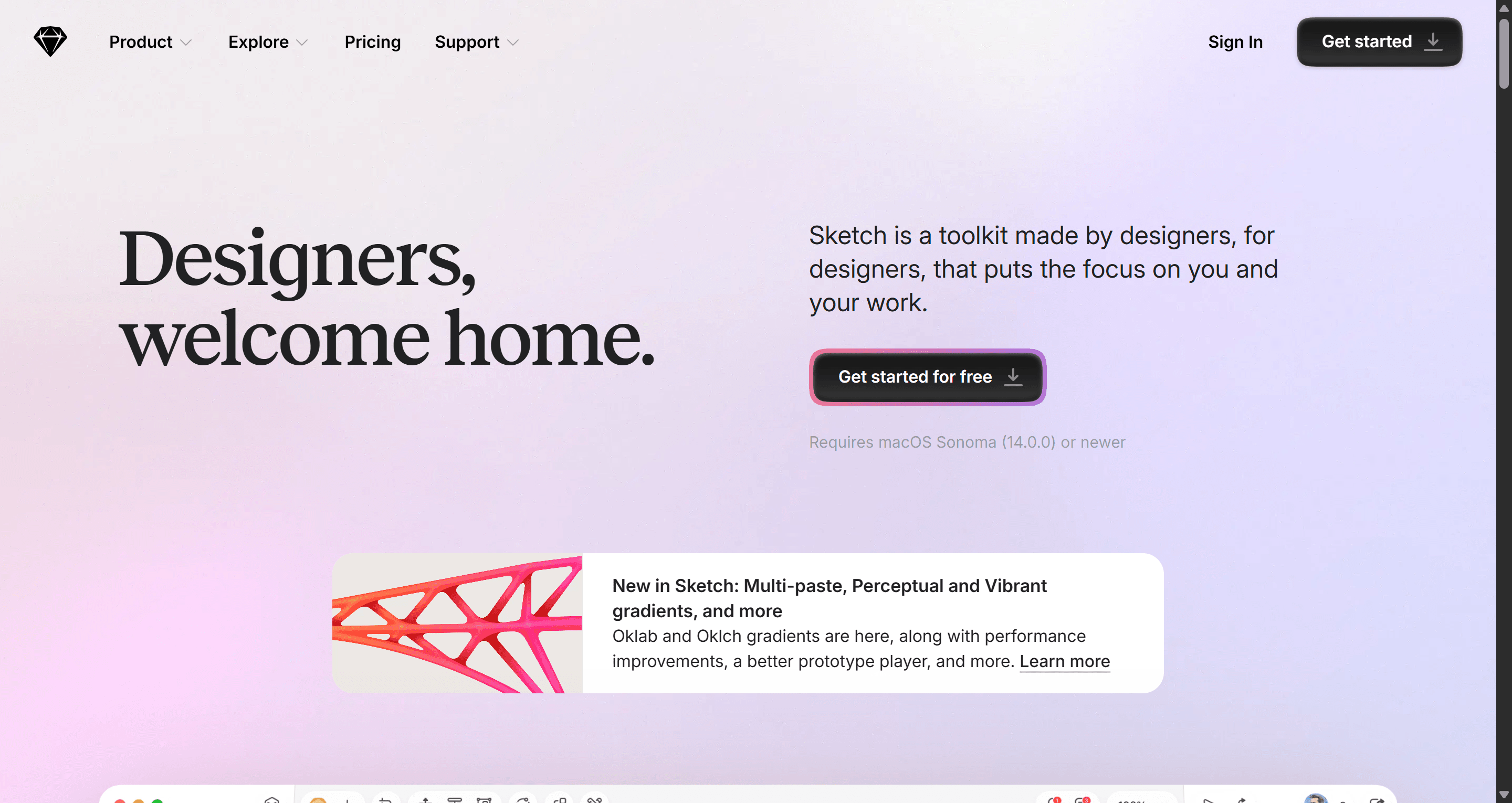
Pricing. Standard is $12 per editor per month billed yearly, Professional is $24 and Enterprise $44. There is a 30-day free trial on subscriptions. Sketch also sells a Mac-only licence for $120 per seat with a year of updates, which covers design and prototyping but not collaboration or online sharing. Note that Sketch says it can no longer support direct purchases from customers in India from July 15, 2026.
Best for: solo designers and small Mac-based studios who want speed, offline work and a one-off purchase option.
Where it falls short: editing is Mac-only (the current version needs macOS 15 or newer), so mixed Windows teams cannot all design in it. Its AI story is lighter than Figma's.
Lunacy
Lunacy, made by Icons8, is a free desktop design app for Windows, macOS and Linux. It works fully offline, opens Sketch files, and comes with built-in icons, photos, illustrations and UI kits from the Icons8 library. For anyone on Windows or Linux who wants a native app instead of a browser tab, it is the obvious pick.
Pricing. The app itself is free for personal and commercial use. Free cloud storage covers up to 10 cloud documents with 30 days of version history. A Personal Cloud plan is $4.99 a month for unlimited cloud documents and full history, and team Professional seats are $4.99 per user per month. Premium graphics are a separate subscription. Details are on Lunacy's plans page.
Best for: students, freelancers and Linux users who want a capable free editor that does not depend on an internet connection.
Where it falls short: collaboration and the plugin ecosystem are thin compared with Figma, and fewer teams use it, so sharing files with clients or other designers is harder.
Best AI-first alternative: skip the blank canvas
The tools above replace Figma with another manual editor. A different kind of alternative changes where you start. AI UI tools generate editable screens from a prompt, screenshot or sketch, and you refine from there. For founders and PMs this can replace Figma outright. For designers it usually replaces the first few days of layout work, and the result goes back into Figma for polish. Our best AI design tools of 2026 ranks the whole category.
UXMagic
UXMagic is an AI UI design tool that turns a prompt, screenshot, hand-drawn sketch, URL or Figma file into editable, high-fidelity screens on an infinite canvas. Instead of generating one screen at a time, Flow Mode plans a whole journey first (for example landing, sign-up, onboarding and dashboard) and then designs every screen with a shared theme and navigation.
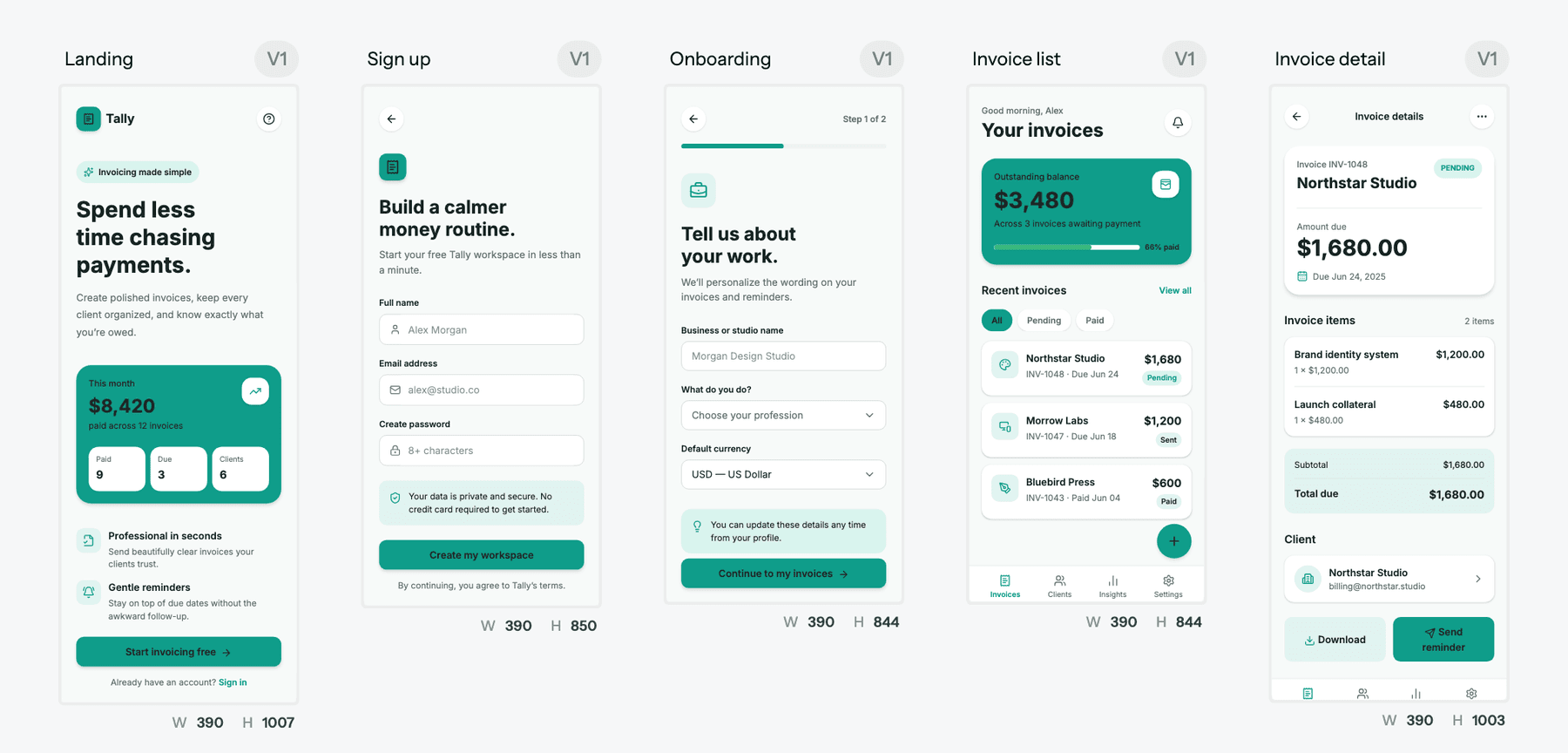
What makes it a practical Figma alternative, rather than a toy, is that it does not trap your work:
- Figma in both directions. Import from Figma brings an existing file in so you can extend it with AI (see the Figma import guide), and export to Figma sends screens back as editable layers with auto-layout.
- Code, not just pictures. Export a single screen or a whole project as HTML or React with Tailwind and your theme tokens. The code export guide covers the options, and the design to code generator handles screenshots and Figma files too.
- Start from what you already have. The image to UI generator rebuilds a screenshot as an editable screen, and HTML to design turns a live URL into an editable layout.
- A theme instead of loose styles. Colours, type, radii and spacing live as tokens on the project. The themes and style guides article explains how edits apply across every screen, and the AI style guide generator can create one from scratch.
- Low fidelity first if you prefer. The AI wireframe generator settles structure before visual design.
- Works with your coding agent. The UXMagic MCP server lets Claude, Cursor and other assistants read and create designs.
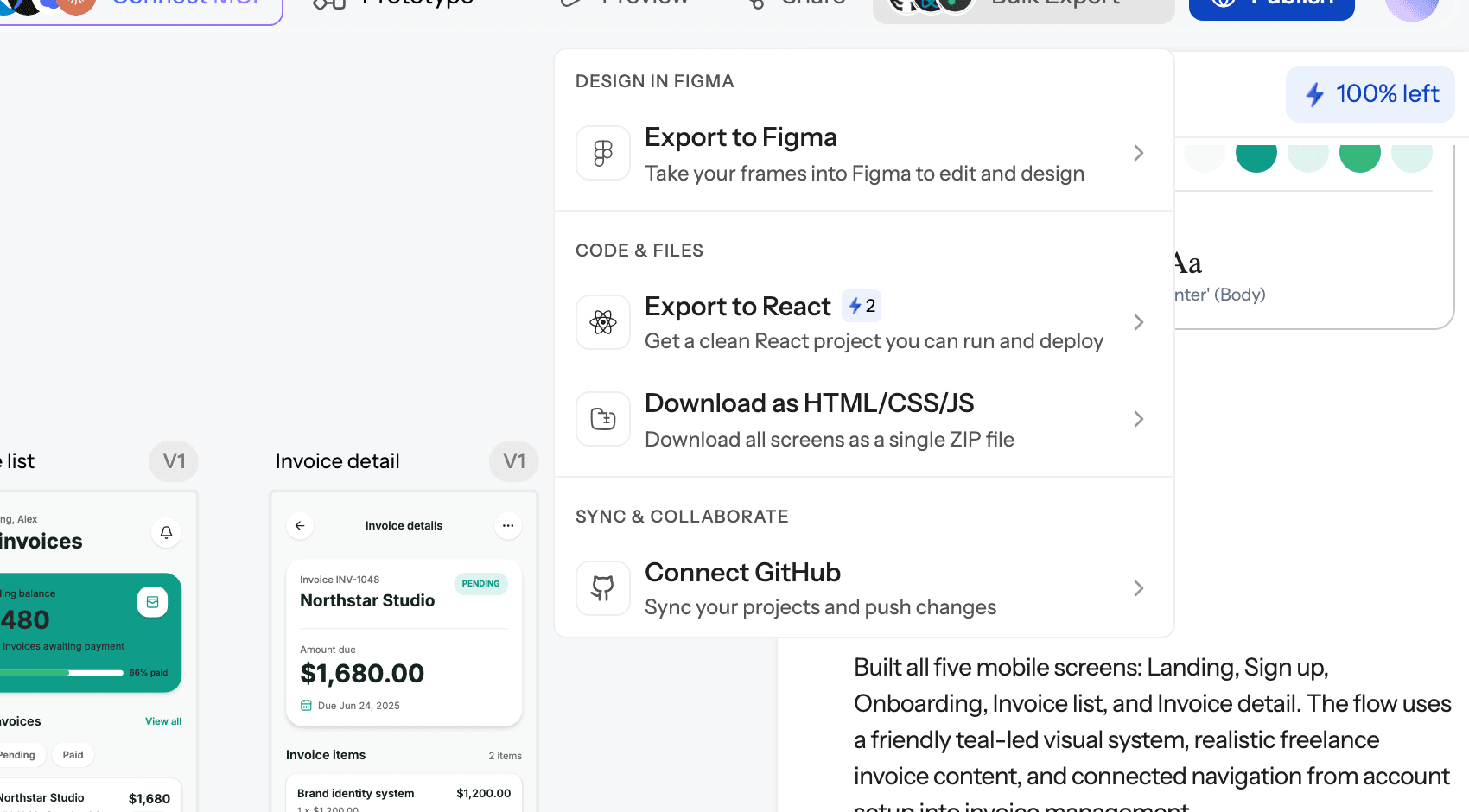
Pricing. The Free plan gives 20 credits every day, refreshed daily, for up to 3 screens a day across 5 projects, plus 1 Figma export. Flow Mode, wireframes, screenshot and sketch to UI and code export are all on Free. Pro is $35 a month, or $17.50 a month billed annually, with 2,400 credits a month (up to 400 screens), unlimited projects and 250 Figma exports a month. The credits breakdown lists what each action costs.
Best for: founders, PMs and product teams who need connected, consistent screens quickly, and designers who want AI to handle the first draft before they polish in Figma.
Where it falls short: UXMagic is not a vector illustration tool, and it does not try to replace Figma's pixel-level editing, plugin ecosystem or large-team library management. The free plan's 3 screens a day is enough to evaluate, not to design a full product.
Start with a flow, not a blank frame
Describe your product, approve the screen plan, and get editable screens you can export to Figma or React. The free plan refreshes daily.

Best for non-designers who need mockups
Plenty of people searching for "apps like Figma" do not want Figma's power at all. They want to show an idea to a team, an investor or a developer. These tools trade depth for approachability.
Uizard
Uizard turns prompts, screenshots and hand-drawn sketches into editable mockups with a drag-and-drop editor. It is one of the gentlest on-ramps into UI design for people who have never used a design tool.
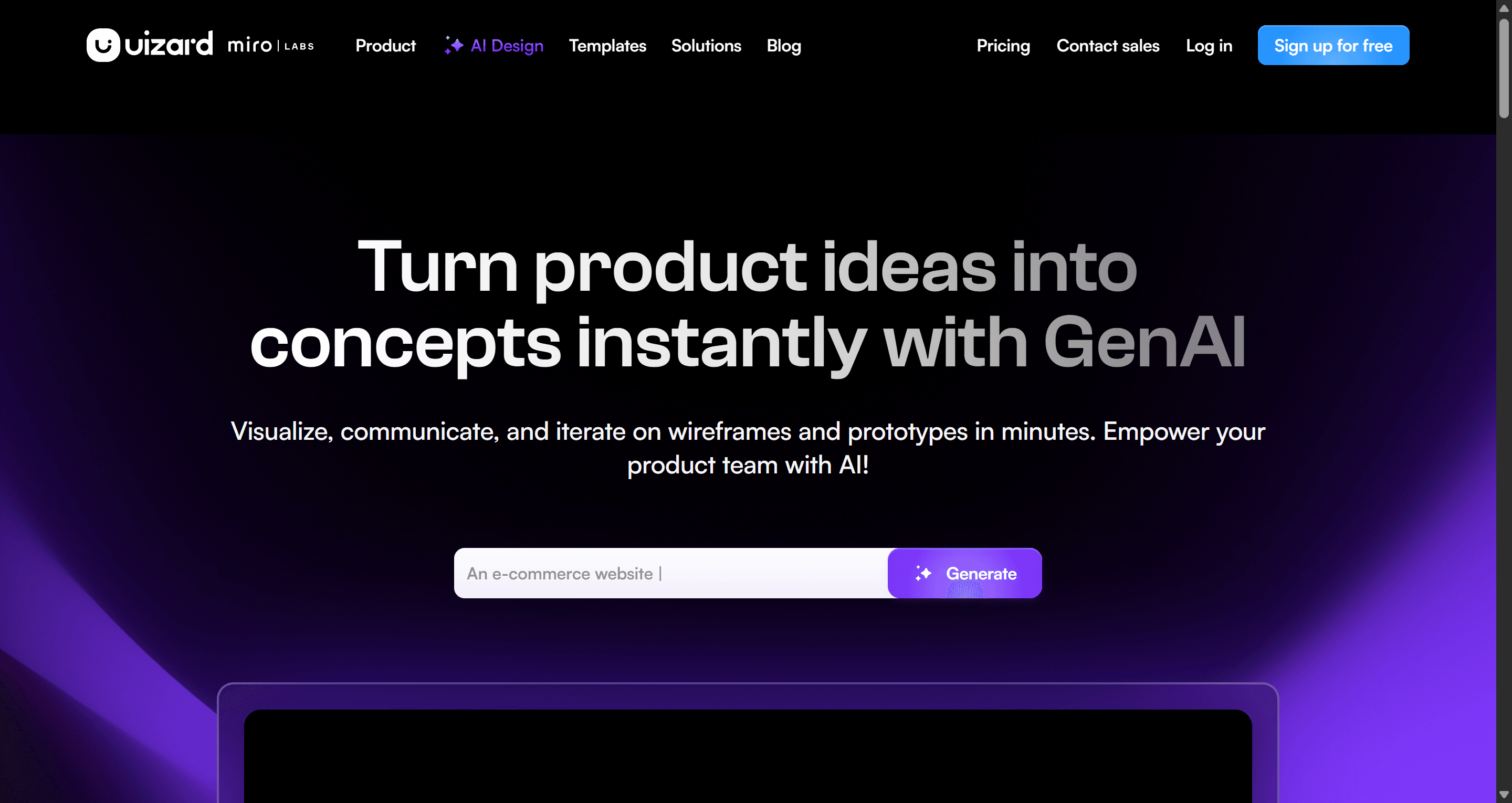
Pricing. Free includes 3 AI generations a month and 2 projects. Pro is $12 a month billed annually with 500 generations, and Business is $39 a month billed annually with 5,000.
Where it falls short: there is no direct export to Figma, and output usually stops at mid-fidelity. Read our Uizard review, see our guide to Uizard alternatives, or compare plans on the Uizard vs UXMagic page.
Visily
Visily is built for product managers, founders and business analysts. It pairs AI generation with templates and collaborative boards, and its Pro plan adds Figma import and export.
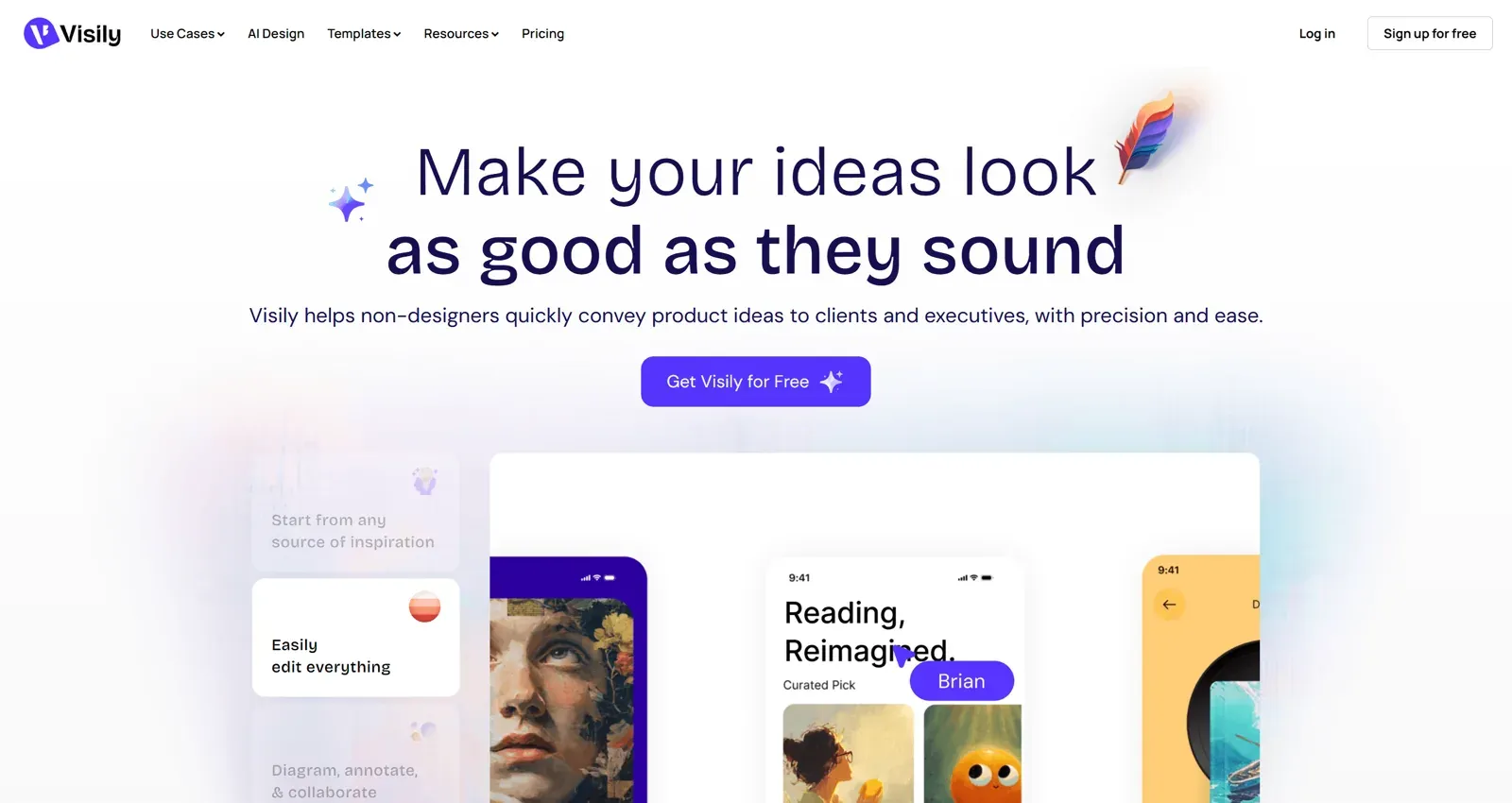
Pricing. The free Starter plan includes 300 AI credits a month and 2 editable boards. Pro is $14 per editor per month with 3,000 credits, unlimited boards and Figma import and export. Business is $29 per editor per month billed annually.
Where it falls short: Figma and code export are paid features, and the output suits alignment and reviews more than production. Read our Visily AI review or the Visily vs UXMagic comparison.
Best for websites that need to go live
Framer
Framer is a design canvas and a website builder in one. You design on a freeform canvas, and the page is published as a hosted site with CMS, SEO settings, localization and analytics built in. Framer now describes itself as a design agent: its AI works on the canvas, and it can take instructions from external tools such as Claude Code and Cursor.
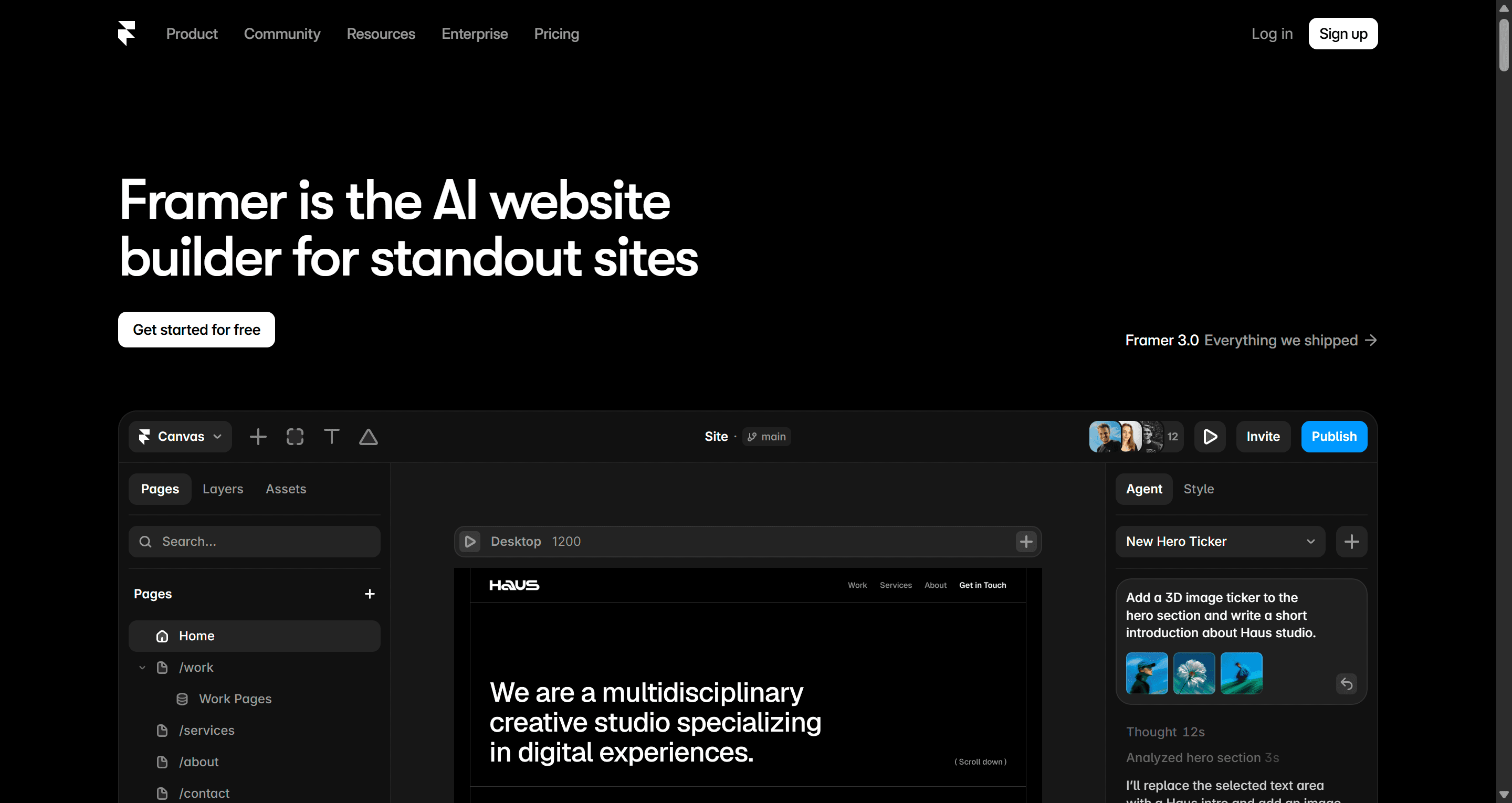
Pricing. The Free plan includes a Framer domain and 500 AI credits. Site plans start at $10 a month for Basic and $30 for Pro, billed yearly; monthly billing costs more. Extra designer seats are $20 a month each, and content editor seats are $10.
Best for: marketing teams and designers who want the site they design to be the site that ships, with no developer rebuild.
Where it falls short: it is built for websites, not app flows, dashboards or mobile screens, and costs add up per site and per seat. See the Framer AI vs UXMagic page. UXMagic can also export to Framer and Webflow if you want to design the flow first and build the site second.
Best for marketing graphics and non-design teams
Canva
Canva is not a UI design tool, but it appears in every Figma alternatives search because so many teams use Figma for social posts, presentations and one-off marketing pages. For that work, Canva is faster and far easier to hand to non-designers. Canva Code can also turn a prompt into a small interactive page or widget.
Canva also changed the desktop design market in October 2025 when it relaunched Affinity as a single app combining vector, photo and layout tools, and made it free. Affinity's AI features need a Canva subscription. Canva has a free plan, with paid Pro and Business plans for individuals and teams.
Best for: marketing, sales and social teams who need on-brand visuals quickly.
Where it falls short: no real component system, no interface prototyping to speak of and no developer handoff. Design the product UI in a proper UI tool, then export it to Canva when marketing needs it. For more on picking a mockup tool, see our best mockup tools guide.
Best for code-backed prototypes and design systems
UXPin
UXPin is aimed at larger product organisations. Its Merge technology lets designers build with real, coded components synced from a repository or Storybook, so prototypes behave like the product and handoff drifts less. Recent versions add an AI assistant that can generate layouts with those coded components.
Pricing. Core is $29 a month billed annually ($49 monthly) with 200 AI credits. Growth is $40 a month billed annually ($69 monthly) and adds design systems, roles and Storybook integration. There is a 14-day trial, then a limited free plan with 50 AI credits. Enterprise is custom and adds Git integration.
Best for: enterprise teams with an established coded component library who want design and code to stay in sync.
Where it falls short: it has a steeper learning curve and is more than a small team needs. Compare it on the UXPin vs UXMagic page, and see our guide to building a design system from scratch if you are not there yet.
Figma alternatives to avoid for new projects
Adobe XD
Adobe XD used to be the main Figma competitor. Adobe moved it into maintenance mode in 2023 and stopped selling it as a standalone app. It still gets bug and security fixes and remains available to existing Creative Cloud All Apps customers, but Adobe has said it will not add new features. Adobe's own XD product page carries the maintenance-mode notice. If you still have XD files, plan a move now rather than when something breaks.
Motiff
Motiff was a fast, AI-assisted editor that looked and worked a lot like Figma. The company stopped accepting new sign-ups on April 24, 2026 and took the editor offline on June 23, 2026. According to Motiff's shutdown notice, existing users can still sign in to export files until October 31, 2026, after which remaining data is deleted. Every export format is free until then, including PNG, PDF, Copy to Figma, HTML and React code, and a full project ZIP.
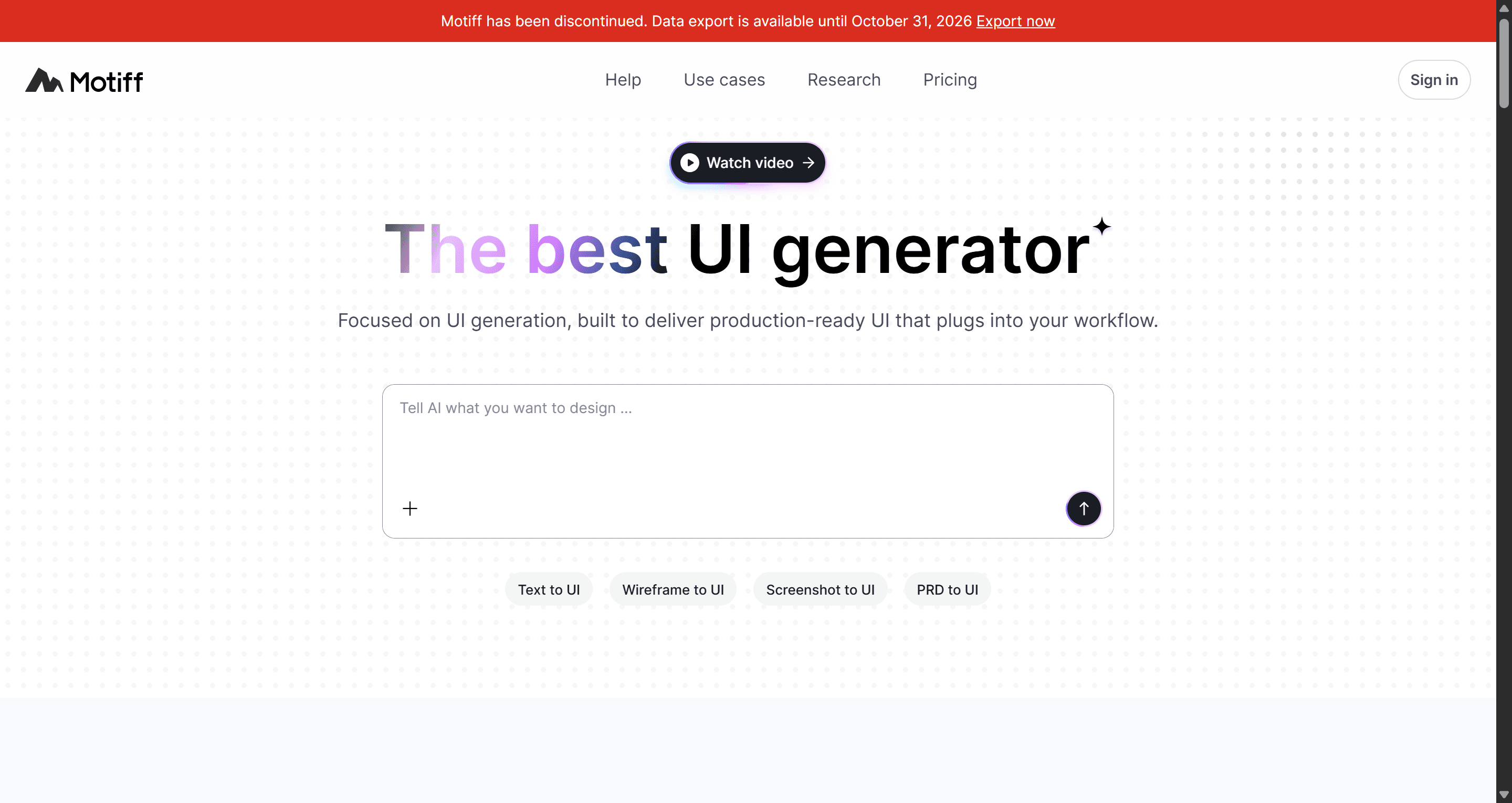
If you have Motiff files, export them this month. Our Motiff review covers the timeline and migration options, and the Motiff vs UXMagic page shows how its AI features map across. Exported HTML or screenshots can be rebuilt as editable screens with UXMagic's screenshot to UI workflow.
How to choose a Figma alternative
Start from the reason you are leaving, not from a feature list.
- Cost? First, right-size your Figma seats. If that is not enough, Penpot's free plan or Lunacy's free app cover most day-to-day UI work.
- Data control or open source? Penpot is the only serious self-hosted option.
- Offline and native? Sketch on Mac, Lunacy on Windows and Linux.
- You are not a designer? Try an AI-first tool. UXMagic, Uizard and Visily all start from a description instead of an empty frame. Our guide to designing UI with AI shows the full workflow.
- Shipping a website? Framer, or design in UXMagic and publish.
- Enterprise design system tied to code? UXPin, or keep Figma and add a code-first handoff layer. Our best design handoff tools roundup covers the options.
- Whiteboarding, not UI? You may be replacing FigJam rather than Figma. See our best Miro alternatives for UX teams and the Miro pricing guide.
A few practical checks before you commit:
- Test your real files. Import one production file, not a demo. Components, variables and auto-layout are where migrations break.
- Check the export path. Can you get work back into Figma, or into code, if the tool does not work out? Our round-up of image to Figma converter tools and our guide to exporting Figma to clean HTML cover both directions.
- Ask your developers. A tool that designers love but engineers cannot inspect adds rework later.
- Price the whole team. Viewer, commenter and developer seats are priced very differently from one tool to the next.
A hybrid workflow: keep Figma, change where you start
For many teams the best Figma alternative is a partial one. They keep Figma for the design system and final polish, and move the slow first stage somewhere faster:
- Describe the journey in UXMagic, or upload a screenshot or sketch, and approve the screen plan.
- Set the theme once so every screen shares the same tokens.
- Iterate with targeted chat edits rather than regenerating whole screens.
- Export the flow to Figma for detailed work, or straight to React for the build.
- Need a head start? Copy ready-made components from the UXMagic Figma component library into your file, or begin from a UXMagic template.
This keeps Figma where it is strongest and removes the part of the process that feels most like busywork. It is also the reason flow-level tools matter: we explain why in flow-based design vs static screens. If Figma's own AI plugins already cover your needs, our list of the best Figma AI plugins for UI generation is the place to start.
Pricing comparison
| Tool | Free tier | Entry paid plan | Notes |
|---|---|---|---|
| Figma | Starter plan, 150 AI credits/day up to 500/mo | Professional Full seat $16/mo | Dev $12, Collab $3, viewers free |
| Penpot | Professional plan free, up to 8 members | Unlimited $7/editor/mo | Capped at $175/mo; self-host available |
| Sketch | 30-day trial | Standard $12/editor/mo billed yearly | $120 Mac-only licence |
| Lunacy | Free app, 10 cloud docs | Personal Cloud $4.99/mo | Team seats $4.99/user/mo |
| UXMagic | 20 credits/day, 3 screens/day | Pro $17.50/mo billed annually ($35 monthly) | 2,400 credits, 250 Figma exports/mo |
| Uizard | 3 AI generations/mo | Pro $12/mo billed annually | Business $39 billed annually |
| Visily | 300 AI credits/mo | Pro $14/editor/mo | Figma import/export on Pro |
| Framer | Free plan, 500 AI credits | Basic $10/mo (billed yearly) | Extra designer seats $20/mo |
| Canva | Free plan | Paid Pro and Business plans | Affinity app is free |
| UXPin | Limited free plan after 14-day trial | Core $29/mo billed annually | Growth $40 billed annually |
Prices are the lowest paid tier listed on each vendor's pricing page in September 2026. Live UXMagic prices are on the UXMagic pricing page.
Our recommendation
There is no single best Figma alternative, because people leave Figma for different reasons. If you want an open-source, self-hostable editor, choose Penpot. If you want a native Mac app, Sketch is still excellent, and Lunacy is a strong free desktop editor on any platform. If you are building a marketing site, Framer will get it live fastest. If your team has a coded design system, UXPin is built for that.
If what you really want is to stop drawing every screen by hand, try UXMagic. It will not replace Figma's pixel-level editing or its plugin ecosystem, and it does not try to. What it does is turn a description, screenshot or sketch into a consistent multi-screen flow in minutes, then hand that work to Figma or to code so nothing is trapped. For many teams that means lighter Figma usage and fewer seats, even if they never leave Figma completely.
Related guides
- Figma vs Canva in 2026: Which Design Tool Fits Your Work?
- Best Wireframing Tools in 2026: 10 AI, Free and Classic Picks
- 9 Best UX Pilot Alternatives in 2026, Grouped by Use Case
- 12 Google Stitch Alternatives in 2026, Grouped by the Job You Need Done
- 8 Claude Design Alternatives in 2026, Free and Open Source Included
- 10 Best Magic Patterns Alternatives in 2026, Grouped by Workflow
- 8 Best Squarespace Alternatives in 2026, Including AI Website Builders
- The Best AI Prototyping Tools in 2026, Grouped by Use Case
- 11 Best v0 Alternatives in 2026, Grouped by the Job You Need Done
- 9 Best MagicPath Alternatives in 2026, Grouped by How You Work
Try the AI-first Figma alternative
Generate a full, themed flow from one prompt, then export it to Figma or React. Free plan, no credit card.