
TL;DR: Uizard is still a friendly way to get from idea to mockup, but its free plan allows only 3 AI generations a month and it has no direct Figma export. For multi-screen flows, screenshot or sketch to UI, and Figma plus code export in one tool, try UXMagic. Visily is the closest like-for-like swap, Google Stitch is the best free sandbox, and Balsamiq or Whimsical cover pure wireframing. Read our full Uizard review for the long version.
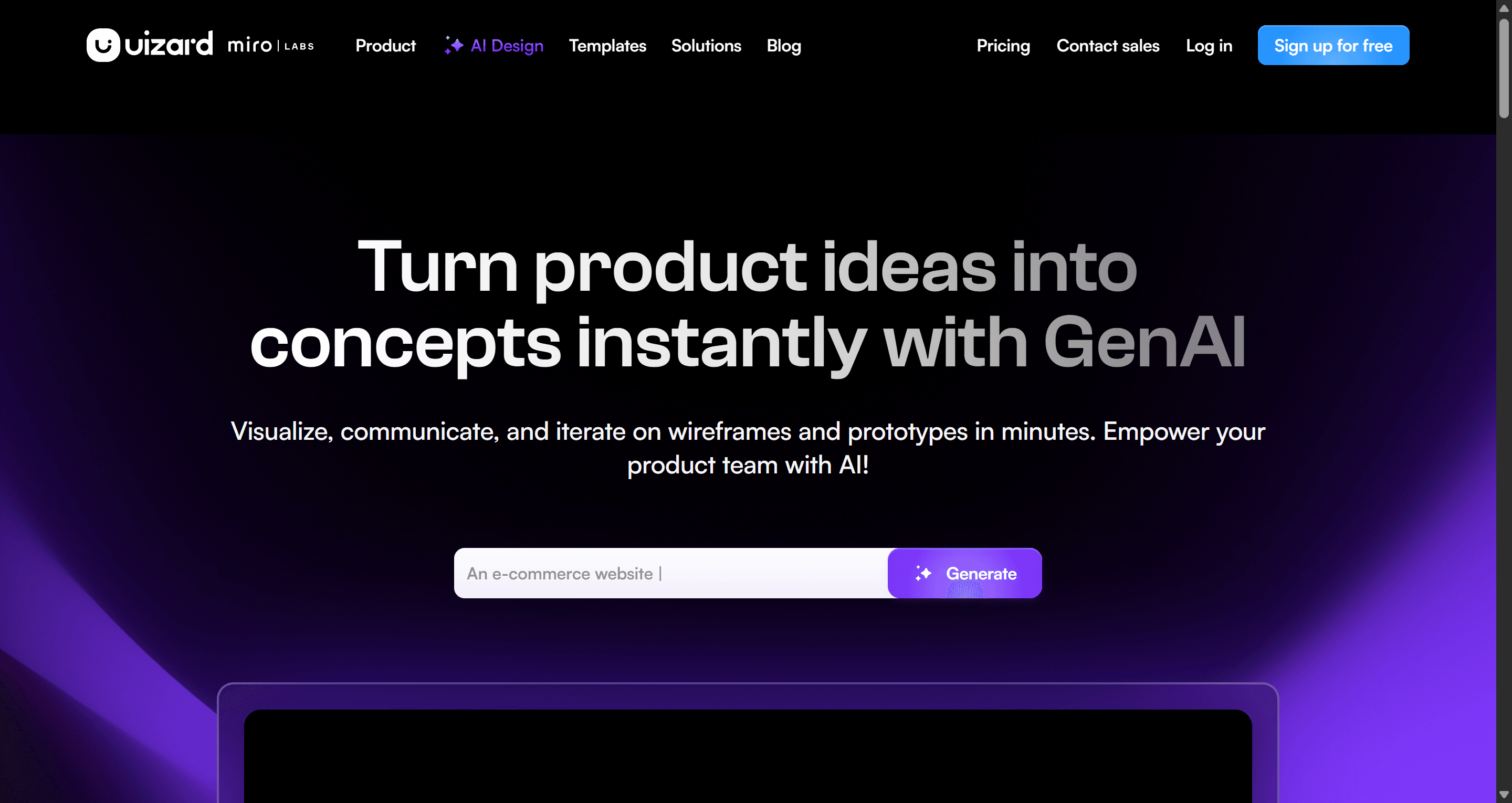
Uizard earned its reputation by making UI design approachable. You type what you want, the Autodesigner lays out a set of screens, and a founder or PM who has never opened Figma has something to show by lunchtime. Its scanners, which turn a screenshot or a hand-drawn sketch into an editable mockup, were ahead of the market when they launched.
The reasons teams search for Uizard alternatives in 2026 are more practical than dramatic. The free tier is small, the path into Figma is indirect, and the output tends to stop at mid-fidelity mockups that still need rebuilding before a developer can use them. Meanwhile, a new group of tools has caught up on the core idea and added multi-screen flows, design tokens and code export.
This guide groups nine Uizard competitors by the job you are hiring the tool for. For each one we cover what it does, who it suits, where it falls short and what it costs, using pricing we checked on each vendor's own site in September 2026. We build UXMagic, so it is on the list; we have tried to be specific about where it fits and where it does not.
Uizard alternatives at a glance
| Tool | Best for | Free plan | Paid from | Figma | Code export |
|---|---|---|---|---|---|
| UXMagic | Multi-screen flows, screenshot or sketch to UI, Figma + code | 20 credits/day, 3 screens/day | $17.50/mo billed annually | Export with auto-layout | HTML, React, Tailwind |
| Visily | Like-for-like Uizard swap for PMs | 300 AI credits/mo | $14/editor/mo | Import and export on Pro | On Pro |
| UX Pilot | Designers who want Figma plugin + web app | 80 daily credits, 1 project | $22/mo | Plugin and export | Yes |
| Google Stitch | Free concept exploration | Free (Google Labs) | No paid plan | Paste to Figma | Front-end code |
| Figma Make / Figma AI | Teams already living in Figma | 150 AI credits/day, 500/mo | $16/mo Full seat | Native | Make generates code |
| Banani | High-fidelity single screens and variants | 12 monthly + 3 daily credits | Paid plans | Paid plans only | On paid plans |
| Magic Patterns | React-first prototypes | Free credits | $17/seat/mo billed annually | Yes | React |
| Balsamiq / Whimsical | Pure low-fidelity wireframing | 14-day trial / limited free | $16 / $10 per editor/mo | No | No |
| Framer AI | Marketing sites that go live | Free plan | $10/mo site plan | Import | Hosted site |
Prices are the lowest paid tier we could verify on each vendor's pricing page in September 2026. Billing cadence is noted where the vendor states it.
Why teams look beyond Uizard
Before switching, it helps to be clear about what you are leaving behind. Uizard is still a capable product, and for some teams it remains the right call.
What Uizard still does well
Uizard's current line-up centres on Autodesigner 2.0 (generate projects, screens and themes from a prompt), the Screenshot Scanner (turn an app screenshot into an editable mockup), the Wireframe Scanner (digitise a hand-drawn sketch) and a Theme Generator. The editor is drag-and-drop, collaboration is real-time, and the template library is broad. For non-designers who want a clickable mockup without learning a pro tool, it is still one of the gentlest on-ramps.
Where it falls short in 2026
- The free plan is for looking, not working. Uizard Free includes 3 AI generations a month, 2 projects and the older Autodesigner 1.5. Pro is $12 per creator per month billed annually (Uizard's help centre lists $19 on monthly billing) with 500 generations and Autodesigner 2.0. Business is $39 per creator per month billed annually.
- No direct Figma export. Uizard exports screens as images, SVG or PDF. Its Figma plugin brings Figma work into Uizard, not out. If your team finishes work in Figma, that is a manual rebuild or an SVG import. We compared the workarounds in our roundup of image to Figma converter tools.
- Code handoff is component-level. Handoff mode shows CSS and React for individual components on paid plans. It is not a project-level front end.
- Fidelity tops out at mockup. The output is good for alignment and stakeholder reviews. Teams that need screens close to shippable usually redo them. If the distinction matters to you, our wireframe vs mockup vs prototype guide explains where each stage ends.
- The Miro question. Uizard announced it had joined Miro in May 2024. It still runs as a standalone product with its own pricing, and it said the day-to-day experience would not change. Some teams are simply unsure how the roadmap will evolve alongside Miro's own AI features. If you are also weighing Miro itself, see our list of the best Miro alternatives for UX teams.
For a side-by-side of plans and outputs, our Uizard vs UXMagic comparison page lays out each feature.
Best all-round Uizard alternative: multi-screen flows plus Figma and code
UXMagic
UXMagic is an AI UI design tool that turns a prompt, screenshot, hand-drawn sketch, URL or Figma file into editable, high-fidelity screens on an infinite canvas. It keeps a theme (colours, type, radii, spacing) as design tokens on the project, so screens stay consistent, and it exports to Figma with real auto-layout or to HTML and React with Tailwind.
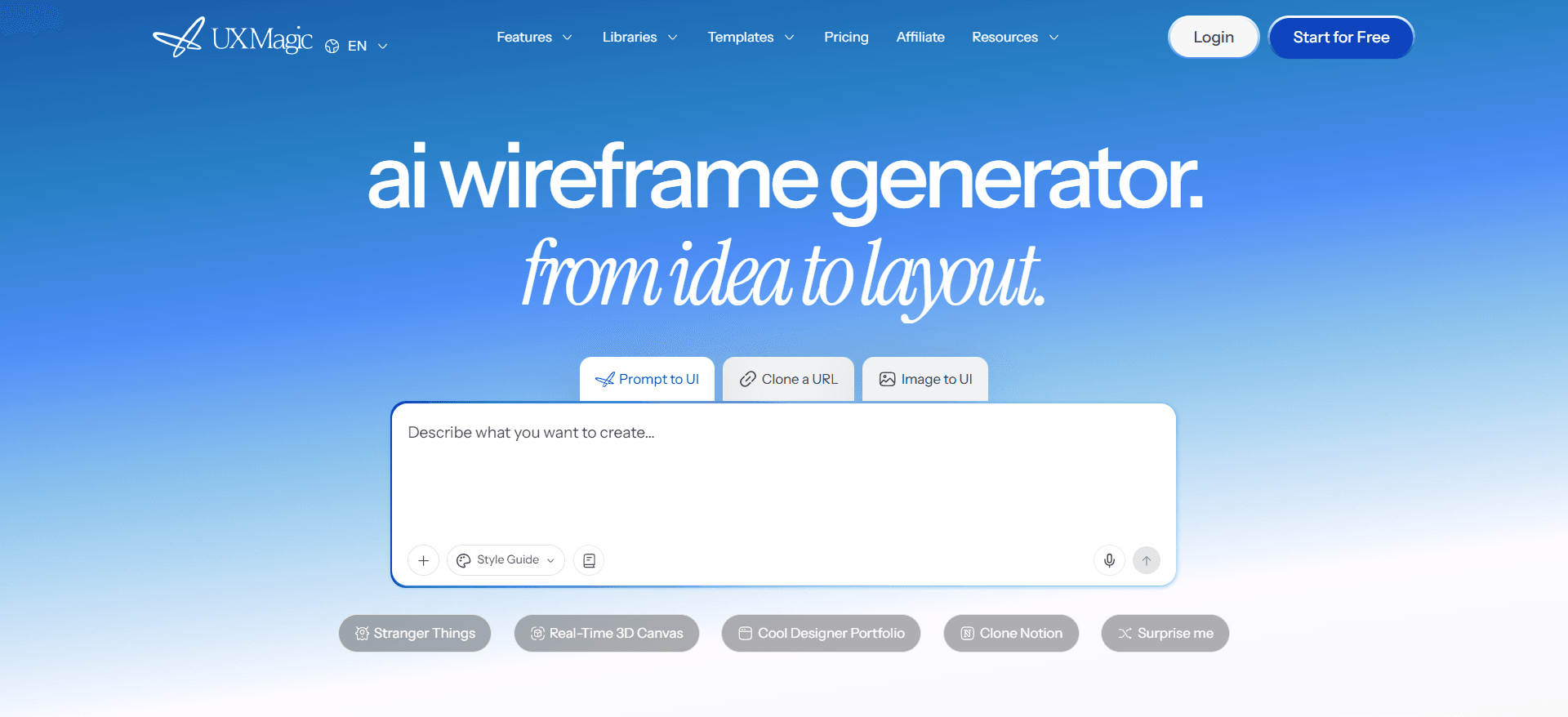
The reason it sits first on this list is that each of Uizard's signature features has a direct counterpart:
- Screenshot Scanner → Image to UI. Upload an app or website screenshot and the image to UI generator rebuilds it as an editable, themed screen rather than a flattened trace. The screenshot to UI help article walks through it step by step.
- Wireframe Scanner → Sketch to UI. Photograph a whiteboard or napkin sketch and sketch to UI turns it into a polished screen. See the sketch to UI guide and our longer sketch to prototype AI workflow.
- Autodesigner → Prompt to UI and Flow Mode. The AI UI design generator handles single screens. Flow Mode designs a whole journey from one prompt, sharing a theme and navigation structure across screens. Before it designs anything, it proposes a screen plan you can rename, reorder or trim, which is covered in the flow mode and screen plans guide.
- Low-fidelity first, if you want it. The AI wireframe generator and wireframe mode settle structure before visual design, and image to wireframe converts an existing screenshot into a clean wireframe for teardown or redesign work.
- Presentation-ready mockups. The AI mockup generator produces polished screens for pitches and stakeholder reviews.
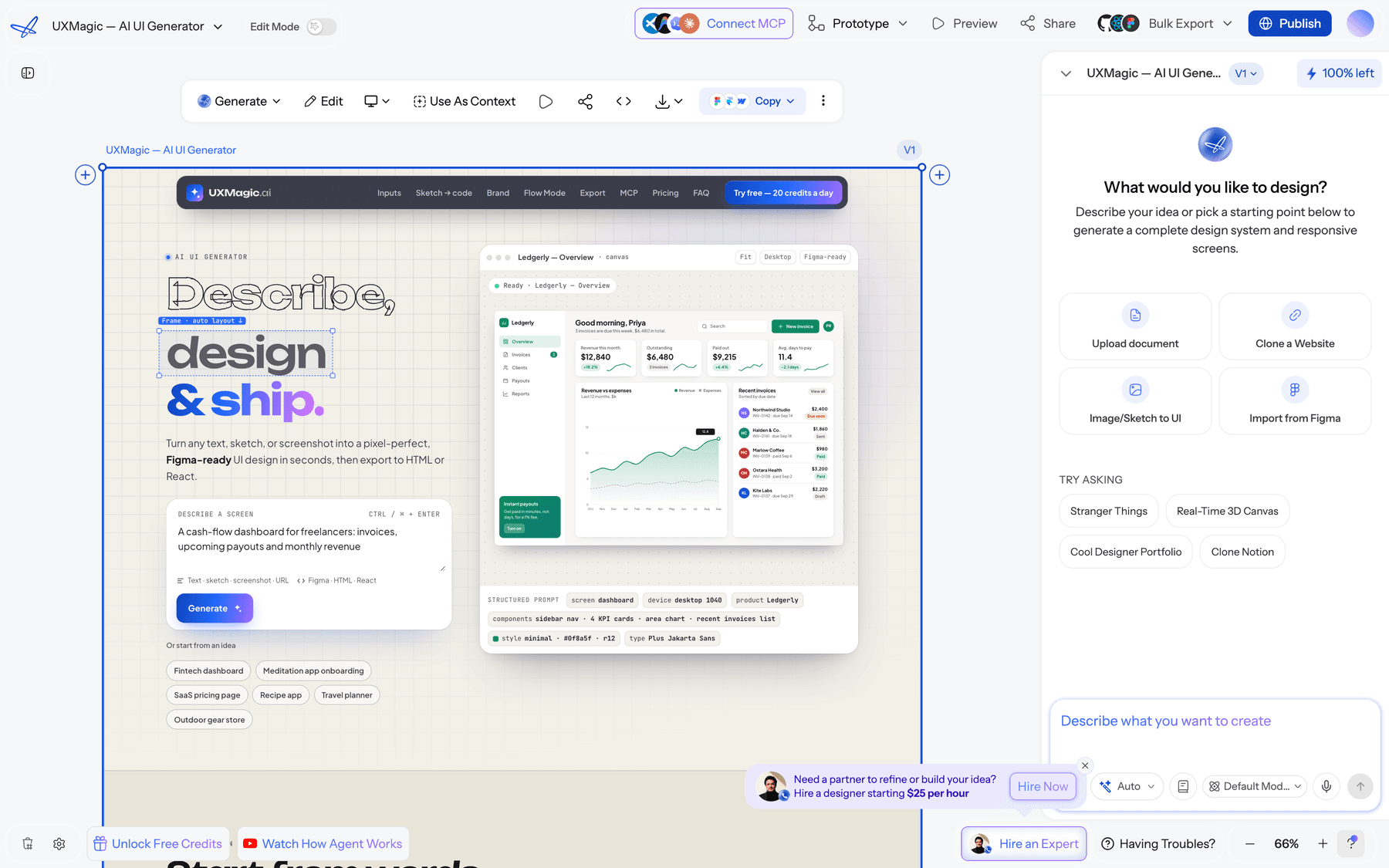
Export is where the gap with Uizard is widest. UXMagic exports to Figma as editable layers with auto-layout (see export to Figma), and to code as a single screen or a whole multi-screen React project with Tailwind and theme tokens (see export code). You can also publish a project as a live site, or drive UXMagic from Claude and other AI assistants through the UXMagic MCP server.
Pricing. The Free plan gives 20 credits every day, refreshed daily, for up to 3 screens a day across 5 projects, plus 1 Figma export. Screenshot and sketch to UI, flow mode, wireframes and code export are all included on Free. Pro is $35 a month or $17.50 a month billed annually, with 2,400 credits a month (up to 400 screens), unlimited projects and 250 Figma exports a month. A new screen costs 3 credits, and targeted edits cost a fraction of that; the credits breakdown lists every action.
Best for: founders, PMs and designers who want connected multi-screen flows, and who need the result to land in Figma or a codebase rather than stay in a mockup tool.
Where it falls short: UXMagic is not a whiteboard, and it is not a tool for pixel-level illustration work. The free plan's 3 screens a day is fine for evaluation and small projects, but a large flow will need Pro. There is no hand-drawn "sketchy" wireframe style like Balsamiq's.
Swap the Autodesigner for a full flow
Describe your product or upload a screenshot or sketch, approve the screen plan, and export to Figma or React. The free plan refreshes daily.

Best like-for-like swap for non-designers
Visily
Visily is the closest thing to Uizard in spirit. It is built for product managers, founders and business analysts rather than professional designers, and it pairs AI design generation with a template library and boards built for team collaboration.
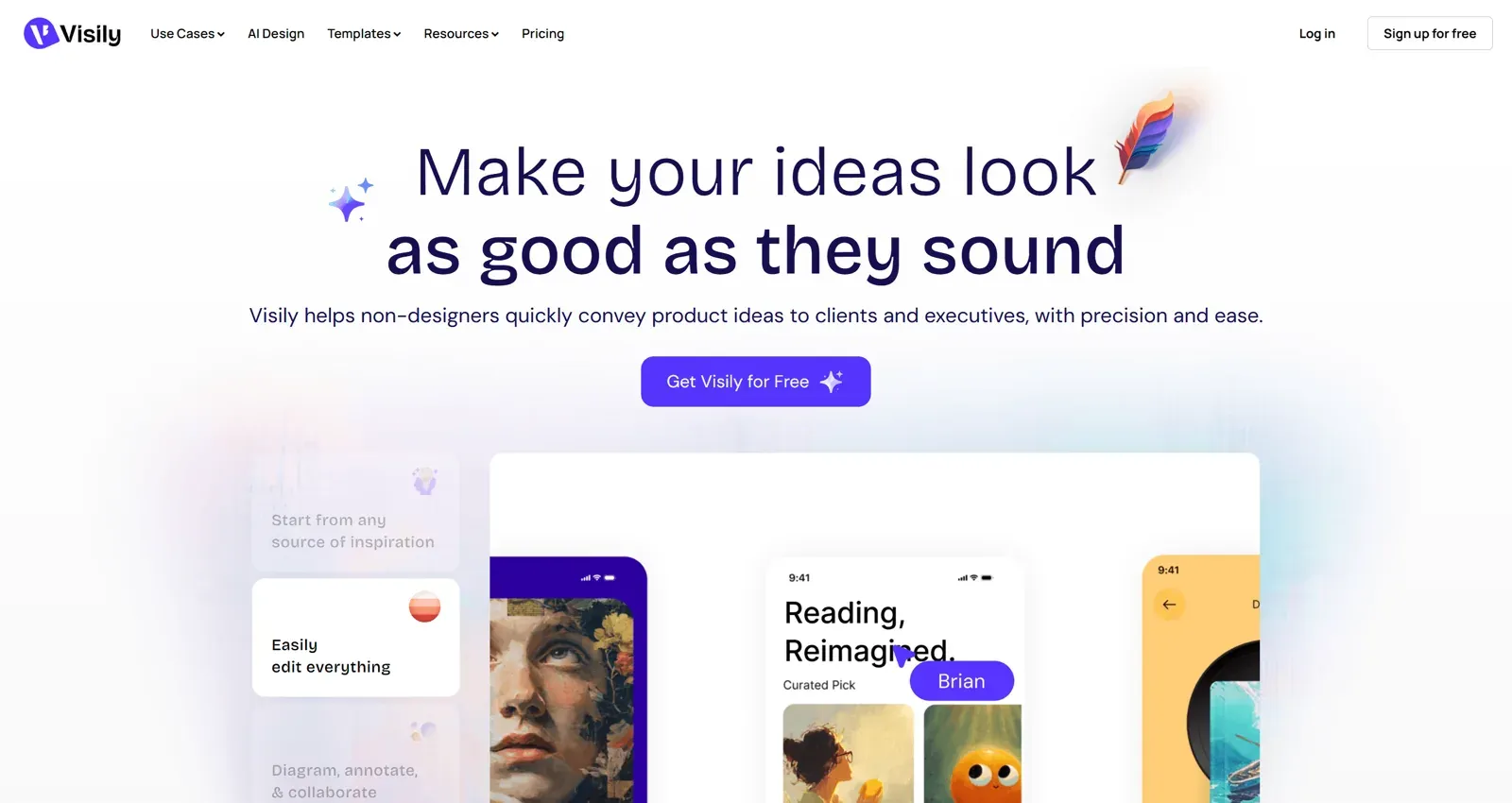
The free Starter plan includes 300 AI credits a month (600 in the first month), 2 editable boards and 150 template credits. Pro is listed at $14 per editor per month with 3,000 AI credits, unlimited boards, Figma import and export, code export and an MCP server. Business is $29 per editor per month billed annually.
Best for: PMs and cross-functional teams who want Uizard's approachability with more free headroom and a real Figma path on Pro.
Where it falls short: Figma and code export are Pro features, the free plan limits you to 2 editable boards, and output stays in the mid-fidelity range.
Read our full Visily AI review, or compare plans on the Visily vs UXMagic page.
Best for designers who live in Figma
UX Pilot
UX Pilot pairs a web app with a Figma plugin. It generates wireframes and high-fidelity screens, and adds design reviews and predictive heatmaps, which makes it feel more like a designer's assistant than a beginner's builder.
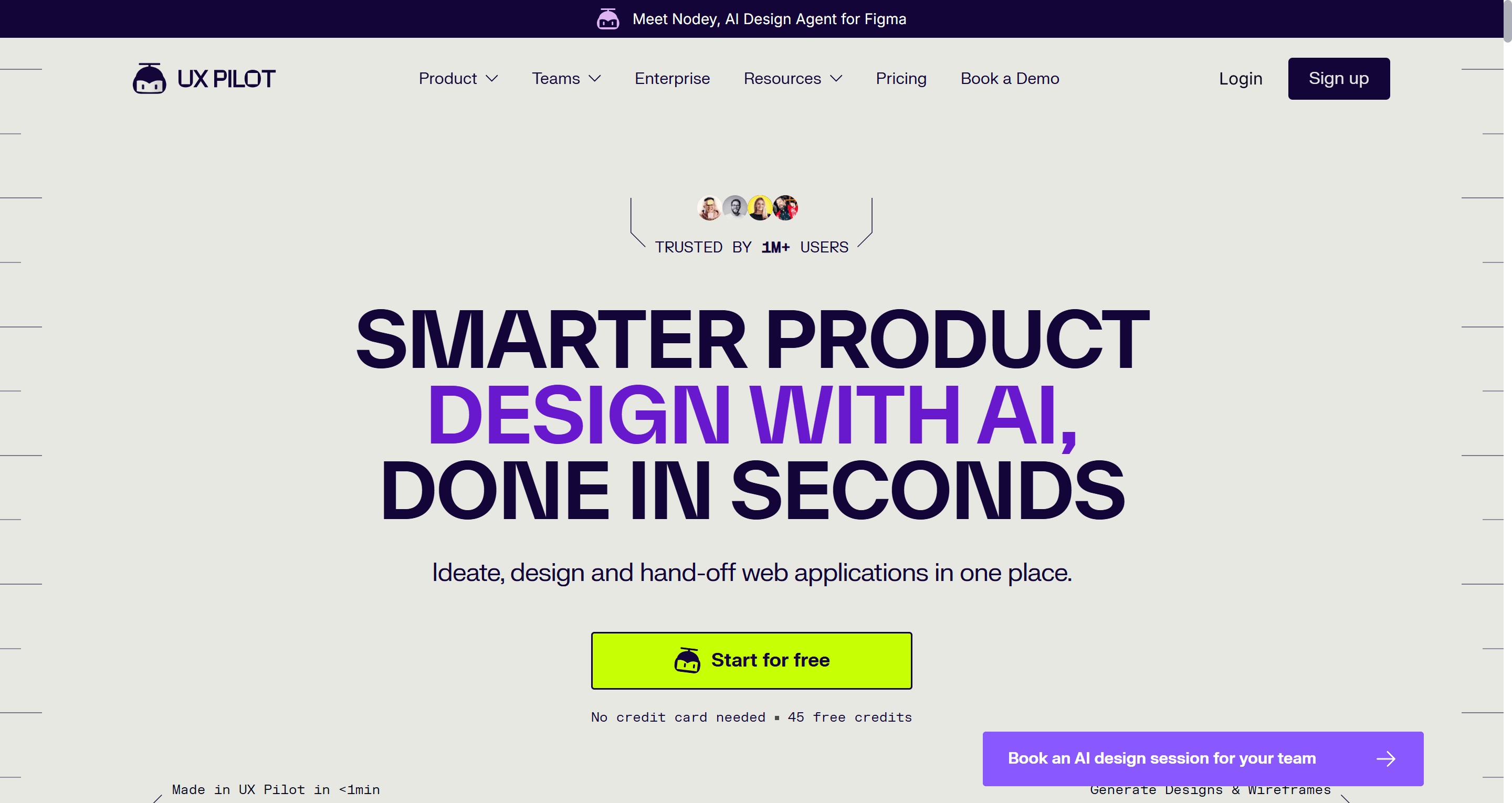
The Free plan includes 80 daily credits and one project. Pro is $22 a month with 750 monthly credits, five projects and a website cloner. Teams is $31 per user per month. Export to Figma and to code is part of the product.
Best for: designers who want to generate inside Figma and use AI feedback (heatmaps, reviews) on existing screens.
Where it falls short: the single-project free plan is tight for real work, and credits go faster with the heavier generation modes. It is less approachable for non-designers than Uizard or Visily.
Read our UX Pilot review or see the UX Pilot vs UXMagic comparison.
Figma Make and Figma AI
If your team already pays for Figma, the cheapest Uizard alternative may be the one you have. Figma's AI features work inside Figma Design, while Figma Make turns prompts into working, code-backed prototypes.
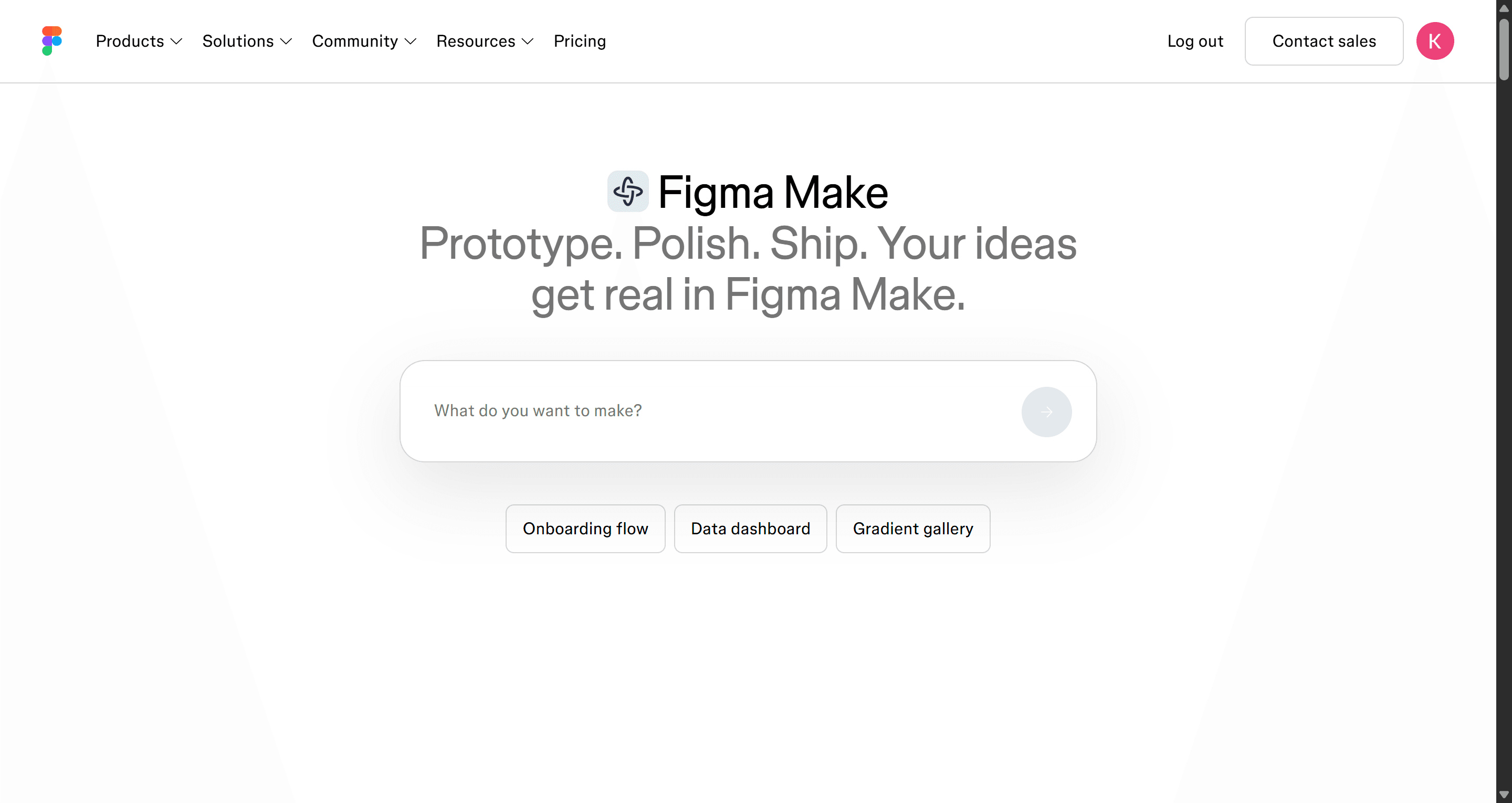
Figma's free Starter plan includes 150 AI credits a day, up to 500 a month. A Professional Full seat is $16 a month with 3,000 AI credits; Organization and Enterprise seats include more. Credits are shared across Figma's AI features, so heavy Make sessions draw down the same pool.
Best for: design teams already on Figma who want generation without adding another subscription or an export step.
Where it falls short: it assumes you are comfortable in Figma, which is exactly what Uizard's audience often is not. Credit consumption on complex Make prompts can be hard to predict.
Our explainer on what Figma AI includes covers every feature, and our Figma Make alternatives roundup looks at where it struggles. Plan comparison: Figma Make vs UXMagic.
Best free Uizard alternative for concept exploration
Google Stitch
Google Stitch is a Google Labs experiment that turns prompts and images into high-fidelity UI and front-end code. Recent updates added an AI-native canvas, voice input, and the ability to link screens and press Play for a quick interactive preview. Designs can be pasted into Figma.
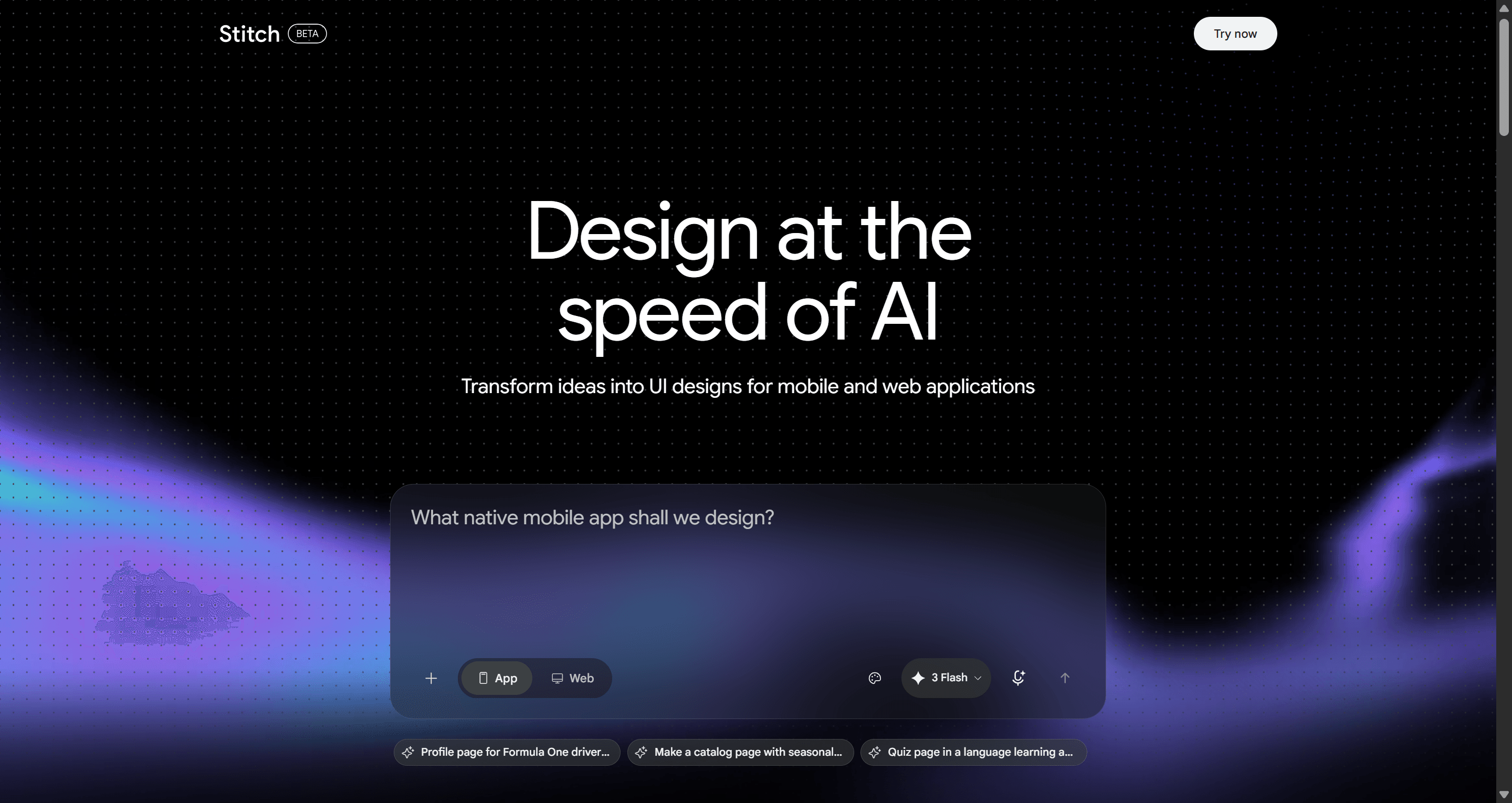
Stitch is free to use, with usage limits set by Google. That makes it the obvious Uizard alternative free of charge for early ideas, pitch visuals and quick "what could this look like" rounds.
Best for: founders and designers exploring concepts who do not yet need a persistent design system or team workflow.
Where it falls short: it is still an experiment, so limits and features change without notice. Consistency across many screens takes deliberate prompting, and the Figma paste usually needs cleanup before production work.
Read our Google Stitch review, or compare it on the Google Stitch vs UXMagic page. If you are weighing Stitch against the rest of the field, our sibling guide to Google Stitch alternatives covers the options.
Best for high-fidelity screens and code-first prototypes
Banani
Banani generates high-fidelity UI from prompts and lets you branch variations of a screen quickly. The free plan includes 12 monthly credits plus 3 daily credits, and Figma export and code export are on paid plans only.
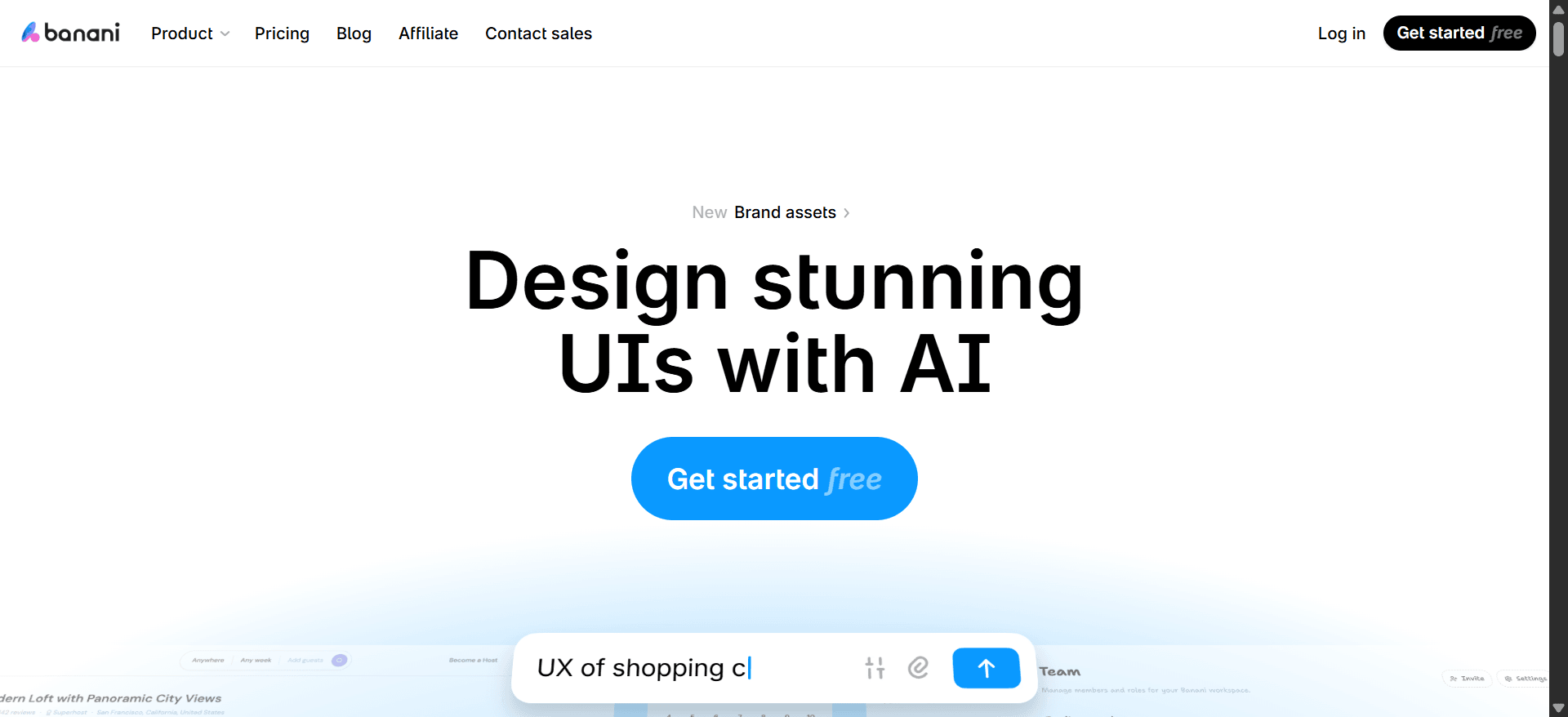
Best for: designers who want polished single screens and visual variants to react to.
Where it falls short: the free allowance is small and Figma export sits behind the paywall, which is one of the same frictions people leave Uizard over.
See the Banani vs UXMagic page and our detailed UXMagic vs Banani comparison.
Magic Patterns
Magic Patterns is aimed at product teams who want AI-generated prototypes built in React. You prompt, iterate, and end up with interactive components that can sync to GitHub, with design system support on paid plans.
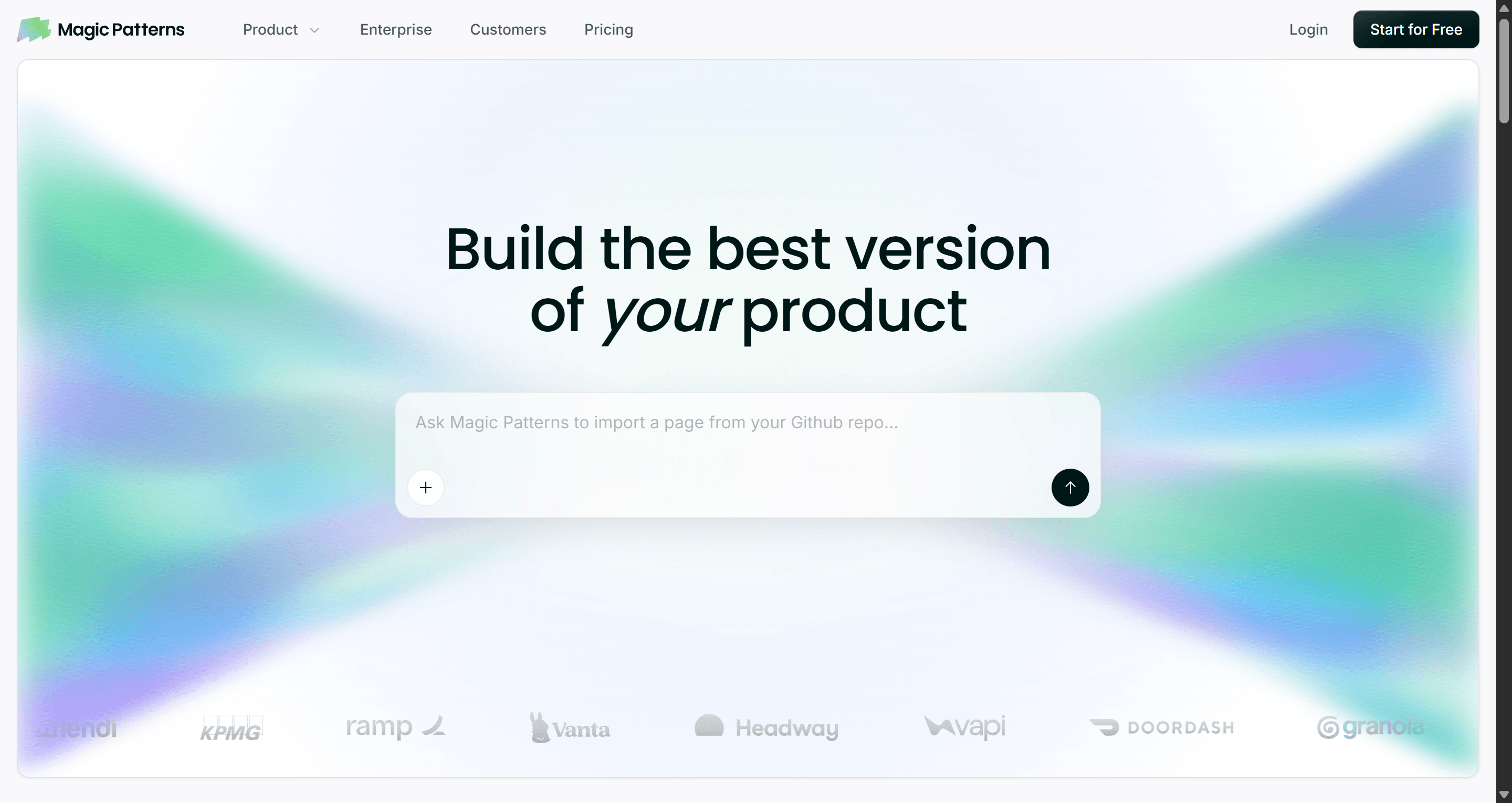
The Free plan includes a small allowance of free credits. Starter is $20 per seat per month, or $17 billed annually, with 1,000 extra monthly credits; Business is $100 per seat per month. Magic Patterns says a single generation costs about 25 credits.
Best for: PMs and engineers who want a clickable React prototype more than a design file.
Where it falls short: it is less suited to non-technical users, and it is not a wireframing tool. If you want to explore structure before committing to components, start elsewhere.
Read our Magic Patterns review or compare on the Magic Patterns vs UXMagic page.
Best for pure low-fidelity wireframing
Some teams only ever used Uizard for grey-box wireframes. If that is you, a dedicated wireframing tool may be simpler and cheaper than any AI UI generator. Our best wireframing tools list covers ten options, and our piece on low-fidelity wireframes in the AI era explains when lo-fi is still worth it.
Balsamiq
Balsamiq's deliberately sketchy style keeps conversations on structure rather than colours. Balsamiq Cloud now includes AI credits for generating wireframes, plus drag-and-drop editing, reusable components and unlimited reviewers.
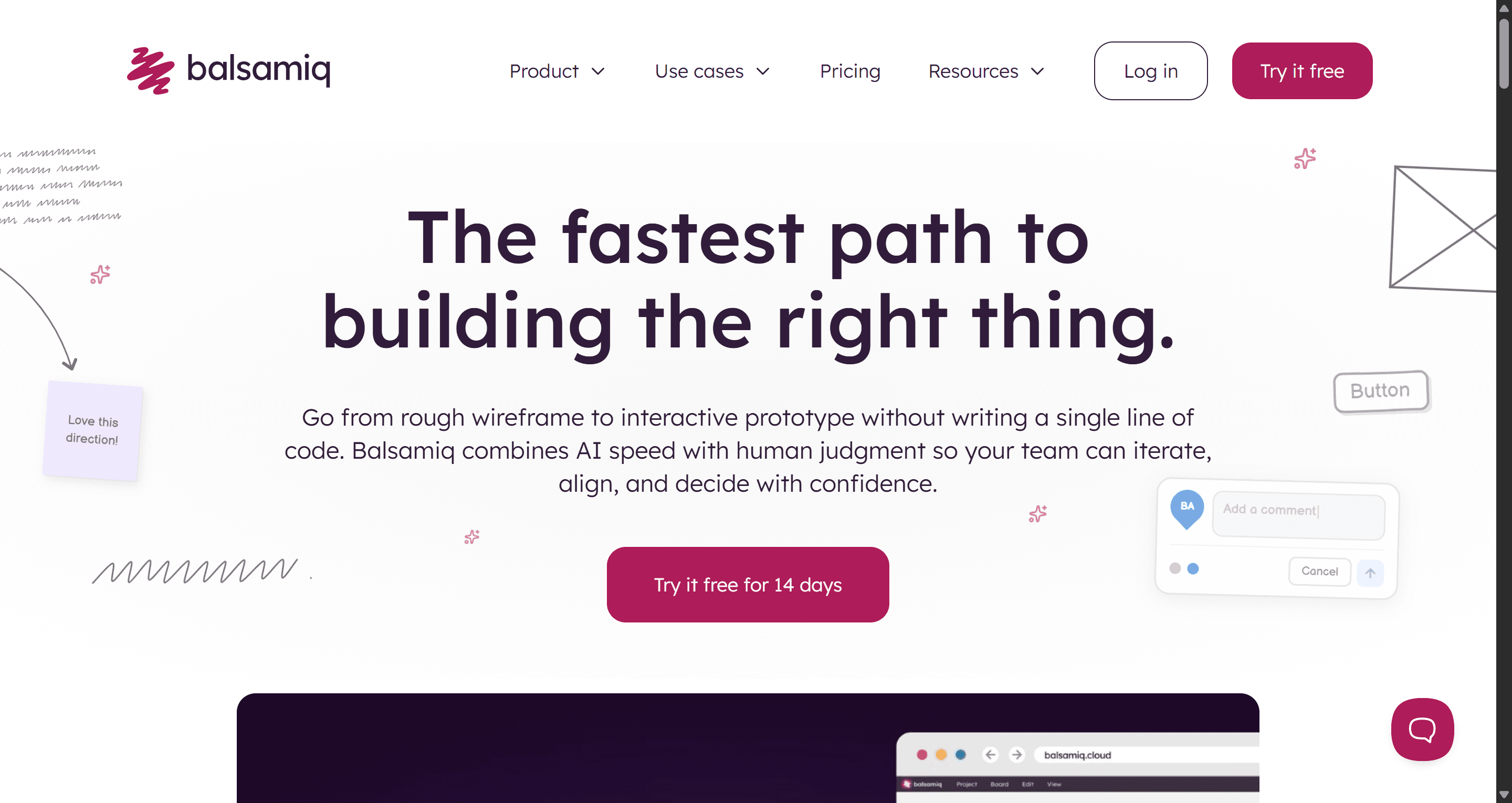
There is a 14-day free trial with no card required. Starter is $16 per editor per month for up to 10 projects and 500 AI credits a month; Teams is $24 and Enterprise $35.
Where it falls short: no high-fidelity output, no Figma export and no code. You will redraw everything later.
Whimsical
Whimsical combines flowcharts, mind maps, docs and wireframes on one board. It is well suited to mapping a user flow and roughing out the screens in the same place.
Pro is $10 per editor per month, and Business $20. The free plan caps board objects and doc blocks each month and watermarks exports, and every plan includes 10 AI credits per member each month.
Where it falls short: wireframes are basic, and AI generation is light. Treat it as a thinking tool that feeds a UI tool. For the full cost picture, see our wireframe tool cost-benefit breakdown.
Best for marketing sites that need to go live
Framer AI
If what you were really building in Uizard was a landing page or marketing site, Framer is a better destination. Its AI agent creates editable pages, sections, copy and visuals in your project, and Framer handles hosting, CMS and SEO.
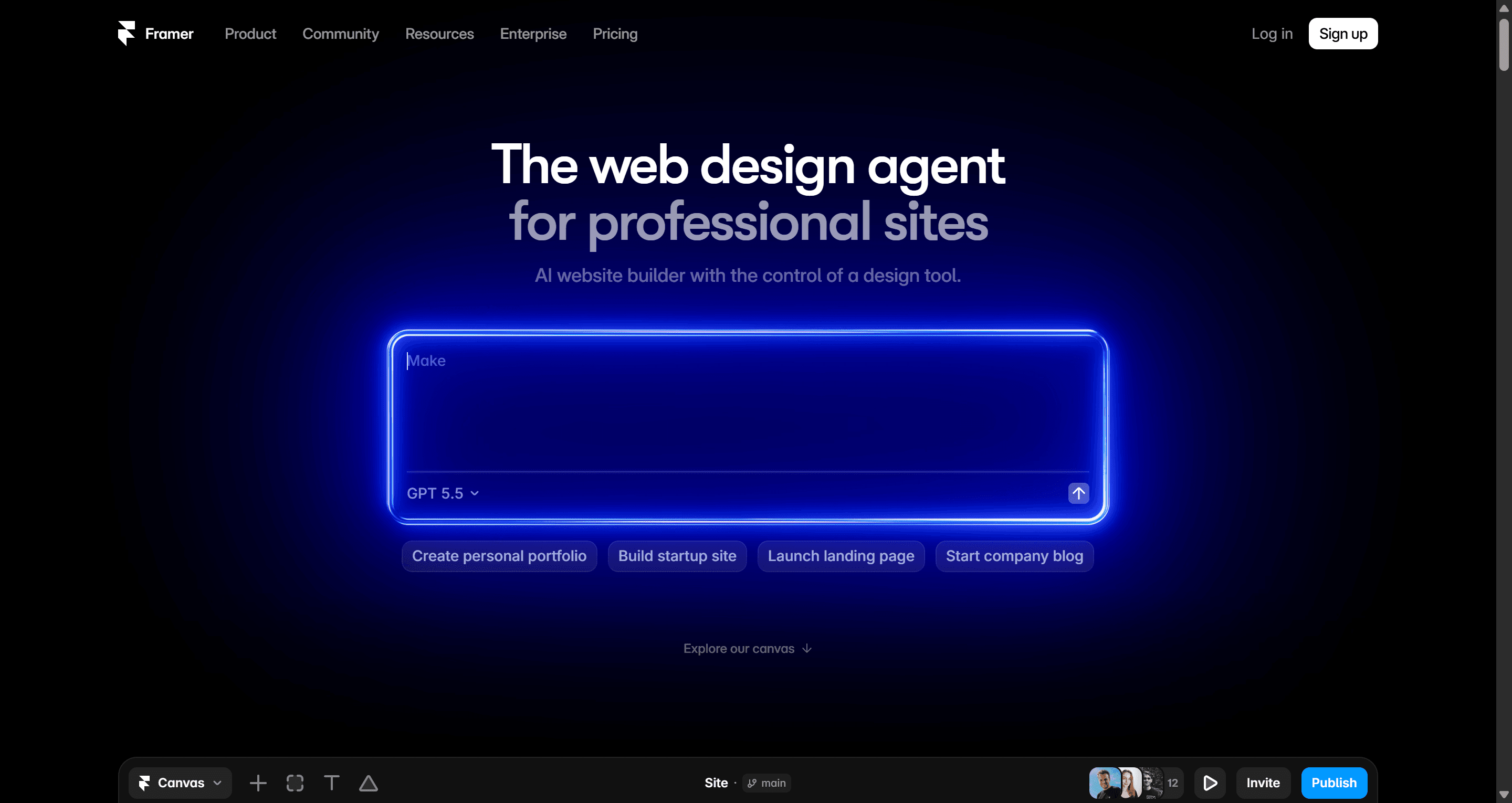
There is a Free plan with a Framer domain and 500 AI credits. Site plans start at $10 a month for Basic and $30 for Pro, billed yearly; monthly billing costs more.
Where it falls short: it is built for websites, not app flows, dashboards or mobile screens. See the Framer AI vs UXMagic page. UXMagic can also export to Framer and Webflow if you want to design the flow first and build the site second.
Uizard vs the alternatives: how to choose
Start from the job, not the tool. A few questions narrow it quickly:
- Where does the work finish? If it finishes in Figma, rule out anything without a real Figma export (Uizard included). If it finishes in code, favour UXMagic, Magic Patterns or Figma Make.
- One screen or a journey? Single-screen generators are fine for concepts. For onboarding, checkout or a whole product, you want a tool that plans and designs a flow with shared navigation. We explain why in flow-based design vs static screens.
- Who is driving? Non-designers do best with Visily, UXMagic or Uizard itself. Designers who live in Figma should look at UX Pilot or Figma's own AI.
- What do you start from? If you often begin with a competitor screenshot or a whiteboard photo, you need image and sketch input. UXMagic, Uizard and Stitch all accept images, and UXMagic and Uizard both have a dedicated flow for hand-drawn sketches.
- How much do you need free? Compare free tiers by what you can finish, not headline credits. Our sibling guide on how to design UI with AI shows a full workflow you can run on any free plan.
A practical workflow we see teams adopt when moving off Uizard:
- Sketch the key screens on paper or a whiteboard and photograph them.
- Upload them to sketch to UI, or describe the journey and let Flow Mode propose a screen plan.
- Fix the plan before generating. It costs 1 credit to change a plan and far more to regenerate wrong screens.
- Set the theme once so every screen shares the same tokens.
- Iterate with targeted edits in chat rather than regenerating whole screens.
- Export to Figma for design polish, or export React for the build.
For a broader view of the category, see our best AI design tools of 2026 and best AI prototyping tools. If you are weighing prototype builders that go all the way to a running app, our best Lovable alternatives guide picks up where this one ends.
Pricing comparison
| Tool | Free tier | Entry paid plan | Notes |
|---|---|---|---|
| Uizard | 3 AI generations/mo, 2 projects | Pro $12/creator/mo billed annually | Business $39 billed annually |
| UXMagic | 20 credits/day, 3 screens/day, 5 projects | Pro $17.50/mo billed annually ($35 monthly) | 2,400 credits, up to 400 screens |
| Visily | 300 AI credits/mo, 2 boards | Pro $14/editor/mo | Figma + code on Pro |
| UX Pilot | 80 daily credits, 1 project | Pro $22/mo | 750 monthly credits |
| Google Stitch | Free with usage limits | None | Google Labs experiment |
| Figma | 150 AI credits/day, 500/mo | Professional $16/mo Full seat | 3,000 AI credits |
| Banani | 12 monthly + 3 daily credits | Paid plans | Figma export on paid only |
| Magic Patterns | Free credits | Starter $17/seat/mo billed annually | ~25 credits per generation |
| Balsamiq | 14-day trial | Starter $16/editor/mo | 500 AI credits/mo |
| Whimsical | Limited free plan | Pro $10/editor/mo | 10 AI credits per member/mo |
| Framer | Free site plan | Basic $10/mo | Site hosting included |
Live UXMagic prices and the full feature matrix are on the UXMagic pricing page.
Our recommendation
If you liked Uizard's idea (describe it, scan it, get screens) but outgrew its free tier or its export options, UXMagic is the closest upgrade. It keeps the screenshot and sketch inputs, replaces the Autodesigner with a planned multi-screen flow, and sends the result to Figma or React instead of leaving it in a mockup tool. Starting from a template is also a quick way to see the output quality before you write a prompt.
Be honest about scope, though. If your team runs workshops on a whiteboard and only needs grey boxes, Balsamiq or Whimsical is enough. If everyone already pays for Figma, try Figma's own AI first. If you want the most free headroom for throwaway concepts, Google Stitch is hard to beat. And if you are a non-designer who wants the gentlest possible like-for-like swap, Visily is a safe choice.
Related guides
- 15 Best UX/UI Design Tools for 2026, Plus a Startup Stack
- Top 7 AI Tools for Design Consistency in 2026 (UI, UX, and Design Systems)
- Canva Alternatives for UI Design: 9 Tools Built for Product Screens
- Figma Pricing 2026: Seats, AI Credits, Make and What Teams Really Pay
- AI Wireframe Generator for Mobile Apps: Best Tools & Workflows (2026)
- 9 Best MagicPath Alternatives in 2026, Grouped by How You Work
- 11 Best v0 Alternatives in 2026, Grouped by the Job You Need Done
- Framer vs Webflow (2026): Which Website Builder Should You Pick?
- Galileo AI Is Now Google Stitch: Here's the 2026 Review
- Lovable Pricing 2026: Plans, Credits, and What an App Really Costs
Try the Uizard workflow, with Figma and code export
Upload a screenshot or sketch, or describe a whole flow. Get editable screens and export them to Figma or React on the free plan.