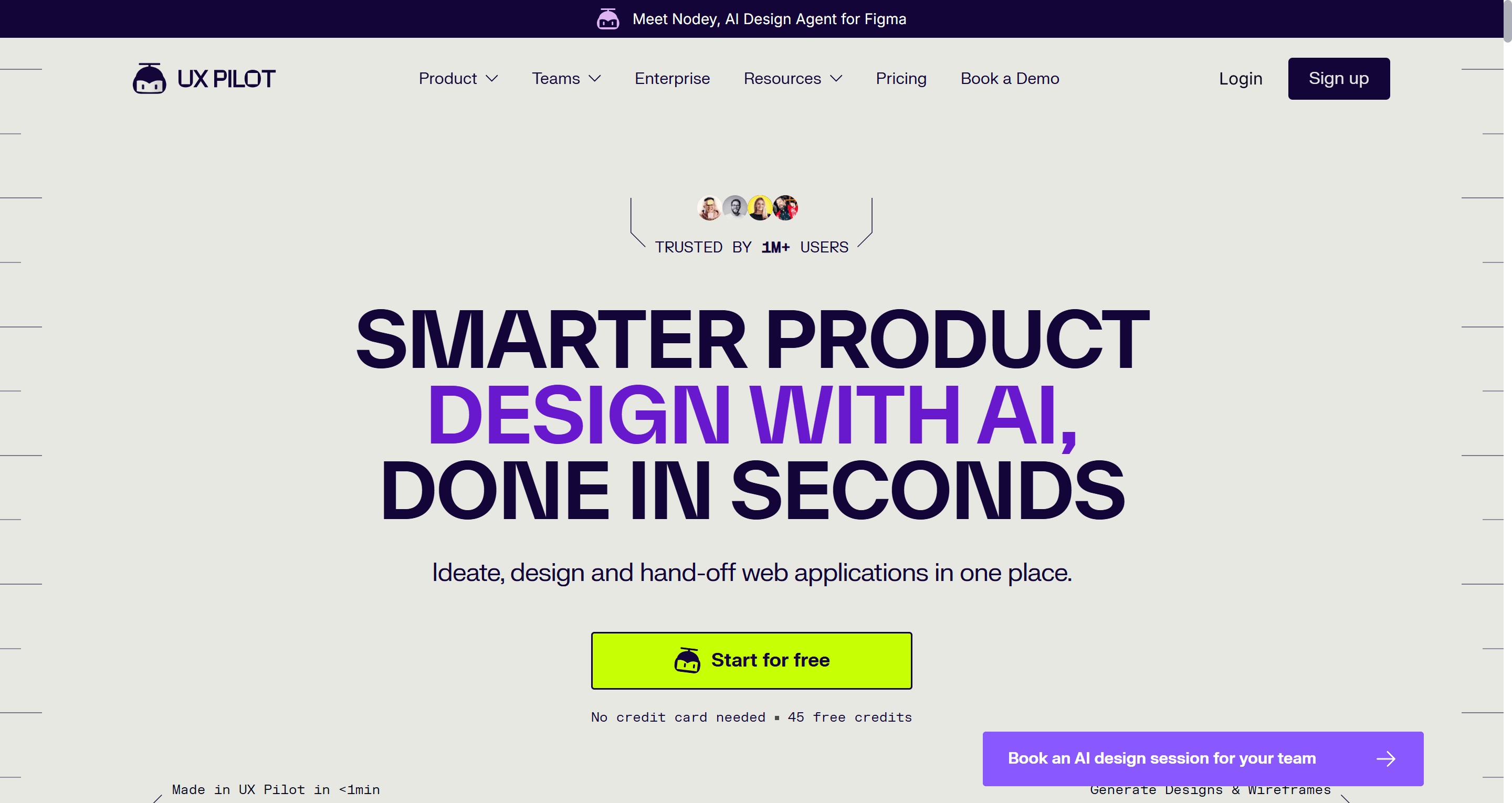
TL;DR: UX Pilot is a capable AI design assistant, especially for designers who want heatmaps and design review next to generation. People look for UX Pilot alternatives when the one-project free plan feels tight, when they need longer connected flows, or when they want cleaner code out the other end. For flows plus Figma and React export, try UXMagic; Visily is the closest like-for-like swap, Google Stitch is the best free sandbox, and Figma Make suits teams already paying for Figma. Our full UX Pilot review has the long version.
UX Pilot has earned its place in a lot of design stacks. You type a prompt, it produces a wireframe or a high-fidelity screen, and you can push the result into Figma through its plugin. It also does something most generators skip: it predicts where a user's eye will land with an attention heatmap and flags usability problems with an automated design review.
So the reasons teams search for UX Pilot alternatives tend to be specific rather than dramatic. The free plan allows one project. Pro gives 750 credits a month across five projects, which disappears quickly when you iterate on hi-fi screens. Code export is HTML and CSS rather than a component-based front end. And some teams want an AI that plans and designs a whole journey with one shared theme, rather than a set of screens they stitch together themselves.
This guide groups nine UX Pilot competitors by the job you are hiring the tool for. For each we cover what it is, who it suits, where it falls short and what it costs, using pricing we checked on each vendor's own site in September 2026. We build UXMagic, so it is on the list. We have tried to be plain about where it fits and where UX Pilot is still the better choice.
UX Pilot alternatives at a glance
| Tool | Best for | Free plan | Paid from | Figma | Code |
|---|---|---|---|---|---|
| UXMagic | Multi-screen flows, Figma + React export | 20 credits/day, 3 screens/day | $17.50/mo billed annually | Export + plugin | HTML, React, Tailwind |
| Visily | Like-for-like swap for PMs | 300 AI credits/mo, 2 boards | $14/editor/mo | Import/export on Pro | On Pro |
| Uizard | Non-designers, sketch scanning | 3 AI generations/mo | $12/creator/mo billed annually | No direct export | Component-level |
| Google Stitch | Free concept exploration | Free, daily cap | No paid plan | Paste to Figma | Front-end code |
| Figma Make / Figma AI | Teams already in Figma | 150 AI credits/day, 500/mo | $16/mo Full seat | Native | Make generates code |
| Magic Patterns | Prototypes on your design system | Limited | $20/seat/mo | Yes | React |
| MagicPath | Canvas with reusable components | 20 credits/day, up to 120/mo | Pro credit packs | Yes | Yes |
| Banani | Polished single screens and variants | 12 monthly + 3 daily credits | $12/mo billed annually | Paid plans | Paid plans |
| v0 by Vercel | Developers who want React | $5 of credits/mo | $30/mo | No | React, shadcn/ui |
Prices are the lowest paid tier we could verify on each vendor's pricing page in September 2026.
What UX Pilot does well, and where it falls short
It helps to be clear about what you would give up before switching.
Where UX Pilot is strong
- Validation built in. Predictive heatmaps and automated design review sit next to generation, and UX Pilot includes both on its Free plan. That is rare in this category.
- Figma-native workflow. The Figma plugin lets designers generate inside a file they already have open, and exports to Figma are part of every plan.
- Breadth. Wireframes, hi-fi UI, screen flows, section-level editing, image to design and, on Pro, a website cloner.
Where teams run into limits
- One free project. The Free plan gives 80 daily credits but only one project, so you cannot compare two ideas side by side without paying.
- Credits against projects. Pro is $22 a month billed annually with 750 monthly credits and five projects. Teams is $31 per user per month billed annually. Hi-fi iterations draw credits faster than wireframes, so real projects can burn through a month quickly.
- Code handoff. UX Pilot's own comparison pages describe its code export as HTML and CSS. Teams building in React usually want components and design tokens, not a static page to translate.
- Flows are screens, not a system. You can generate screen flows, but keeping a shared theme and navigation consistent across a longer journey takes deliberate prompting. Our piece on flow-based design vs static screens explains why that matters once you go past five screens.
If heatmaps are the main reason you use UX Pilot, read the rest of this guide with that in mind. Most alternatives here, UXMagic included, do not predict attention. For a side-by-side on everything else, see the UX Pilot vs UXMagic comparison page.
Best all-round UX Pilot alternative: connected flows with Figma and code export
UXMagic
UXMagic is an AI UI design tool that turns a prompt, screenshot, sketch, URL or Figma file into editable, high-fidelity screens on an infinite canvas. The difference from UX Pilot shows up once you ask for more than one screen.
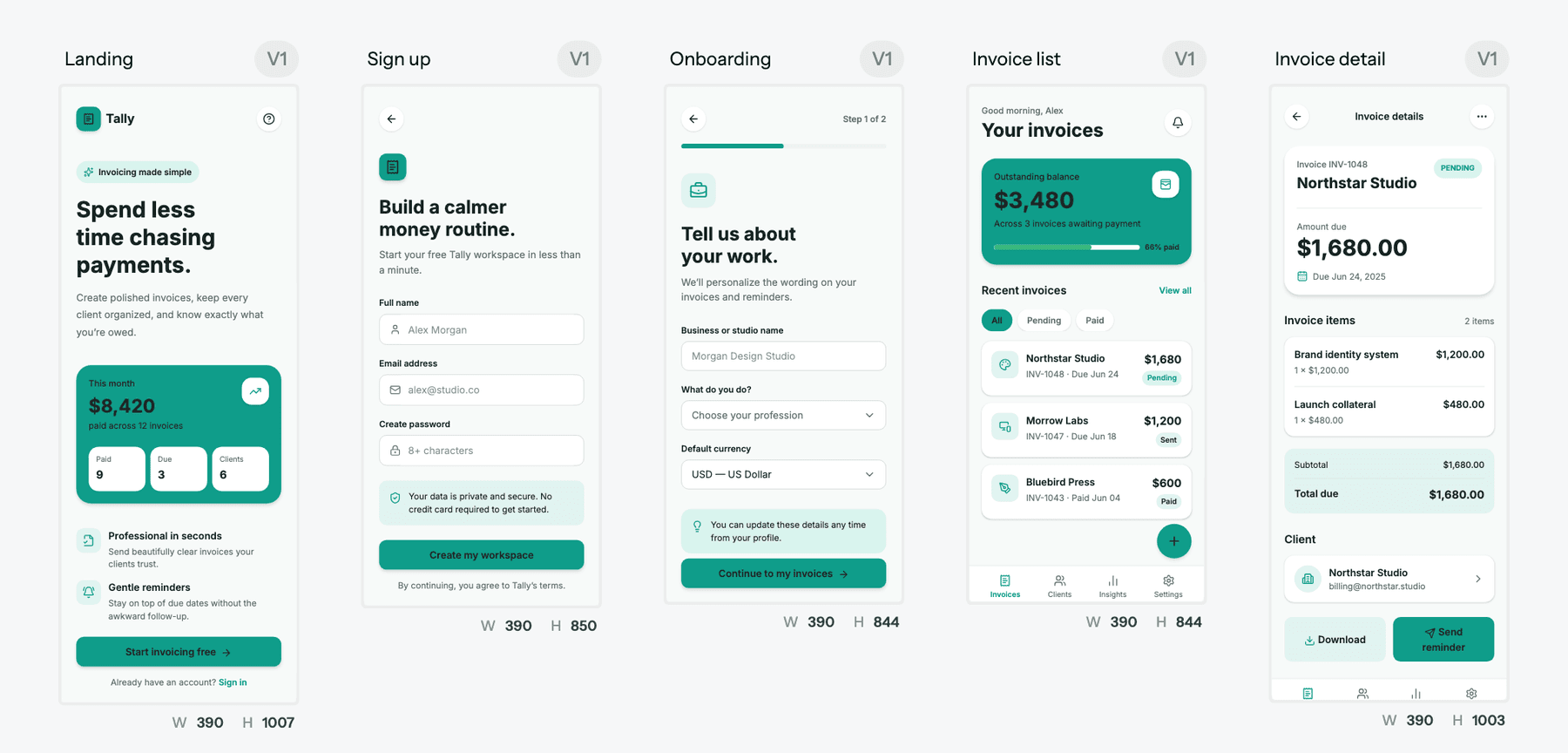
- Plans before it designs. Describe a journey and Flow Mode proposes a named screen plan first. You rename, reorder, add or remove screens, then approve. The flow mode and screen plans guide shows how it works. Fixing the plan costs 1 credit; fixing eight wrong screens costs far more.
- One theme across every screen. Colours, type, radii and spacing live as design tokens on the project, set through themes and style guides. Theme changes are free and apply everywhere. The AI style guide generator can produce one from a brand brief.
- Lo-fi first when you want it. The AI wireframe generator and wireframe mode settle structure before visual design, which covers UX Pilot's wireframing use case.
- Start from what you have. Image to UI rebuilds a screenshot as an editable screen, and clone any website turns a URL into an editable design, the counterpart to UX Pilot's website cloner, and it is available on the free plan. You can also import from Figma and keep iterating.
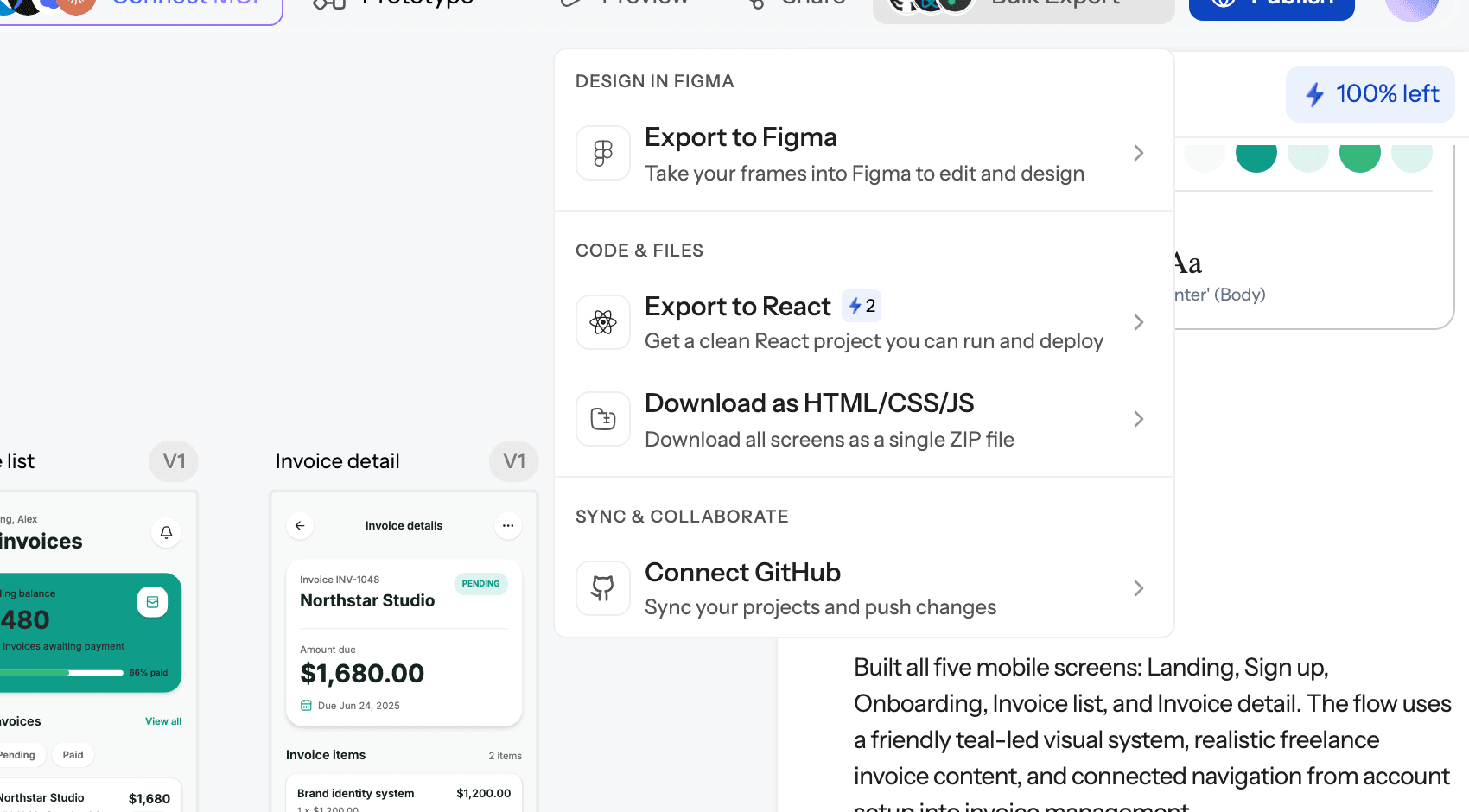
Output is where it pulls ahead. Screens export to Figma as editable, auto-layout frames. Code exports a single screen as HTML or React, or the whole project as a multi-screen React project with Tailwind and your theme as tokens; the export code guide covers what you get. UXMagic also has a Figma plugin, and the UXMagic MCP server lets Claude, Cursor and other assistants read and edit your designs.
Pricing. Free gives 20 credits every day, refreshed daily, for up to 3 screens a day across 5 projects, plus 1 Figma export. Pro is $35 a month, or $17.50 a month billed annually, with 2,400 credits a month (up to 400 screens), unlimited projects and 250 Figma exports a month. A new screen costs 3 credits and a targeted edit costs 0.2; the credits breakdown lists every action.
Best for: founders, PMs and designers who need a connected journey, not a pile of screens, and who want the result to land in Figma or a React codebase.
Where it falls short: no predictive heatmaps or automated design review, so UX Pilot is still ahead on validation. Exported code is a front end with no data layer or routing. The free plan's 3 screens a day is enough to evaluate, not to design a large product.
Design the whole flow, then export it
Describe a journey, approve the screen plan, and get connected screens that export to Figma or React. The free plan refreshes daily.

Best like-for-like swap for product managers
Visily
Visily covers much of the same ground as UX Pilot, but it is built for product managers, founders and analysts rather than designers. It pairs AI generation with a large template library, a drag-and-drop canvas and boards built for team collaboration.
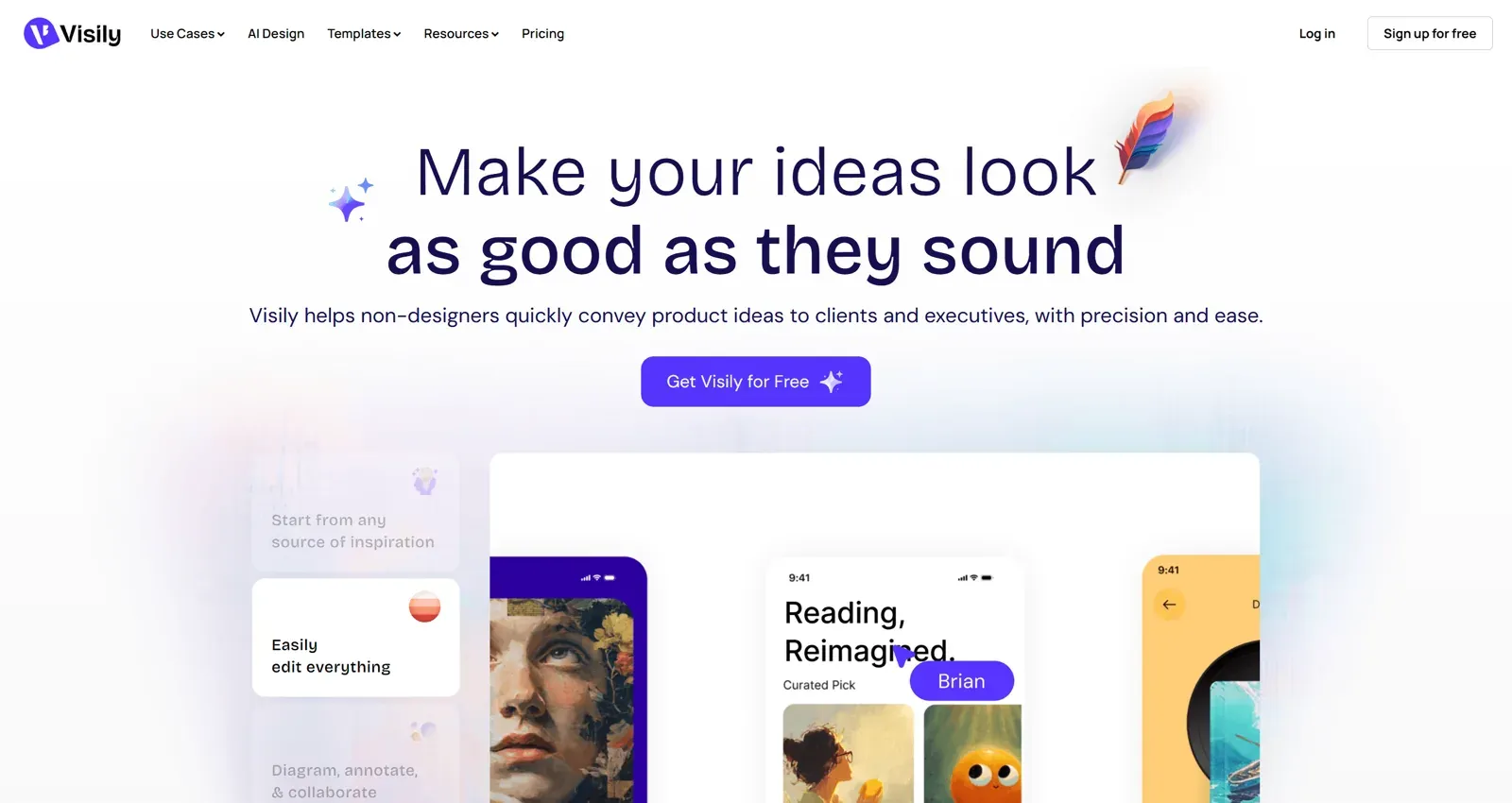
The free Starter plan includes 300 AI credits a month and 2 editable boards. Pro is $14 per editor per month with 3,000 AI credits, unlimited boards, Figma import and export and code export. Business is $29 per editor per month billed annually with 10,000 credits.
Best for: PMs and cross-functional teams who want more free headroom than UX Pilot and a comfortable manual editor.
Where it falls short: Figma and code export are Pro features, and the output sits in the mid-fidelity range. There are no heatmaps.
Read our full Visily AI review or compare plans on the Visily vs UXMagic page.
Uizard
Uizard was one of the first tools to make AI UI generation approachable. Its Autodesigner generates screens from a prompt, and its Screenshot Scanner and Wireframe Scanner turn screenshots and hand-drawn sketches into editable mockups.
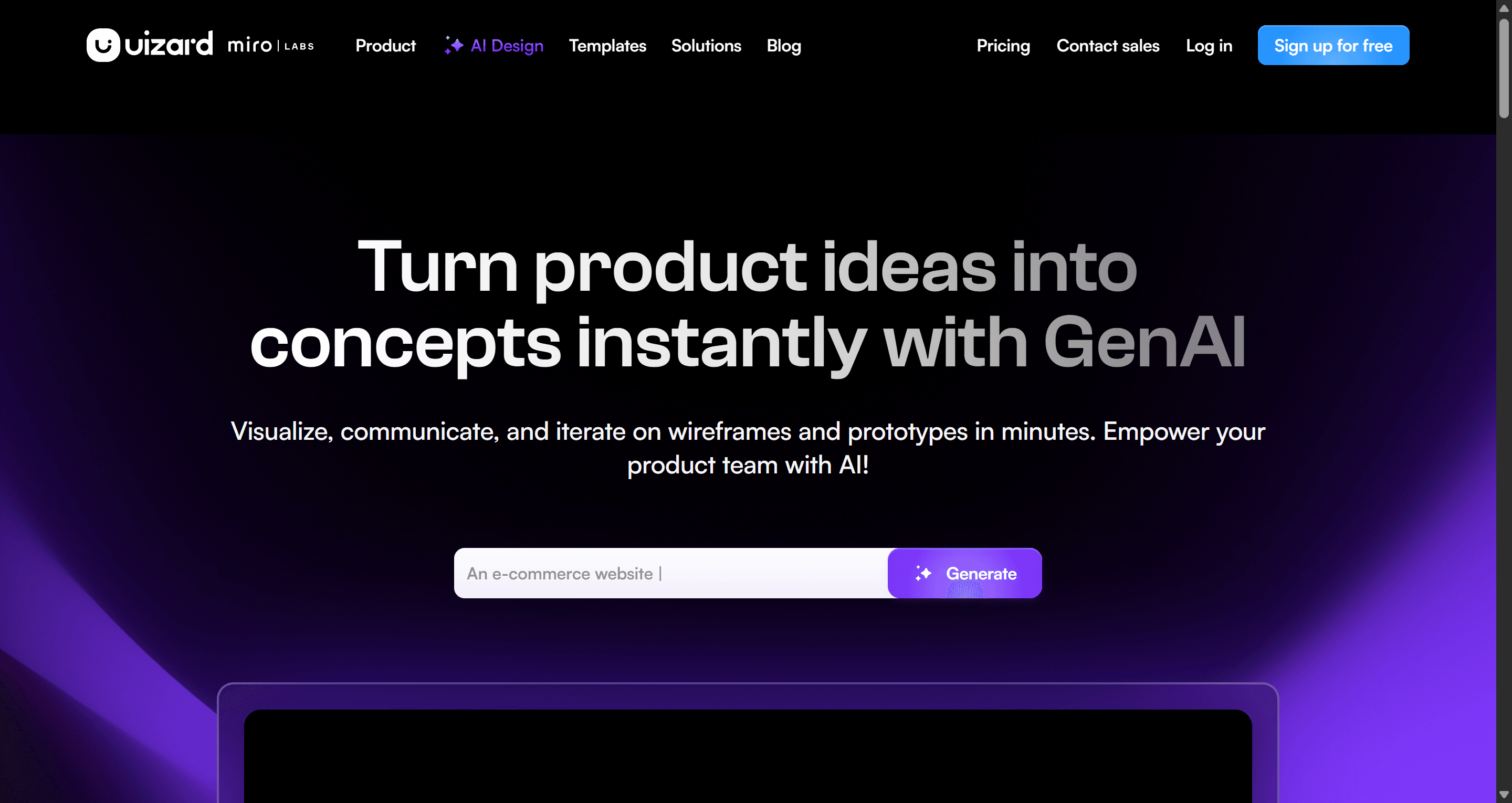
Free includes 3 AI generations a month, 2 projects and Autodesigner 1.5. Pro is $12 per creator per month billed annually with 500 generations and Autodesigner 2.0; Business is $39 billed annually with 5,000 generations.
Best for: non-designers who want the gentlest on-ramp and value sketch scanning.
Where it falls short: the free plan is too small to test properly, there is no direct Figma export, and code handoff is component-level. Uizard is now part of Miro, which leaves some teams unsure about the roadmap.
Read our Uizard review or our sibling guide to Uizard alternatives.
Best free UX Pilot alternative for concept exploration
Google Stitch
Google Stitch is a Google Labs experiment, built on what was Galileo AI, that turns prompts and images into high-fidelity UI and front-end code using Gemini. Designs can be pasted into Figma.
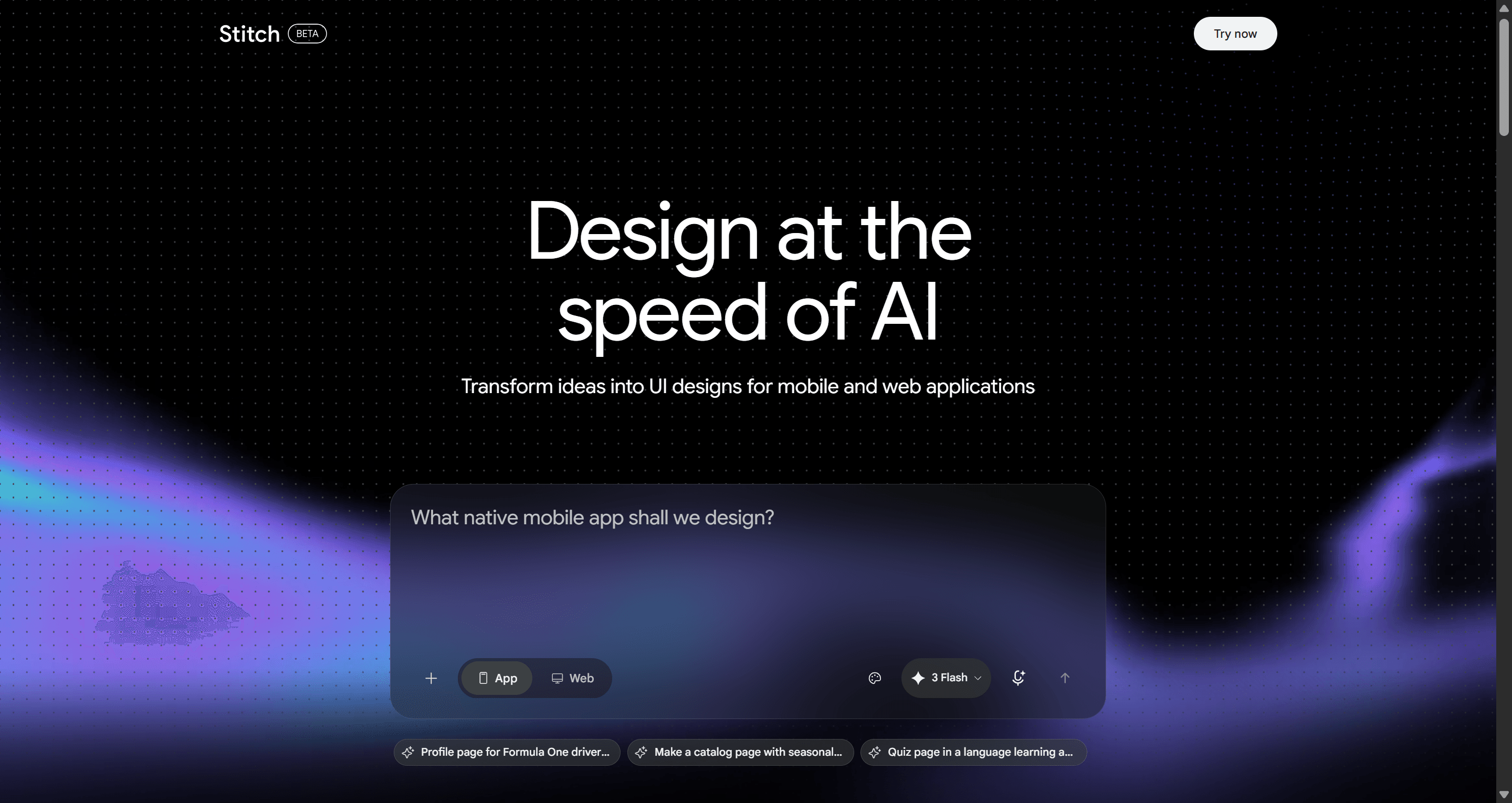
Stitch is free to use with a daily allowance. Google has not published a paid tier, so you cannot buy more when you hit the cap. That makes it the obvious UX Pilot alternative free of charge for early ideas and pitch visuals.
Best for: founders and designers exploring directions who do not yet need a persistent theme or team workflow.
Where it falls short: limits and features change without much notice, longer journeys need careful prompting to stay consistent, and the Figma paste usually needs cleanup. No heatmaps or review tools.
Read our Google Stitch review, the history in Galileo AI is now Google Stitch, or our guide to Google Stitch alternatives. Plan comparison: Google Stitch vs UXMagic.
Best for teams that already live in Figma
Figma Make and Figma AI
Many people use UX Pilot mainly through its Figma plugin. If that is you, the obvious question is whether Figma's own AI is now enough. Figma Make turns prompts into working, code-backed prototypes, and Figma's AI features in Design help with layout, content and images.
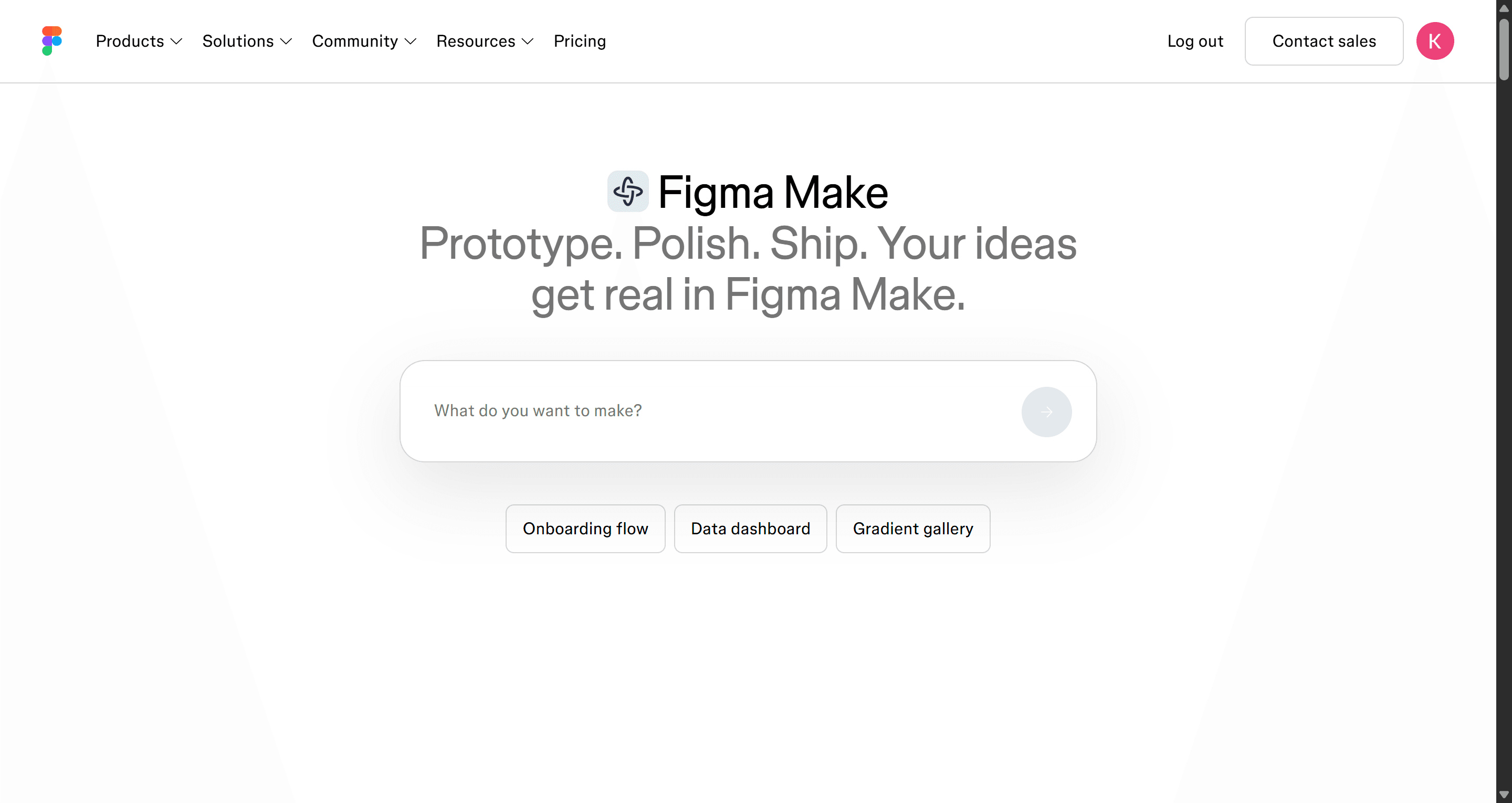
Figma's free Starter plan includes 150 AI credits a day, up to 500 a month. A Professional Full seat is $16 a month with 3,000 AI credits, while Dev and Collab seats get 500. Credits are shared across all of Figma's AI features.
Best for: design teams already paying for Figma who want generation without another subscription or an export step.
Where it falls short: credit use on complex Make prompts is hard to predict, and generation from a blank page is less opinionated about UX structure than a dedicated tool.
Our explainer on what Figma AI includes covers every feature, and our Figma Make alternatives roundup looks at where it struggles. If you want more plugin options, see our best Figma AI plugins for UI generation. Plan comparison: Figma Make vs UXMagic, or see how UXMagic works as a Figma AI generator.
Best for design-system-aware UI
Magic Patterns
Magic Patterns turns a prompt or product requirement into high-fidelity UI built in React, and it can generate against your own design system so new features match the existing product. It has a multiplayer canvas and exports to Figma.
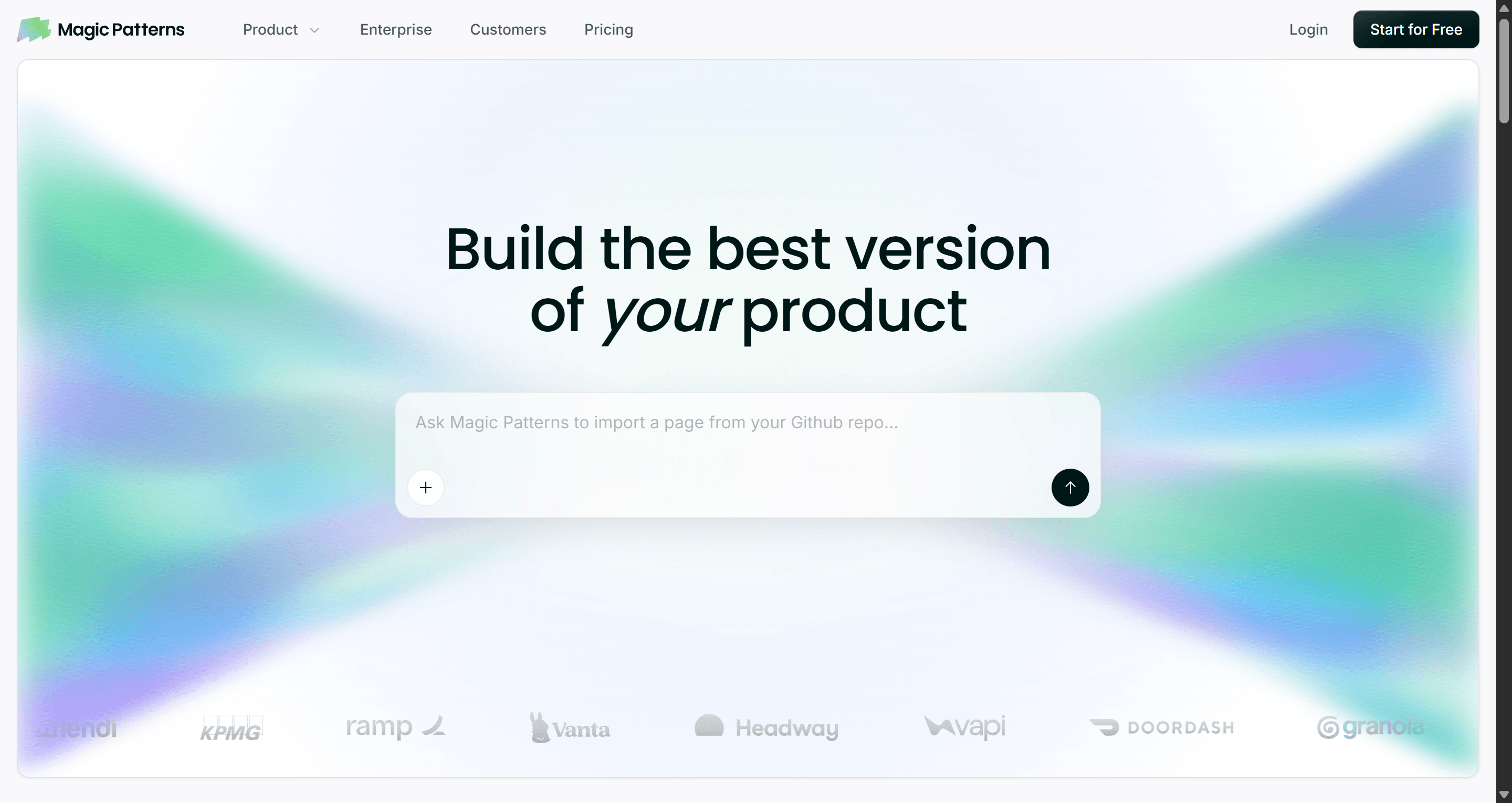
Magic Patterns lists a limited free tier, Starter at $20 per seat a month with 1,000 monthly credits, and Business at $100 per seat a month with 5,000 credits. Credits are usage-based, so a large multi-page request costs more than a small tweak.
Best for: product teams adding features to an established product, where matching the design system is the whole point.
Where it falls short: less useful when you are starting from scratch, and per-seat pricing adds up across a cross-functional team. No wireframing mode or heatmaps.
Read our Magic Patterns review, our guide to Magic Patterns alternatives, or compare on the Magic Patterns vs UXMagic page.
MagicPath
MagicPath is an AI-first canvas that describes itself as a shared workspace for humans and agents. You can drop prompts, sketches and screenshots anywhere on the canvas, generate variations, and build reusable components that carry across projects.
Its free plan gives 20 credits a day, up to 120 a month, and Pro lets you choose a monthly credit pack. Manual edits and exports do not cost credits.
Best for: designers who like exploring on an open canvas and want components they can reuse.
Where it falls short: it is a younger product than UX Pilot, and the credit-pack model takes some estimating before you know what a month costs.
See the UXMagic vs MagicPath comparison and our sibling guide to MagicPath alternatives.
Best for polished single screens
Banani
Banani generates high-fidelity UI from prompts and makes it quick to branch variations of a screen. A newer agent mode aims to keep multi-screen designs consistent through shared components.
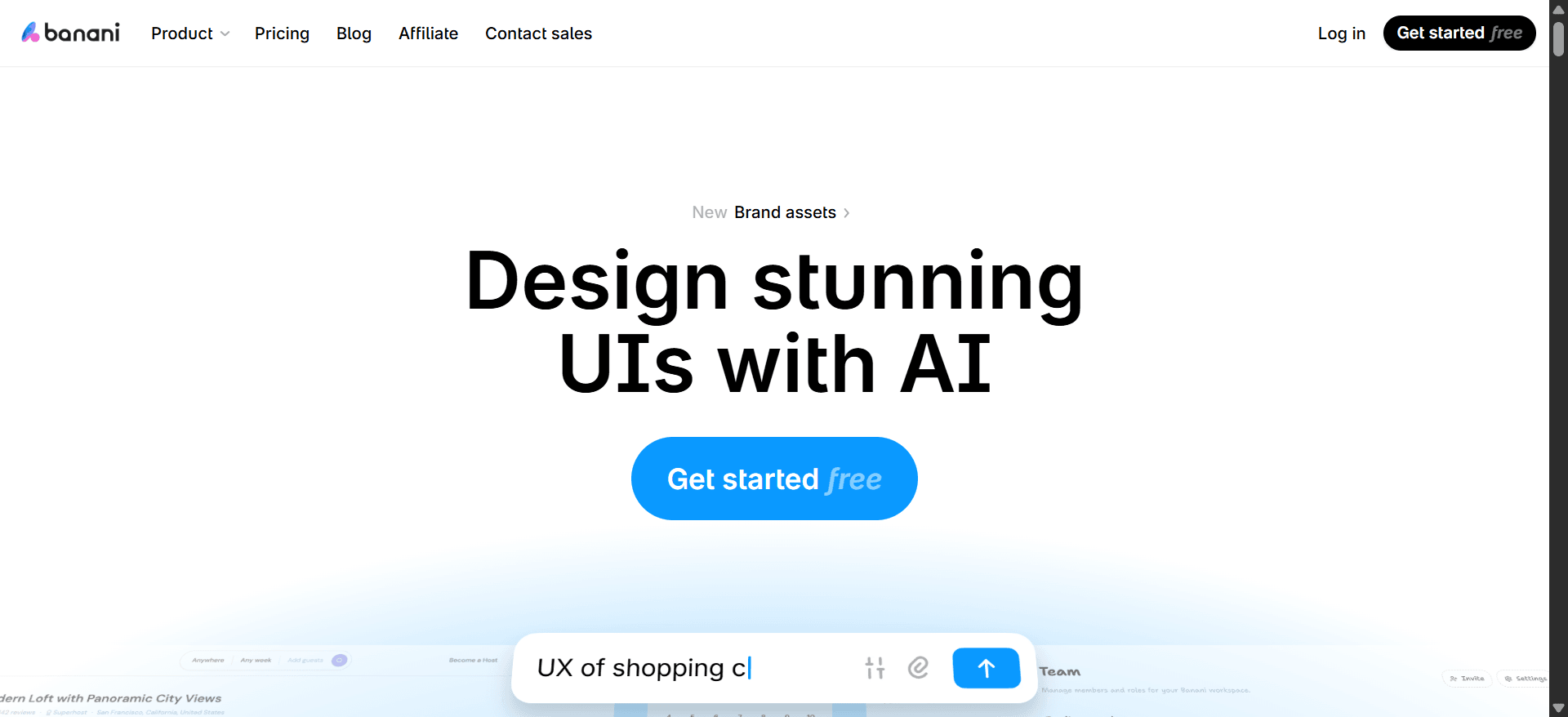
The free plan includes 12 monthly credits plus 3 daily credits. Plus is $12 a month billed annually ($20 monthly) with 100 monthly credits, Figma export and code export. Pro is $30 a month billed annually ($50 monthly) with unlimited credits.
Best for: designers who want visual variants to react to.
Where it falls short: the free allowance is small and Figma and code export sit on paid plans. No heatmaps or design review.
See the Banani vs UXMagic page and our detailed UXMagic vs Banani comparison.
Best for developers who want code, not a design file
v0 by Vercel
v0 is not a design tool in the UX Pilot sense. It generates working React components with shadcn/ui and deploys to Vercel. If you are a developer who landed here looking for UX Pilot alternatives, v0 may be what you actually want.
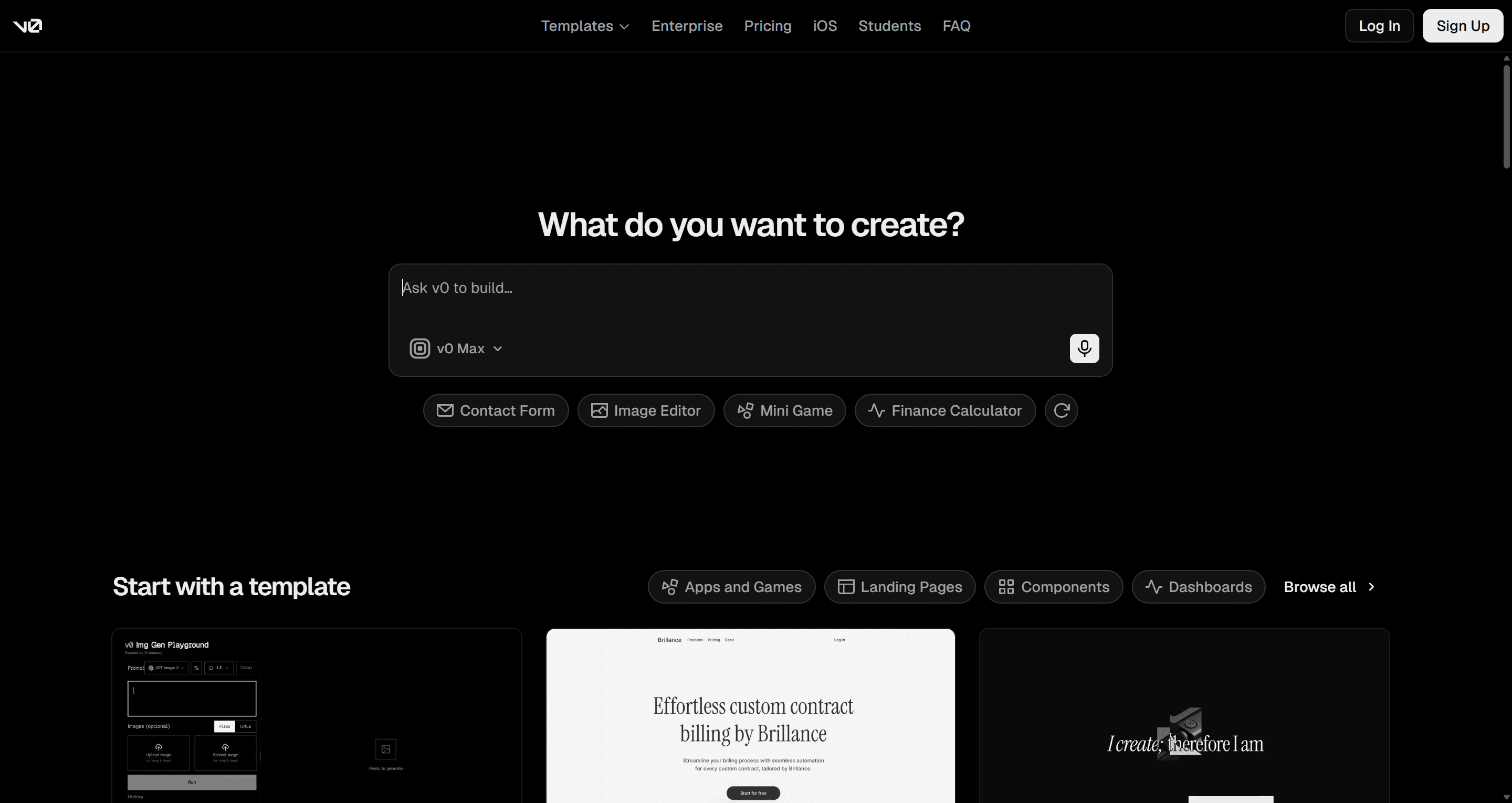
The free plan includes $5 of monthly credits and a limit of 7 messages a day. Plus is $30 a month and Business is $100 per user a month, both with $30 of monthly credits per user plus daily login credits.
Best for: React and Next.js developers who want to skip the design-file stage.
Where it falls short: no Figma export and no visual design canvas, and every discarded iteration spends credits. Design decisions get made in code, where they are expensive to change.
Read our v0 by Vercel review or our list of v0 alternatives. Plan comparison: v0 vs UXMagic.
Keep the design stage, skip the rebuild
Plan and design your screens in UXMagic, then export React with Tailwind and your theme tokens, or push straight to GitHub.
How to choose a UX Pilot alternative
Start from the reason you are leaving, because each one points to a different tool.
- "The free plan is too tight." Google Stitch is the most free volume, though capped daily. UXMagic's daily 20 credits refresh and allow 5 projects. Visily gives 300 credits a month.
- "I need longer, consistent flows." Look for a tool that plans the journey and shares one theme across screens. That is what UXMagic's Flow Mode is built for. Our post on why single-screen AI design is a dead end goes further.
- "I need real code." For React components, choose UXMagic (design first, then export), Magic Patterns (on your design system) or v0 (code only).
- "I only use it inside Figma." Try Figma Make first if you already pay for seats.
- "I rely on heatmaps and design review." Stay with UX Pilot for validation, and consider pairing it with a generator that does flows and code better.
- "I want it cheap and simple." Uizard and Banani start at $12 a month billed annually.
A workflow we see teams adopt when they outgrow a single-screen generator:
- Write the journey as a sentence: who, what they are trying to do, and each step. Our how to design UI with AI guide has prompt patterns.
- Generate a wireframe pass first to agree on structure.
- Approve the screen plan before any hi-fi screens are designed.
- Set the theme once so every screen shares the same tokens.
- Iterate with targeted edits instead of regenerating whole screens.
- Export to Figma for polish, or export React for the build.
For the wider field, see our best AI design tools of 2026, best AI prototyping tools and best wireframing tools.
Pricing comparison
| Tool | Free tier | Entry paid plan | Notes |
|---|---|---|---|
| UX Pilot | 80 daily credits, 1 project | Pro $22/mo billed annually | 750 credits, 5 projects; Teams $31/user |
| UXMagic | 20 credits/day, 3 screens/day, 5 projects | Pro $17.50/mo billed annually ($35 monthly) | 2,400 credits, up to 400 screens |
| Visily | 300 AI credits/mo, 2 boards | Pro $14/editor/mo | 3,000 credits, Figma + code |
| Uizard | 3 AI generations/mo | Pro $12/creator/mo billed annually | 500 generations |
| Google Stitch | Free with daily cap | None | Google Labs experiment |
| Figma | 150 AI credits/day, 500/mo | Professional $16/mo Full seat | 3,000 AI credits |
| Magic Patterns | Limited | Starter $20/seat/mo | 1,000 credits, usage-based |
| MagicPath | 20 credits/day, up to 120/mo | Pro credit packs | Edits and exports free |
| Banani | 12 monthly + 3 daily credits | Plus $12/mo billed annually | 100 monthly credits |
| v0 | $5 of credits/mo | Plus $30/mo | Dollar-denominated credits |
Headline credit numbers are not comparable across tools, because each vendor charges a different amount per screen. Compare what you can finish in a week. Our wireframe tool cost-benefit breakdown shows how to work that out, and live UXMagic prices are on the UXMagic pricing page.
Our recommendation
If you like UX Pilot's idea (describe it, get screens, send them to Figma) but need connected flows and a better code path, UXMagic is the closest upgrade. It plans the journey before designing, keeps one theme across every screen, and exports to Figma or a React project. Browsing the UXMagic templates is a quick way to judge output quality before you write a prompt.
Be honest about scope, though. If predictive heatmaps and automated design review are central to how you work, nothing else on this list replaces them, and UX Pilot is worth keeping. If your team already pays for Figma, try Figma Make first. If you only need throwaway concepts, Google Stitch is free. And if you are a PM who wants the most comfortable like-for-like swap, Visily is a safe pick.
Related guides
- Top 7 AI Tools for Design Consistency in 2026 (UI, UX, and Design Systems)
- Figma Pricing 2026: Seats, AI Credits, Make and What Teams Really Pay
- Lovable Pricing 2026: Plans, Credits, and What an App Really Costs
- 11 Best Lovable Alternatives in 2026, Grouped by What You're Building
- Canva Alternatives for UI Design: 9 Tools Built for Product Screens
- 8 Claude Design Alternatives in 2026, Free and Open Source Included
- Base44 Pricing 2026: Plans, Credits, and What an App Really Costs
- Figma Agent Review 2026: What the Beta Does, Costs and Misses
- Replit Pricing 2026: Plans, Credits, and What an App Really Costs
- 15 Best UX/UI Design Tools for 2026, Plus a Startup Stack
Try the UX Pilot workflow, with flows and React export
Describe a journey or upload a screenshot, approve the plan, and export editable screens to Figma or React on the free plan.