
TL;DR: The best Magic Patterns alternative depends on where your design system lives. For multi-screen flows on one shared theme, with Figma and React export, use UXMagic's Flow Mode. For design and React code in lockstep, use Subframe. Figma teams should try Figma Make, React developers v0, and full-stack builders Lovable or Bolt.new.
Magic Patterns has a clear pitch: give product teams an AI that prototypes new features in their own visual language instead of a generic template. You feed it screenshots, components, styles and design-system rules, and new screens come back looking like your product. For a PM who needs a believable feature mock by Thursday, that is a strong offer, and our Magic Patterns review gives it credit for that.
But "design-system-aware" means different things to different teams. For some it means the Figma library. For some it means the React components in the repo. For others it means a handful of brand colours and a font that must not drift across twenty screens. Magic Patterns handles part of each case, and the other tools on this list handle one case better.
So instead of one ranking, we grouped the Magic Patterns alternatives by the workflow they serve. Find the group that matches how your team works, then compare the two or three tools in it.
What is Magic Patterns?
Magic Patterns is an AI prototyping tool for product teams. Its homepage describes turning "a prompt, product requirement, or feature idea into high-fidelity UI in minutes." The main features, per its site and docs:
- Design system input. Bring existing screenshots, components, styles and rules so generated screens match your product.
- Figma import to stay aligned with existing design files.
- An MCP server for round-tripping between design and code with AI coding tools.
- Team workspaces with real-time multiplayer editing across PMs, designers and engineers.
- Shareable previews on published URLs, with custom domains and password protection.
- SOC 2 and ISO 27001 certification for enterprise buyers.
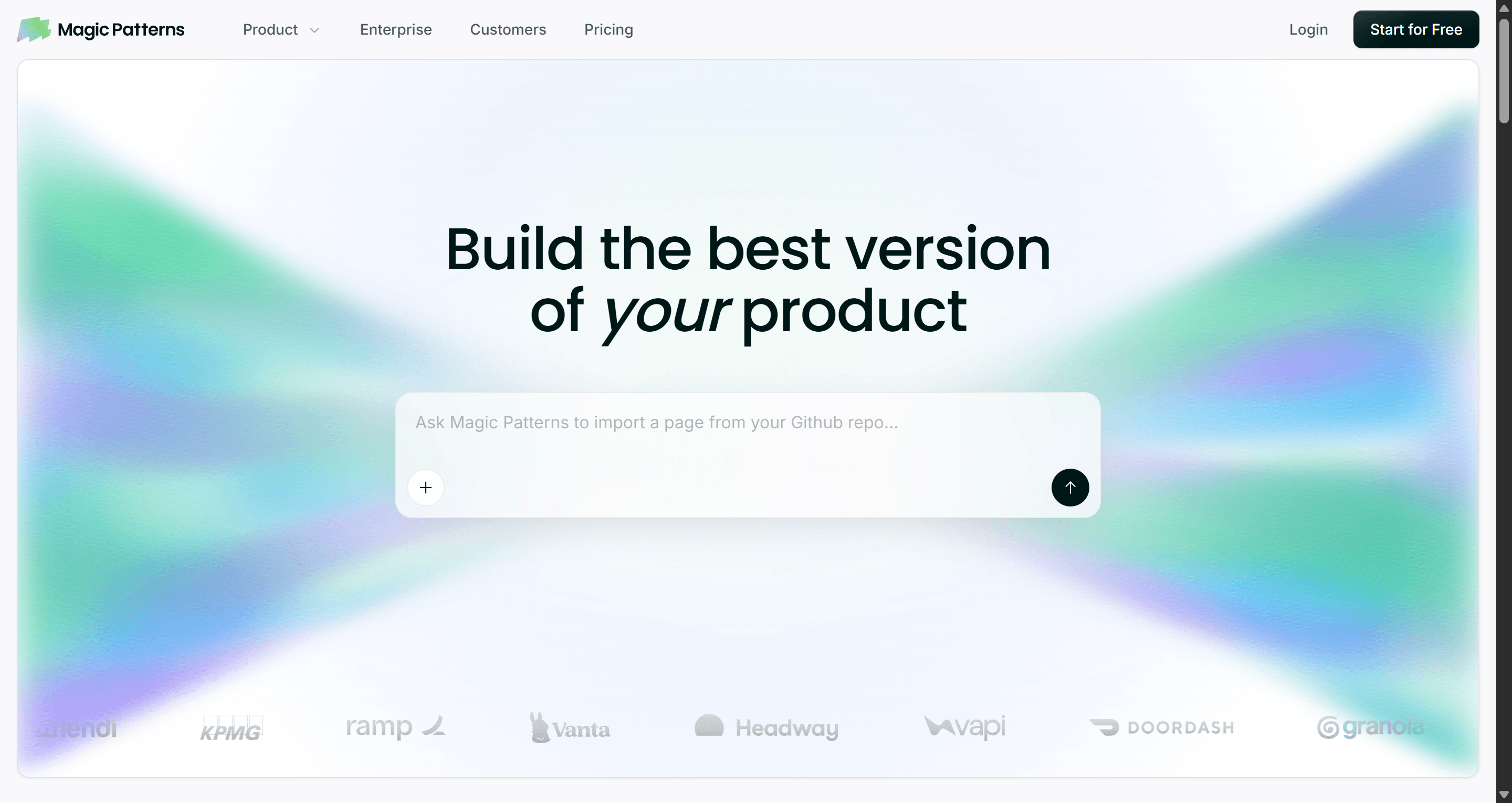
On pricing, Magic Patterns lists a limited free tier, Starter at $20 per seat a month, Business at $100 per seat a month, and custom Enterprise. On March 20, 2026 it moved to usage-based credits, so a small tweak costs fewer credits than a ten-page prototype, and paid plans can switch on pay-as-you-go overage.
Why look for Magic Patterns alternatives?
Magic Patterns is a good tool. The question is whether it fits your team's shape. These are the reasons we hear most often:
- Per-seat pricing adds up. At $100 per seat on Business, a design, product and engineering group of eight gets expensive before anyone generates a screen.
- Usage-based credits are harder to budget. Paying by complexity is fair, but it makes the monthly bill harder to predict than a flat allowance.
- Prototypes, not products. There is no production backend, so anything that needs data and auth still has to be rebuilt elsewhere.
- The design system lives somewhere specific. If yours is a Figma library, a Figma-native tool is less friction. If it is a React package, a code-first tool keeps closer to the truth.
- Flows drift. Keeping many screens consistent is a separate problem from making one screen on-brand. We explain why in why single-screen AI design is a dead end.
If you are still sorting out the vocabulary, our guide to design system vs style guide vs component library is a useful primer before comparing tools.
Magic Patterns alternatives at a glance
| Tool | Group | Best for | Free tier | Paid from |
|---|---|---|---|---|
| UXMagic | Best overall | Multi-screen flows on one theme, Figma and React export | 20 credits a day | $17.50/mo billed annually |
| Subframe | Design-system-aware | Design and React code kept in sync | 1 project | $20/editor/mo |
| MagicPath | Design-system-aware | Canvas design with reusable components | 20 credits a day, up to 120/mo | Credit packs |
| Figma Make | Design-system-aware | Teams whose library lives in Figma | Not on Starter | $16/mo Professional Full seat |
| UX Pilot | UX-first | Wireframes to hi-fi inside a Figma workflow | Yes | Paid credit plans |
| Google Stitch | UX-first | Fast, free visual exploration | Free with daily limits | No paid plan published |
| Uizard | UX-first | Non-designers and early ideation | 3 AI generations a month | $12/mo billed annually |
| v0 | Developers | React and shadcn/ui on Vercel | $5 of credits a month | $30/mo |
| Lovable | Developers | Full-stack MVP from a prompt | 5 credits a day | $25/mo |
| Bolt.new | Developers | Full-stack app in a browser IDE | 1M tokens a month | $25/mo |
Best overall: UXMagic
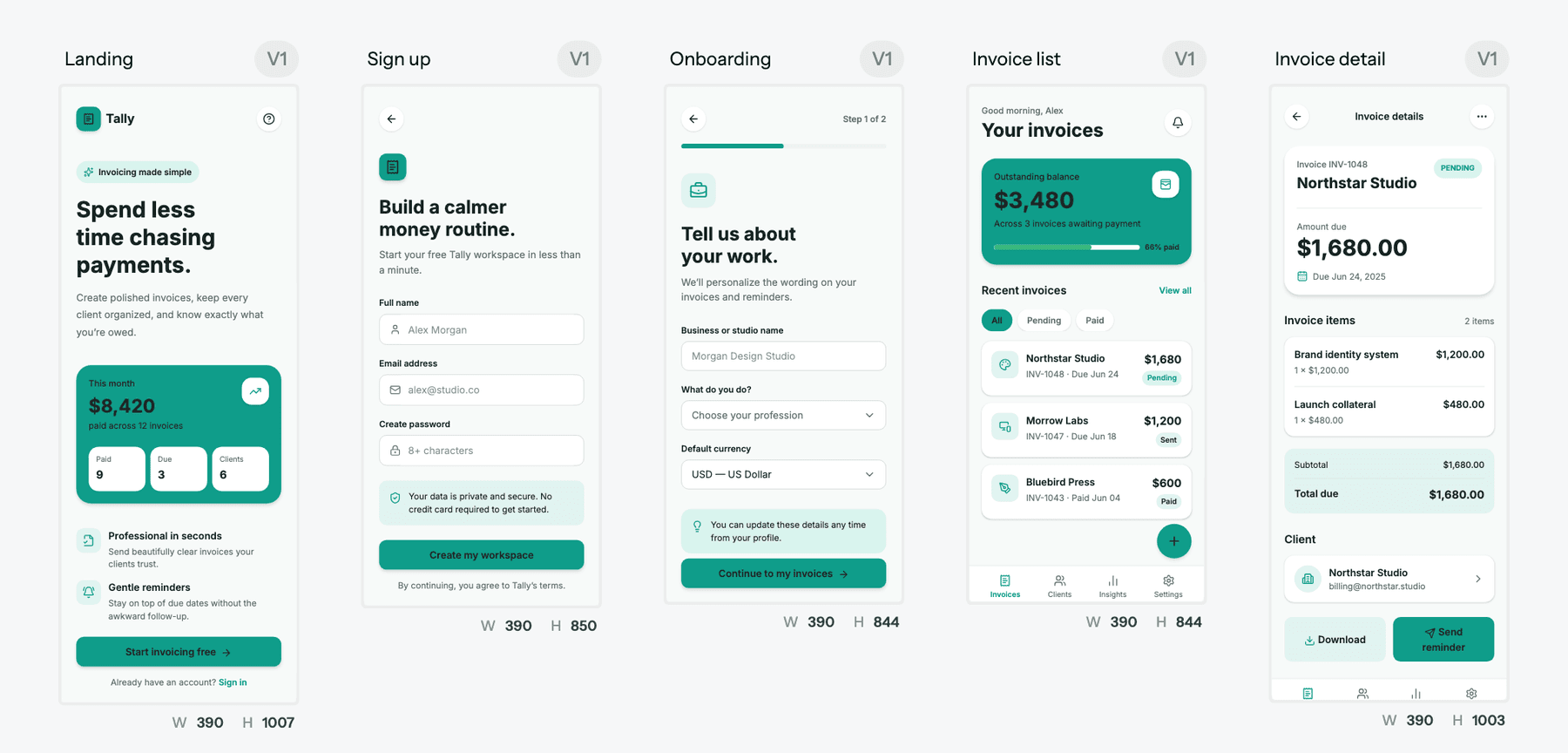
UXMagic is an AI UI/UX design tool built around a problem Magic Patterns only partly solves: keeping a whole product consistent, not just one screen. You describe what you are building and it proposes a screen plan, a named list of screens with a one-line purpose each. You approve or edit the plan, and it designs every screen on an infinite canvas with one shared theme and navigation.
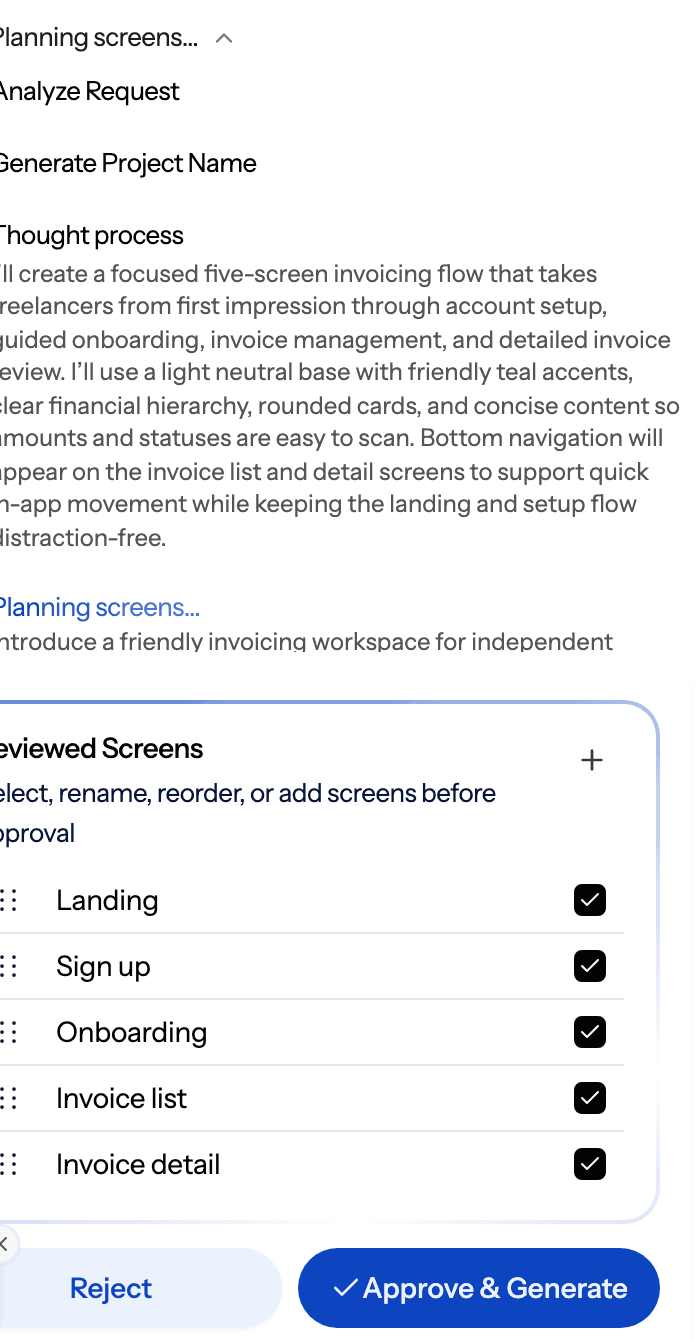
How it maps to what people like about Magic Patterns:
- Your system as structured tokens. Colours, fonts, radii and spacing are stored as design tokens on the project, so "use our brand blue" or "make it dark" moves every screen together. The themes and style guides help article shows how, and the AI style guide generator can draft the system first. Building or updating a theme costs no credits.
- Your components. Use the built-in Figma component library and React component library, or bring your own, as covered in the component libraries guide.
- More ways in than a prompt. Import from Figma, start from a screenshot with image to UI, or clone any website to pull in an existing product's look.
- Handoff both ways. Send screens to Figma as editable frames (export to Figma), export React and Tailwind with your theme as tokens (export code), or push to a repo with GitHub sync.
- MCP for coding agents. Like Magic Patterns, UXMagic has an MCP server, so Claude, Cursor, VS Code or Windsurf can read your real screens and theme.
Where it falls short: UXMagic does not build databases, auth or server logic, and exported code is a front end without a data layer. It is also not a shared-cursor multiplayer editor in the way Magic Patterns is; collaboration runs through sharing, previews and comments.
Pricing is flat and predictable: the free plan refreshes 20 credits a day, and Pro is $35 a month or $17.50 a month billed annually for 2,400 credits (up to 400 screens), unlimited projects and 250 Figma exports. A new screen costs 3 credits and a targeted edit 0.2, per how credits work.
Best for: product teams and founders who need a whole flow to look like one product. Read our full UXMagic vs Magic Patterns comparison.
Keep every screen on the same system
Approve a screen plan, generate the whole flow on one theme, then export to Figma, React or your coding agent.

Design-system-aware tools like Magic Patterns
These are the closest Magic Patterns competitors: tools that care about reusing your components and styles rather than inventing new ones.
Subframe vs Magic Patterns
Subframe is a design canvas, a coding agent and an embedded browser in one macOS app. Every layer maps to HTML and React elements, components have props, slots and variants that sync to your codebase, and it manages tokens across light and dark modes. The agent runs on your own Claude Code or Codex subscription and can open changes as pull requests.
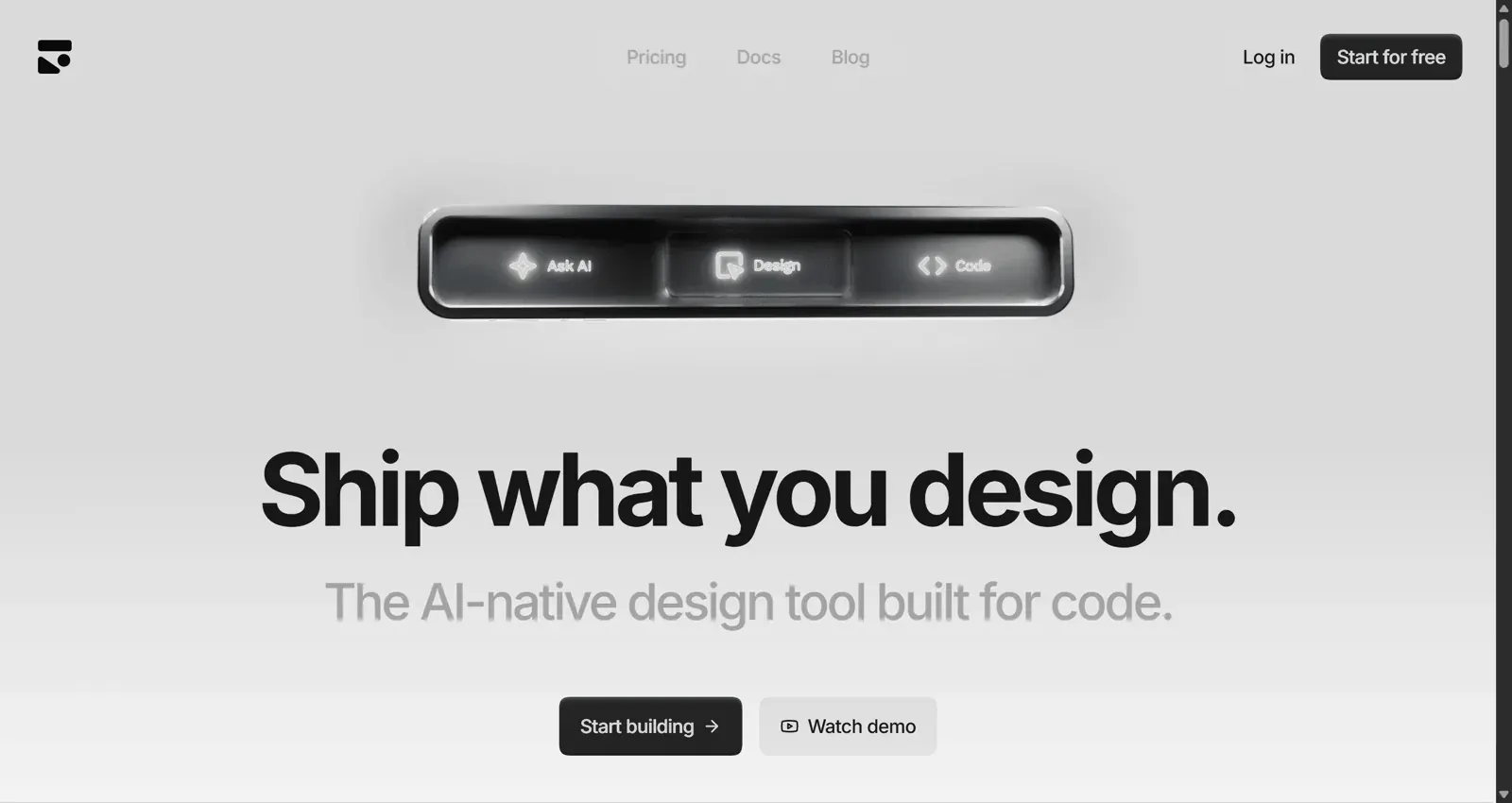
Subframe's site lists a free plan with one project and limited AI credits, and Pro at $20 per editor a month for unlimited projects and five times the AI credits.
- Best for: teams that treat the React component library as the design system and want design and code to stay in lockstep.
- Falls short: it works best with React and Tailwind, and the agent needs a separate Claude or Codex subscription.
Read our full Subframe review, or see UXMagic vs Subframe.
MagicPath vs Magic Patterns
MagicPath is an AI-first canvas that bills itself as a shared workspace for humans and agents. You can drop prompts, sketches and screenshots anywhere on the canvas, generate variations, and build reusable components shared across projects. That component reuse is what makes it a real alternative to Magic Patterns for teams carrying a system forward.
MagicPath's pricing page lists a free plan with 20 credits a day (up to 120 a month), and a Pro plan where you choose a monthly credit pack. Manual edits, exports and library use don't cost credits.
- Best for: designers who like a freeform canvas and want components to carry across projects.
- Falls short: credit cost scales with complexity, so multi-screen flows burn through a pack faster than single components.
See the UXMagic vs MagicPath comparison.
Figma Make vs Magic Patterns
Figma Make is Figma's prompt-to-app tool. You describe a prototype or point it at existing frames, and it generates a working, interactive version. The appeal for design-system teams is obvious: the library, the comments and the handoff already live in Figma, so there is no import step.
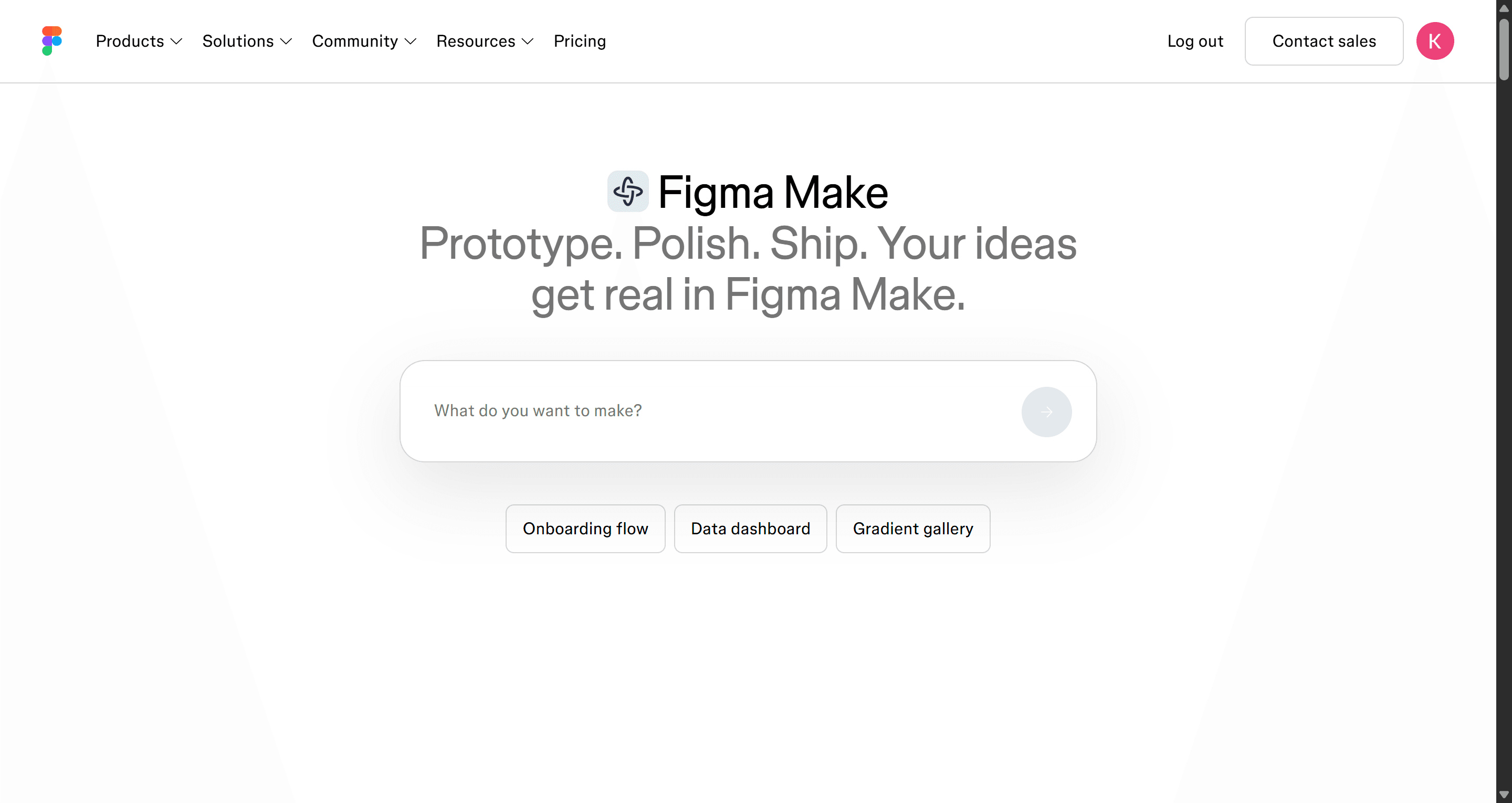
Per Figma's pricing page, Make is not on the free Starter plan. A Professional Full seat is $16 a month and includes 3,000 AI credits a month.
- Best for: teams whose source of truth is a Figma library.
- Falls short: it needs a paid Full seat, and the output is a prototype rather than production code.
Our guide to Figma AI explains how Make fits with Figma's other AI features, and our roundup of Figma Make alternatives covers what else is out there. Compare directly in UXMagic vs Figma Make.
For UX teams and product thinkers
Magic Patterns is fastest when you already know what the feature should look like. These tools are stronger earlier, when the structure itself is still in question.
UX Pilot vs Magic Patterns
UX Pilot covers the UX side of the process: wireframes, high-fidelity screens for web and mobile, and a Figma plugin so the work lands where designers already are. It is less about matching a production system and more about getting the information architecture right.
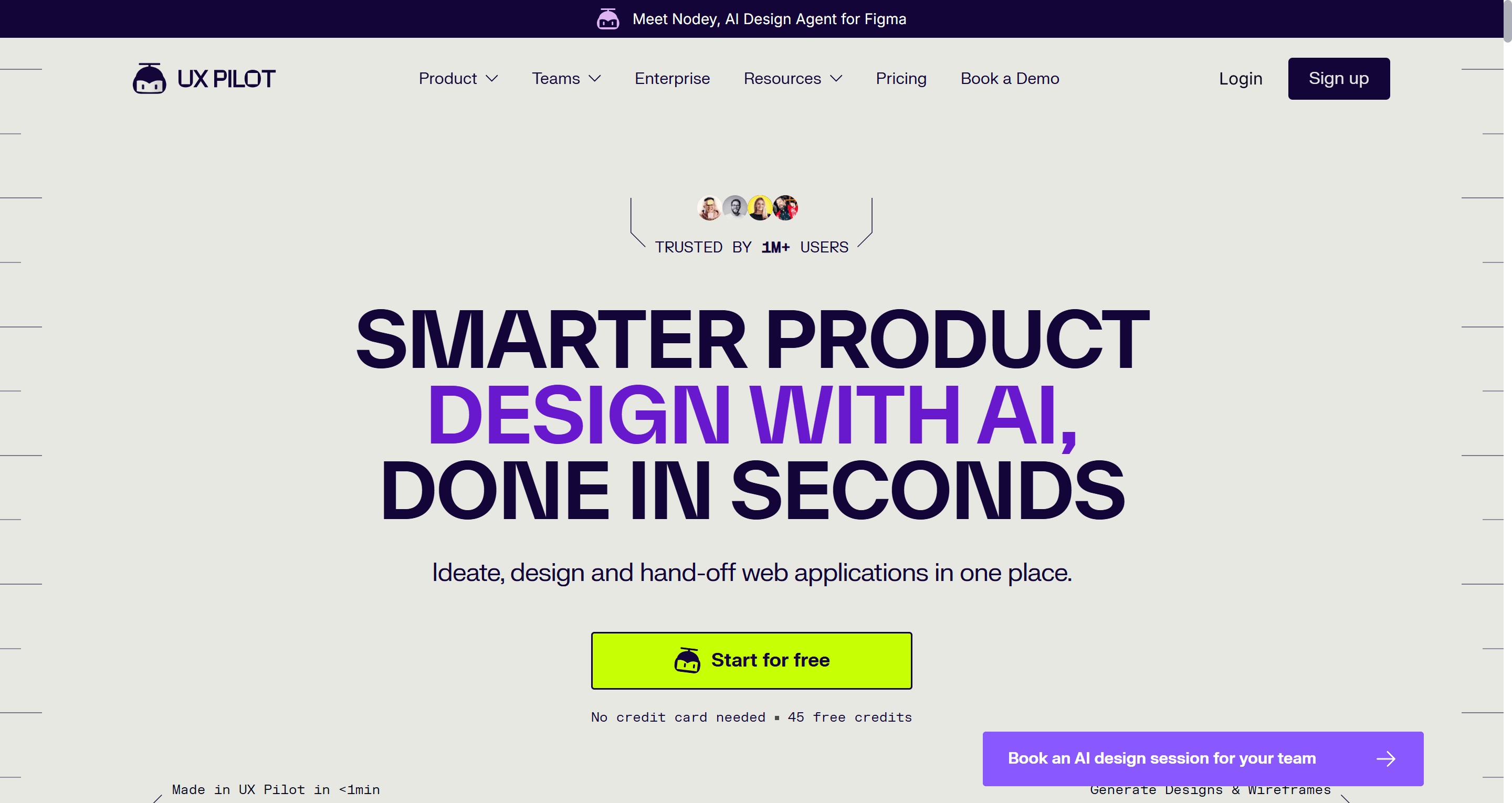
- Best for: designers and PMs who care more about UX structure than on-brand polish.
- Falls short: usage is metered in credits, and output still needs work to match a mature design system.
Read our full UX Pilot review, or see UXMagic vs UX Pilot.
Google Stitch vs Magic Patterns
Google Stitch, the Google Labs tool that absorbed Galileo AI, turns prompts and images into UI and multi-screen flows, with export to Figma and front-end code. It leans toward fast visual exploration rather than strict component reuse.
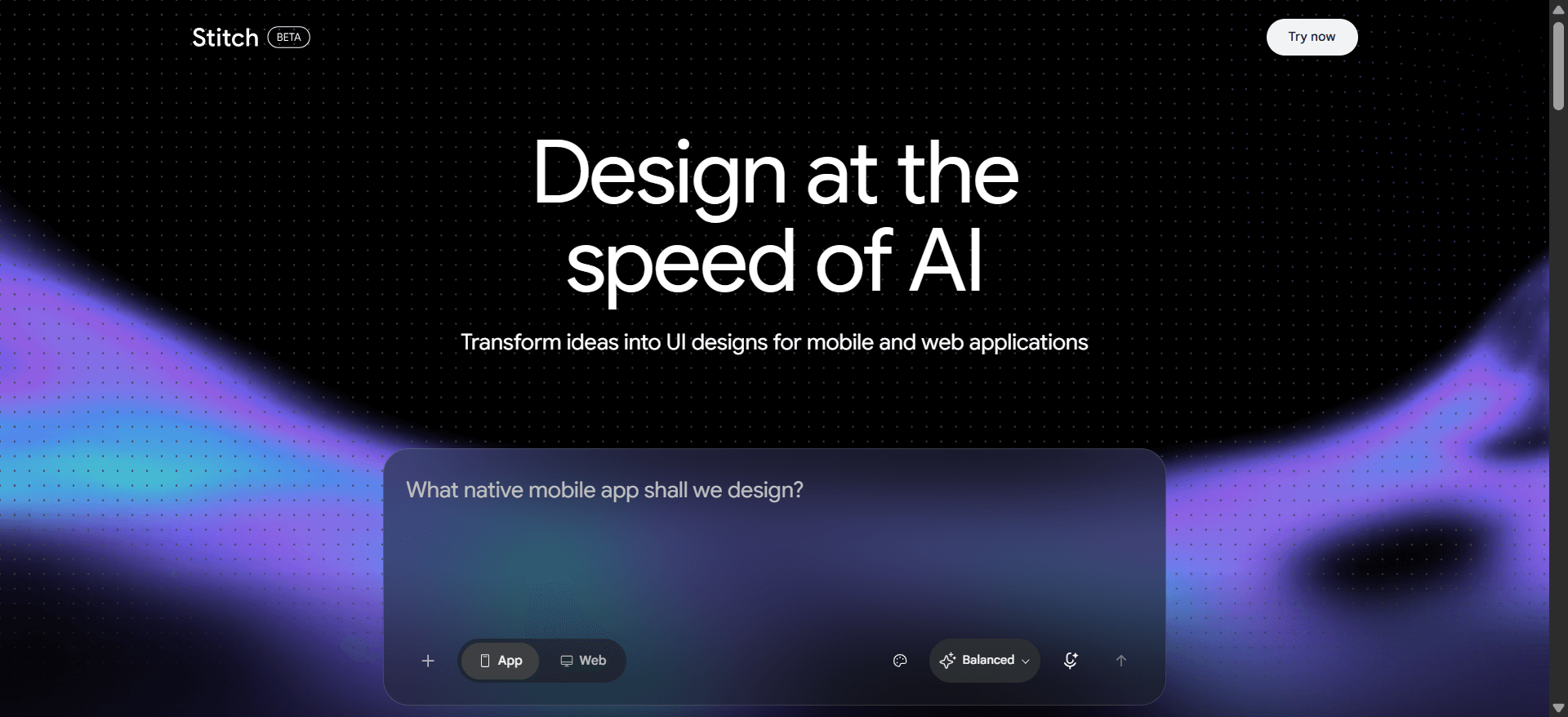
At the time of writing Stitch is free with daily usage limits and no published paid plan. Our sibling guide to Google Stitch pricing tracks what that means in practice.
- Best for: early exploration on zero budget.
- Falls short: little control over an existing design system, and a Labs product can change terms quickly.
Read our Google Stitch review or the list of Google Stitch alternatives.
Uizard vs Magic Patterns
Uizard is one of the older AI design tools, aimed at non-designers. Its Autodesigner generates multi-screen mockups from a prompt, and it can turn screenshots into editable designs. Business plans add a custom brand kit.
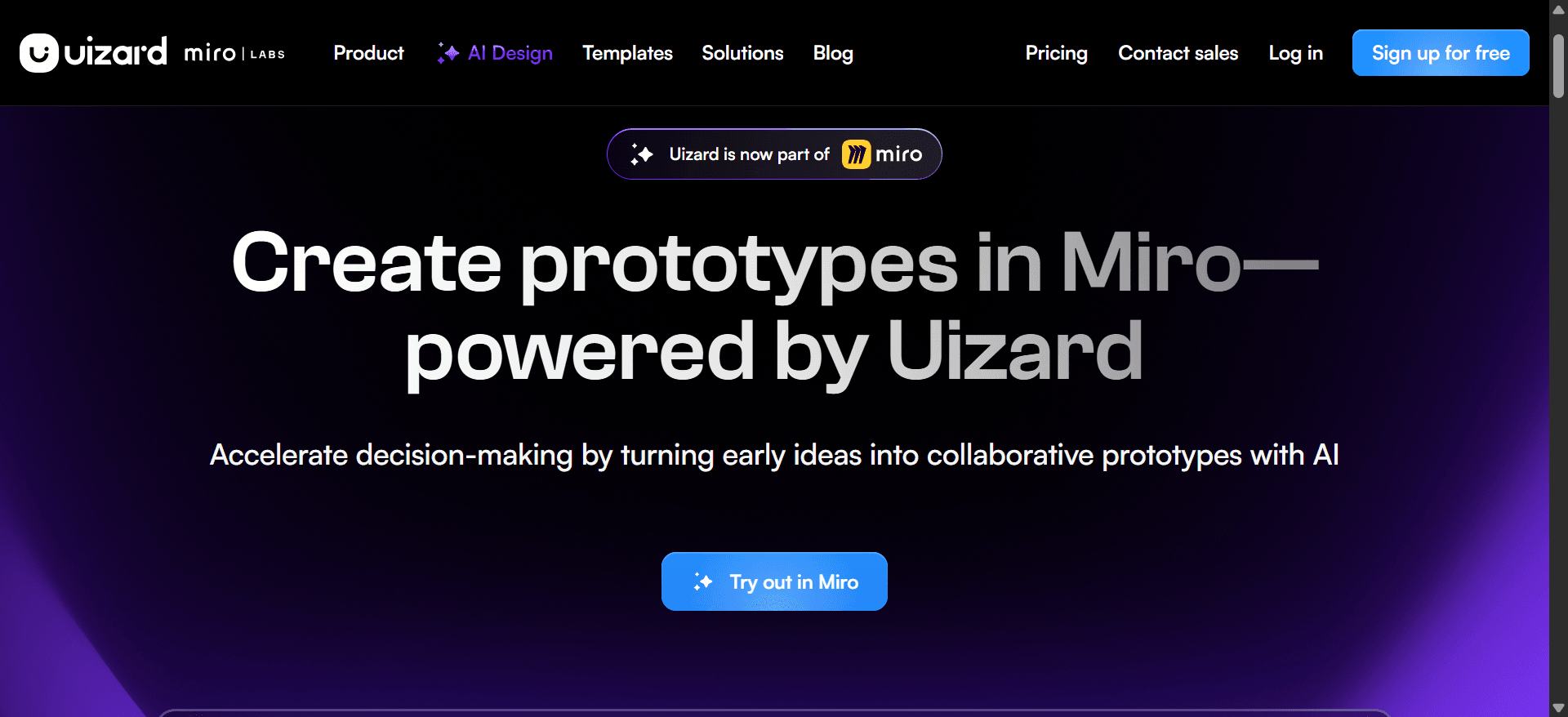
Uizard's pricing page lists a free plan with 3 AI generations a month, Pro at $12 a month billed annually for 500 generations, and Business at $39 a month.
- Best for: founders and PMs who need quick mockups and don't have a designer.
- Falls short: output is more template-like, and it is not built around your production components.
Read our Uizard review or our list of Uizard alternatives.
For developers and vibe coders
If the real goal is working software rather than a prototype, these tools go further than Magic Patterns, at the cost of design control.
v0 vs Magic Patterns
v0 by Vercel generates React components with Tailwind and shadcn/ui and has grown into an app builder with GitHub sync and one-click Vercel deploys. If your design system is built on shadcn/ui, v0 speaks its language; our explainer on shadcn/ui covers why that matters.
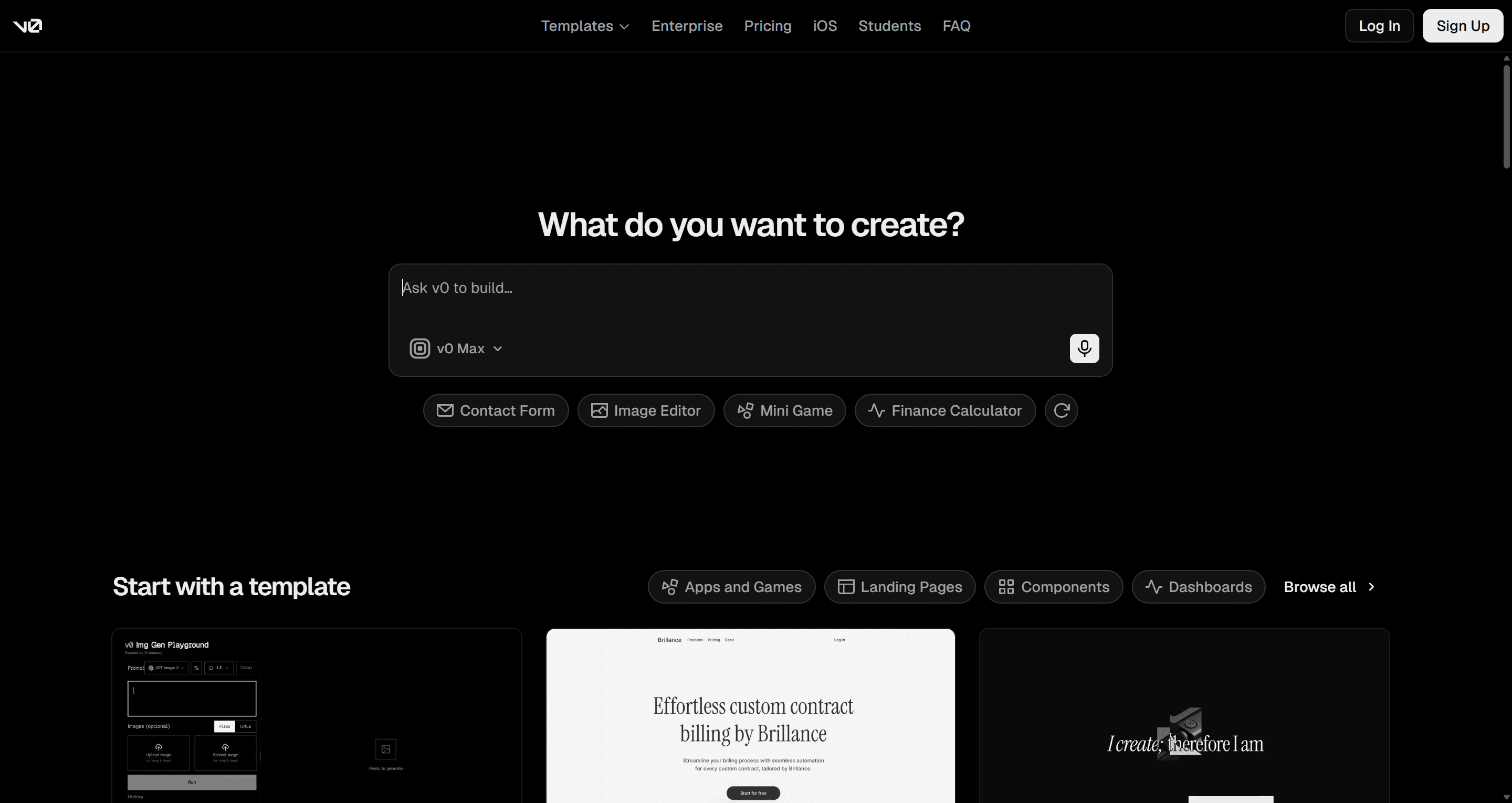
v0's pricing page lists a free plan with $5 of monthly credits, Plus at $30 a month, and Business at $100 per user a month.
- Best for: React developers shipping on Vercel.
- Falls short: it works one generation at a time, so cross-screen consistency is on you.
Read our v0 by Vercel review and our v0 alternatives guide, or see UXMagic vs v0.
Lovable vs Magic Patterns
Lovable builds full-stack apps from prompts: a React front end, plus database and auth through Lovable Cloud, and a live URL. Where Magic Patterns stops at the prototype, Lovable keeps going to a working MVP.
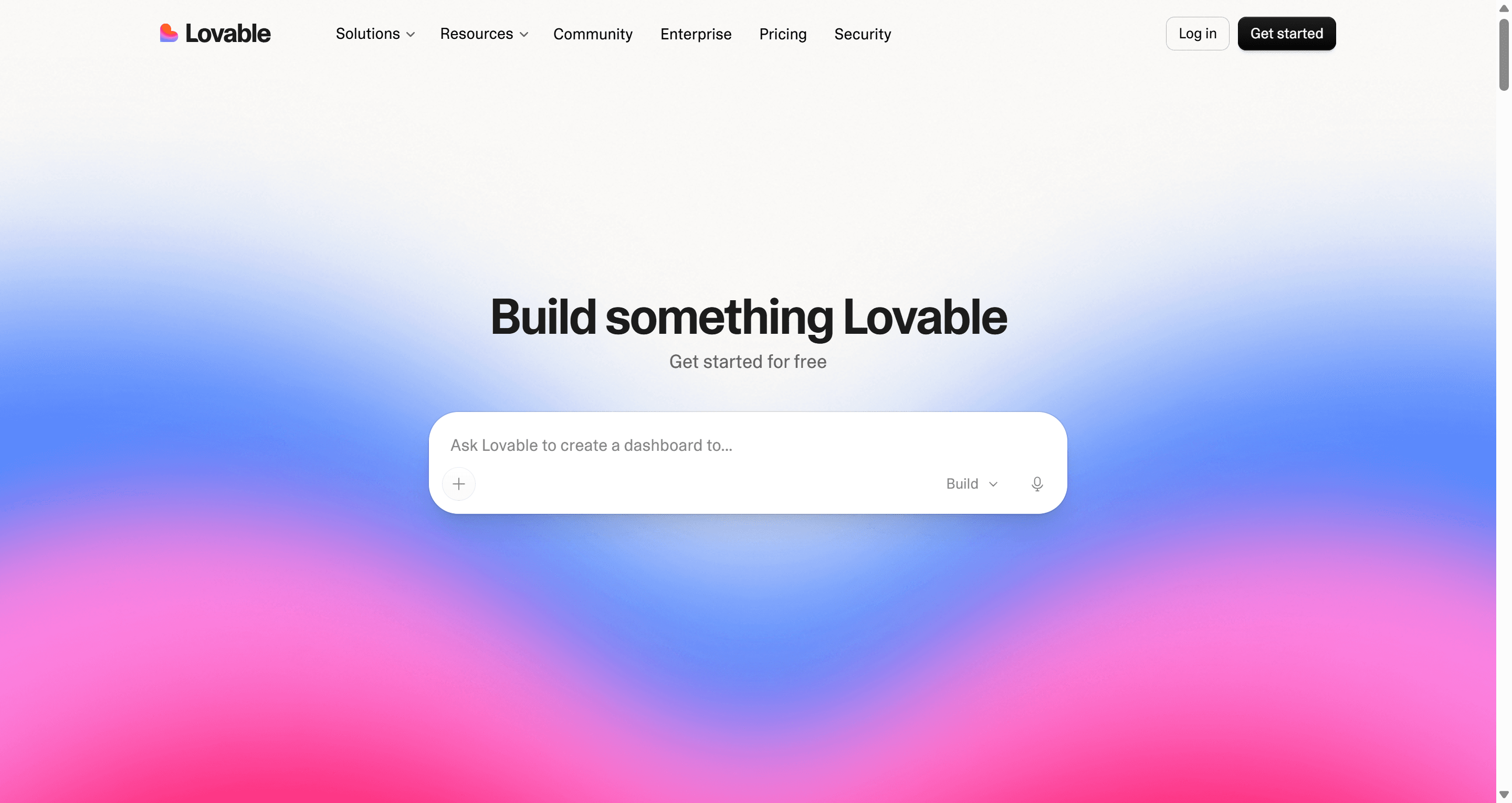
Lovable's free plan gives 5 build credits a day (up to 30 a month), and plans are priced by credits rather than seats, so a workspace can have unlimited members.
- Best for: founders who need a working product to show users or investors.
- Falls short: UI tends toward generic, and every layout change is also a code change that spends credits.
Read our Lovable review or our Lovable alternatives.
Bolt.new vs Magic Patterns
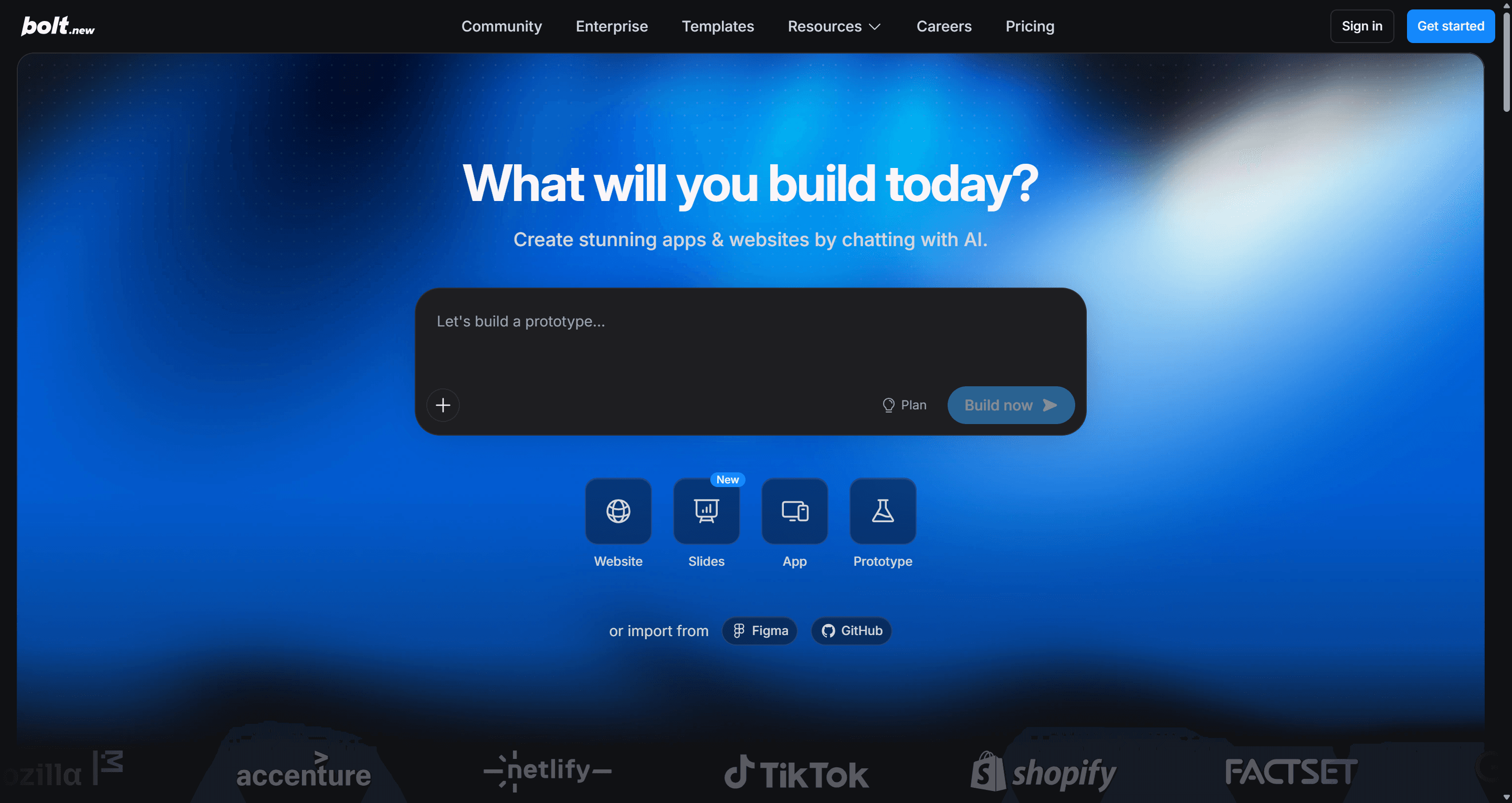
Bolt.new runs a full development environment in the browser: it installs packages, runs a dev server and deploys, and you can edit every file. Per Bolt's pricing page, the free plan includes 1M tokens a month with a 300K daily limit, and Pro is $25 a month starting at 10M tokens with rollover.
- Best for: technical builders who want to see and edit the code.
- Falls short: design is secondary, and token use grows with project size.
Read our Bolt.new review or our sibling guide to Bolt.new alternatives. If you are weighing other builders, see Replit alternatives and Base44 alternatives.
How to choose the right Magic Patterns alternative
Start with one question: where does your design system actually live?
- In a set of brand decisions (colours, type, spacing) you want applied everywhere. UXMagic, with the theme set up first. Our playbook on building a design system from scratch helps if you don't have one yet.
- In a React component library. Subframe, or v0 if it is shadcn/ui. Our guide to React UI component libraries helps pick a base.
- In a Figma library. Figma Make, or UXMagic with Figma import and export.
- Nowhere yet, and you are still exploring. Google Stitch, UX Pilot or Uizard.
- You need a running app, not a design. Lovable or Bolt.new, ideally after the design is settled.
A few checks worth running on any tool before you commit:
- Generate five related screens, not one. Consistency problems only show up across a flow. Our list of AI tools for design consistency covers this test.
- Change a brand colour after generation. See whether it updates everywhere or screen by screen. We go deeper in can AI follow design tokens.
- Export and open the result. Check the Figma file has real layers and the code is readable. Our guide to what a design handoff should include has a checklist.
- Price the whole team. Per-seat tools and per-workspace tools look very different at eight people.
A design-first workflow that uses more than one tool
Most teams we work with don't pick one tool. A pattern that holds up:
- Set the system. Generate or import the theme in UXMagic with the AI style guide generator.
- Design the flow. Approve a screen plan and let flow mode design every screen on that theme. The step-by-step version is in how to design UI with AI.
- Hand off. Export to Figma for designers, React for developers, or connect your coding agent through the UXMagic MCP.
- Build. Implement in Cursor, Lovable, Bolt or your own repo, working from a finished design rather than a guess.
Pricing comparison
Prices come from each vendor's official pricing page as of September 2026. Credit units differ between tools, so compare what a month of real work costs you rather than headline numbers.
| Tool | Free plan | Entry paid plan | Billing unit |
|---|---|---|---|
| Magic Patterns | Limited | Starter, $20/seat/mo | Seats plus usage-based credits |
| UXMagic | 20 credits a day | Pro, $35/mo or $17.50/mo annually | Credits (2,400/mo) |
| Subframe | 1 project | Pro, $20/editor/mo | Editors plus AI credits |
| MagicPath | 20 credits a day | Pro, choose a credit pack | Credits |
| Figma Make | Not on Starter | Professional Full seat, $16/mo | Seats plus AI credits |
| Uizard | 3 generations a month | Pro, $12/mo annually | AI generations |
| Google Stitch | Free with daily limits | None published | Daily credits |
| v0 | $5 credits a month | Plus, $30/mo | Credits |
| Lovable | 5 credits a day | Credit-based plans | Credits |
| Bolt.new | 1M tokens a month | Pro, $25/mo | Tokens |
UXMagic prices per account rather than per seat, and Enterprise adds a shared design system and component library, SSO and unlimited seats; see plans and limits and the pricing page.
Our recommendation
If Magic Patterns is working for your team, keep it. It is a solid way to prototype features on top of an existing product, and its MCP server and multiplayer canvas are real strengths.
Look elsewhere when the fit breaks. If per-seat costs or usage-based credits are the problem, or your product needs whole flows that stay on one system, UXMagic is the alternative we would start with: plan the screens, design them on one theme, and hand them to Figma, your repo or your coding agent. It won't build your backend, and we would rather say that plainly. If your system is a React library, try Subframe. If it is a Figma library, try Figma Make.
For a wider view of the category, see our ranking of the best AI design tools in 2026 and our Claude Design alternatives, or browse templates to start from something already built.
Related guides
- Figma Pricing 2026: Seats, AI Credits, Make and What Teams Really Pay
- Lovable Pricing 2026: Plans, Credits, and What an App Really Costs
- Lovable vs Bolt in 2026: Which AI App Builder Fits Your Project?
- Best AI App Builder in 2026: 10 Tools Compared by Use Case
- AI Design to Code Tools: The Complete 2026 Guide by Input Type
- Bolt.new Pricing 2026: Plans, Tokens, and What You Really Pay
- Replit Pricing 2026: Plans, Credits, and What an App Really Costs
- Base44 Pricing 2026: Plans, Credits, and What an App Really Costs
- Figma Dev Mode Alternatives in 2026: Handoff, Code and MCP Tools
- 10 Best a0.dev Alternatives for Building Mobile Apps with AI (2026)
Design the flow, then hand it to any tool
Start free with 20 credits a day. Generate a consistent multi-screen flow and export it to Figma, React or your AI coding agent.