
TL;DR: The right Base44 alternative depends on the job you are hiring it for. For full-stack apps from a prompt, compare Lovable, Bolt.new, Replit and Emergent. For no-code and internal tools, Bubble, Glide and Retool. For developers, Cursor and v0. If your real problem is that the app looks generic or the screens don't hang together, design the flow in UXMagic first, then build it in Base44 or anything else.
Base44 is one of the easiest ways to go from a sentence to a working app. You describe what you want, and it generates the front end along with a database, user login and hosting, without asking you to touch code. Wix bought it in June 2025, and it has kept growing since. Our Base44 review goes through what it does well.
The reasons people start searching for Base44 alternatives are fairly consistent. Message credits run out mid-project. The UI works but looks like every other AI-built app. Developers want to see and own more of the code. And teams realise, a few weeks in, that they have been paying build credits to work out what the product should look like.
Each of those problems has a different fix, so a single ranked list doesn't help much. Below, we group the Base44 competitors by the job they do best. Find the group that matches your problem and compare the two or three tools inside it.
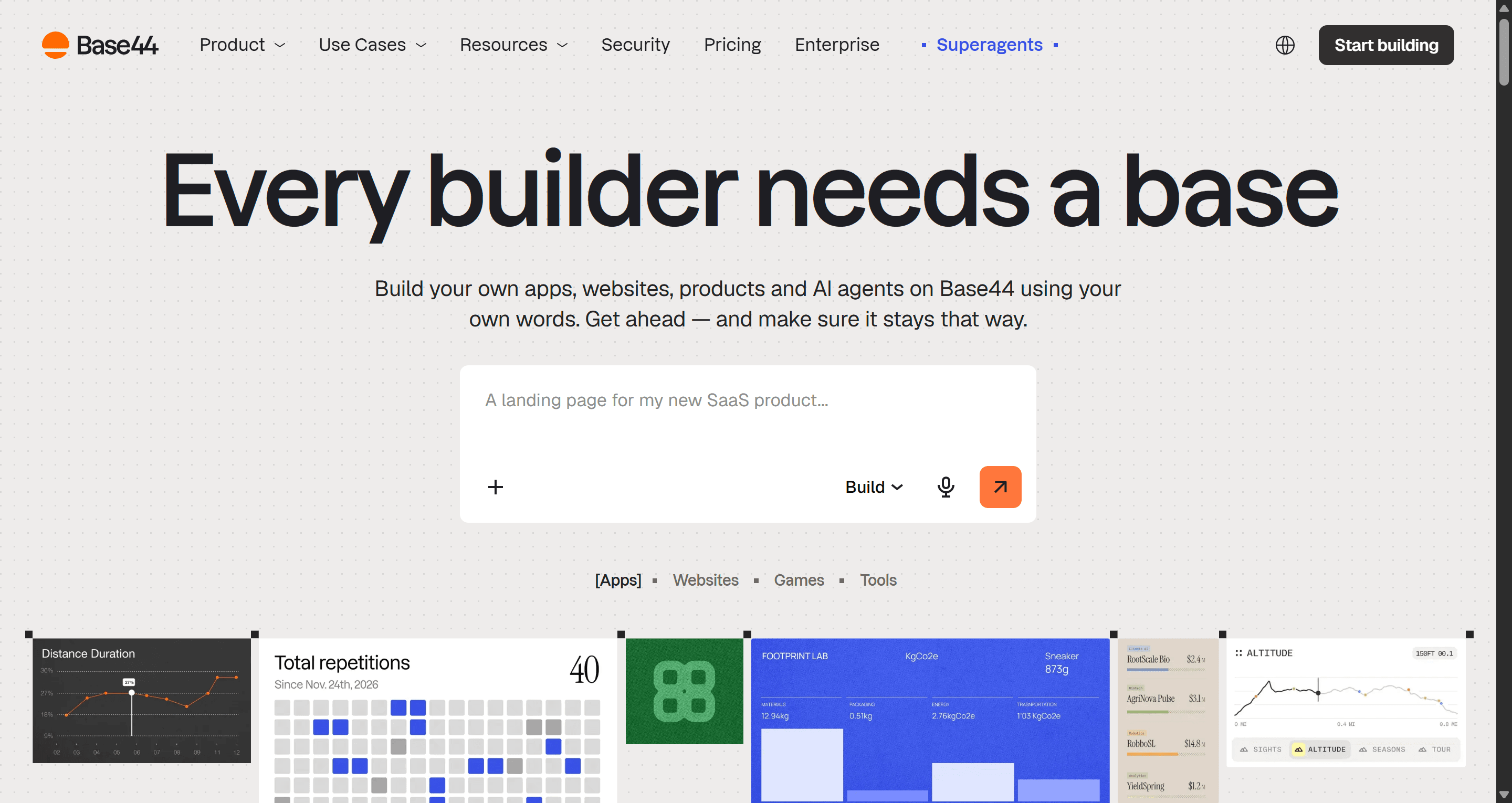
Base44 alternatives at a glance
| Use case | Best Base44 alternatives | What you get | Free tier |
|---|---|---|---|
| UI/UX design before building | UXMagic | Multi-screen flows, shared theme, Figma and React export, MCP | Yes, 20 credits a day |
| Full-stack vibe coding | Lovable, Bolt.new, Replit, Emergent | Working app with backend, auth, hosting | Yes (limited) |
| Frontend UI code | v0 | React and Tailwind components | Yes, $5 of credits a month |
| No-code apps | Bubble, Glide | Visual builder with logic and data | Yes |
| Internal tools | Retool | Apps on top of your databases and APIs | Yes, up to 5 users |
| Developers with a codebase | Cursor | AI agent inside your editor | Yes, Hobby tier |
| Native mobile | Rork | iOS and Android apps from prompts | Check current plans |
New to this category? Our guide to AI app builder tools for non-developers explains the basics, and what vibe coding actually is covers where tools like Base44 came from.
Why teams look beyond Base44
Before switching tools, it helps to name what is actually going wrong. In our conversations with founders and product teams, it usually comes down to one of four things.
- Credits. Base44 meters work in message credits and integration credits. Every "move this button" or "fix that bug" costs a message, and iteration is where most of them go.
- Generic UI. Base44 is optimised for working software, not for a distinctive product. Screens look competent but interchangeable, and they drift apart as the app grows. We wrote about this pattern in why single-screen AI design is a dead end.
- Control. Base44 now offers GitHub sync and in-app code editing on paid plans, but the experience is still built around not looking at code. Developers often want the reverse.
- Fit. An internal admin panel, a consumer mobile app and a SaaS MVP are different products. A general-purpose builder is rarely the best at any one of them.
- For UI/UX design: settle the product before you build it
If your Base44 app works but looks generic, or you keep regenerating screens to get the layout right, the problem is not the backend. It is that design and build are happening in the same step, so every layout experiment costs build credits and touches code.
UXMagic vs Base44
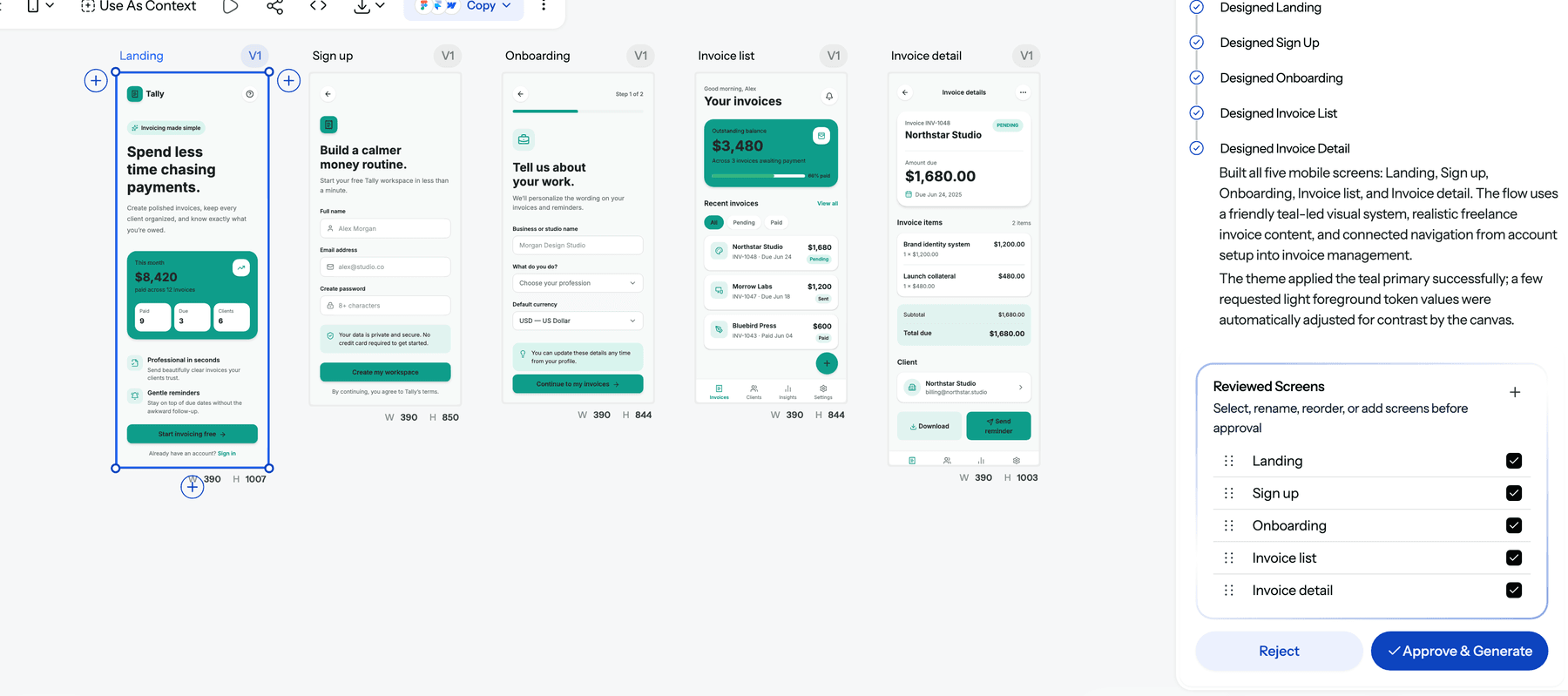
UXMagic is an AI UI/UX design tool, not an app builder. You describe the product, and it proposes a screen plan: a named list of screens with a one-line purpose for each. You edit or approve the plan, then Flow Mode designs every screen on an infinite canvas with one shared theme. An onboarding flow ends up as five screens side by side that look like the same product, not five unrelated chat replies. The flow mode and screen plans guide walks through it.
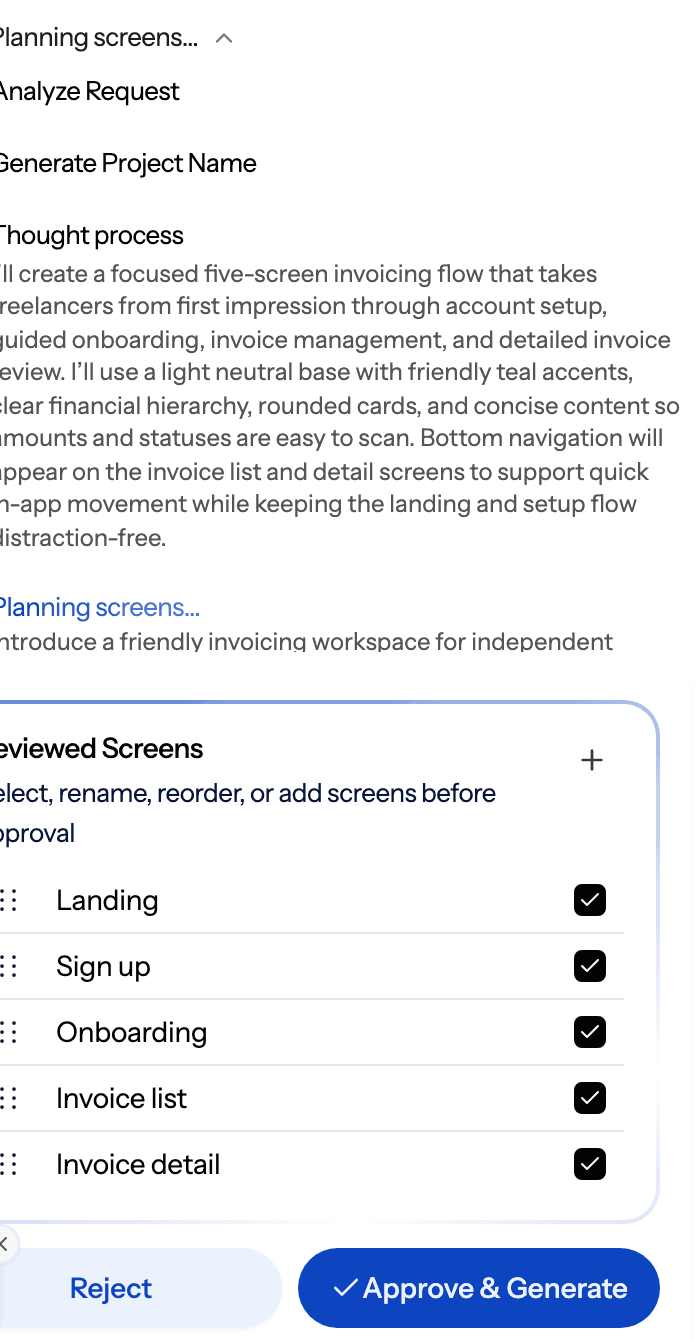
How it fills the gap Base44 leaves:
- One system across every screen. Colours, type, radii and spacing are stored as tokens on the project, so a theme change moves every screen together. See themes and style guides.
- More starting points than a prompt. Upload a screenshot with image to UI, start from a sketch, clone a live website, or import a Figma file. Or begin rough with the AI wireframe generator and add fidelity once the structure is right.
- Cheap iteration. A targeted edit costs 0.2 credits and theme changes are free, per how credits work. That is the point of designing first: you pay very little to change your mind.
- Hand-off to whatever builds it. Export screens to Figma, or export a screen or a whole project as React and Tailwind code. The UXMagic MCP server lets Claude, Cursor, VS Code and other MCP clients read your real screens and theme, so your coding tool implements the design instead of guessing at it.
- Publish when a site is enough. Landing pages and marketing sites can go straight to a live URL. See publish your first site.
Where it falls short: UXMagic does not create databases, auth, server logic or payments. Exported code is a front end with no data layer, routing or state management. If you need a working backend, pair UXMagic with Base44 or one of the builders below rather than replacing them.
Best for: founders, PMs and designers who want the product to look right and stay consistent before paying to build it. Read the full UXMagic vs Base44 comparison.
Design the app before Base44 builds it
Plan the screens, design them on one shared theme, then export to Figma, React or your AI coding tool through MCP.

If you are comparing design-first tools more broadly, our guide to the best AI design tools of 2026 covers the rest of the category.
- For full-stack vibe coding: the closest Base44 competitors
These are the apps most like Base44. You prompt, they generate the front end and back end, and you get something running with a URL.
Lovable vs Base44
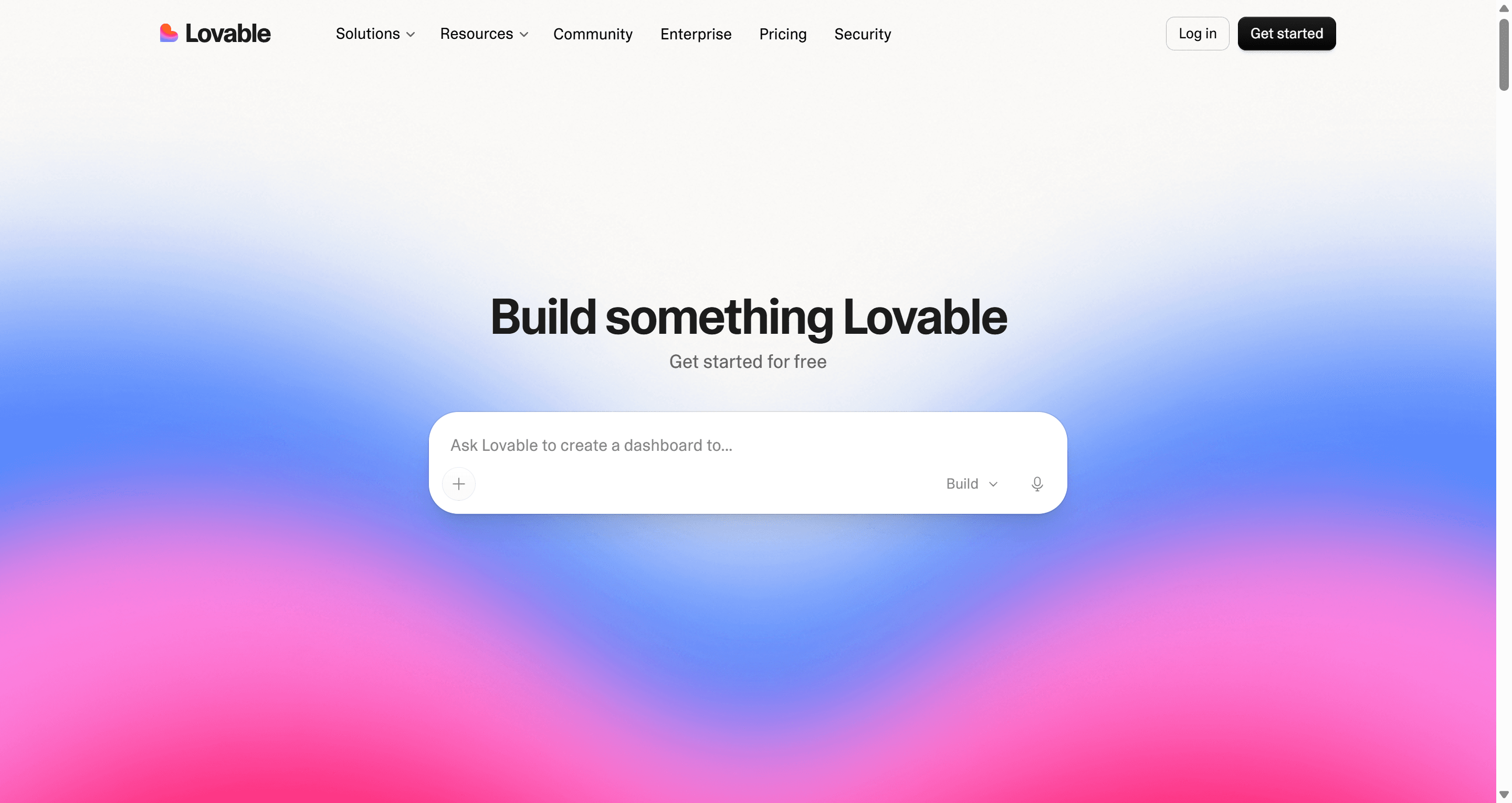
Lovable generates a React front end and wires up a database, auth and hosting through Lovable Cloud. The experience is close to Base44's, with slightly more exposure to the code and a large community of builders sharing templates.
Lovable's free plan gives 5 build credits a day, up to 30 a month. Pro starts at $25 a month for 100 credits, and Business at $50. Our Lovable pricing guide works through real cost scenarios.
- Best for: founders who want Base44's speed with a React codebase they can take elsewhere.
- Falls short: credit use is hard to predict, and the UI has the same generic tendency as Base44's.
Read our full Lovable review, or see how it stacks up against its own competitors in our Lovable alternatives guide.
Bolt.new vs Base44
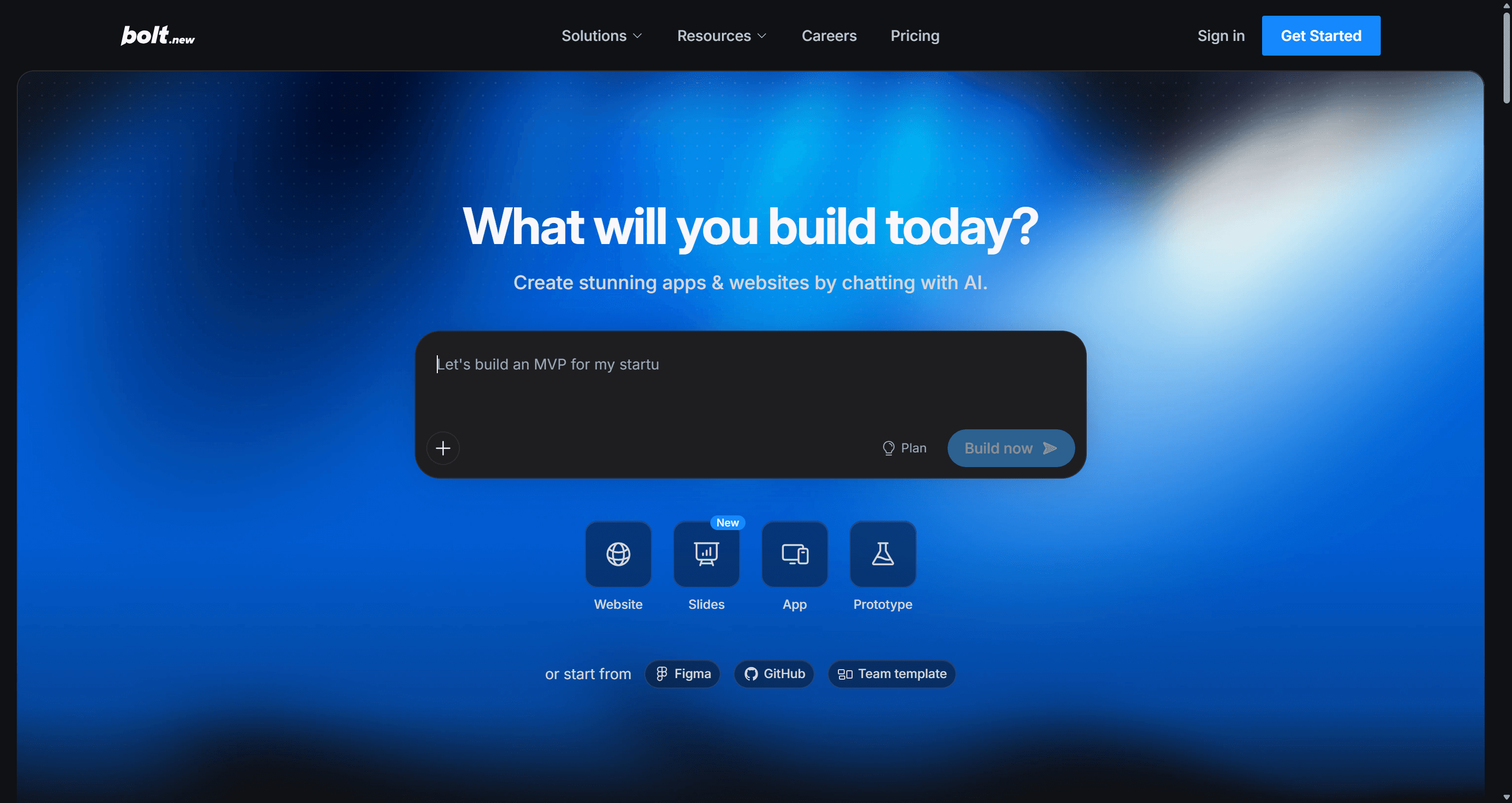
Bolt.new, from StackBlitz, runs a full development environment in the browser. It installs packages, runs a dev server and deploys the result, and every file is visible and editable. That transparency is the main difference from Base44: when the AI gets stuck, a developer can step in directly.
Bolt's pricing page lists a free plan with 300K tokens a day and 1M a month, Pro at $25 a month with 10M tokens that roll over, and Teams at $30 per member. We break the token maths down in Bolt.new pricing explained.
- Best for: technical founders who want Base44's speed with full visibility into the code.
- Falls short: token use grows with project size, and long sessions can loop on the same bug.
Read our full Bolt.new review, and see Bolt.new alternatives if Bolt is also on your shortlist.
Replit vs Base44
Replit is a cloud IDE built around Replit Agent, which scaffolds, builds and deploys apps from prompts with databases and hosting included. Because a real IDE sits underneath, you are not limited to one stack; Python backends, scripts and bots are all fair game.
Per Replit's pricing page, Core is $20 a month ($18 billed annually) and includes $20 of AI usage; Pro is $100 a month ($90 annually) with $100 of usage.
- Best for: builders who want an agent plus a proper coding environment, or projects in more than one language.
- Falls short: usage-based AI billing can climb on complex projects, and the interface is more developer-shaped than Base44's.
See our UXMagic vs Replit comparison and the full list of Replit alternatives.
Emergent vs Base44
Emergent describes itself as agentic full-stack development: several AI agents plan, code, test and deploy web and mobile apps. It pushes further than Base44 toward "the AI does the engineering", with larger context windows and custom agents on higher tiers.
Emergent's pricing page lists a free plan with 10 credits a month, Standard at $20 a month ($17 annually) for 100 credits, and Pro at $200 a month ($167 annually) for 750 credits.
- Best for: founders building more complex full-stack or mobile apps who want testing handled by the agent too.
- Falls short: a small free tier, and a steep jump from Standard to Pro.
Read our full Emergent AI review.
For a direct comparison of this group, our vibe coding tools comparison puts Bolt, Lovable and Base44 side by side, and vibe coding in 2026 explains the workflow that makes them productive.
- For frontend UI code
v0 vs Base44
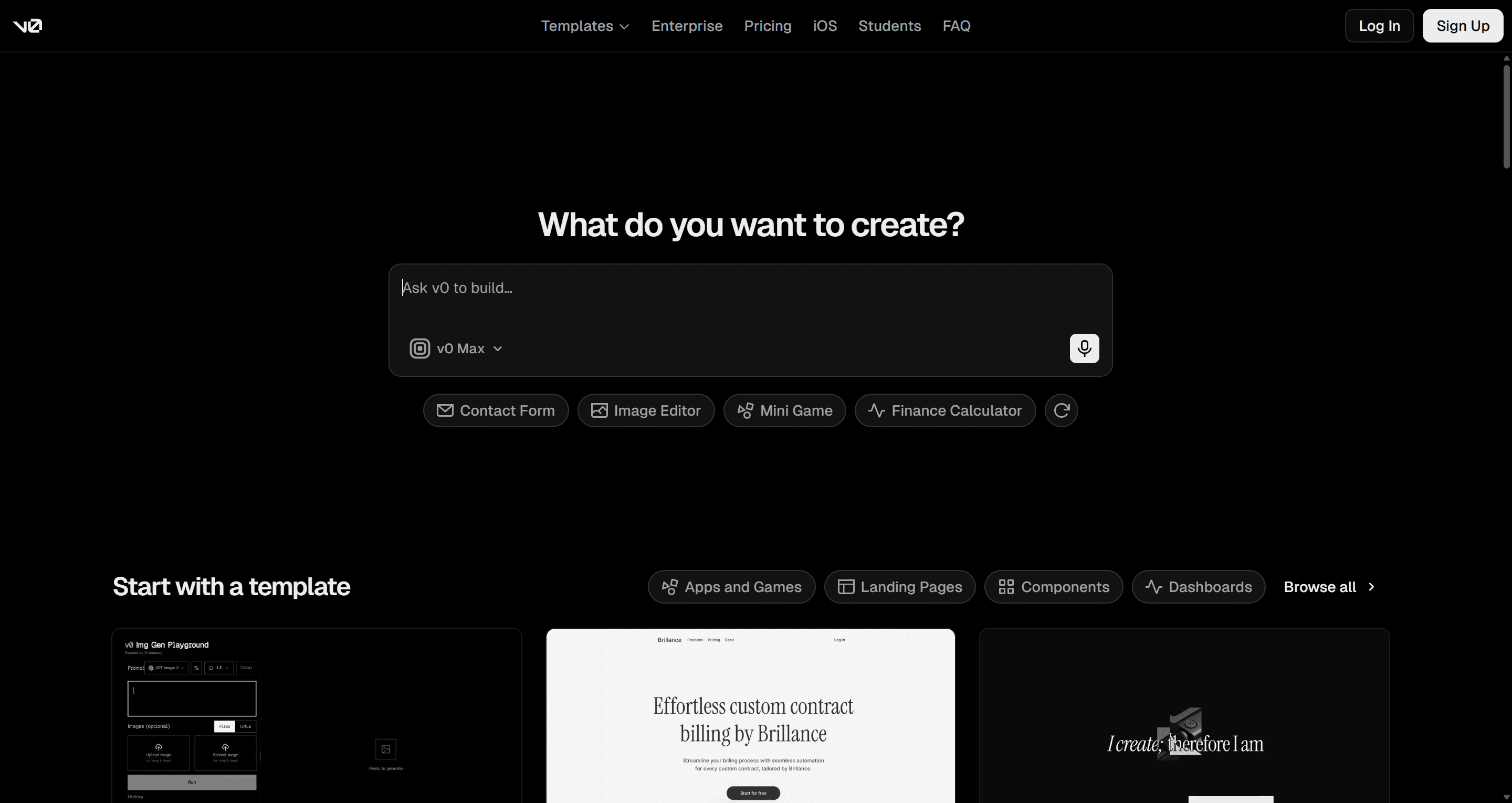
v0 by Vercel generates React components styled with Tailwind and shadcn/ui, and has grown into an app builder with GitHub sync and one-click deploys to Vercel. Unlike Base44, it does not give you a managed database and auth out of the box; it is strongest when you already have a Next.js stack.
v0's pricing page lists a free plan with $5 of monthly credits, Plus at $30 a month, and Business at $100 per user a month.
- Best for: React developers who want components that drop into an existing Next.js project.
- Falls short: it works one generation at a time, so keeping many screens consistent is up to you.
Read our full v0 by Vercel review and our guide to v0 alternatives.
- For no-code builders who want more control
Base44 hides complexity behind a chat box. Classic no-code platforms expose it in a visual editor instead, which is slower to learn but easier to reason about when the app gets bigger.
Bubble vs Base44
Bubble is the long-standing no-code platform for full web apps, with visual workflows, a built-in database and a large plugin ecosystem. It has added AI features to help you get started, but the core of the product is still the visual editor, not a chat.
Bubble prices by project, with web and mobile in the same plan. Its pricing page lists a free plan with 50K workload units a month and Starter at $59 a month billed annually, with higher tiers adding workload units.
- Best for: non-technical founders building a complex web app who want to understand and control its logic.
- Falls short: a real learning curve, and workload-based pricing to watch as usage grows.
Glide vs Base44
Glide turns data in spreadsheets and databases into apps, with clean default layouts. It is deliberately narrower than Base44, and that is the point: constraints make it hard to build something broken.
Glide's pricing page lists a free plan (no published apps), then Basic at $25 a month, Plus at $50 and Pro at $125.
- Best for: teams turning an existing spreadsheet into a simple app or dashboard.
- Falls short: limited room for custom UI or complex logic.
If a dashboard is what you need, our guide to dashboard UI design and the AI dashboard generator help you get the layout right before picking a builder.
- For internal tools
Retool vs Base44
A lot of Base44 projects are really internal tools: admin panels, approval queues, ops dashboards. Retool is built for exactly that. It connects to almost any database or API, has proper access control, and now describes its app builder as AI-native, generating a working app connected to your data that you then refine.
Retool's pricing page lists a free plan for up to 5 users, Team at $10 per builder a month (annual) plus $5 per internal user, and Business at $50 per builder plus $15 per internal user.
- Best for: engineering and ops teams building tools that sit on production data.
- Falls short: not meant for customer-facing products, and per-user pricing grows with the team.
- For developers with an existing codebase
Cursor vs Base44
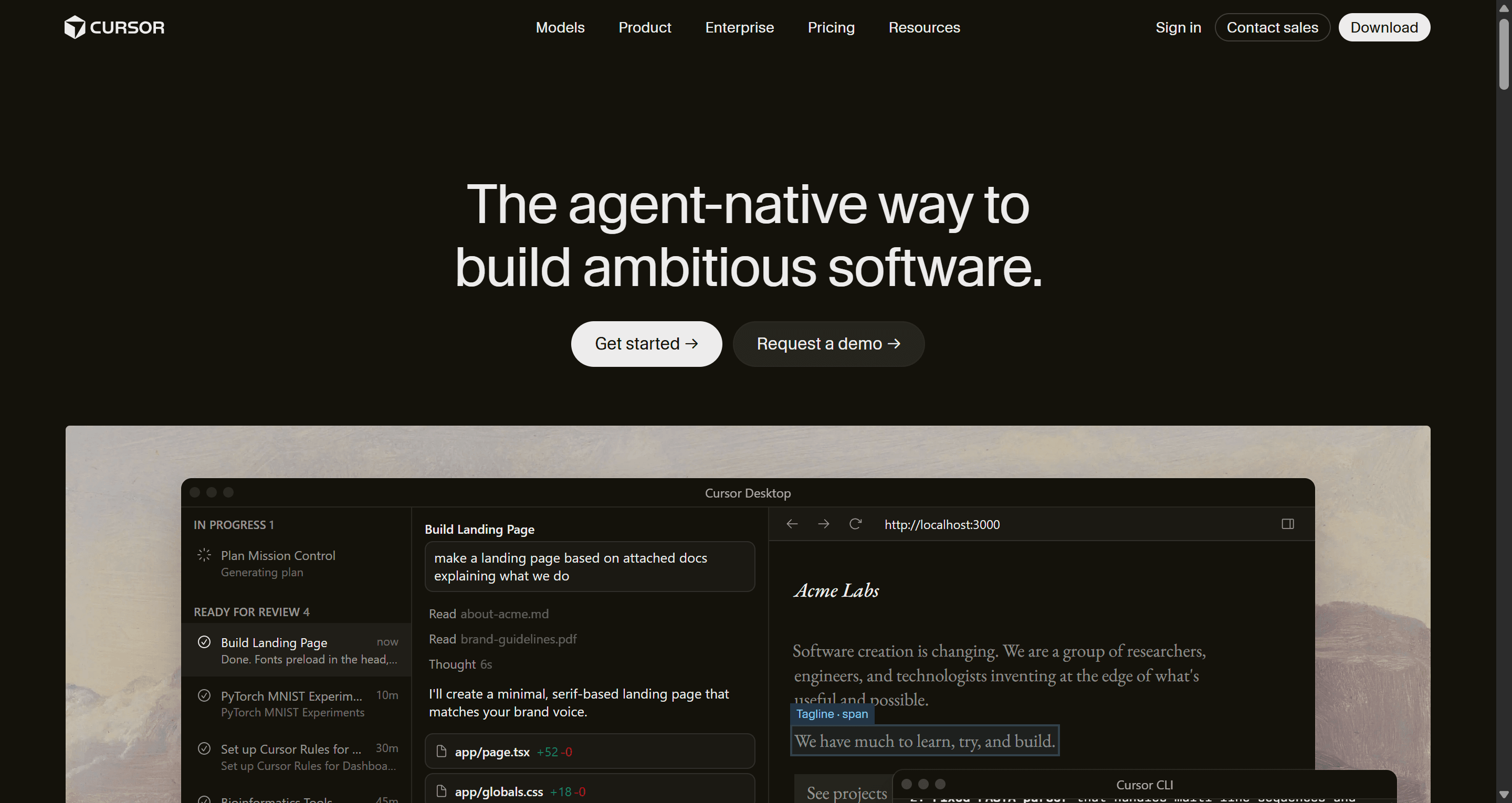
Cursor is an AI code editor built on VS Code. It indexes your codebase, and its agent plans and makes changes across many files, runs commands and fixes its own errors. It is the opposite of Base44's philosophy: instead of hiding the code, it makes you faster inside it.
Cursor has a free Hobby tier, and individual paid plans start at $20 a month.
- Best for: developers maintaining a real product who want an AI pair programmer, not a new platform.
- Falls short: you need to read and review code, and hosting and backend are your job.
Cursor pairs well with a design tool. Connect the UXMagic MCP and Cursor can read the screens you designed and implement them against your own components. Our comparison of AI coding assistants for frontend developers covers the other options.
- For native mobile apps
Rork vs Base44
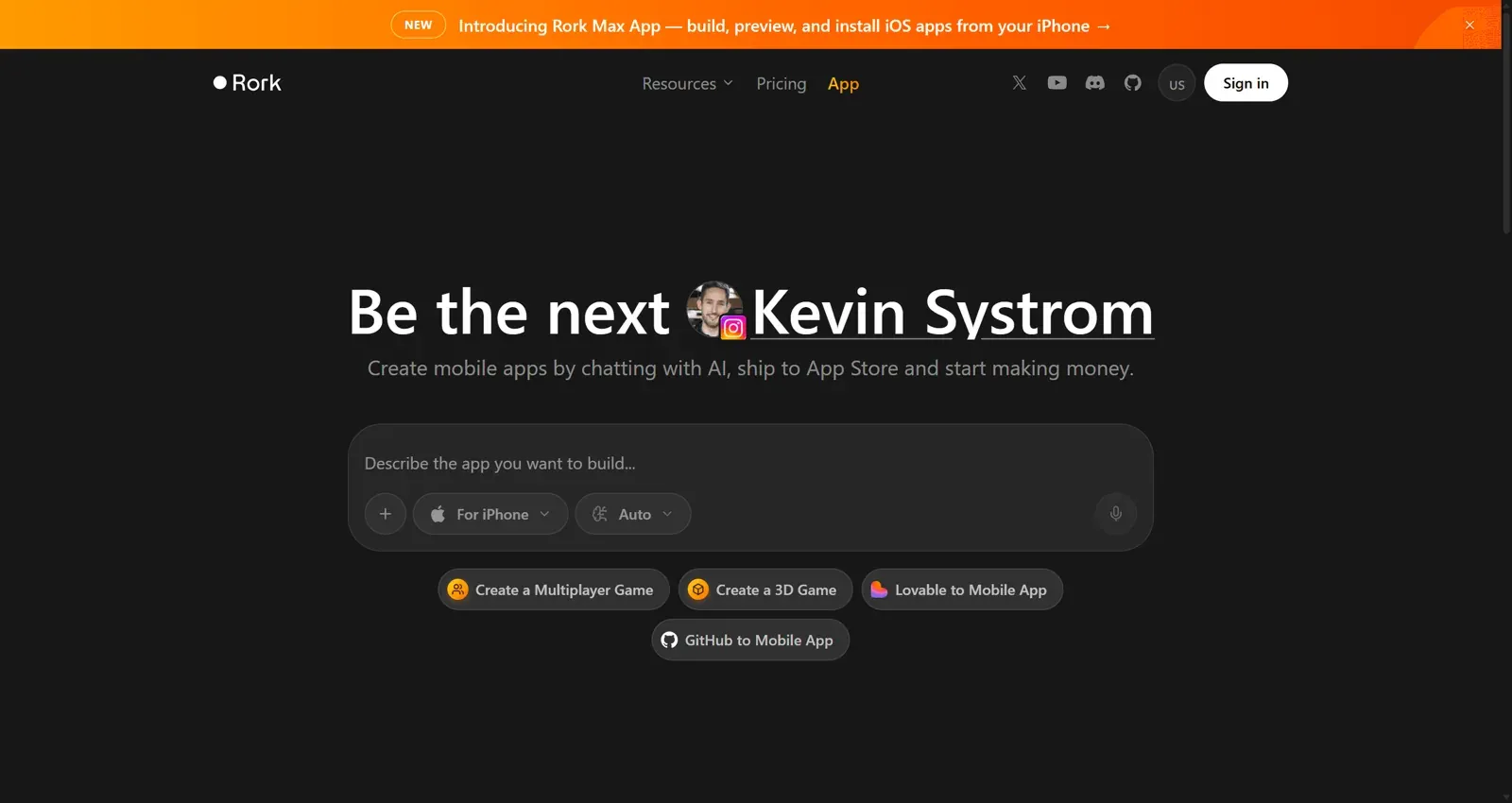
Base44 is web-first. If the product has to be a native iOS or Android app, Rork is built for that: you chat with it, and it builds Swift apps for iOS and Kotlin apps for Android, with a path to shipping them on the App Store.
- Best for: founders whose MVP must live in the App Store or Play Store.
- Falls short: less suited to web apps, and mobile builds add their own review and release steps.
Read our full Rork AI review. For planning mobile screens first, see our guide to the AI wireframe generator for mobile apps.
How to choose the right Base44 alternative
Start with what is missing in Base44 today, not with the longest feature list.
- "It works, but it looks generic or inconsistent." That is a design problem. Design the flow in UXMagic, fix it there, then build. Flow-based design vs static screens explains why.
- "I want the same experience, with more control over code." Lovable or Bolt.new.
- "I code, and I want a real IDE." Replit, or Cursor if you already have a repo.
- "It's an internal tool on our own data." Retool, or Glide for spreadsheet-backed apps.
- "I want to understand every workflow." Bubble.
- "It has to be a native mobile app." Rork.
A workflow that uses more than one tool
The teams we see shipping fastest rarely pick one tool. A pattern that works:
- Write down what you are building. A one-page brief is enough. The AI PRD generator can draft one, and our guide to what a PRD is covers what to include.
- Design the flows in UXMagic. Approve the screen plan, generate the flow, and iterate on the theme while edits cost fractions of a credit. The AI MVP builder page shows how this maps to an MVP scope.
- Hand off. Export to Figma for designers, export code (and push it with GitHub sync) for developers, or connect your coding assistant through MCP. If you use Claude, the Claude connector needs no API key.
- Build the logic in your builder of choice. Base44, Lovable, Bolt or Cursor now implements a finished design instead of inventing one.
Splitting design from build also changes the budget. Every layout attempt inside an app builder spends build credits; our analysis of what a SaaS MVP costs to build with AI shows where that money goes, and what an MVP should include helps you cut scope before you spend it.
Pricing comparison of Base44 alternatives
Prices below come from each vendor's pricing page as of September 2026. Credits, tokens and workload units are not comparable across tools, so use this as a starting point.
| Tool | Free plan | Entry paid plan | Billing unit |
|---|---|---|---|
| Base44 | 25 message credits a month, up to 5 apps | Starter, $16/mo | Message and integration credits |
| UXMagic | 20 credits a day | Pro, $35/mo or $17.50/mo billed annually | Credits (2,400/mo on Pro) |
| Lovable | 5 credits a day, up to 30 a month | Pro, $25/mo | Credits |
| Bolt.new | 1M tokens a month | Pro, $25/mo | Tokens |
| Replit | Limited starter tier | Core, $20/mo | AI usage in dollars |
| Emergent | 10 credits a month | Standard, $20/mo | Credits |
| v0 | $5 of credits a month | Plus, $30/mo | Credits |
| Bubble | 50K workload units a month | Starter, $59/mo billed annually | Workload units |
| Glide | Yes, no published apps | Basic, $25/mo | Plan tiers |
| Retool | Up to 5 users | Team, $10/builder/mo annual | Seats and AI credits |
| Cursor | Hobby | $20/mo | Requests and usage |
Base44's own ladder continues with Builder at $40, Pro at $80 and Elite at $160 a month, with 20% off on annual billing. Every paid Base44 plan includes unlimited apps, custom domains and GitHub sync.
UXMagic's Pro plan covers up to 400 screens a month, unlimited projects and 250 Figma exports. The full breakdown is on our pricing page.
Our recommendation
If Base44 is getting your app built, you may not need to replace it. It is still one of the fastest ways for a non-developer to get a working app with data and login. Most people searching for Base44 alternatives are really looking for the piece Base44 doesn't do well for their situation.
For internal tools, that piece is Retool. For developers, it is Cursor or Bolt. For mobile, Rork. And for most founders and product teams, it is design: an app that looks like a real product, with screens that belong together. That is the job UXMagic does. It plans the whole flow, keeps every screen on one theme, and hands the result to Figma, to your repo, or to your AI coding tool through MCP. It won't build your database, and we would rather tell you that here.
Design in UXMagic, build in the tool that fits your stack. For a head start, browse our templates or the React component library, and see the step-by-step version in how to design UI with AI.
Related guides
- Base44 vs Lovable (2026): Which AI App Builder Fits Your Project?
- 10 Best a0.dev Alternatives for Building Mobile Apps with AI (2026)
- 10 Best Magic Patterns Alternatives in 2026, Grouped by Workflow
- 9 Best MagicPath Alternatives in 2026, Grouped by How You Work
- AI Design to Code Tools: The Complete 2026 Guide by Input Type
- 10 Best Figma Make Alternatives in 2026, Grouped by Use Case
- 9 Best UX Pilot Alternatives in 2026, Grouped by Use Case
- 15 Best UX/UI Design Tools for 2026, Plus a Startup Stack
- Vibe Designing: Why Vibe-Coded Apps Look the Same, and the Fix
- 8 Claude Design Alternatives in 2026, Free and Open Source Included
Start with the design, then build anywhere
Generate a connected, multi-screen flow for free, then export it to Figma, React or your favourite AI app builder.