TL;DR: The best UX/UI design tools in 2026 are the ones that cover a stage of work well: Miro and Dovetail for discovery, Balsamiq for low-fi, Figma or Penpot for high-fidelity UI, ProtoPie and UXPin for advanced prototypes, Framer or Webflow for sites, Zeplin for handoff and Maze for testing. For startups, the best UI design tools are the ones that collapse stages: we recommend UXMagic's AI UI generator for first drafts, then a free editor, and our startup table below shows which stack fits your budget and team size.
Most "best design tools" lists are really lists of AI generators. That is a useful list, and we keep one: our best AI for UI design roundup ranks 14 of them. This guide is different. It covers the whole UX/UI toolkit a product team actually uses, from the whiteboard where a problem gets framed to the test that shows whether users can finish the flow, and most of these tools are not AI-first at all.
We build UXMagic, an AI design tool, so it appears on this list. We have kept it to the stage where it genuinely fits and said where other tools do the job better. Prices come from each vendor's pricing page as listed in September 2026; plans change often, so check before you buy.
The 2026 UX/UI toolkit at a glance
| Stage | Tool | Best for | Free option | Paid from |
|---|---|---|---|---|
| Discovery | Miro | Workshops, journey maps | 3 editable boards | Starter $8/member/mo (annual) |
| Discovery | Dovetail | Interview and feedback analysis | Free plan | Enterprise, custom |
| Wireframing | Balsamiq | Deliberately rough low-fi | 14-day trial | Starter $16/editor/mo (annual) |
| Wireframing | Whimsical | Flowcharts plus simple wireframes | Limited free plan | Pro $10/editor/mo |
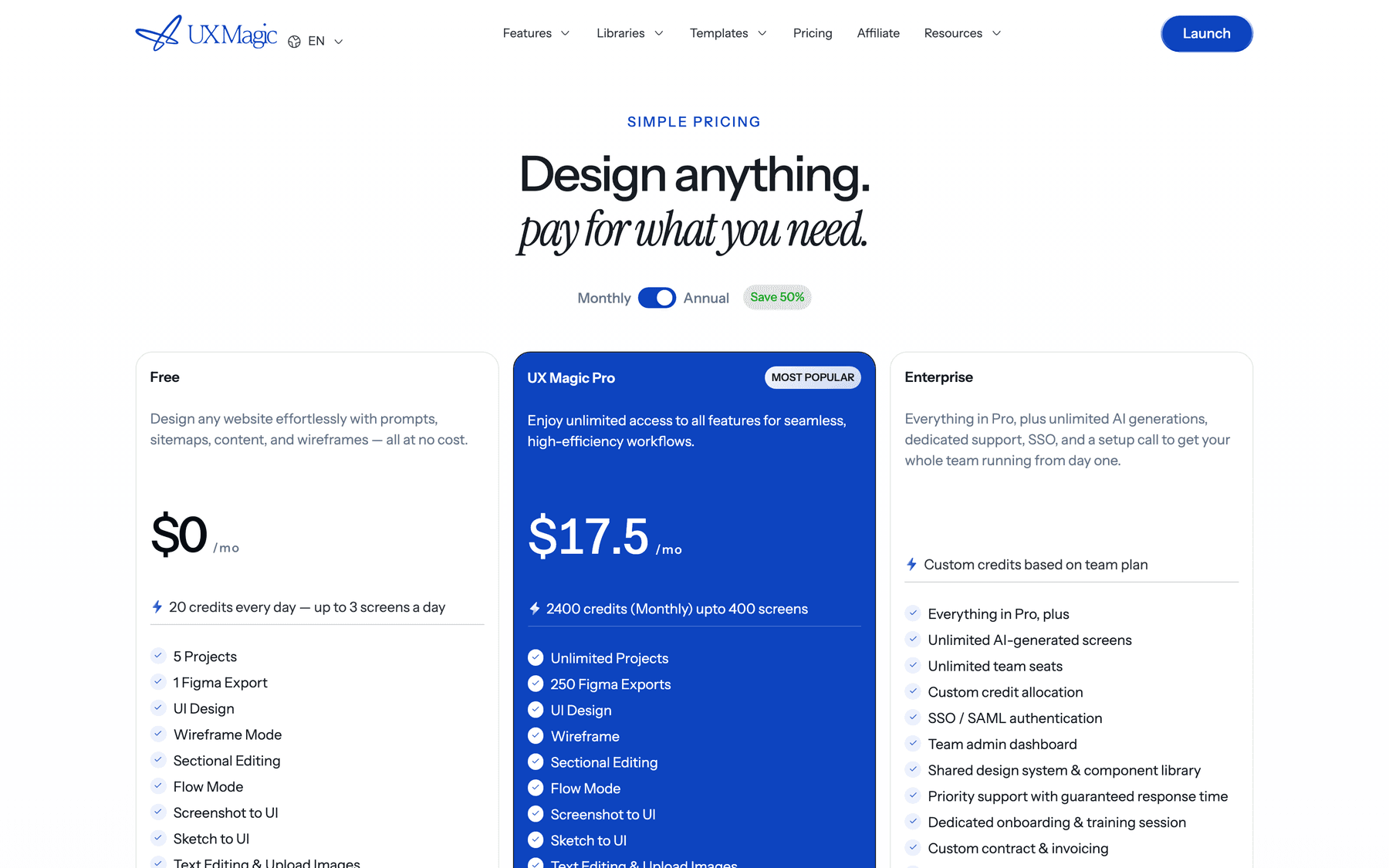
| AI first drafts | UXMagic | Multi-screen flows from a prompt | 20 credits a day | Pro $17.50/mo (annual) |
| UI design | Figma | Team design and libraries | Starter, 3 shared files | $16 per Full seat/mo (annual) |
| UI design | Penpot | Open-source, self-hosted | Free cloud plan | Unlimited $7/editor/mo |
| UI design | Sketch | Native Mac design | 30-day trial | Standard $12/editor/mo (yearly) |
| Prototyping | ProtoPie | Complex interactions | 2 prototypes | Basic $25/mo |
| Prototyping | UXPin | Code-backed prototypes | Limited plan after trial | Core $29/mo (annual) |
| Websites | Framer | Designer-built marketing sites | Free plan | Basic $10/mo (yearly) |
| Websites | Webflow | CMS-heavy sites | 2 static pages | Basic $15/mo (yearly) |
| Handoff | Zeplin | Stable inspection space | 1 project, 100 screens | Advanced $12/seat/mo (annual) |
| Build | Lovable | Working full-stack apps | 5 credits a day | Pro from $25/mo |
| Testing | Maze | Unmoderated usability tests | Free plan | Quoted by sales |
The rest of the post follows those stages. If you only care about one of them, our deeper guides cover wireframing tools, prototyping tools and design handoff tools in more detail.
How we picked these tools
We looked at each tool against four questions:
- Which stage does it own? A tool that claims to do research, design, prototyping and code usually does one of them well. We list it under that one.
- Does its output survive the next step? Editable layers, real components or code travel well. A flat image or a whiteboard sketch has to be rebuilt.
- Who can use it? Some tools need a trained designer. Others work for a PM or founder on day one.
- What does it cost as the team grows? Per-seat pricing, credit pools and site plans scale very differently from one person to twenty.
Discovery and research tools
- Miro
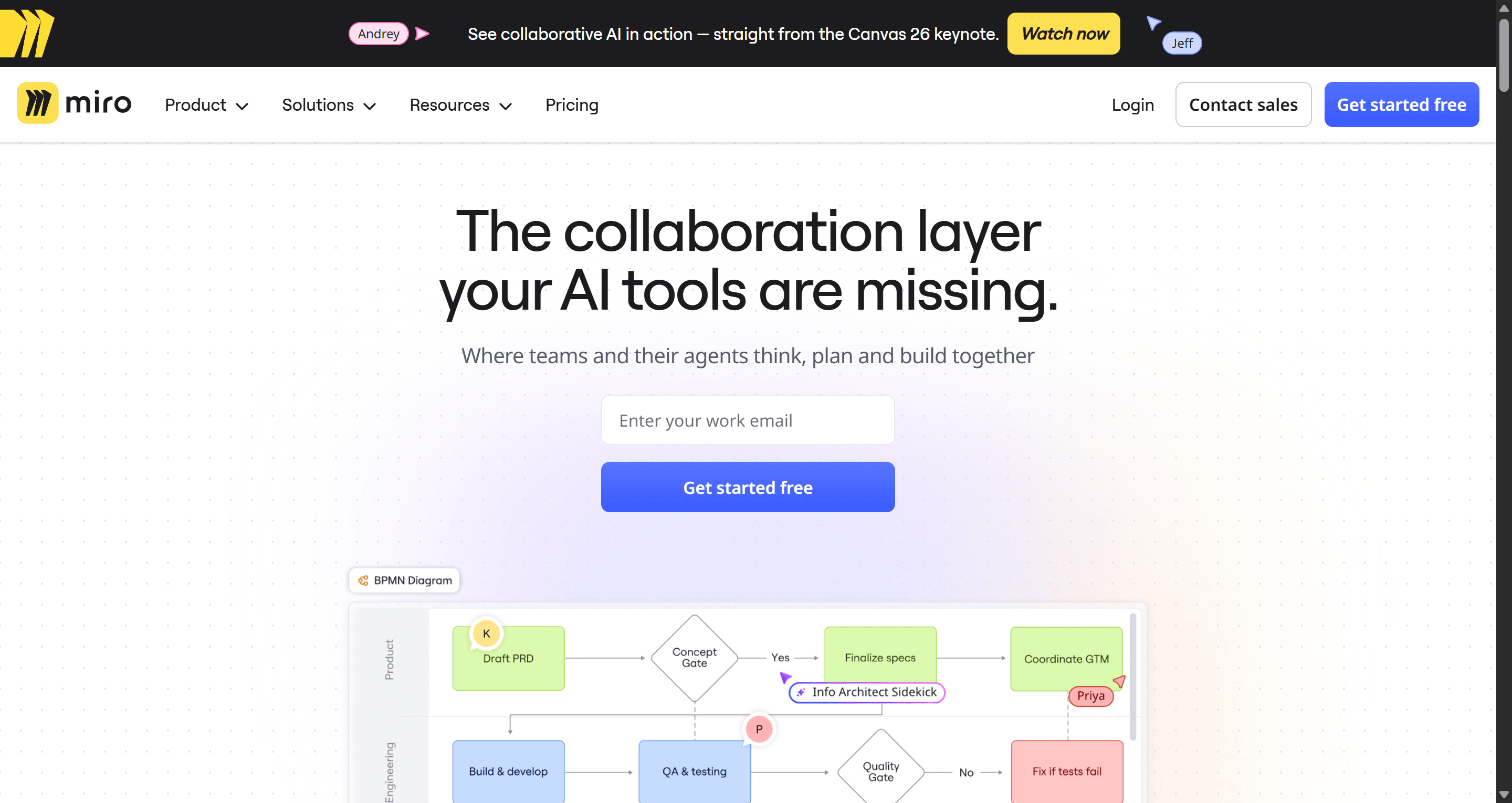
Miro is the shared whiteboard where most product work starts: affinity maps from interviews, journey maps, service blueprints, user flows and sprint planning. In 2026 it also ships AI features (Sidekicks, Flows and a Prototypes tool that generates screens on the board), all metered by AI credits.
Best for: workshops, discovery sessions and early customer journey maps with a mixed team.
Where it falls short: a board is not a design file. Screens drawn or generated in Miro still need rebuilding in a real UI tool, and the Free plan stops at 3 editable boards. Interactive AI prototypes are a Business-plan feature at $20 per member a month (yearly). Our Miro pricing guide breaks down credits and limits, and our Miro alternatives for UX teams covers the options.
- Dovetail
Dovetail is a research repository. You bring in interview recordings, transcripts, survey answers and support tickets; its AI summarises them, clusters them into themes and lets you query the whole pile in a chat, with each answer linked back to the quote it came from.
Best for: teams with more qualitative data than anyone has time to tag by hand.
Where it falls short: the free plan covers one channel and one project, and the company-wide features sit on custom-priced Enterprise. AI themes are a starting point, not a finding; someone still reads the quotes. Our guide to AI tools for UX research compares it with other research platforms.
Wireframing tools
- Balsamiq
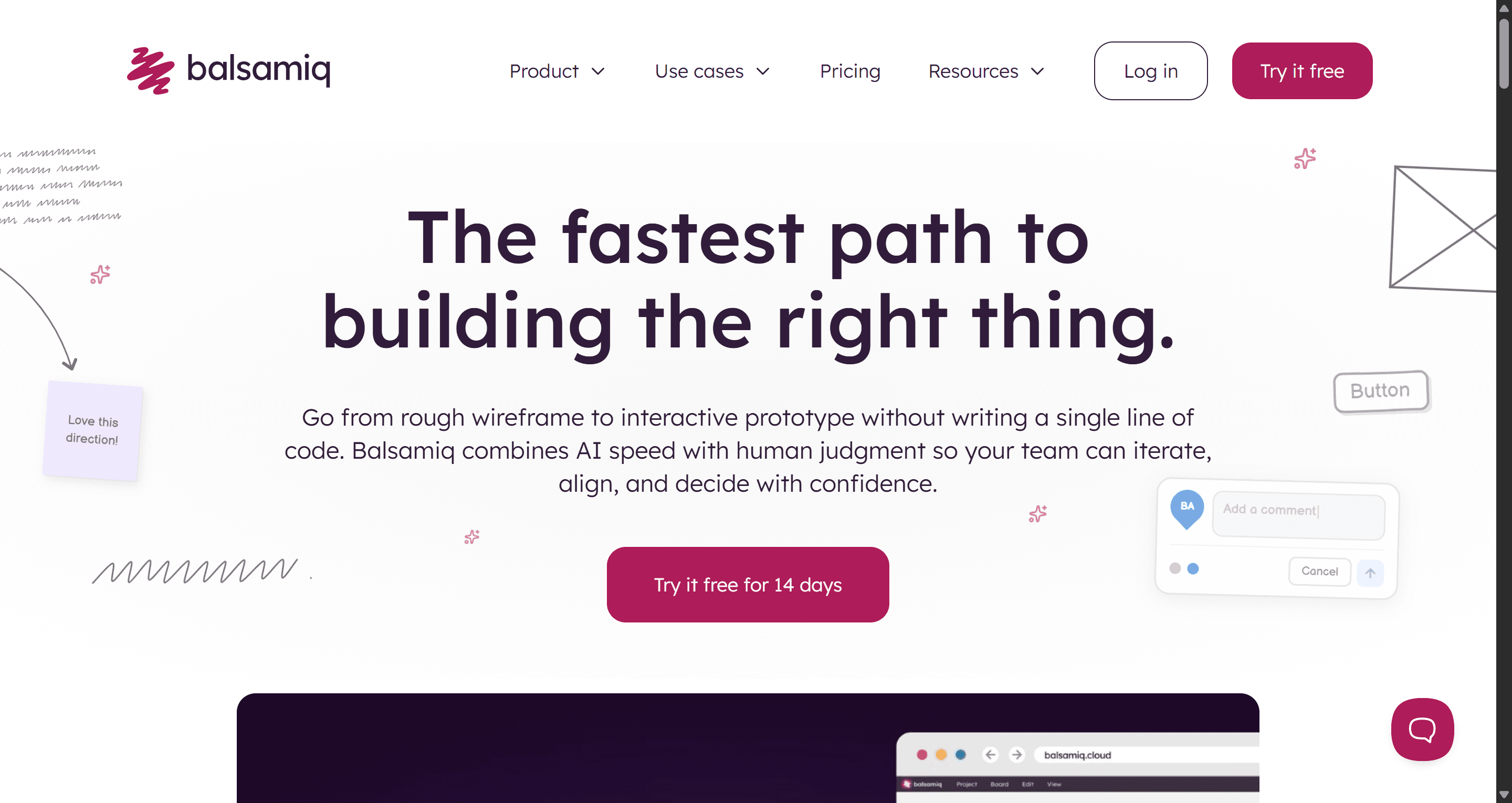
Balsamiq's sketch-style components look unfinished on purpose, so stakeholders argue about structure instead of colour. It now includes AI credits on every plan for generating and editing wireframes, converting screenshots and making clickable prototypes.
Best for: early structure reviews where fidelity would distract, and teams that want a drag-and-drop library with almost no learning curve.
Where it falls short: the output does not grow into high-fidelity UI or code, so everything gets redrawn once structure is agreed. There is a trial, not a free plan. Our low-fidelity vs high-fidelity guide explains when rough is the right call.
- Whimsical
Whimsical combines flowcharts, mind maps, docs and wireframes in one lightweight workspace. Its wireframe library is deliberately small, which keeps screens simple, and its AI can turn a prompt into editable wireframes and wireflows.
Best for: PMs who want the user flow diagram and the wireframe in the same place.
Where it falls short: it tops out at medium fidelity. Pro is $10 per editor a month and Business $20. If you are mapping flows first, our user flow diagrams guide is a good companion.
AI-first UI design
- UXMagic
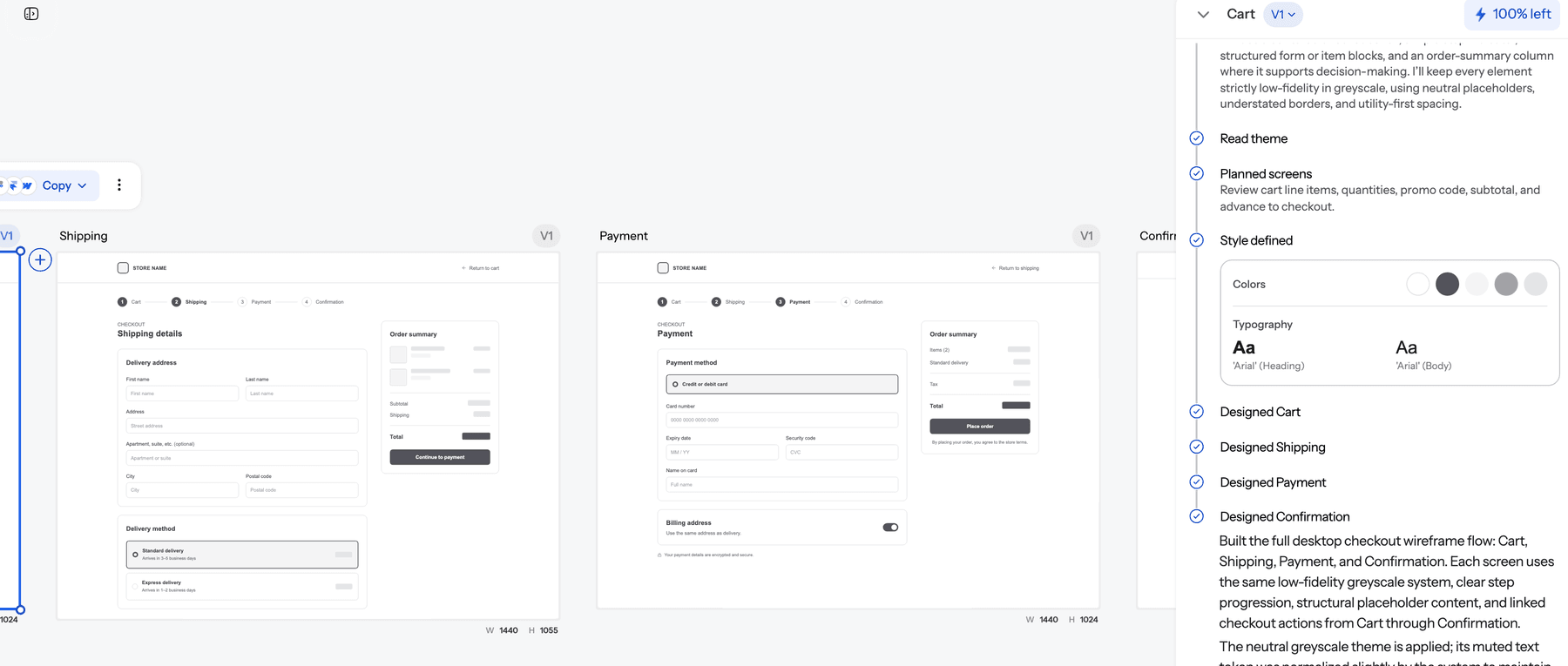
UXMagic sits between the whiteboard and the design file. You describe a product, paste a PRD, upload a screenshot or sketch, or clone a website, and it proposes a screen plan, then designs the approved screens on one shared theme so the tenth screen still matches the first. Flow Mode handles the multi-screen part, and wireframe mode gives you greyscale structure first when you want it.
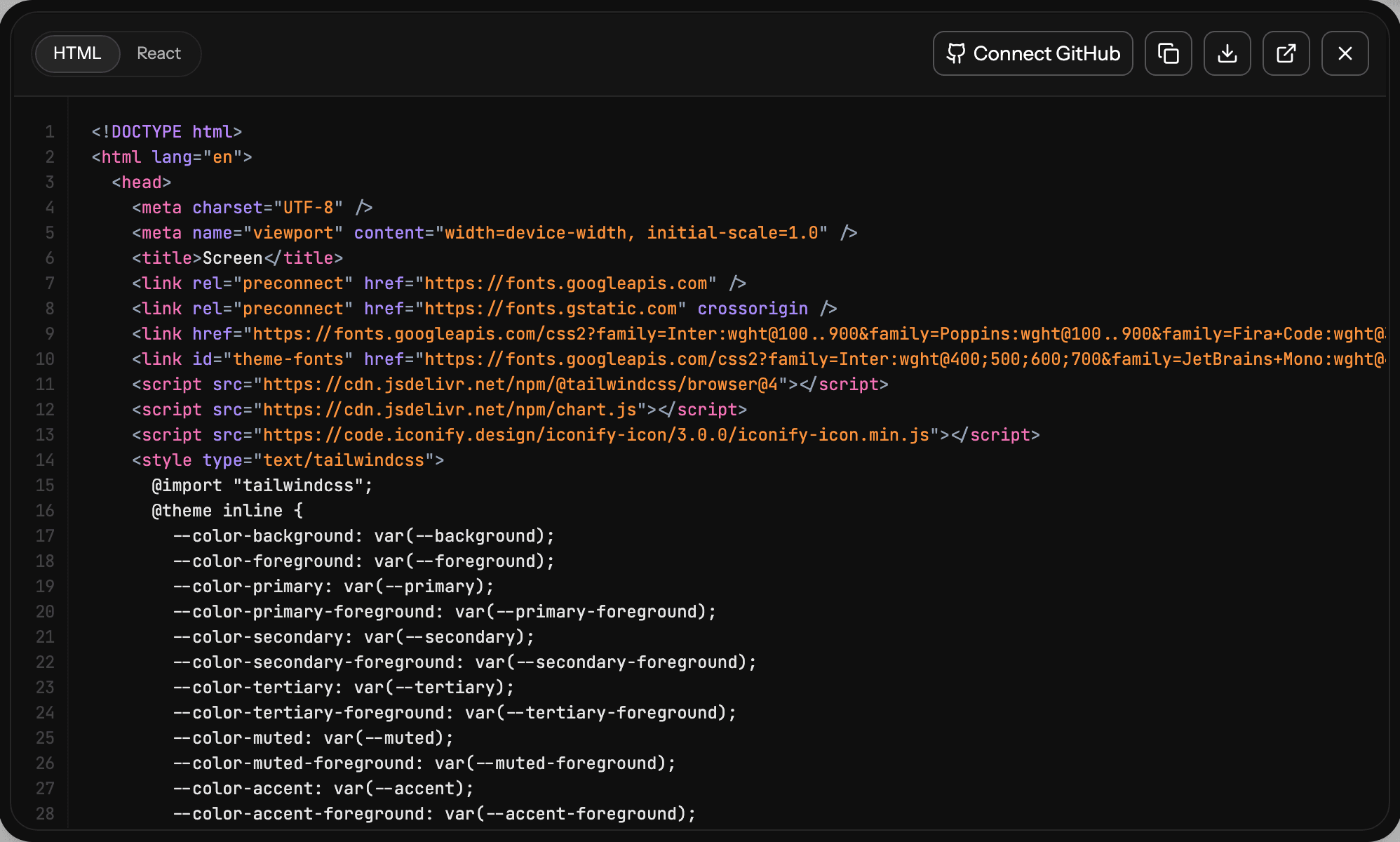
From there you edit with chat or directly on the canvas, turn the flow into a clickable prototype, and export to Figma as editable frames or to HTML and React with Tailwind. You can also publish a page as a live site or connect it to your coding agent through the UXMagic MCP server.
Best for: founders, PMs and small teams who need a consistent multi-screen draft today, not after a week of layout work, and designers who want to skip the blank canvas.
Where it falls short: it is not a replacement for Figma's pixel-level editing, illustration tools or a mature team library, and it is not a research or testing tool. It also generates the interface, not a backend; for a working app with auth and data, an app builder like Lovable is the next step. If you want to compare AI generators side by side, that is what our AI design tools roundup is for.
Pricing: the Free plan gives 20 credits a day (up to 3 screens a day across 5 projects) and one Figma export. Pro is $35 a month or $17.50 a month billed annually, with 2,400 credits a month, unlimited projects and 250 Figma exports. A new screen costs 3 credits and theme changes are free, per how credits work.
UI design tools
- Figma
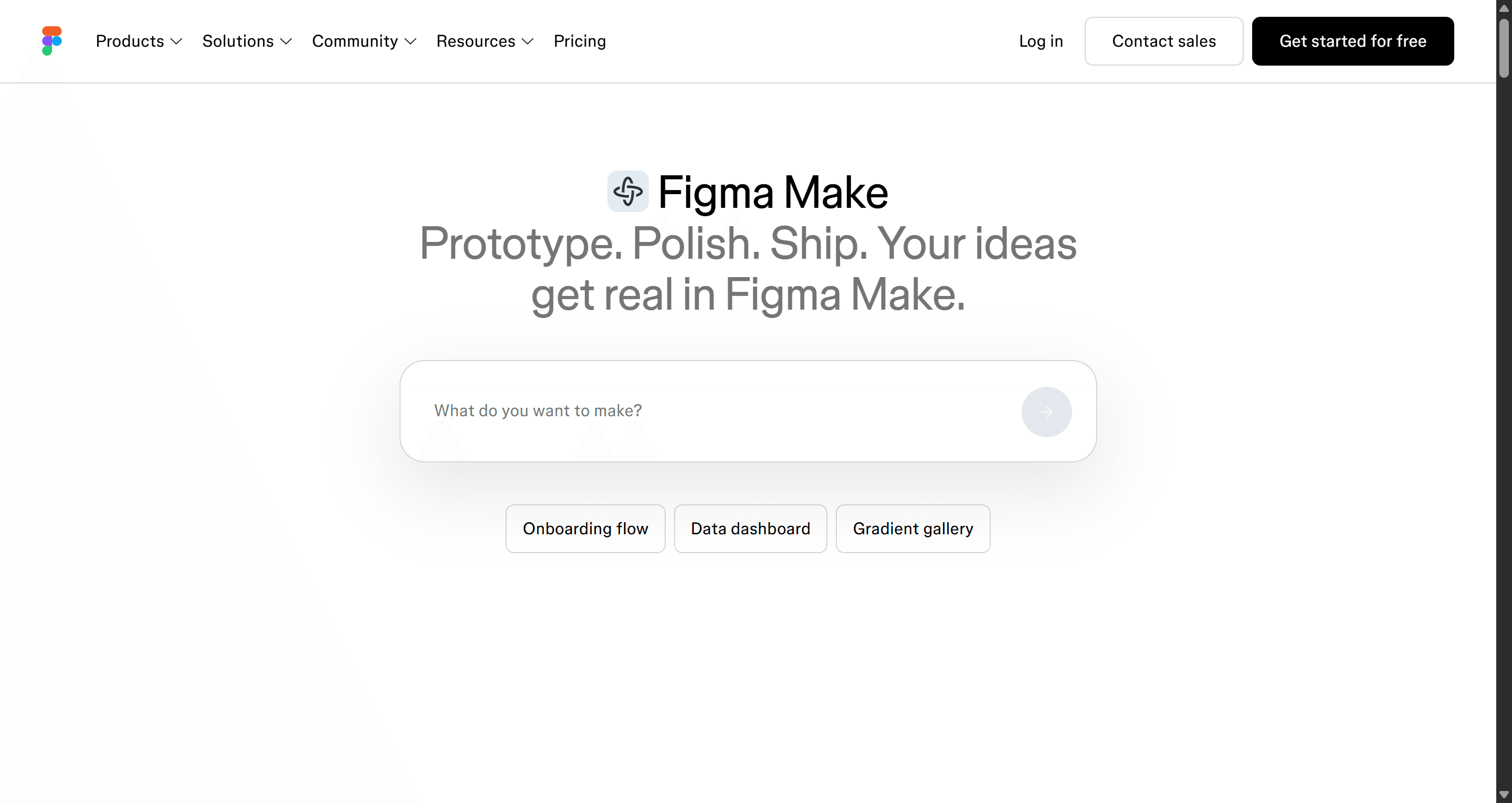
Figma is still the default for collaborative UI design: real-time multiplayer editing, auto layout, variables, component libraries, prototyping, FigJam for workshops and Dev Mode for developers. Figma Make adds prompt-to-app generation, and every seat now carries a monthly allowance of AI credits.
Best for: any team with more than one designer, a shared design system, or developers who inspect files.
Where it falls short: cost and complexity grow with headcount. Starter is free but caps you at 3 shared design files. Professional is $16 per Full seat a month (annual), with $12 Dev and $3 Collab seats; Organization is $55 and Enterprise $90 per Full seat. Make prompts burn AI credits quickly. Our Figma pricing breakdown models real team bills, and our Figma Make tutorial shows what Make is good at.
- Penpot
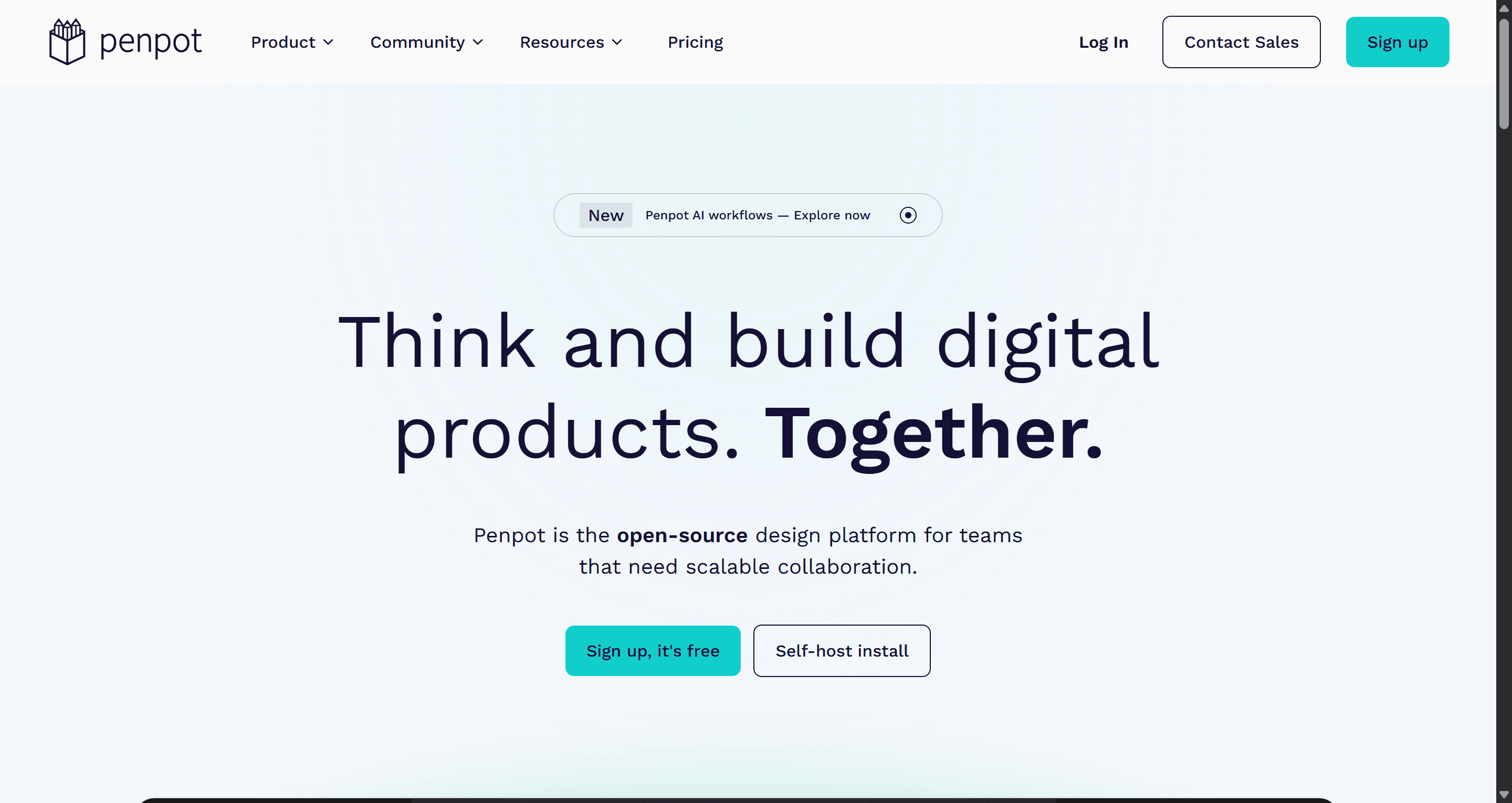
Penpot is the open-source design platform. It runs in the browser or on your own servers, lays out with real CSS Flexbox and Grid, supports native design tokens, and gives developers a free Inspect tab with CSS, HTML and SVG.
Best for: cost-sensitive teams, companies that must self-host, and developer-heavy teams that like design built on web standards.
Where it falls short: a smaller plugin and template ecosystem than Figma's, and no built-in AI (it offers an open MCP server instead). The cloud Professional plan is free, and Unlimited is $7 per editor a month, capped at $175. Our Penpot vs Figma comparison covers migration.
- Sketch
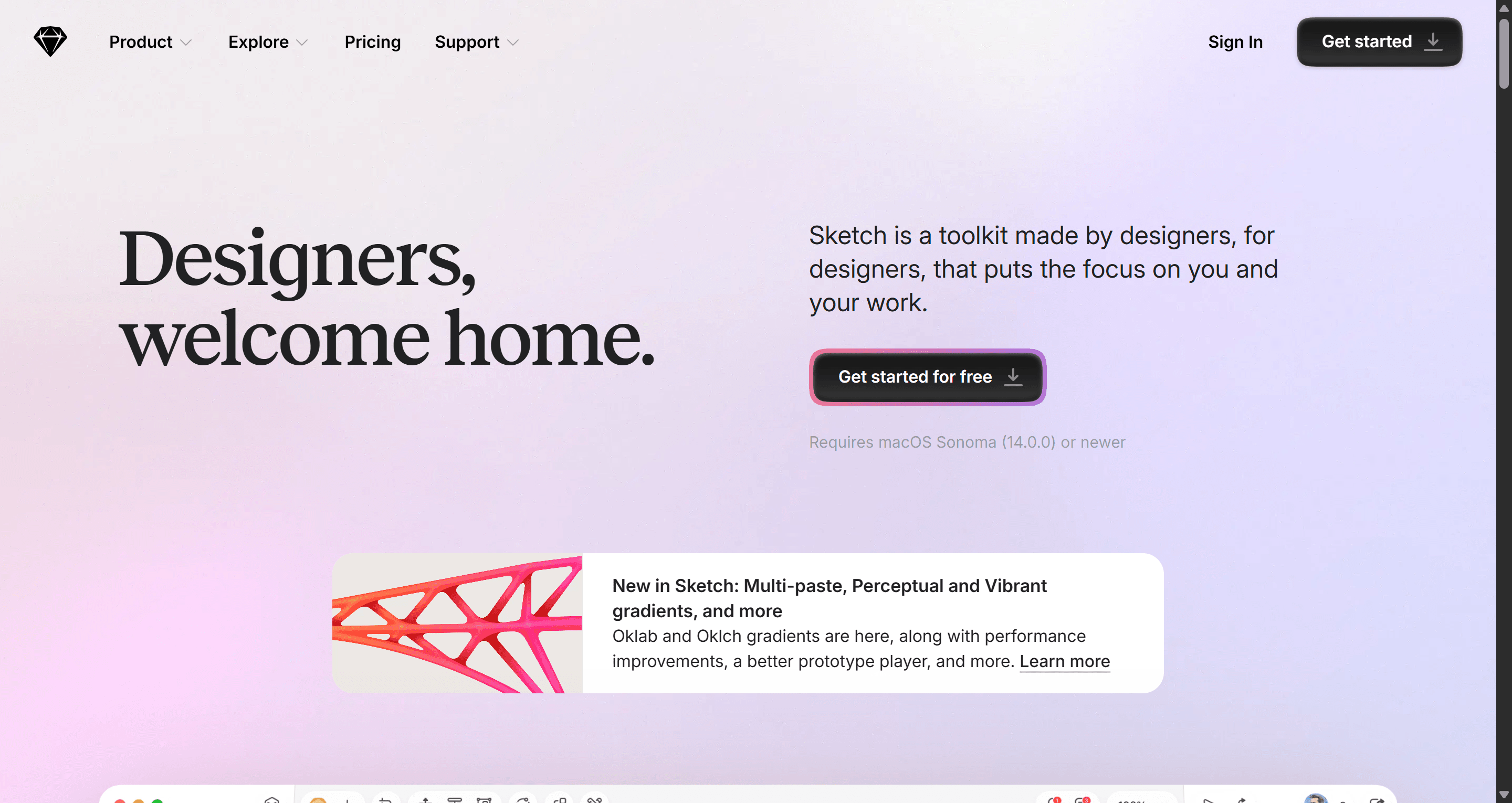
Sketch is the native Mac design app that started the modern UI tool category. It works offline, stores files locally if you want, and its subscriptions add real-time collaboration, free viewers and a browser workspace for developer inspection.
Best for: solo designers and small Mac-based studios who value speed, offline work and a one-off licence option.
Where it falls short: Mac-only editing, and a smaller community than Figma's. Standard is $12 per editor a month (yearly), and a Mac licence is $120 per seat with a year of updates. Our Figma alternatives guide compares it with Penpot, Lunacy and others.
A note on Canva: it is excellent for marketing graphics and social assets, but it is not built for product UI with states, components and flows. Our Figma vs Canva comparison explains where each fits.
Prototyping tools
- ProtoPie
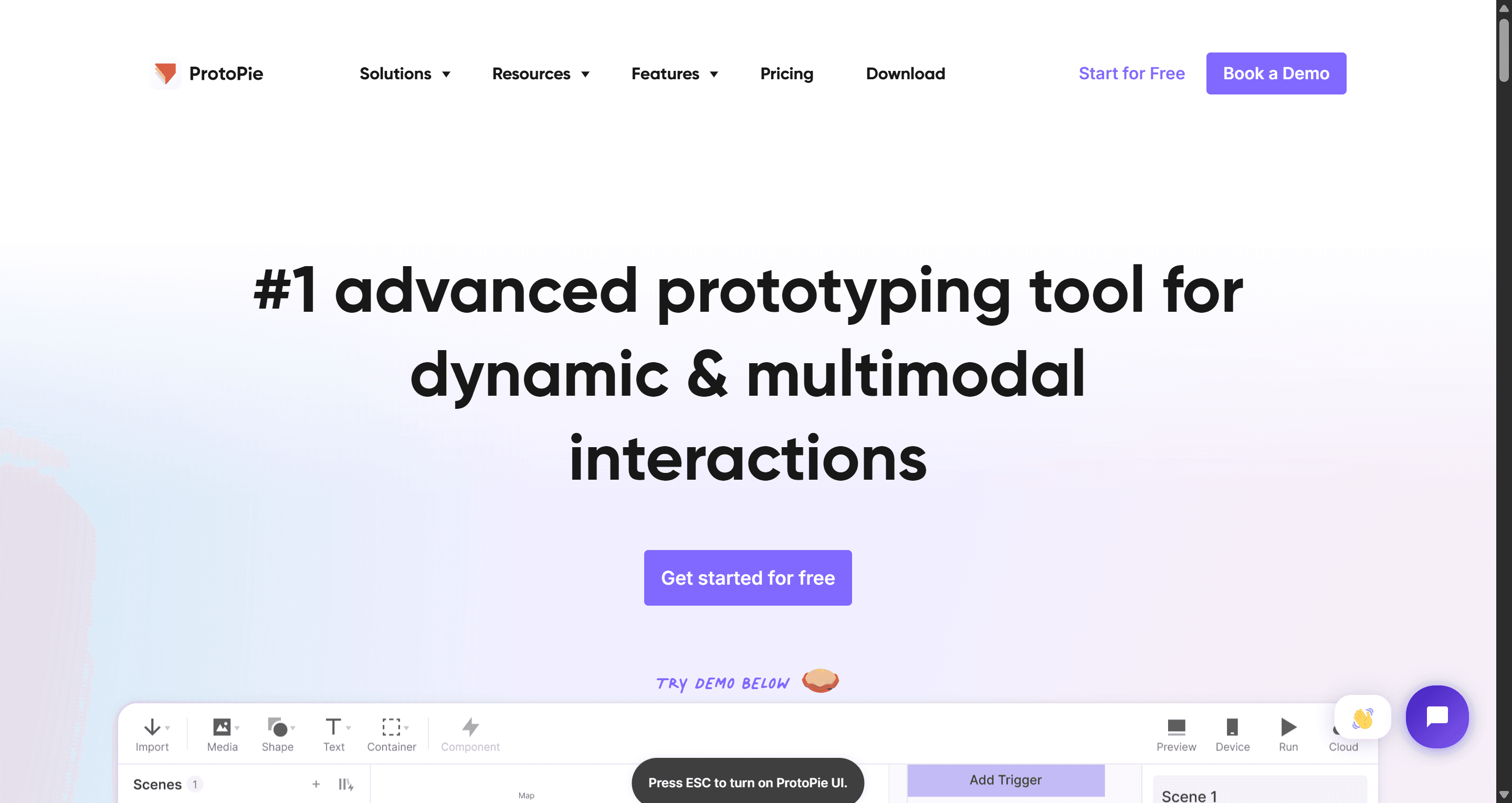
ProtoPie makes prototypes behave like real products: variables, conditions, device sensors and cross-device interactions, all without code. Screens usually come in from Figma, and ProtoPie adds the behaviour.
Best for: mobile gestures, automotive, IoT and any flow where "click to next screen" is not a realistic test.
Where it falls short: the steepest learning curve on this list, and you design the screens elsewhere first. Free covers 2 prototypes, Basic is $25 a month and Pro $47. For most flows a simpler AI prototype generator or Figma's own prototyping is enough.
- UXPin
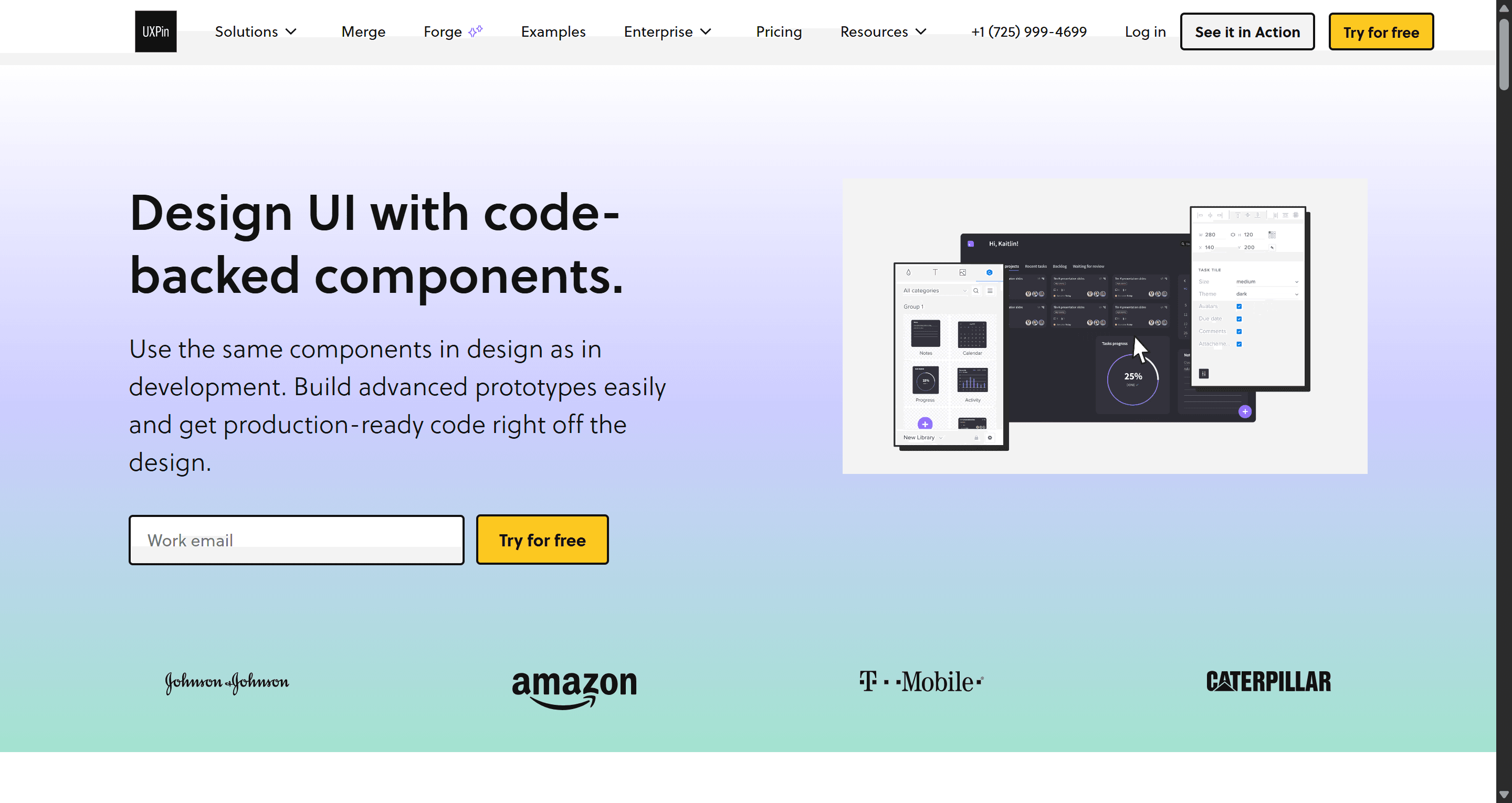
UXPin's Merge technology lets designers build with the real coded components from a repository or Storybook, so prototypes behave like the product and handoff drift shrinks. An AI assistant can generate layouts from those components.
Best for: larger organisations with an established coded design system and engineering buy-in.
Where it falls short: more setup and learning than a small team needs. Core is $29 a month billed annually and Growth $40, with a limited free plan after a 14-day trial. Compare it on our UXMagic vs UXPin page.
Website design tools
- Framer
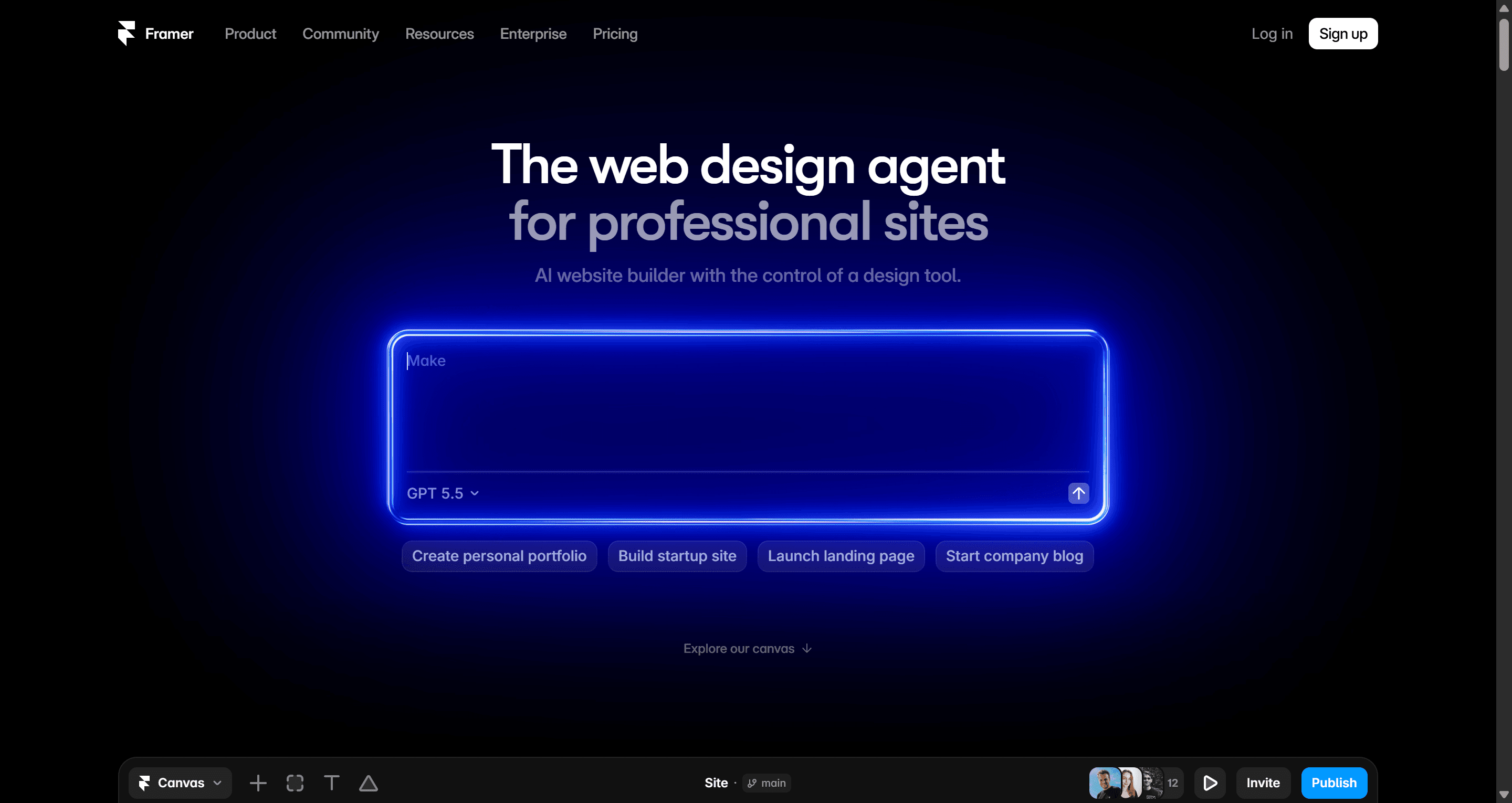
Framer is a design canvas that publishes. Designers lay out a marketing site with animations and a CMS, and it goes live on Framer's hosting without a developer. Its AI agent can build pages and content from a prompt.
Best for: startup landing pages, portfolios and marketing sites owned by a designer.
Where it falls short: no code export, and e-commerce needs Shopify plugins. The free plan uses a Framer domain; Basic is $10 a month and Pro $30 (yearly), with extra editors at $20 a month.
- Webflow
Webflow is a visual HTML and CSS builder with a strong CMS, native e-commerce, fine-grained SEO controls and code export on paid workspace plans.
Best for: content-heavy marketing sites maintained by a team, and anyone who thinks in the box model.
Where it falls short: a steeper learning curve than Framer. Starter is free with 2 static pages, Basic is $15 a month and the CMS-enabled Premium is $25 (yearly). Our Framer vs Webflow comparison goes deep on both, and UXMagic can export designs to Framer and Webflow if you want to draft the page first.
Handoff tools
- Zeplin
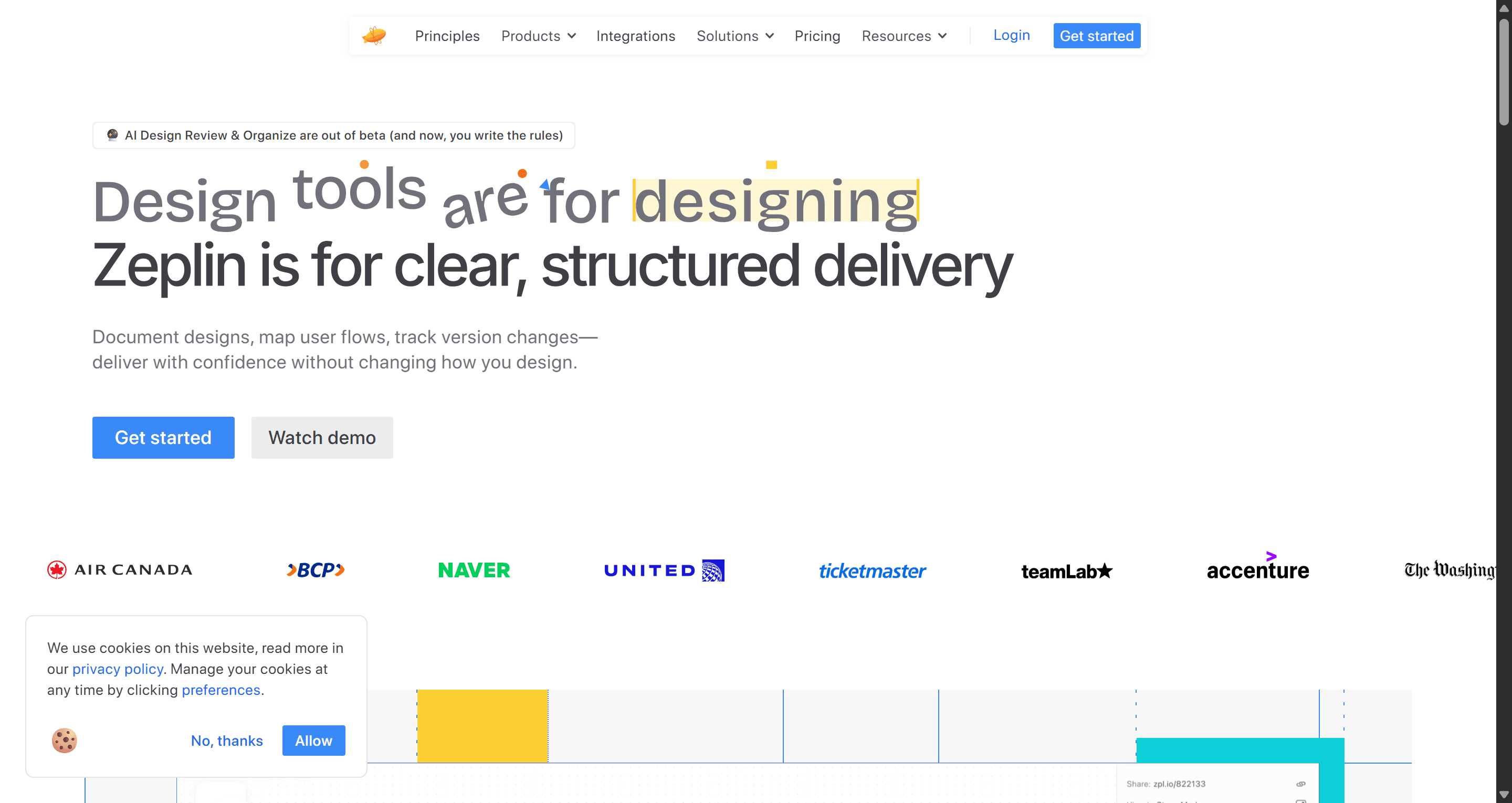
Zeplin is the long-running dedicated handoff tool. Designers publish screens into it, and developers inspect frozen versions in a workspace built around flows, styleguides and components, so nobody inspects a frame mid-edit.
Best for: larger teams that want a controlled handoff space with free reviewer roles.
Where it falls short: developers get specs and assets, not code, and you maintain a second copy of the design. Free covers 1 project and 100 screens; Advanced is $12 per seat a month (annual). If the real goal is avoiding paid Dev seats, our Figma Dev Mode alternatives and design-to-code tools guides compare every route.
Build and test
- Lovable
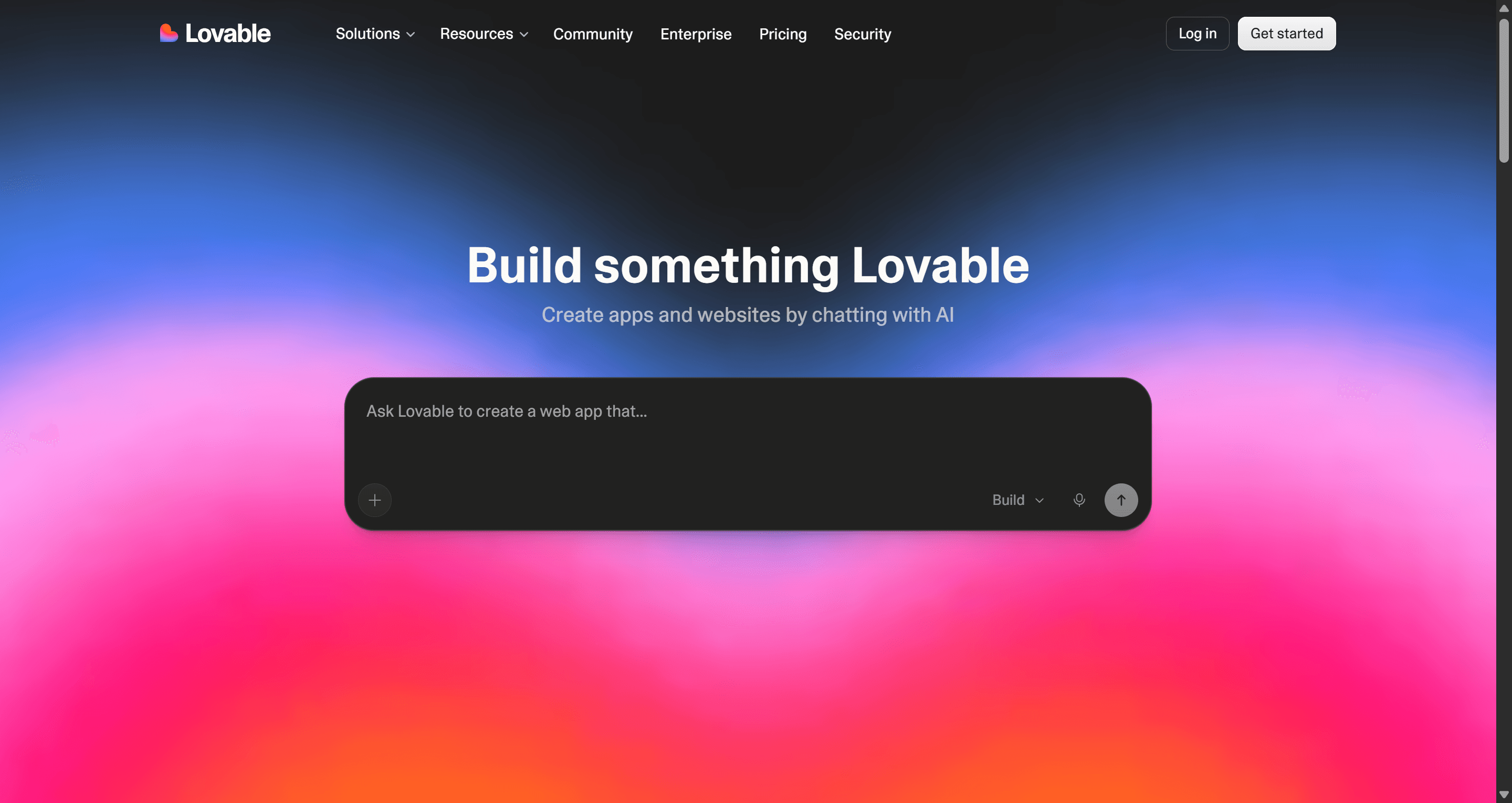
Lovable turns a prompt into a working full-stack web app with a database, auth and hosting. For a design toolkit it is the step after the design: the place a validated flow becomes software people can log into.
Best for: founders and small teams shipping an MVP without a dedicated engineer.
Where it falls short: it is a builder, not a design tool, so skipping design means you ship whatever layout the model picks. Free gives 5 credits a day (up to 30 a month) and Pro starts at $25 a month. Read our Lovable review and Lovable pricing guide.
- Maze
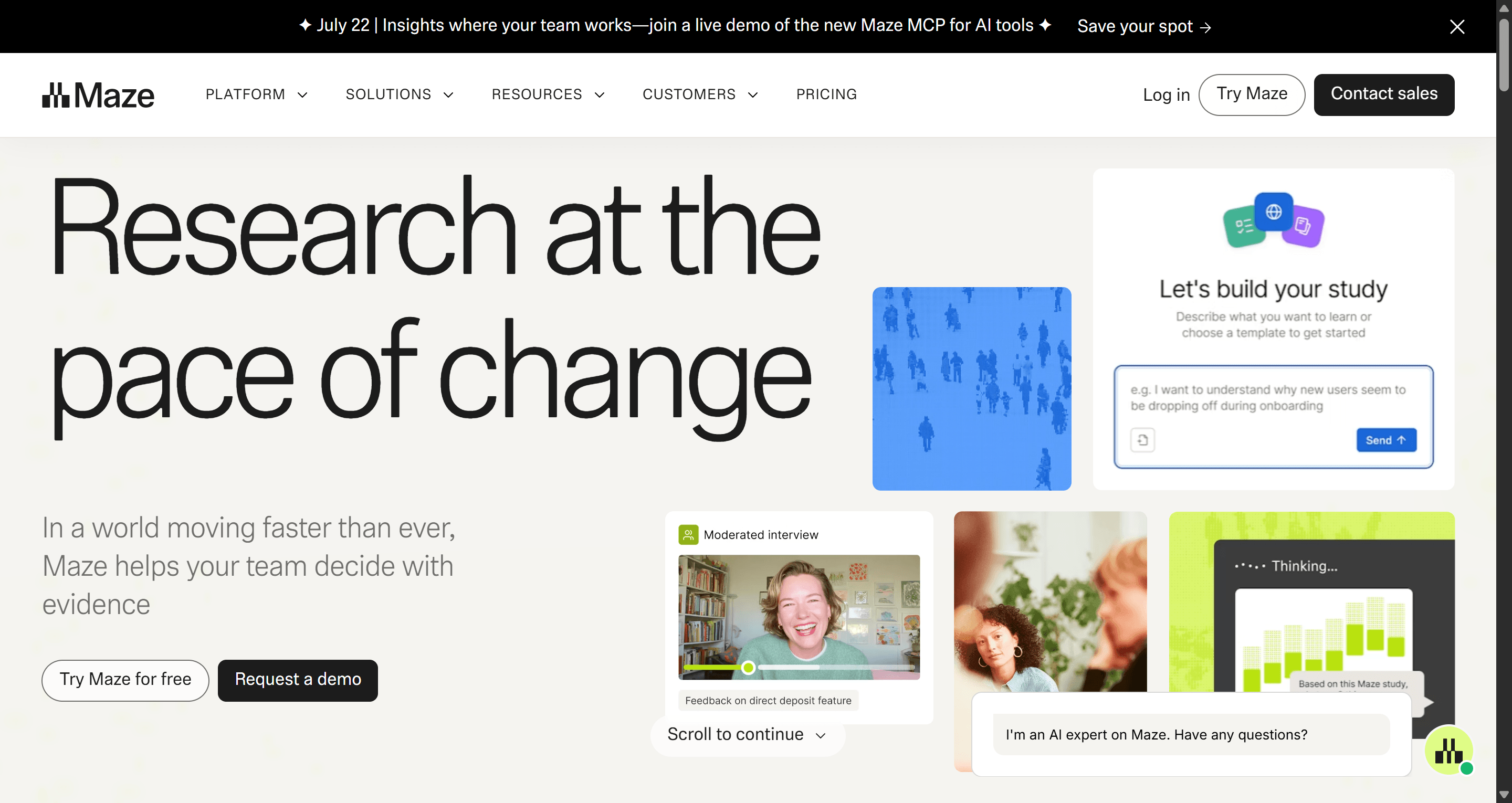
Maze runs unmoderated prototype tests, surveys and interviews, then reports completion rates, misclicks and paths. Its AI can build a study from a description and moderate structured interviews.
Best for: checking whether real users can finish a flow before engineering builds it.
Where it falls short: the most useful AI features are on higher tiers, and Maze does not publish every plan price, so paid plans usually start with sales. There is a free plan. Pair it with the laws of UX to turn findings into design fixes.
Best UI design tools for startups
A startup does not need fifteen tools. It needs the smallest stack that gets a credible product in front of users, and it needs that stack to grow without a migration. The common mistake is buying enterprise habits early: an editing seat for every founder and a handoff tool before there is a developer.
Here is how we would build the stack by stage, budget and team size.
| Stage | Team | Monthly budget | Stack | Why it works |
|---|---|---|---|---|
| Idea / pre-seed | Solo founder | $0 | UXMagic Free, Penpot or Figma Starter, Miro Free, Framer Free | Every tool has a usable free tier; enough for a clickable concept |
| Building the MVP | 1-2 people | About $30 | UXMagic Pro (annual) $17.50, Framer Basic $10, Figma Starter | Daily limits disappear; landing page on a custom domain |
| First users | 3-5 people | About $60-100 | Figma Professional (2 Full, 3 Collab) $41, UXMagic Pro $17.50, Framer Pro $30, Maze free | Designers edit, founders comment, site gets a CMS |
| Post-seed, first designer hire | 5-15 people | $150+ | Figma Professional with Dev seats, Maze paid, Dovetail, Zeplin optional | Research, testing and handoff become real jobs |
| Budget-first or self-hosted | Any | $0-$175 | Penpot, UXMagic Free or Pro, Webflow Basic | Open source editor with capped pricing |
Prices are annual list prices from each vendor as of September 2026; Figma's monthly toggle costs more.
A few rules make these stacks work:
- Draft before you edit. Generating the first version of a flow and then refining it is faster than drawing every screen from scratch. Our guide to designing UI with AI walks through the loop, and how founders ship without a design team covers the founder version.
- Give reviewers free seats. Figma View and $3 Collab seats, Zeplin reviewers and Balsamiq reviewers exist so that only editors pay.
- Keep the marketing site separate from the app. Framer or Webflow for the site means the product team is not blocked by homepage edits. UXMagic's AI landing page generator and website templates are a quick way to draft that first page.
- Test before you build. A clickable prototype plus five user calls costs far less than a sprint of engineering on the wrong flow. Our MVP guide and SaaS MVP cost breakdown show why.
For product managers building this stack themselves, our AI tools for product managers guide groups tools by PM job. If you plan to skip design and go straight to a builder, read our AI app builders for non-developers first.
Draft your MVP flows today
Describe your product and get a consistent multi-screen flow you can edit, prototype and export to Figma or React. The Free plan refreshes 20 credits every day.

How to choose your UX/UI toolkit
Work backwards from the handoff, not forwards from the logo you know:
- Who builds the product? If developers code from designs, pick a UI tool with clean inspection (Figma Dev Mode, Penpot Inspect) or one that exports code. If nobody codes, pick a builder (Framer, Webflow, Lovable).
- How many people edit? One editor fits almost any tool. Five editors and a design system point to Figma or Penpot.
- Where does the time go? If most of it is drawing first drafts, add an AI step before the editor; our piece on vibe designing explains that workflow. If most of it is rework after launch, add testing.
- What is the exit cost? Open formats (Penpot, HTML and React export) are easier to leave than proprietary files.
A workflow that uses the stack well
A typical flow for a small product team in 2026 looks like this:
- Frame the problem in Miro with a journey map and the riskiest assumptions.
- Write a short spec. A one-page brief is enough; the AI PRD generator can draft it.
- Generate the flow in UXMagic, starting in wireframe mode, approve the screen plan, then apply your theme and style guide.
- Refine in Figma or Penpot once the structure holds, using export to Figma so you edit real frames rather than screenshots.
- Test with Maze or a handful of user calls, and fix what breaks.
- Hand off through Dev Mode, Zeplin or exported code, or ship the site directly from Framer or Webflow.
Our recommendation
If your toolkit already works, add only the tool that removes your biggest bottleneck: usually the first draft or validation.
If you are starting from scratch, and especially if you are a startup, begin with free tiers, pay for the tool you open every day, and give everyone else a viewer seat. UXMagic earns its place at the drafting stage: flows that stay consistent across screens, with exports to the tools on the rest of this list. It will not replace Figma for a mature design system or Maze for testing, and it is not meant to. Browse the community gallery to see what people generate, or check the pricing page for the full plan matrix.
Related guides
- 9 Best Uizard Alternatives in 2026, Grouped by Use Case
- Canva Alternatives for UI Design: 9 Tools Built for Product Screens
- Wireframe Tool Cost-Benefit Breakdown (2026): What's Actually Worth Paying For
- 8 Best Squarespace Alternatives in 2026, Including AI Website Builders
- 10 Best Figma Make Alternatives in 2026, Grouped by Use Case
- 9 Best UX Pilot Alternatives in 2026, Grouped by Use Case
- How to Validate a Product Idea: 7 Tests, With Templates
- 10 Best Magic Patterns Alternatives in 2026, Grouped by Workflow
- 11 Best Lovable Alternatives in 2026, Grouped by What You're Building
- 10 Best a0.dev Alternatives for Building Mobile Apps with AI (2026)
Start with a flow, not a blank canvas
Generate consistent multi-screen UI from a prompt, then export it to Figma, React or a live site.