
TL;DR: The best Google Stitch alternatives depend on why you are leaving. For the same prompt-to-UI workflow with real multi-screen flows and Figma or code export, start with UXMagic, then UX Pilot and MagicPath. Non-designers should look at Uizard and Visily. Teams with a design system should look at Figma Make, Magic Patterns and Subframe. If you want a live app, go to v0 or Lovable.
Google Stitch made prompt-to-UI mainstream. You describe an app, Gemini lays out a polished screen in seconds, and you can paste it into Figma or grab the front-end code. It is free, it is fast, and after Google folded Galileo AI into it, it became the default starting point for a lot of product teams. We went deep on it in our Google Stitch review.
The trouble starts after the first good screen. A product is a sequence of screens that share navigation, a type scale and a colour system, and it has to end up somewhere: a Figma file your designers own, a React codebase your engineers own, or a live URL. Each of those is a different job, and Stitch is not equally good at all of them.
So instead of ranking a dozen tools on one scale, we grouped the Stitch AI alternatives by the job they do best. Find the group that matches your problem and compare the two or three tools inside it.
What Google Stitch is (and what changed in 2026)
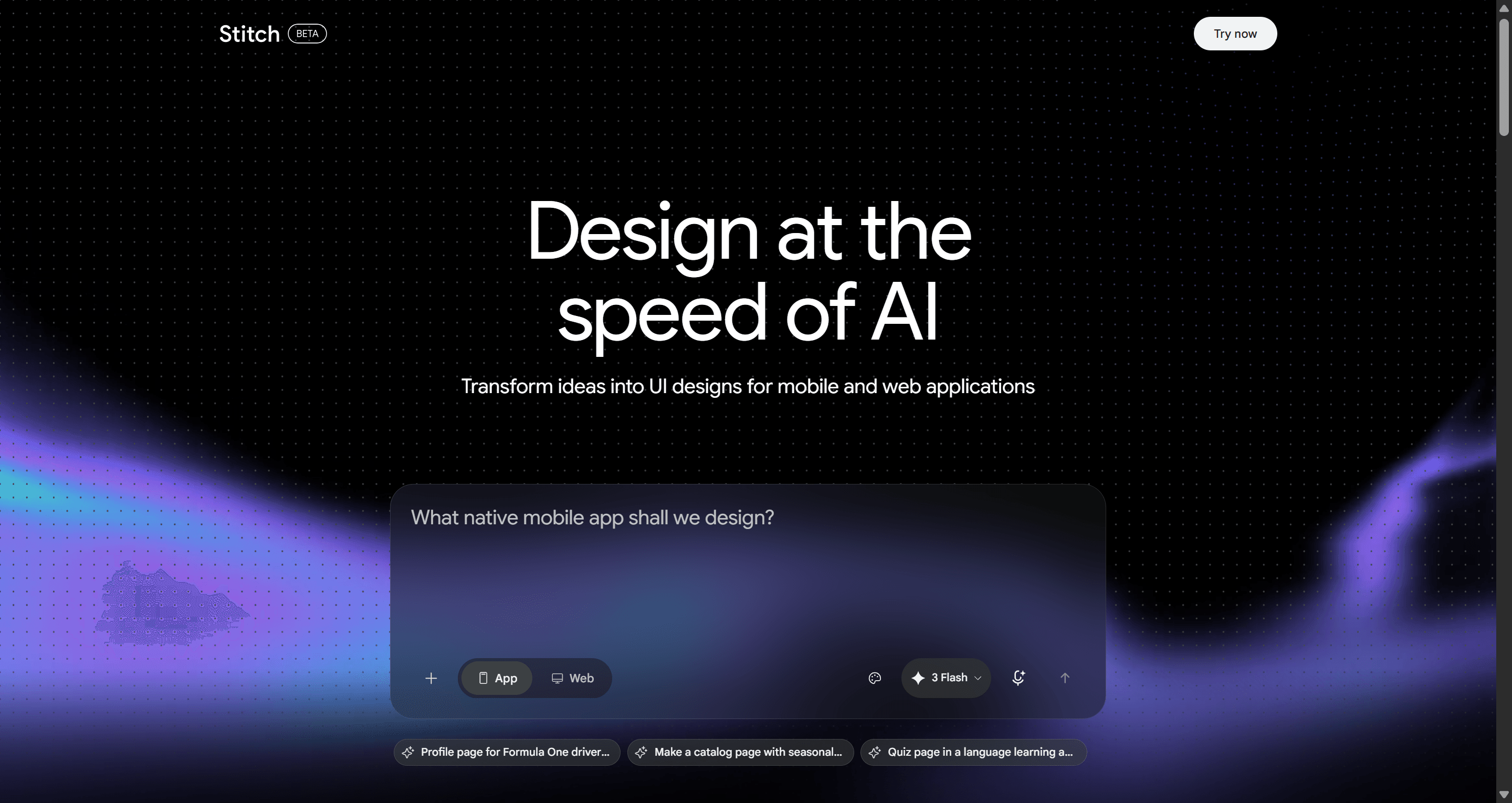
Stitch is Google Labs' AI UI designer. When it launched in May 2025, Google described it as running on Gemini 2.5 Pro, turning text or image prompts into interfaces that you could paste into Figma or export as front-end code. It absorbed Galileo AI's technology, which is why "Galileo AI alternatives" and "Google Stitch alternatives" are now largely the same search. If you are coming from Galileo, our Galileo AI is now Google Stitch post covers what carried over.
2026 brought two big updates. In March, Google turned Stitch into an AI-native infinite canvas with a design agent, an interactive "Play" preview for stitched-together screens, voice input, a portable DESIGN.md file for design rules, and an MCP server and SDK. At I/O in May, it added a live Stitch Agent that streams its work to the canvas while you steer it, plus shareable links through Google AI Studio, export into Google Antigravity for backend work and publishing through Netlify (Google's announcement).
Why teams look for Google Stitch alternatives
Stitch is genuinely good at fast visual exploration. The reasons people leave are mostly about what happens next:
- Usage caps you cannot buy past. Stitch is free as a Labs experiment and runs on a daily credit allowance. Google has not published a paid tier, and its developer forum has a steady stream of threads asking for quota increases. If design is your daily work, a cap with no upgrade path is a planning problem.
- Flows drift. Stitch can link screens into a prototype, but keeping a ten-screen journey on one theme and one navigation model still takes prompting discipline. We explain why this matters in why single-screen AI design is a dead end.
- Handoff runs through Google. The 2026 production path points to AI Studio, Antigravity and Netlify. That is great if you live there, and friction if your team lives in Figma, GitHub and Cursor.
- Labs status. Experiments change fast. Some teams are uncomfortable standardising a paid client workflow on a tool with no published pricing, roadmap commitments or enterprise controls.
- Design system control. DESIGN.md helps, but teams with an existing component library usually want generation that starts from their components, not a style description.
None of these make Stitch a bad tool. They make it a great ideation tool that some teams outgrow.
Quick picks: the best Google Stitch alternatives
| Tool | Best for | Starts from | Free plan | Figma export | Code export |
|---|---|---|---|---|---|
| UXMagic | Multi-screen flows with Figma and code handoff | Prompt, screenshot, sketch, URL, Figma | Yes, 20 credits/day | Yes, auto-layout | HTML, React, Tailwind |
| UX Pilot | Wireframes to hi-fi with a Figma plugin | Prompt, sketch, screenshot | Yes | Yes | Yes |
| MagicPath | Canvas design with agents and React output | Prompt, images, Figma | Yes, 20 credits/day | Yes (3/mo on free) | React, HTML/CSS |
| Banani | Quick multi-screen app concepts | Prompt, screenshot | Yes | Yes | Paid plans |
| Uizard | Non-designers making mockups | Prompt, screenshot, sketch | Yes, 3 AI generations/mo | No native | React/CSS on paid |
| Visily | PMs and BAs doing wireframes | Prompt, screenshot, template | Yes | Paid plans | Paid plans |
| Figma Make | Teams already on Figma | Prompt plus Figma frames | Limited | Native | Prototype code |
| Magic Patterns | Prototyping on your design system | Prompt, screenshot, components | Yes | Yes | React |
| Subframe | Designing directly in React/Tailwind | Components, prompt | Yes, one project | No | React, Tailwind |
| v0 | Deployable React UI | Prompt, image | Yes, 7 messages/day | No | Next.js, deploy |
| Lovable | Full-stack app from a prompt | Prompt, image | Yes, 5 credits/day | No | Full app, GitHub |
| Readdy | Marketing sites that go live | Prompt | Yes | No | Hosted site, code |
Closest to Stitch: prompt-to-UI on a canvas
These keep the Stitch workflow (describe it, see screens, iterate) and fix the parts that hurt when a project gets bigger than a few screens.
- UXMagic
Best for: product teams that need a whole flow, one consistent theme, and a clean handoff to Figma or code.
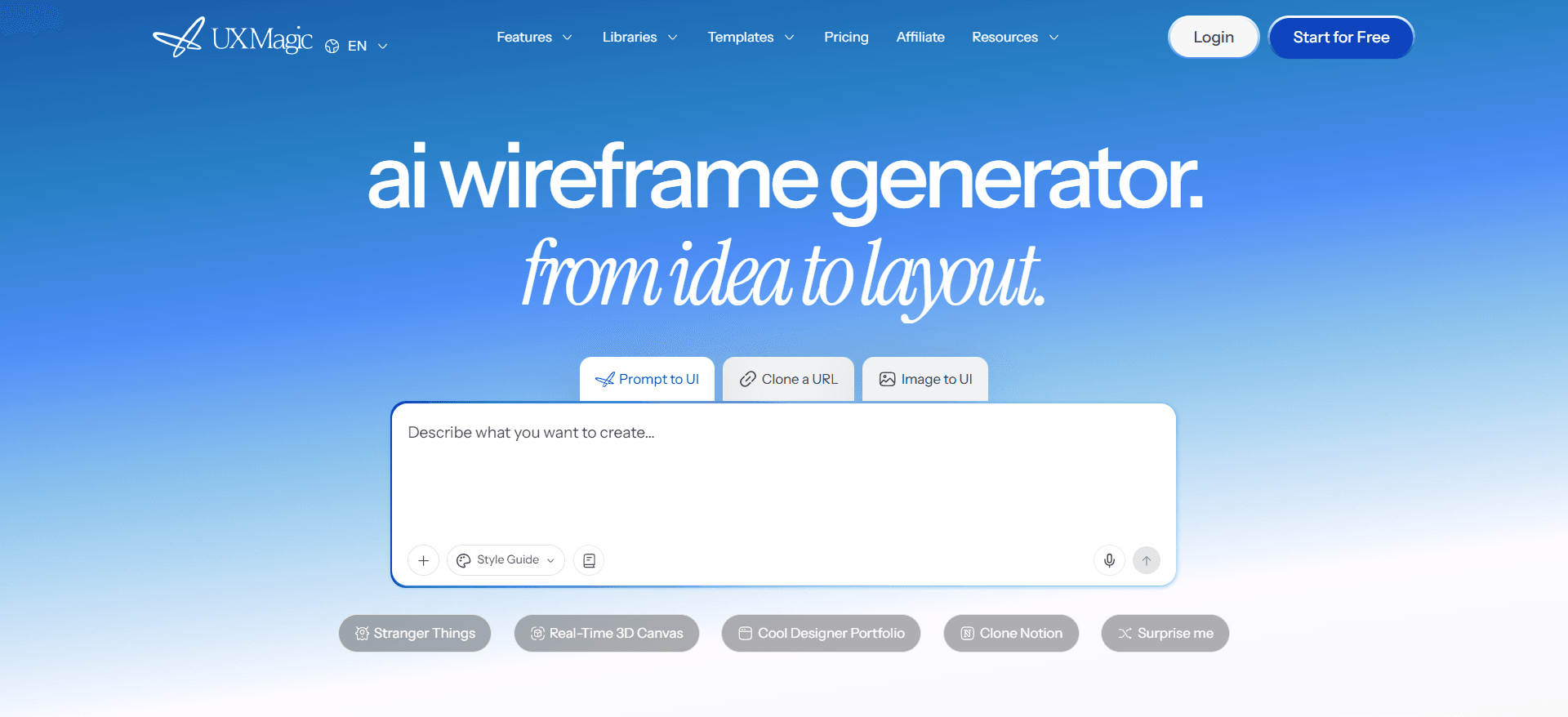
UXMagic is our tool, so read this section knowing that. It is an AI UI designer that turns a prompt, screenshot, sketch, URL or Figma file into editable, high-fidelity screens on an infinite canvas. The difference from Stitch is where it puts the effort: planning the flow and keeping it consistent.
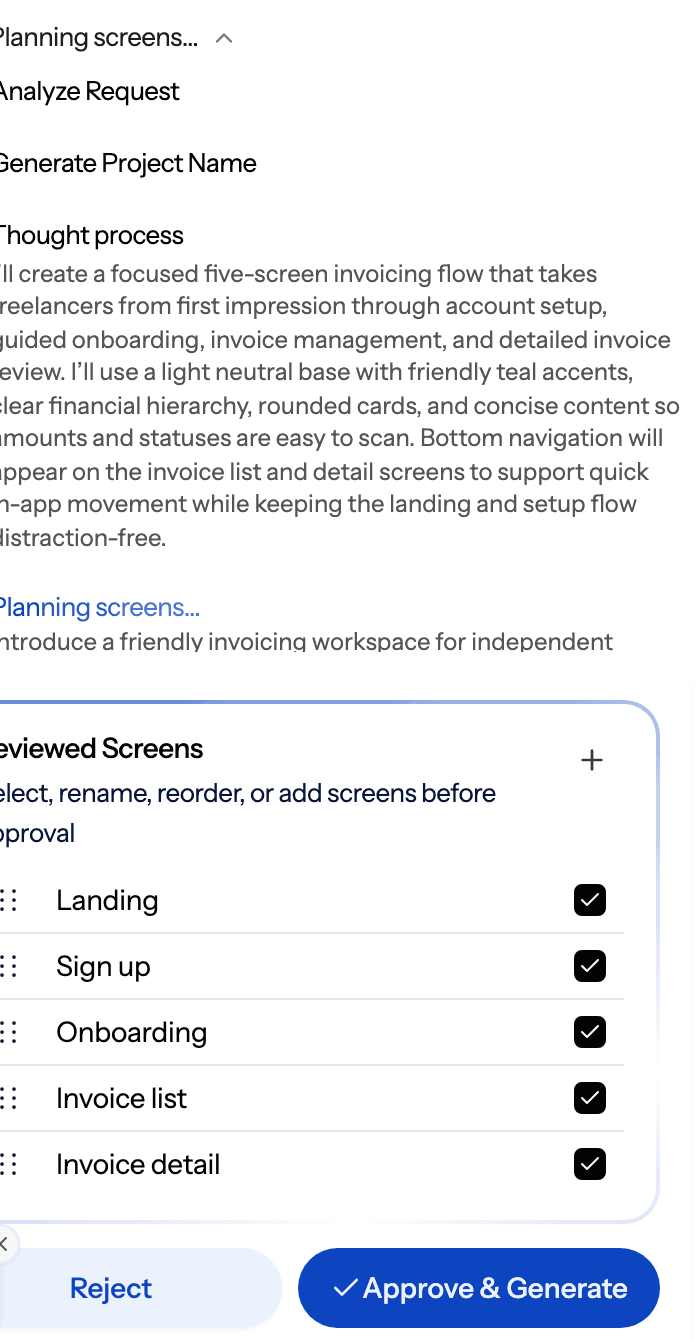
- A screen plan before any pixels. For a new project the AI proposes a named list of screens with a one-line purpose each. You edit, reorder or approve it, and only then does it design. Flow mode then designs the whole journey with a shared theme and navigation, and screens appear on the canvas as they finish.
- A theme that persists. Colours, fonts, radii and spacing live as design tokens on the project. Say "make it dark" and every screen moves together. The AI style guide generator can build that system first.
- Many ways in. Prompt to UI, image to UI, sketch to UI, a lo-fi AI wireframe generator mode, and a website cloner that turns a URL into an editable design.
- Handoff that lands somewhere useful. Export to Figma as editable auto-layout frames, or export code as HTML, a React component or a whole multi-screen React project with Tailwind and your theme tokens. You can also publish a project as a live site.
- Works with your coding agent. The UXMagic MCP server lets Claude, Cursor, VS Code, Windsurf and Codex read your real screens and theme, so the agent codes against the design instead of a screenshot.
Where it falls short: it is not a free-for-heavy-use tool the way Stitch is today. The free plan gives 20 credits a day (up to 3 screens a day across 5 projects) and one Figma export. Exported code is a front end with no data layer or routing, and UXMagic is not a pixel-level illustration tool.
Pricing: Free, then Pro at $35/month or $17.50/month billed annually, with 2,400 credits a month (up to about 400 screens) and 250 Figma exports. See plans and limits for the full breakdown.
Read our full comparison: UXMagic vs Google Stitch.
Design the whole flow, not just the first screen
Describe your product, approve the screen plan, and get connected screens you can export to Figma or React. The free plan refreshes every day.

- UX Pilot
Best for: designers who want wireframes and hi-fi screens plus a tight Figma plugin.
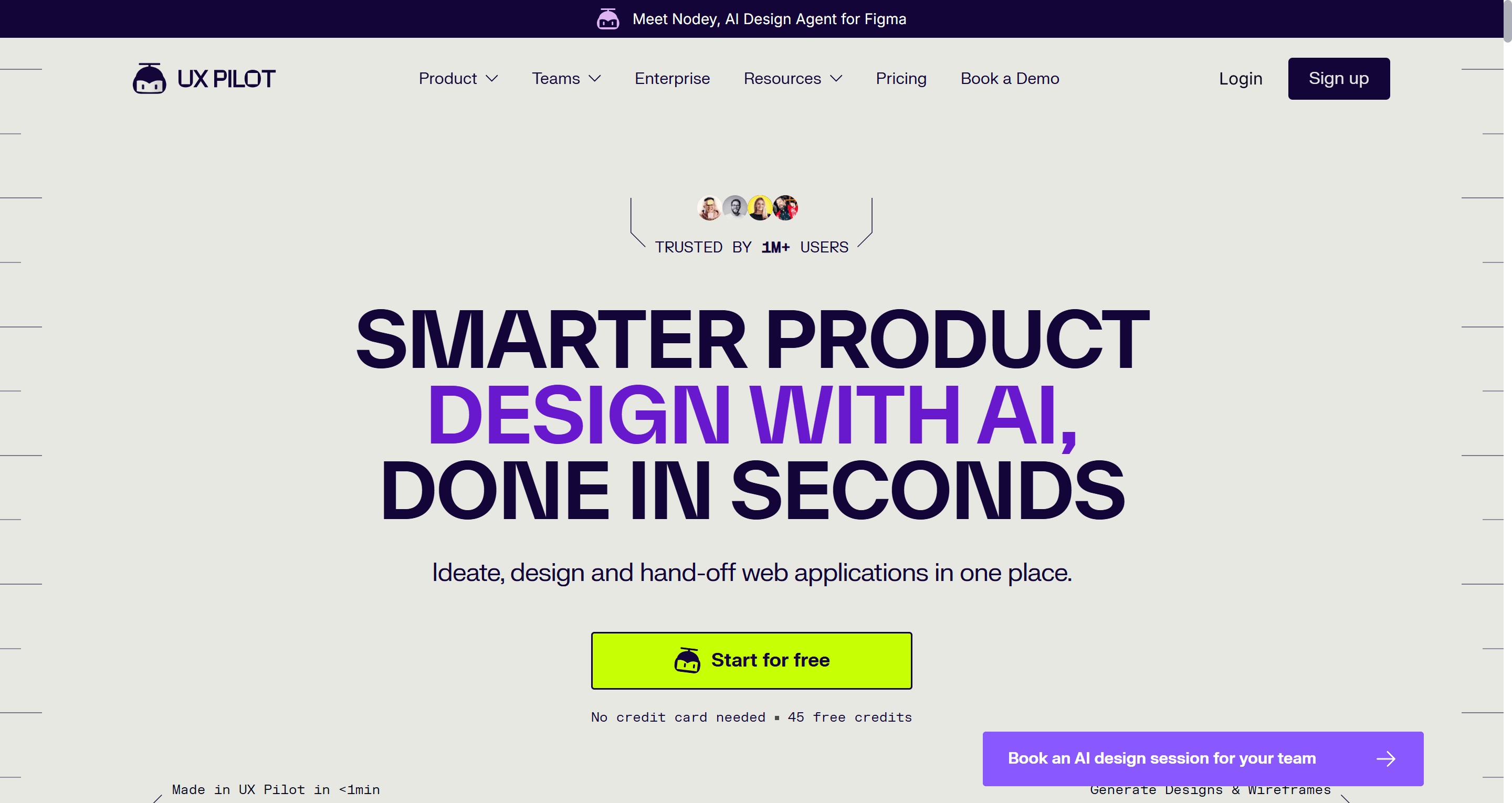
UX Pilot generates wireframes and high-fidelity UI from prompts, sketches or screenshots, and adds design-review and predictive heatmap features that Stitch does not have. It has a two-way connection with Figma, and paid plans add Figma and code export.
Where it falls short: flows are capped by plan. The Standard plan's Screen Flows feature is limited to five screens, so long journeys push you to a higher tier. Credits also go quickly when you iterate on hi-fi output.
Pricing: free plan with no card required; Pro is $22 a month billed annually for 750 credits, and Teams is priced per user, according to UX Pilot's plans page.
Read our full UX Pilot review or the UXMagic vs UX Pilot comparison.
- MagicPath
Best for: teams that want a shared canvas where people and AI agents both work, with React code as the output.
MagicPath generates screens and components on an infinite canvas from prompts, reference images or imported Figma frames, and exports React and HTML/CSS. Its 2026 relaunch leaned into "a shared workspace for humans and agents": you can connect external coding agents and GitHub to the canvas.
Where it falls short: it is component- and screen-centric rather than flow-planned, so journey consistency depends on how you drive it. Figma round-trips are rationed on the free plan.
Pricing: Free (20 credits a day, up to 120 a month, 5 Figma imports and 3 Figma exports a month), then Builder, Pro (credit packs from 600 to 3,000 a month) and Teams, per MagicPath's docs.
Read our UXMagic vs MagicPath comparison.
- Banani
Best for: quick multi-screen app concepts from a prompt or screenshot.
Banani is a prompt-to-UI tool in the same lane as Stitch, focused on generating a few related app screens and exporting them to Figma. Its free plan is small (12 monthly credits plus 3 daily), and code export sits on paid plans that start at $20/month or $12/month billed annually.
See our UXMagic vs Banani page or the longer UXMagic vs Banani comparison.
For non-designers: wireframes and mockups
If you are a PM, founder or analyst and Stitch's hi-fi output is more than you need, these are easier places to start.
- Uizard
Best for: non-designers turning ideas, screenshots or napkin sketches into clickable mockups.
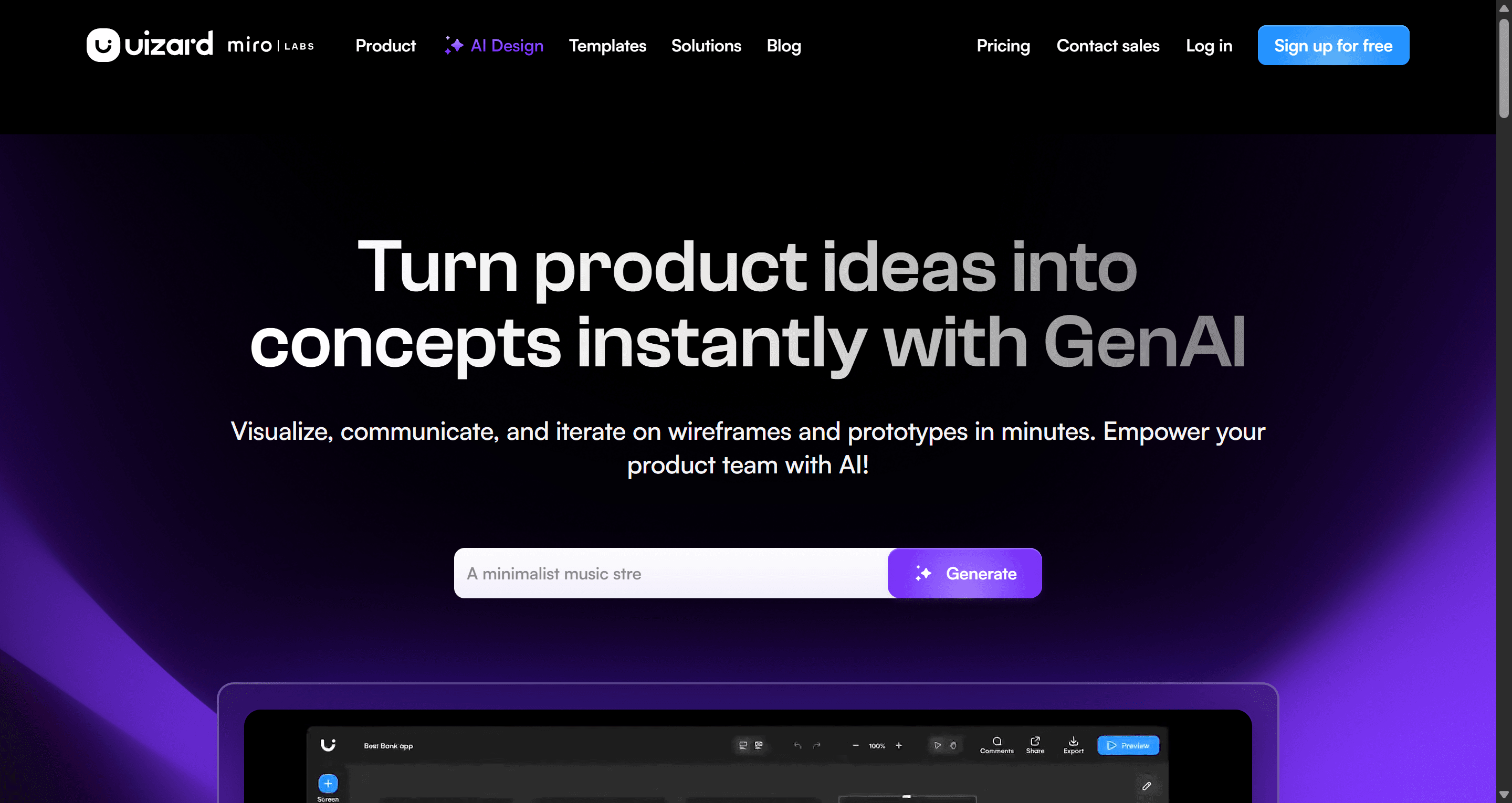
Uizard was one of the first AI design tools. Autodesigner generates multi-screen projects from a prompt, the screenshot scanner turns an existing app into editable screens, and a drag-and-drop editor keeps everything approachable. Real-time collaboration makes it easy to pull stakeholders in.
Where it falls short: there is no native Figma export, and the free plan is tight: 2 projects, 5 screens each, and 3 AI generations a month. Output is closer to a good mockup than a production UI.
Pricing: Pro is $12/month billed annually with 500 AI generations a month; Business is $39/month billed annually.
Read our full Uizard review, the UXMagic vs Uizard comparison, or our list of Uizard alternatives.
- Visily
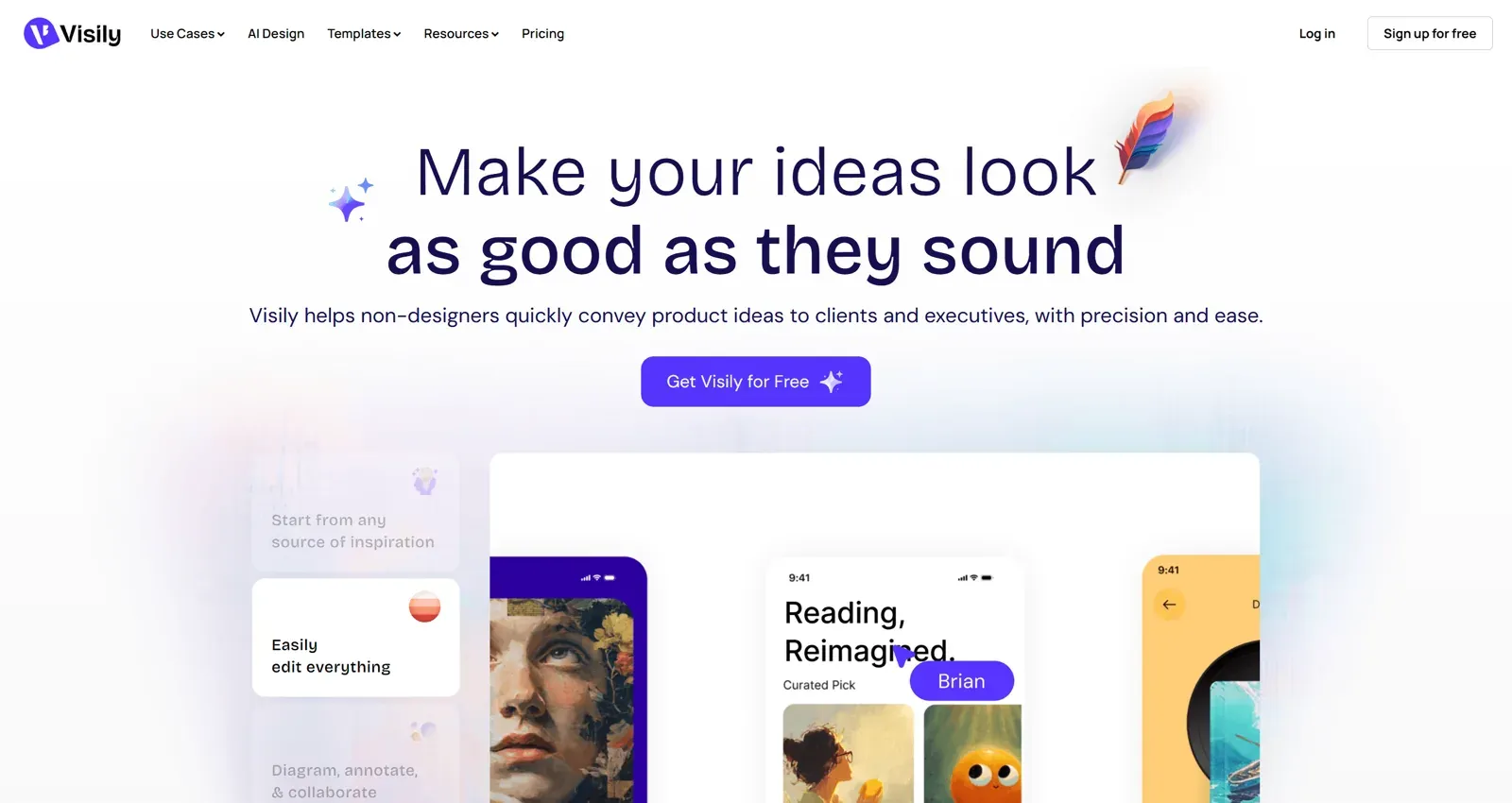
Best for: product managers and business analysts who want wireframes, diagrams and simple prototypes in one board.
Visily combines AI wireframing, screenshot-to-design, templates and diagramming. Paid plans add an AI planning mode, design instructions, Figma import/export and code generation.
Where it falls short: the free Starter plan limits you to 2 editable boards, and the visual ceiling is lower than Stitch's hi-fi output.
Pricing: free Starter with 300 AI credits a month; Pro at $14 per editor per month; Business at $29 per editor per month billed annually.
Read our Visily AI review or UXMagic vs Visily.
If wireframing is the main job, our AI wireframe platforms comparison goes deeper on this group.
For teams with a design system
Stitch generates from a style description. These tools start from your actual components, which matters once you have a library.
- Figma Make
Best for: teams whose design system already lives in Figma.
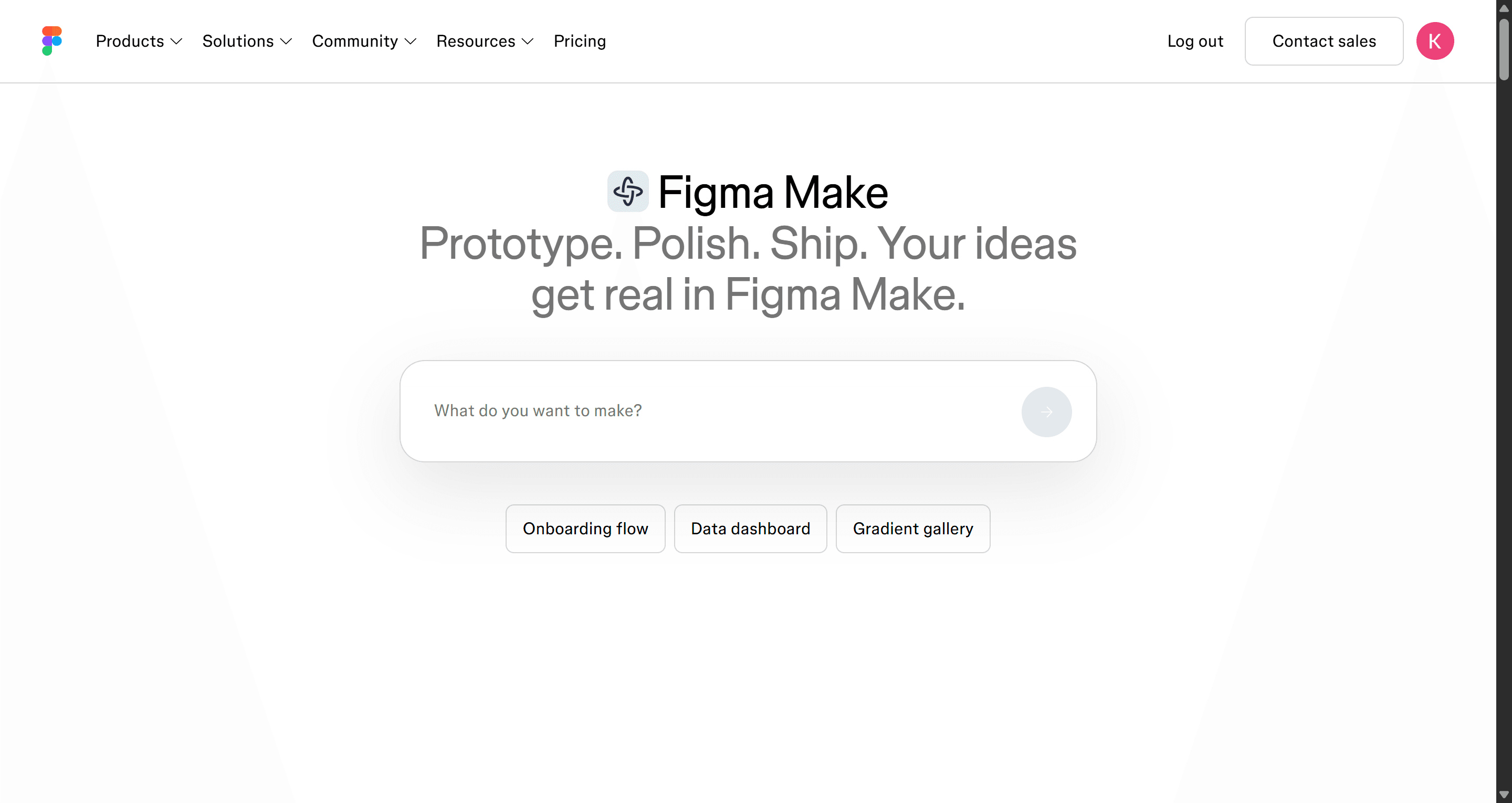
Figma Make is Figma's prompt-to-prototype tool. It builds interactive prototypes inside the Figma ecosystem and can use your existing frames and styles as context, with a publishing path through Figma Sites. For a team already paying for Figma, it is the least disruptive option.
Where it falls short: it is only compelling if you are all-in on Figma, and AI usage is metered in credits per seat. The output is a prototype, not a production codebase.
Pricing: included with a Full seat. On the Professional plan a Full seat is $16/month with 3,000 AI credits a month (Figma pricing).
Read what Figma AI can do, our Figma Make alternatives guide, or UXMagic vs Figma Make.
- Magic Patterns
Best for: product teams prototyping new features on top of their existing design system.
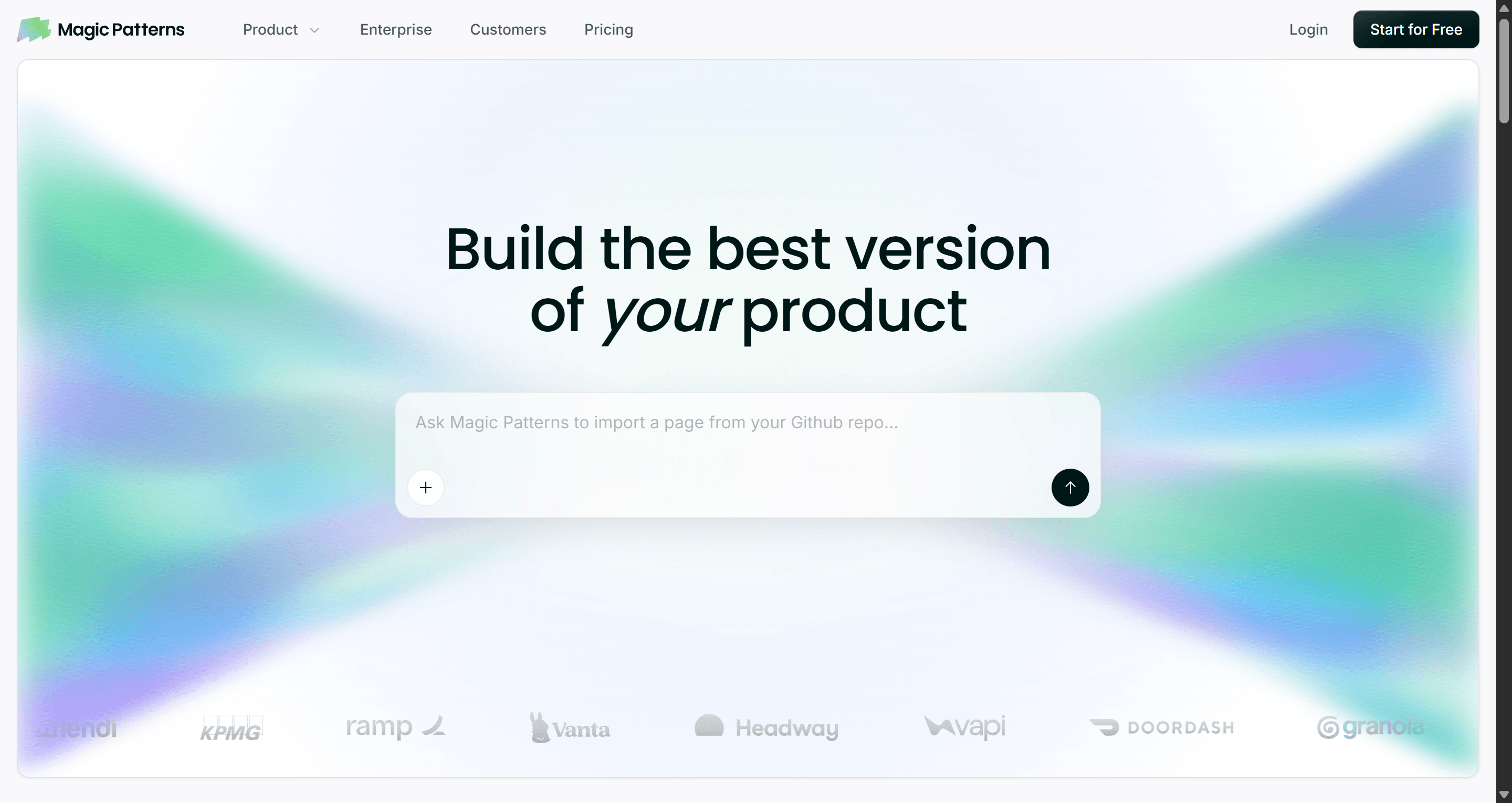
Magic Patterns turns a prompt, PRD or feature idea into high-fidelity UI, and you can bring in screenshots, components, styles and design-system rules so new screens match what you already ship. It outputs React and supports live team editing and sharing.
Where it falls short: design-system import, GitHub sync and on-demand usage sit on paid plans, and the Business tier is a big jump.
Pricing: Free with monthly credits; Starter at $20 per seat per month with 1,000 extra credits; Business at $100 per seat per month.
Read our Magic Patterns review or UXMagic vs Magic Patterns.
- Subframe
Best for: design engineers who want the canvas material to be React and Tailwind.
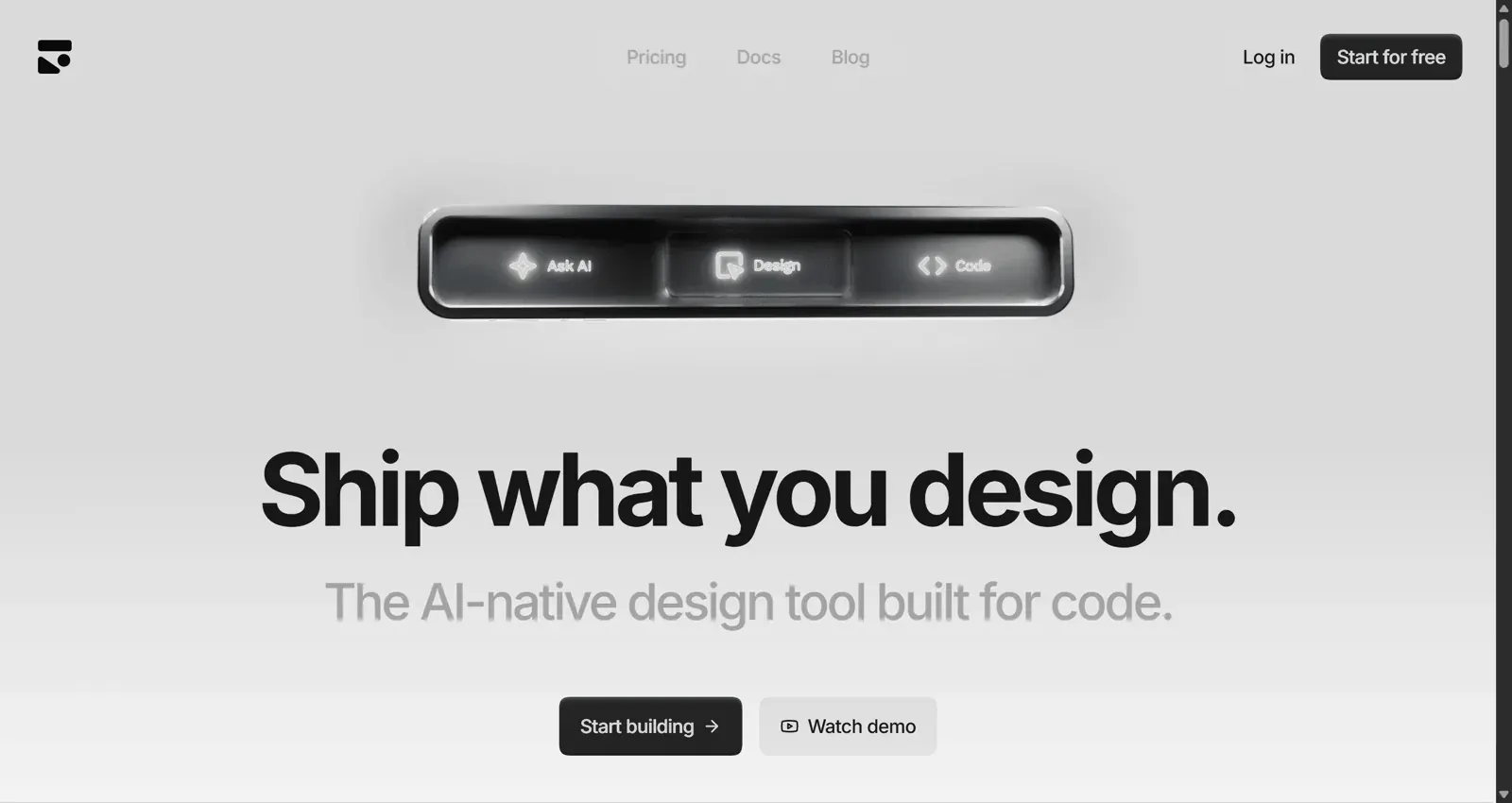
Subframe is a visual design tool for your codebase: drag and drop, layers and an inspector, except everything on the canvas is HTML and React. An agent sits alongside the canvas for AI edits, so there is no translation step at handoff.
Where it falls short: it assumes you care about code. Non-designers and early-stage ideation are better served elsewhere, and it is not a Figma replacement.
Pricing: Free for one project; Pro at $20 per editor per month.
Read our Subframe review or UXMagic vs Subframe.
When you want code or a live product
These are not Stitch replacements in the design sense. They are what you reach for when the answer to "where does this end up?" is a deployed app.
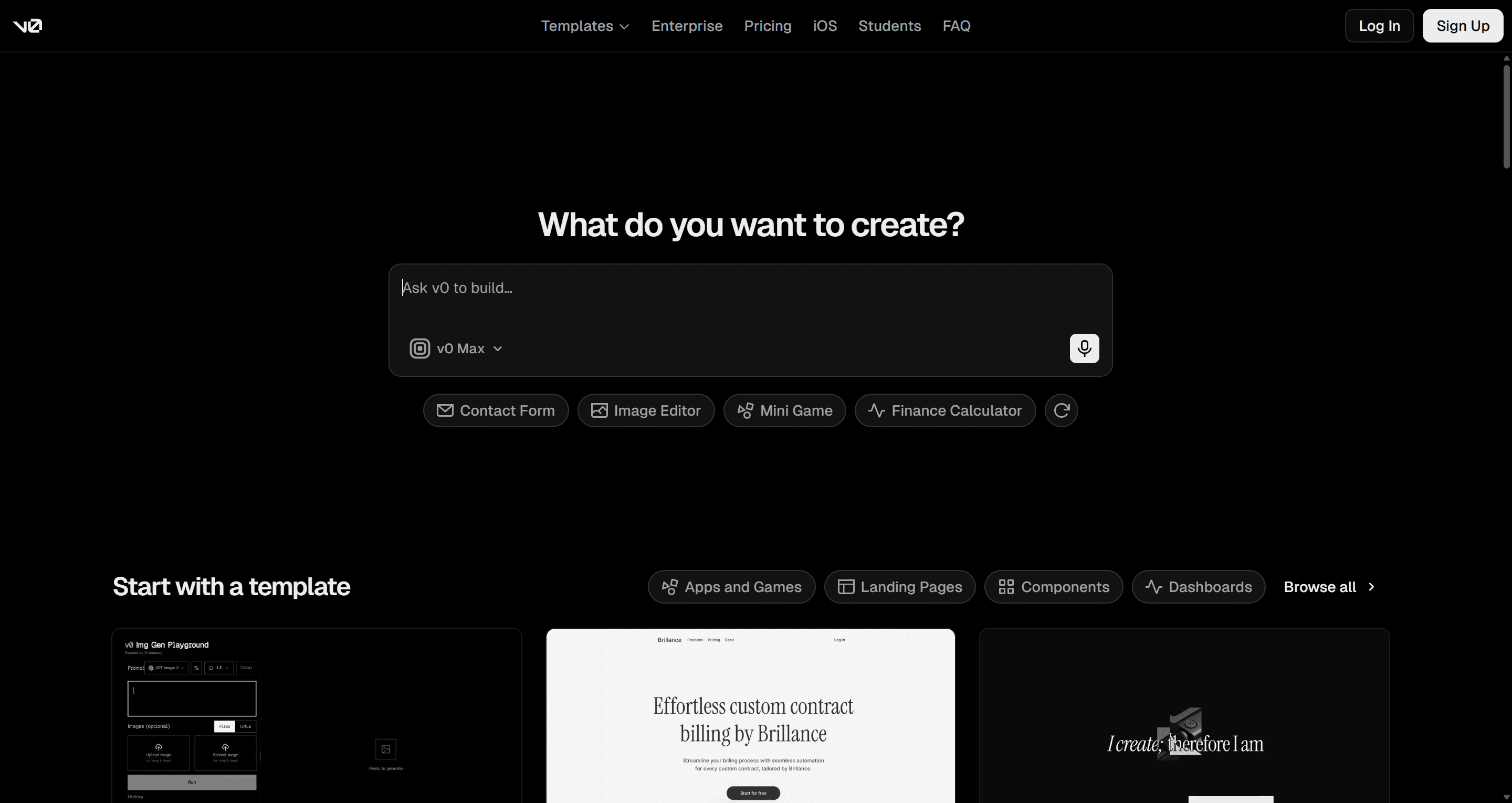
- v0 by Vercel
Best for: React and Next.js UI you can deploy the same day.
v0 generates working UI and full pages from a prompt or image, with a visual Design Mode, GitHub sync and one-click deployment to Vercel.
Where it falls short: it is code-first, so design exploration and multi-screen consistency are weaker than a canvas tool. Usage is metered in dollar credits that go faster than you expect on long threads.
Pricing: Free with $5 of monthly credits and a 7-message daily limit; Plus at $30 per user per month; Business at $100 per user per month.
Read our v0 by Vercel review or UXMagic vs v0.
- Lovable
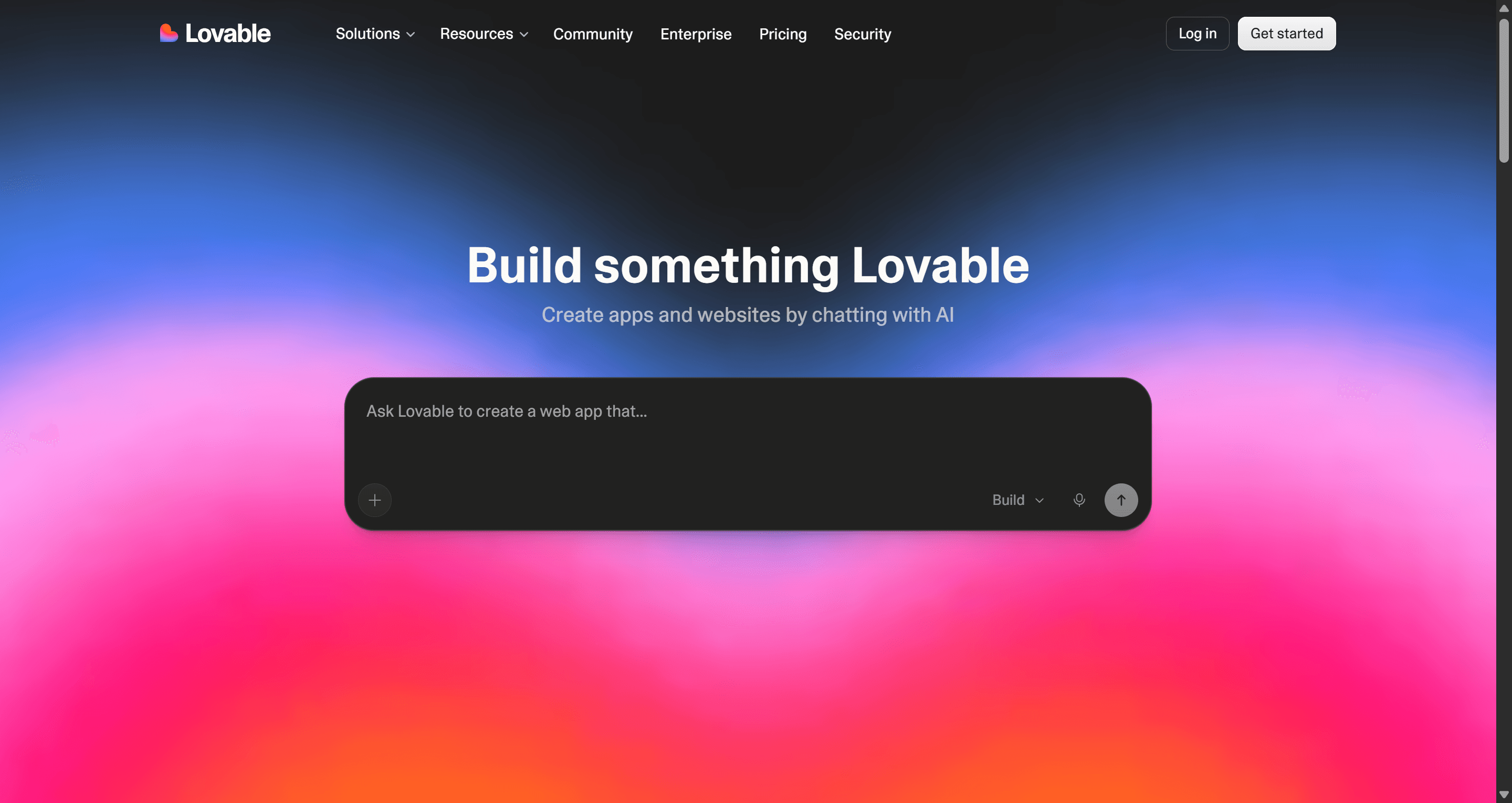
Best for: founders who want a working full-stack app from a conversation.
Lovable builds a React front end, wires in data and auth through Lovable Cloud, and hosts the result. It is the most direct route from prompt to a product people can log into.
Where it falls short: UI quality tends toward generic, and credits get spent on every fix. It is an app builder first, so design exploration is not its strength.
Pricing: Free with 5 build credits a day (up to 30 a month); Pro from $25/month for 100 credits.
Read our Lovable review, UXMagic vs Lovable, or our list of the best Lovable alternatives.
- Readdy
Best for: marketers and small businesses who want a live website from a prompt.
Readdy generates and hosts websites, with forms, lead capture and custom domains. A "Credit Care" feature refunds credits when you discard a generation you did not like.
Where it falls short: it is website-shaped. Product UI, app flows and design-team handoff are not what it is for.
Pricing: Free plan; Starter at $25/month or $15/month billed annually; Pro at $40/month or $24/month billed annually.
Read our Readdy AI review or UXMagic vs Readdy.
How to choose a Stitch alternative
Ask one question first: where does this work need to end up?
- A Figma file your designers will own. Pick a tool with real Figma export: UXMagic, UX Pilot, MagicPath or Figma Make. Check whether export produces auto-layout frames or flat layers, and how many exports your plan allows.
- A React codebase. Subframe and Magic Patterns if you are working from components; v0 if you want to deploy; UXMagic if you want to design the flow first and then export React/Tailwind or hand it to Cursor through MCP. Our design-to-code generator page covers that path.
- A live URL. Lovable for apps, Readdy for sites. UXMagic can also publish a project as a site.
- A stakeholder review. Uizard or Visily if the audience is non-designers and fidelity matters less than speed.
Then ask the second question: how many screens? If the answer is more than five, test every shortlisted tool with the same full journey (sign-up, onboarding, main dashboard, settings, an empty state) rather than one hero screen. Single-screen demos hide the drift problem. We walk through that test in our guide on how to design UI with AI, and our flow-based design vs one-off screens piece explains why it matters.
A workflow that uses Stitch and an alternative together
You do not have to pick one. A pattern we see often:
- Explore in Stitch. Use the free credits to try visual directions quickly.
- Lock the system. Take the direction you like into UXMagic's themes and style guides so colours, type and spacing become tokens.
- Plan and generate the flow. Write the journey, not the screens ("sign up, verify email, pick a plan, first dashboard"), review the screen plan, then let flow mode design it.
- Hand off. Export to Figma for designers, React/Tailwind for engineers, or connect Claude or Cursor to the project through MCP.
The credit math favours this too. In UXMagic, editing the screen plan costs 1 credit, a new screen costs 3, and a targeted edit costs 0.2, so fixing the plan before generating is the cheapest step in the process (how credits work).
Pricing comparison
| Tool | Free plan | Entry paid plan |
|---|---|---|
| Google Stitch | Free (Labs), daily credit cap | No paid plan published |
| UXMagic | 20 credits/day, 3 screens/day | Pro $35/mo, or $17.50/mo annually |
| UX Pilot | Yes | Pro $22/mo billed annually |
| MagicPath | 20 credits/day, up to 120/mo | Builder and Pro tiers |
| Banani | 12 credits/mo + 3/day | $20/mo, or $12/mo annually |
| Uizard | 3 AI generations/mo | Pro $12/mo billed annually |
| Visily | 300 AI credits/mo | Pro $14/editor/mo |
| Figma Make | Limited | Professional Full seat $16/mo |
| Magic Patterns | Monthly credits | Starter $20/seat/mo |
| Subframe | One project | Pro $20/editor/mo |
| v0 | $5 credits, 7 messages/day | Plus $30/user/mo |
| Lovable | 5 credits/day, up to 30/mo | Pro from $25/mo |
| Readdy | Yes | Starter $25/mo, or $15/mo annually |
Prices were checked on each vendor's own site in September 2026 and change often. Confirm on the vendor's pricing page before you buy. For UXMagic's current plans, see UXMagic pricing.
Our recommendation
If Stitch is working for you as a free sketchpad, keep it. Nothing on this list beats free for pure exploration.
If you are here because a single-screen generator stopped being enough, the right alternative depends on the destination. For most product teams that means a tool that plans and designs the whole flow on one theme, and then exports to Figma and code without a rebuild. That is exactly the job UXMagic was built for: AI prototype generator for clickable flows, Figma AI export for designers, and React code for engineers. Start from a prompt or one of our templates.
To be honest about scope: if you need a hosted full-stack app today, Lovable or v0 will get you there faster. If your whole team lives in Figma and you already pay for Full seats, try Figma Make first. For a wider view beyond Stitch, our best AI design tools of 2026 ranking covers the full field.
Related guides
- 10 Best Magic Patterns Alternatives in 2026, Grouped by Workflow
- 11 Best v0 Alternatives in 2026, Grouped by the Job You Need Done
- Top 7 AI Tools for Design Consistency in 2026 (UI, UX, and Design Systems)
- Best Wireframing Tools in 2026: 10 AI, Free and Classic Picks
- The Best AI Prototyping Tools in 2026, Grouped by Use Case
- AI Wireframe Generator for Mobile Apps: Best Tools & Workflows (2026)
- 8 Claude Design Alternatives in 2026, Free and Open Source Included
- Figma Pricing 2026: Seats, AI Credits, Make and What Teams Really Pay
- Canva Alternatives for UI Design: 9 Tools Built for Product Screens
- AI Design to Code Tools: The Complete 2026 Guide by Input Type
Try a Google Stitch alternative built for flows
Plan the screens, design the journey on one theme, and export to Figma or React. Free credits refresh every day, no card required.