
TL;DR: Google Stitch pricing is simple on paper: it costs $0, there is no paid plan, and you cannot buy more usage. What Google has not done is publish its limits on an official pricing page, so the daily cap and the per-generation cost are things you discover in the product. That makes Stitch excellent for free exploration and hard to budget for production work. If you need predictable costs, compare it with a tool that publishes them, such as UXMagic, and read our Google Stitch review for the product itself.
People who search "google stitch pricing" usually want two answers. First, is Stitch actually free, or is there a catch? Second, how far does the free allowance go before it stops you?
The first answer is easy. The second is harder than it should be, because Google does not publish a Stitch pricing page. There is no plan table, no credit cost list and no public roadmap for a paid tier. What exists is a handful of Google blog posts about features, some replies from Google staff on the developer forum, and what users see in their own accounts.
So this guide is built on a strict rule: we separate what Google has said from what others have reported. We cover what Stitch costs, how its credits appear to work, what is free, the hidden costs that don't show up as a price, and how Stitch compares with UXMagic, UX Pilot, Uizard, Visily and Figma on price. Everything is as of September 2026.
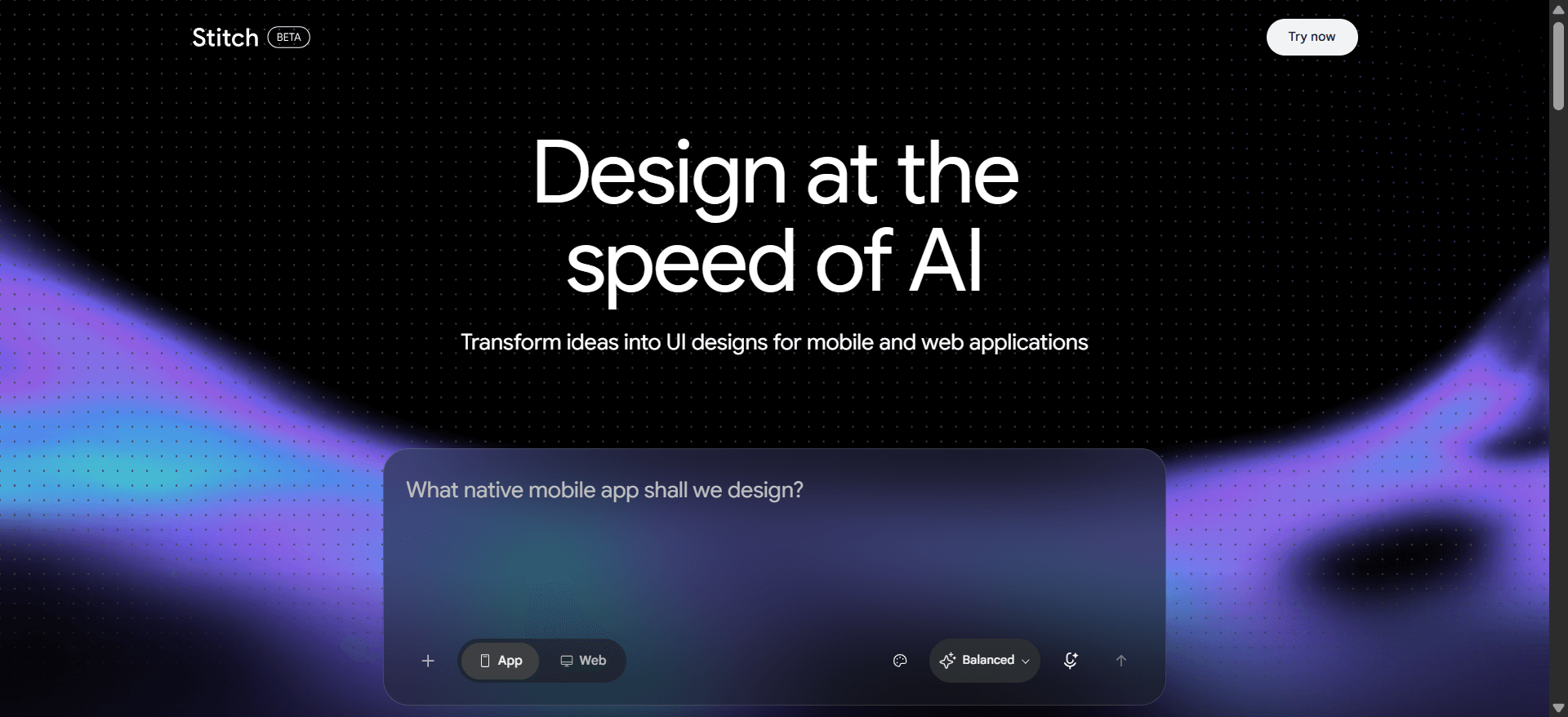
Google Stitch pricing at a glance
| Question | Short answer (September 2026) | Source |
|---|---|---|
| Monthly price | $0 | Stitch is a free Google Labs experiment |
| Paid plan | None | Google staff on the developer forum |
| Card required | No, a Google account is enough | Stitch sign-in |
| Usage limit | A daily allowance that resets | Google staff; the in-app usage panel |
| Official credit numbers | Not published on a pricing page | No Stitch pricing page exists |
| Can you buy more | No | Google staff on the developer forum |
| Per-action cost table | Not published | Reported by third-party testers only |
Is Google Stitch free?
Yes. Stitch is run by Google Labs, Google's home for experiments, and it has never had a subscription. You sign in with a Google account and start prompting. There is no card on file and nothing to cancel.
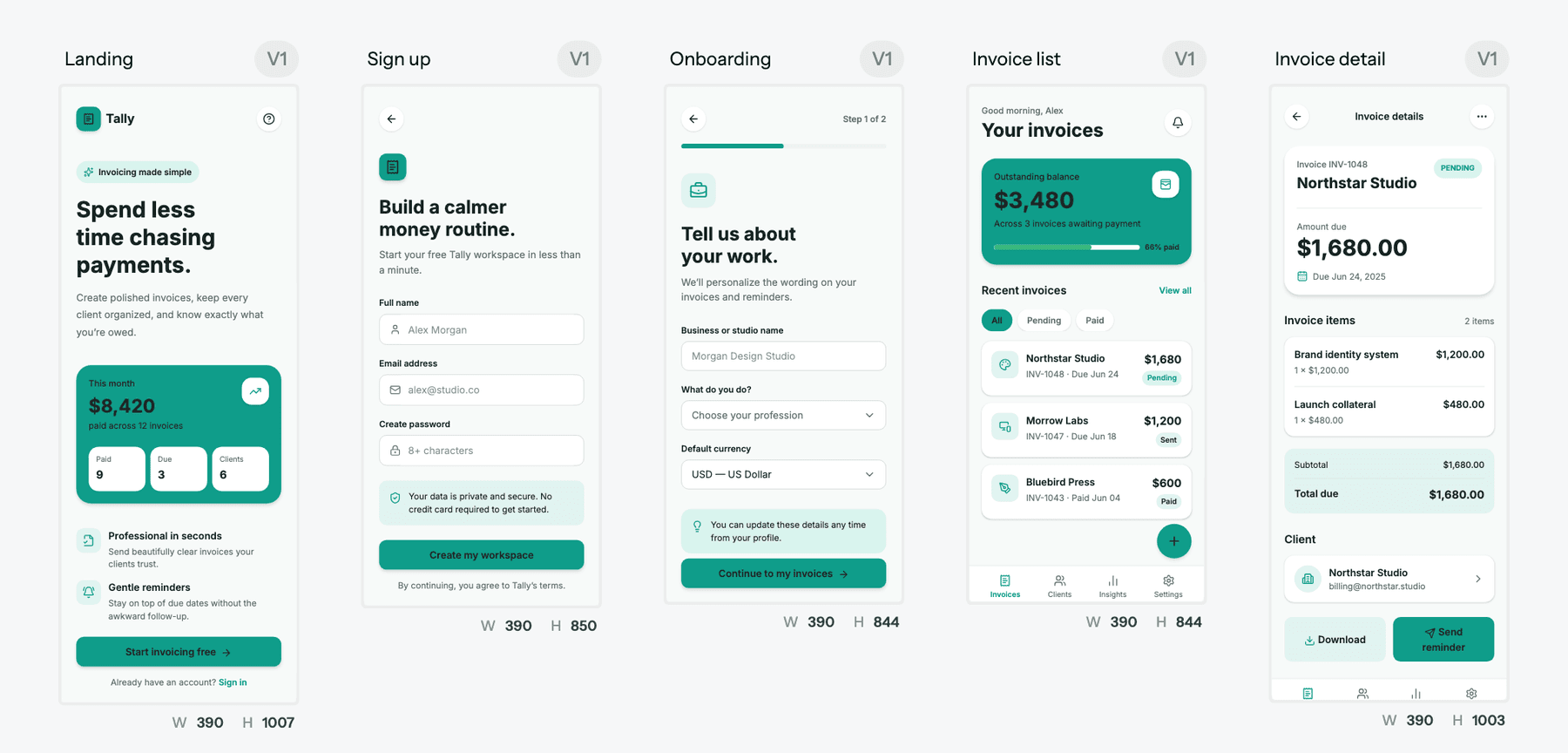
The history matters here. Stitch launched at Google I/O in May 2025 as a Labs experiment that turned prompts and images into UI and front-end code, with a paste-to-Figma option. Around the same time, Google brought in the team behind Galileo AI, and Galileo's product was folded into Stitch. If you used Galileo's paid plans before, there is no Galileo subscription to renew any more; our piece on Galileo AI becoming Google Stitch covers that transition, and our UXMagic vs Galileo AI page covers where the old Galileo users tend to land.
In March 2026 Google rebuilt Stitch around an AI-native canvas, adding a design agent, voice input, clickable prototypes, a DESIGN.md file for design rules, and an MCP server and SDK for developer tools. In May 2026 it added real-time streaming to the canvas, shareable links through Google AI Studio, and export to Antigravity and Netlify. Neither announcement mentions a price, a plan or a limit. Stitch got much bigger without getting a price tag.
"Free" does not mean "unlimited", though. That is where the questions start.
Google Stitch limits and credits: what Google has actually said
Here is the honest state of the evidence.
What Google has said, on the record:
- There is no paid plan. In October 2025 a user on the Google AI Developers Forum asked how to get more credits after running out. A Google representative replied that Stitch did not have a paid plan to increase credits and that the request had been forwarded to the team (forum thread).
- There is a daily cap. In a later thread, running from late 2025 into early 2026, users asked when subscriptions would arrive and whether they could attach an API key to pay for more. A Google staff member said Stitch offered "150 design limits per day" and that the team was working to expand its offerings, with no timeline or price (forum thread).
What Google has not said: there is no Stitch pricing page, no published credit cost per action, no official statement about when the allowance resets, and no announced date for a paid tier. None of Google's own Stitch blog posts mention limits at all.
What others have reported: at launch in 2025, widely cited figures put the allowance at 350 generations a month in Standard mode and 50 in Experimental mode. After the Stitch 2.0 rebuild, reviews published in spring 2026 reported a settings panel showing 400 daily design credits and 15 daily redesign credits, resetting at midnight UTC, with cost scaling by complexity. Those are reports from outside Google, and the numbers have changed at least twice already. Treat them as a snapshot, not a contract, and check the usage panel in your own Stitch account.
The practical takeaway is not any specific number. It is that Stitch's limits are set by Google, change without a pricing announcement, and cannot be raised by paying.
How Stitch credits are used
Because Google does not publish a cost table, what we know about consumption comes from testers:
- Cost scales with complexity. A single simple screen reportedly costs a few credits; a multi-screen flow generated in one go costs noticeably more.
- Model choice matters. Stitch lets you pick between Gemini models, and the heavier "thinking" options are reported to draw more.
- You find out after the fact. Stitch doesn't show a cost estimate before you send a prompt, so you learn what a generation cost by watching the balance drop.
Compare that with a tool that publishes its costs. In UXMagic, our credit cost table lists every action: a new screen is 3 credits, a targeted edit is 0.2, proposing a screen plan is 1, and building or changing the theme is free. You can work out the cost of a five-screen flow before you start. That is the difference between a free tool and a budgetable one.
What you get on the free allowance
Everything in Stitch is on the free allowance, because there is nothing else. Based on Google's announcements, that includes:
- Prompt-to-UI for mobile and web, with image and sketch input
- The infinite canvas and the Stitch design agent, including voice
- Clickable prototypes from connected screens
- DESIGN.md import and export for design rules
- Code export, the Stitch MCP server and SDK, and export to Google AI Studio, Antigravity and Netlify
- Paste to Figma
That is a genuinely generous feature set for $0, and it is the main reason Stitch appears near the top of our list of the best AI design tools in 2026.
Want to know what a design costs before you make it?
UXMagic publishes the credit cost of every action, gives you 20 free credits a day, and lets you buy more when you need them.

Is there a Google Stitch paid plan?
No. As of September 2026 there is no Stitch subscription, no credit top-up, no team plan and no enterprise contract. The only ways to get more usage are to wait for the reset or to use a different Google account, which is against the spirit of the allowance and a bad idea for anything you want to keep.
Will that change? Probably, eventually. Stitch is labelled as a Labs experiment and runs on Gemini models that cost Google real money to serve. Google staff have told forum users they are working to expand what is offered, and requests to pay for more volume come up in thread after thread. But Google has announced nothing. Articles predicting paid plans by a certain quarter, or at a certain discount to Figma, are guessing. When a paid tier appears it will be on Google's own pages first; until then, plan around the free allowance as it is.
Hidden costs of Google Stitch
Stitch has no hidden fees. It does have costs that never appear as a price, and for teams those matter more than the $0.
- Unpredictable capacity. You don't know what a prompt will cost until it runs, and you can't buy headroom. If you design all day, the cap decides when you stop, not your deadline.
- Iteration burns the allowance. Regenerating a screen to fix one detail costs a generation. Designers who explore five directions per screen hit limits much sooner than people who generate once.
- Single-screen thinking. Stitch now generates several screens at once, but keeping a whole product consistent across many rounds of prompts is still work you do. We explain why this matters in why single-screen AI design is a dead end and flow-based design vs static screens.
- Export cleanup. Paste-to-Figma output and exported code are good starting points, not finished assets. Expect time spent renaming layers, rebuilding components and mapping colours to your tokens. Our Figma to HTML guide and our honest answer on whether AI follows design tokens cover where that time goes.
- Experiment risk. Labs products change fast, and Google has changed Stitch's limits more than once. Building a team's daily workflow on a free experiment with no service commitment is a risk you should price in.
- No team billing or admin. There are no seats, shared credit pools, per-member caps or invoices. That rules Stitch out for some companies' procurement rules regardless of price.
None of this makes Stitch a bad tool. It makes it a free tool, with the trade-offs free tools usually have. Our Google Stitch review goes further into output quality in production.
Google Stitch vs competitors: pricing comparison
Prices below come from each vendor's own pricing page as listed in September 2026. Units differ (credits, generations, seats), so compare by what your work needs, not by the headline number.
| Tool | Free plan | Entry paid plan | Buy more usage? | Published cost per action? |
|---|---|---|---|---|
| Google Stitch | Free, daily allowance set by Google | None | No | No |
| UXMagic | 20 credits a day, up to 3 screens a day | Pro, $35/mo or $17.50/mo billed annually, 2,400 credits | Yes | Yes |
| UX Pilot | Free plan, no card | Pro $22/mo billed annually | Yes (paid plans) | Credits per screen |
| Uizard | 3 AI generations a month | Pro, $12/mo billed annually, 500 generations | Via higher tiers | Generations per month |
| Visily | 300 AI credits a month | Pro, $14 per editor/mo, 3,000 credits | Via higher tiers | Credits per month |
| Figma | 150 AI credits a day, up to 500 a month | Professional Full seat from $16/mo, 3,000 AI credits | Via seats and tiers | Credits per month |
Stitch vs UXMagic pricing
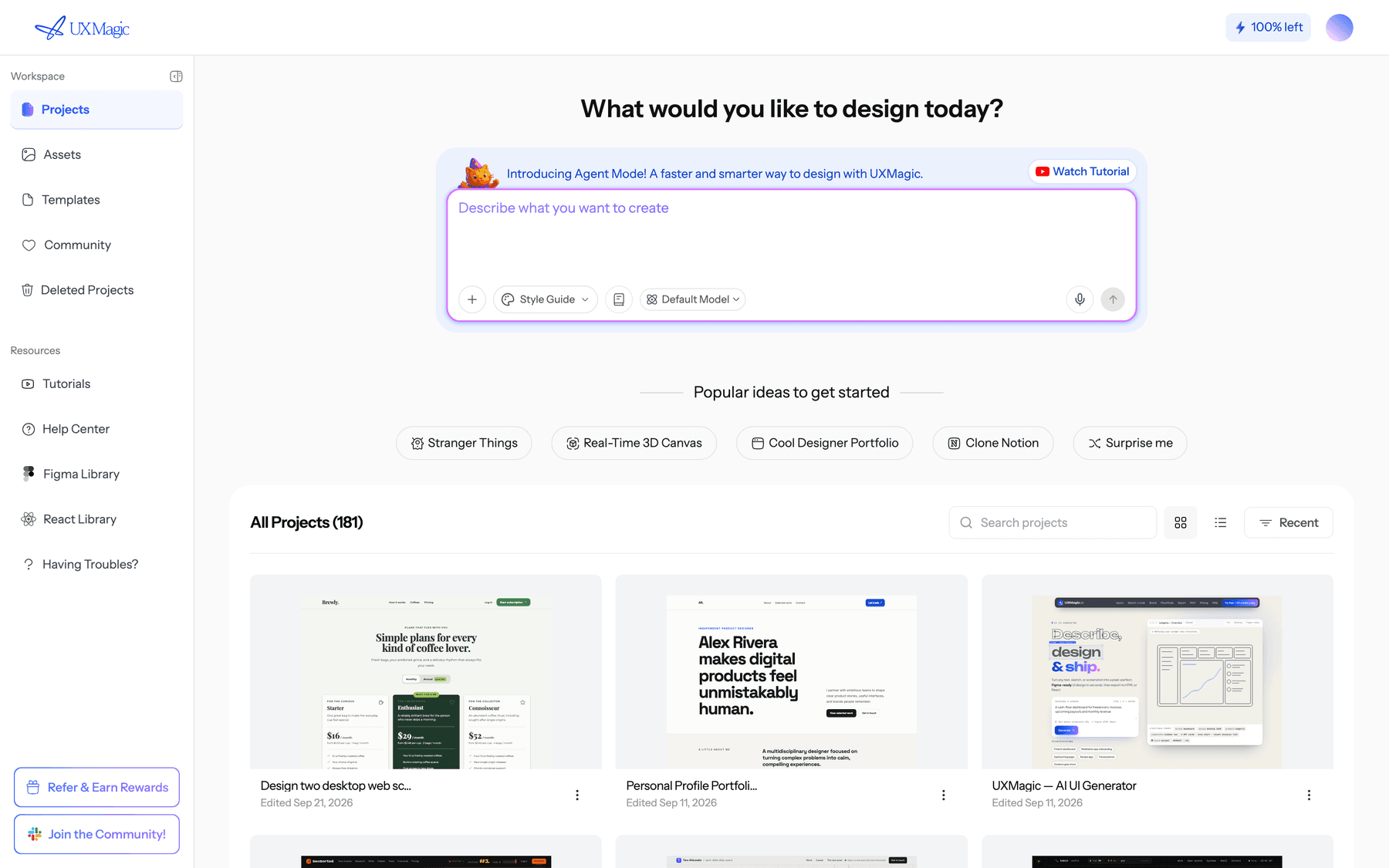
Stitch wins on raw free volume, and we won't pretend otherwise. UXMagic's free plan is smaller: 20 credits a day, up to 3 screens a day across 5 projects, and one Figma export, per our plans and limits page. Where UXMagic differs is that its costs are published, and there is a paid plan when free runs out. Pro is $35 a month, or $17.50 a month billed annually, for 2,400 credits (up to 400 screens), unlimited projects and 250 Figma exports a month. You can also earn free credits through the Unlock Pro Plan steps and referrals. Full details are on our pricing page.
The other difference is what the credits buy. UXMagic's Flow Mode proposes a screen plan you approve before anything is generated, then designs every screen on one canvas with one shared theme. Fixing a plan costs 1 credit, and changing the theme across every screen costs nothing, which is where most iteration spend goes in other tools. Our UXMagic vs Google Stitch comparison sets the two side by side.
Stitch vs UX Pilot pricing
UX Pilot has a free plan with 80 daily credits, and Pro is $22 a month billed annually for 750 credits. It works both as a web app and as a Figma plugin, which suits designers who live in Figma. Our UX Pilot review covers output quality and credit burn, and our UXMagic vs UX Pilot page compares the two directly. If plugins are your route, see our roundup of the best Figma AI plugins for UI generation.
Stitch vs Uizard pricing
Uizard's free plan gives 3 AI generations a month, so it is far tighter than Stitch. Pro is $12 a month billed annually for 500 generations, and Business is $39 a month for 5,000. Uizard is aimed at non-designers mocking up ideas quickly. Read our Uizard review, our UXMagic vs Uizard comparison, or our list of Uizard alternatives.
Stitch vs Visily pricing
Visily's Starter plan includes 300 AI credits a month; Pro is $14 per editor a month with 3,000 credits, Figma import and export, and code export. It is strongest for product managers and non-designers working from screenshots and templates. Our Visily AI review and UXMagic vs Visily page go deeper.
Stitch vs Figma pricing
Figma is not a like-for-like comparison: it is where most teams finish design, and Stitch output often ends up there. Figma's free Starter plan includes 150 AI credits a day, up to 500 a month, and a Professional Full seat starts at $16 a month with 3,000 AI credits. Those credits pay for Figma's AI features, including Figma Make. Our explainer on what Figma AI is and our list of Figma Make alternatives cover the AI side, and our UXMagic vs Figma AI page shows how the two fit together.
What about app builders?
If you are comparing Stitch with Lovable or Bolt, you are comparing a design generator with tools that build working apps, and they are priced very differently. Our Lovable pricing guide and Bolt.new pricing breakdown explain those credit and token models. For tools that sit between design and code, see our Magic Patterns alternatives and Bolt.new alternatives.
Plan the flow, then spend credits
Approve a screen plan for 1 credit, generate every screen on one canvas with one theme, and export to Figma or code.
How to get the most out of Stitch's free allowance
If Stitch is the right tool for you, a few habits stretch the allowance a long way:
- Write one complete prompt instead of five partial ones. Include the screens, the audience, the brand feel and the key content. Our guide to prompting for UI that ships applies to Stitch as much as to any generator.
- Use the faster model for exploration. Save the heavier model for the direction you have chosen.
- Settle design rules early. Stitch's DESIGN.md support means you can fix colours, type and spacing once rather than correcting them screen by screen.
- Edit, don't regenerate. Ask for the specific change. Regenerating a whole screen to move a button is the fastest way to empty the balance.
- Export what you want to keep. Don't treat a Labs experiment as your system of record. Get good work into Figma or a repository.
When to pay for a Stitch alternative
Stitch is the right answer when you are exploring ideas, your volume fits comfortably in the daily allowance, and you don't need guarantees. It is a weaker fit when:
- You design daily and need to know you won't be stopped mid-project.
- You need to forecast spend, or put a tool through procurement with invoices and team billing.
- You need connected multi-screen flows that stay consistent, with a theme that updates every screen at once.
- Your handoff has to be production-grade: Figma files with auto layout, or React and Tailwind code wired to your tokens.
That is the gap UXMagic is built for. You can start from a prompt in the AI UI design generator, turn a screenshot or sketch into an editable screen with image to UI, or settle structure first with the AI wireframe generator. Themes are free to build and edit; our themes and style guides guide shows how, and the AI style guide generator can set one up from a prompt.
For handoff, you can export to Figma with auto layout, export React and Tailwind through the design to code generator following the code export guide, or connect the UXMagic MCP server so Claude, Cursor or another coding assistant reads the real screens and theme. The MCP setup guide takes a few minutes, and reading screens over MCP costs no credits. If you want the whole workflow end to end, our guide on how to design UI with AI walks through it.
Many teams use both: Stitch for free exploration, then UXMagic when a direction needs to become a consistent, handoff-ready product. Our Google Stitch alternatives guide covers the other options, grouped by use case.
Is Google Stitch worth it?
At $0, yes, for most people. It is one of the most capable free AI design tools available, and since the 2026 updates it covers canvas, prototyping, design rules and developer handoff without asking for a card.
But the price is only half the question. Stitch's limits are set by Google, are not published on a pricing page, have changed more than once, and cannot be raised by paying. For a side project or early exploration, that is fine. For a team that designs every day and has to hit deadlines, predictability is worth paying for.
Our recommendation: use Stitch while it is free and it fits your volume. When you need published costs, a plan that scales, and multi-screen flows that stay consistent through handoff, design in UXMagic, where a new screen costs 3 credits, an edit costs 0.2 and the theme is free. The same logic about paying only for what you actually use is in our wireframe tool cost-benefit breakdown.
Related guides
- 9 Best MagicPath Alternatives in 2026, Grouped by How You Work
- Best Wireframing Tools in 2026: 10 AI, Free and Classic Picks
- AI Wireframe Generator for Mobile Apps: Best Tools & Workflows (2026)
- 11 Best v0 Alternatives in 2026, Grouped by the Job You Need Done
- 8 Claude Design Alternatives in 2026, Free and Open Source Included
- The Best AI Prototyping Tools in 2026, Grouped by Use Case
- Top 7 AI Tools for Design Consistency in 2026 (UI, UX, and Design Systems)
- Figma Pricing 2026: Seats, AI Credits, Make and What Teams Really Pay
- Canva Alternatives for UI Design: 9 Tools Built for Product Screens
- Replit Pricing 2026: Plans, Credits, and What an App Really Costs
Free to start, clear to scale
Design connected multi-screen flows with 20 free credits a day, then move to Pro when you need more. No guessing what a prompt will cost.